
Getting your emails delivered is only the first step. They also need to land in the inbox so people can actually read them. But that becomes harder when there are issues with your list, technical setup, or sending patterns.
Email deliverability tools help you find those problems before they hurt your campaigns. They show where your messages land, what might be affecting delivery, and what needs to be fixed.
In this blog, we’ll walk through what to look for in the top email deliverability tools and the nine options B2B teams use to keep emails landing in the inbox.
These are the best email deliverability tools for B2B teams in 2026:
Email deliverability has become harder to manage as rules tighten and inbox providers raise the bar.
Gmail and Yahoo now enforce stricter bulk sender policies, keeping spam complaints at a minimum and requiring Sender Policy Framework (SPF), DomainKeys Identified Mail (DKIM), and Domain-based Message Authentication, Reporting, and Conformance (DMARC).
Global inbox placement has also declined, which means more messages risk slipping into the spam folder or missing the inbox entirely. Poor data quality adds to the challenge, since invalid email addresses cause hard bounces that damage domain reputation and trigger spam filters.
Email still delivers strong returns, so every message that fails to reach the inbox wastes that opportunity.
For teams sending at scale, compliance adds another layer of pressure. Gmail, for example, requires a one-click unsubscribe for senders pushing more than 5,000 messages a day.
Teams also need reliable deliverability services to maintain a positive sender reputation and avoid spam filters as sending volume grows.
An email deliverability platform helps stay ahead by monitoring placement, protecting reputation, validating contacts, and keeping campaigns in line with evolving requirements.
Getting emails into the inbox isn’t just about writing the right subject line. It depends on sender reputation, domain health, and technical setup.
That’s where email deliverability tools make a difference. They help teams monitor inbox placement, catch technical issues, and improve sending practices so more messages reach real people.
Below are nine of the best email deliverability tools for different use cases that marketing and sales teams use to protect their reputation and keep campaigns performing:
Listmint keeps lists clean so emails reach real people. It verifies both standard and catch-all emails in real time, labeling them as valid, catch_all_valid, or catch_all_invalid. Teams can treat verified catch-all emails just like any other valid email.
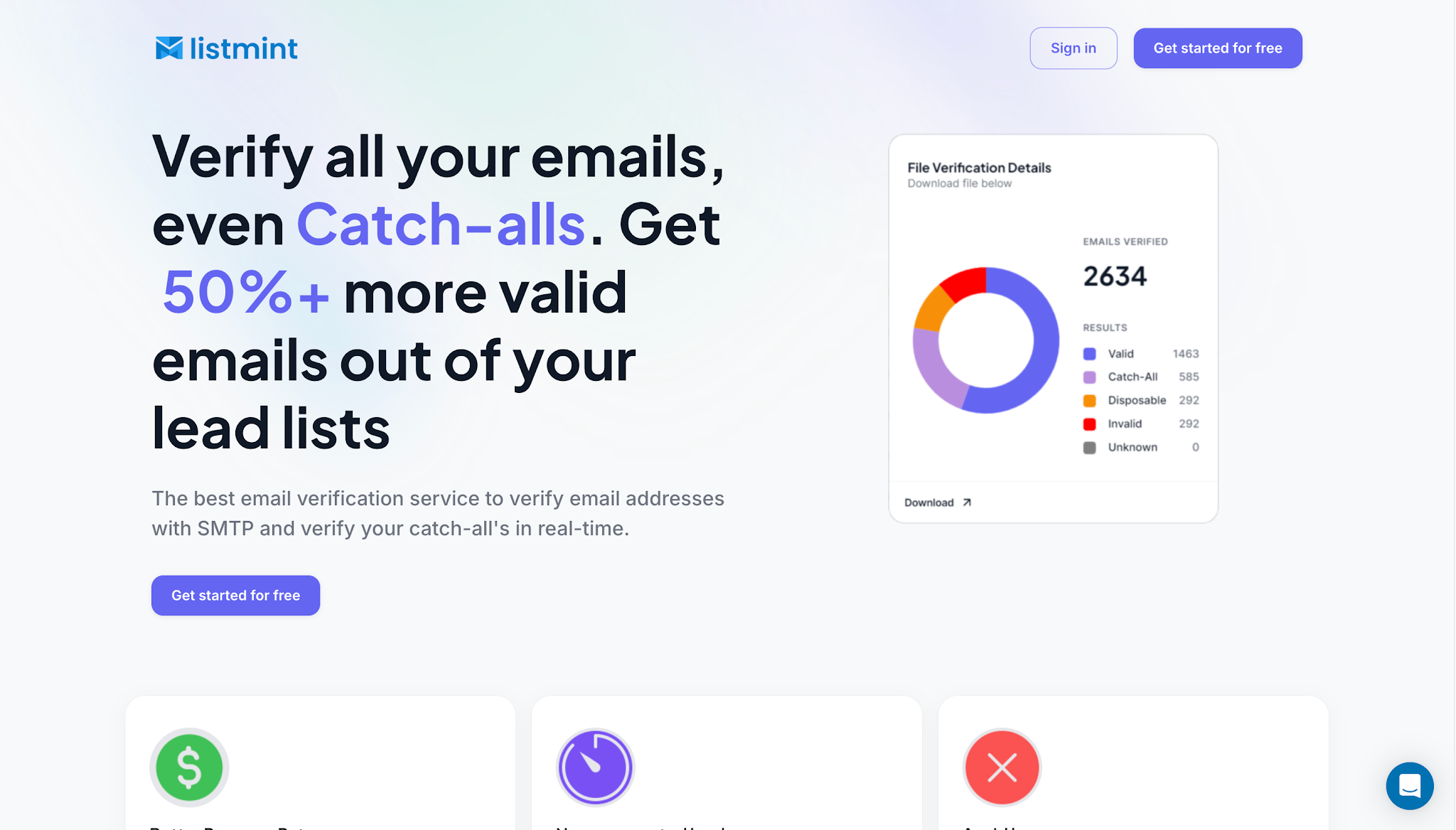
Listmint protects sender reputation, cuts hard bounces, and helps emails land in the inbox more often. The product fits B2B teams that run cold outreach and marketing at scale and need quick answers they can act on.
Scale and accuracy become more important when revenue depends on email. Listmint plugs into your stack with a simple email API, supports bulk list cleaning, and shows clear, actionable results.
It has processed over 1B verifications to date. Around 30% to 40% of all B2B lead lists are catch-alls, and Listmint helps recover those contacts so outreach stays targeted and safe.
Best use case: High-volume B2B outbound teams and lead generation agencies that need to verify and recover catch-all emails before campaigns launch.
Verified catch-all emails can be used in campaigns the same way as valid emails. Clean inputs improve inbox placement rates and protect sender reputation throughout campaigns.
GlockApps is an inbox placement tool that helps you understand where your emails land in different inbox providers. It runs inbox placement testing using seed lists to show whether messages reach the primary inbox, spam, or promotions tab.
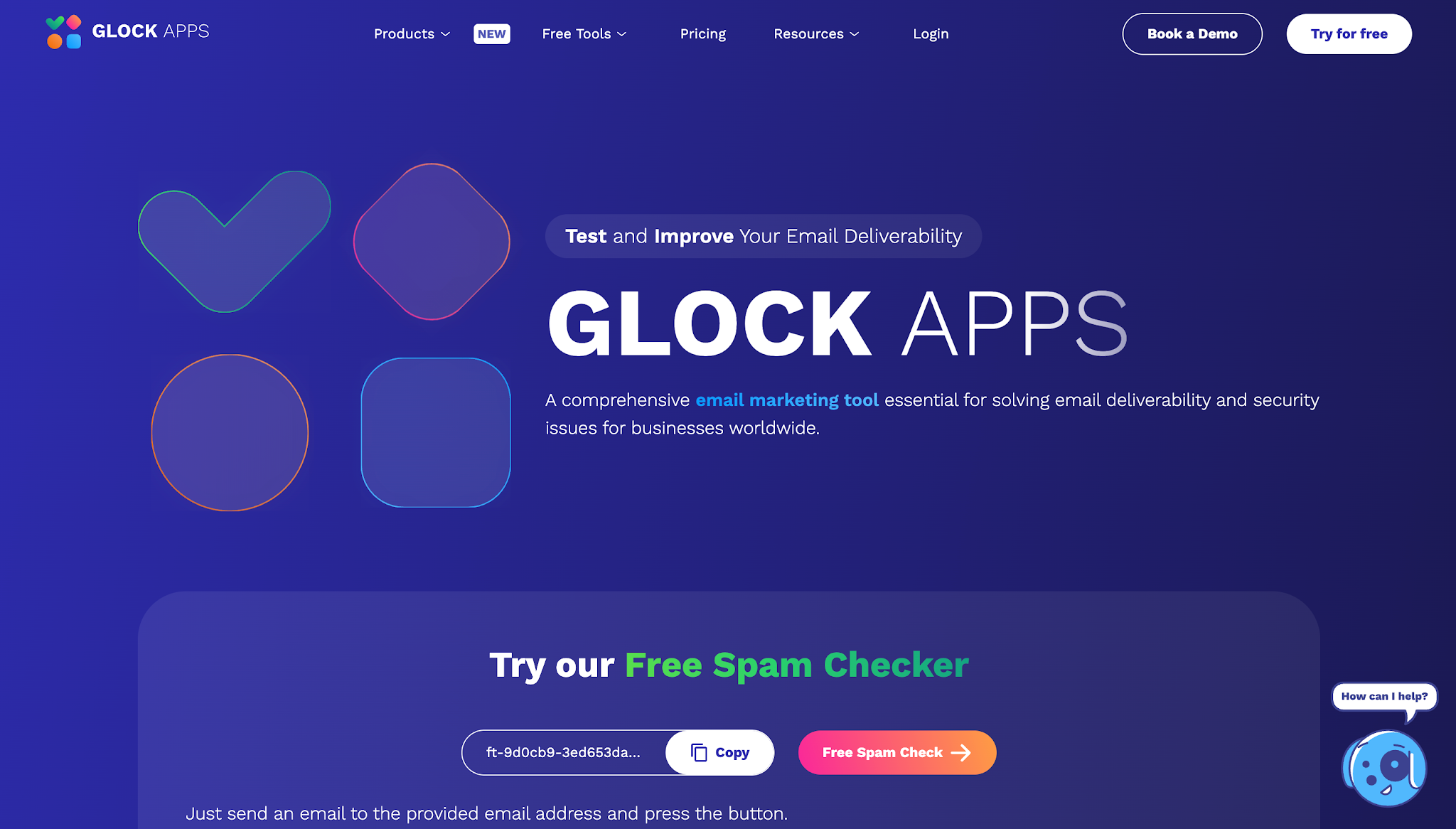
The platform also includes an email spam checker that scores subject lines and content against common filters, giving teams a clearer view of potential issues before they hit send.
In addition to placement tests, GlockApps offers blacklist monitoring, domain reputation checks, and email configuration analysis. Teams can also test inbox placement before campaigns launch to spot problems early.
These features help marketing and sales teams identify missing authentication or DNS errors that can damage sender reputation. The reports are designed to be easy to read, so even non-technical users can act on the insights.
Best use case: Marketing teams testing inbox placement, spam filters, and subject lines before sending campaigns.
Seed lists may not fully reflect the behavior of every audience segment, so placement results can differ from what happens in large-scale campaigns.
Validity Engage is an enterprise email deliverability platform that helps teams monitor inbox placement, sender reputation, and email performance from one dashboard.
It combines pre-send testing, live monitoring, and authentication insights to help businesses improve email deliverability before and after campaigns are sent.
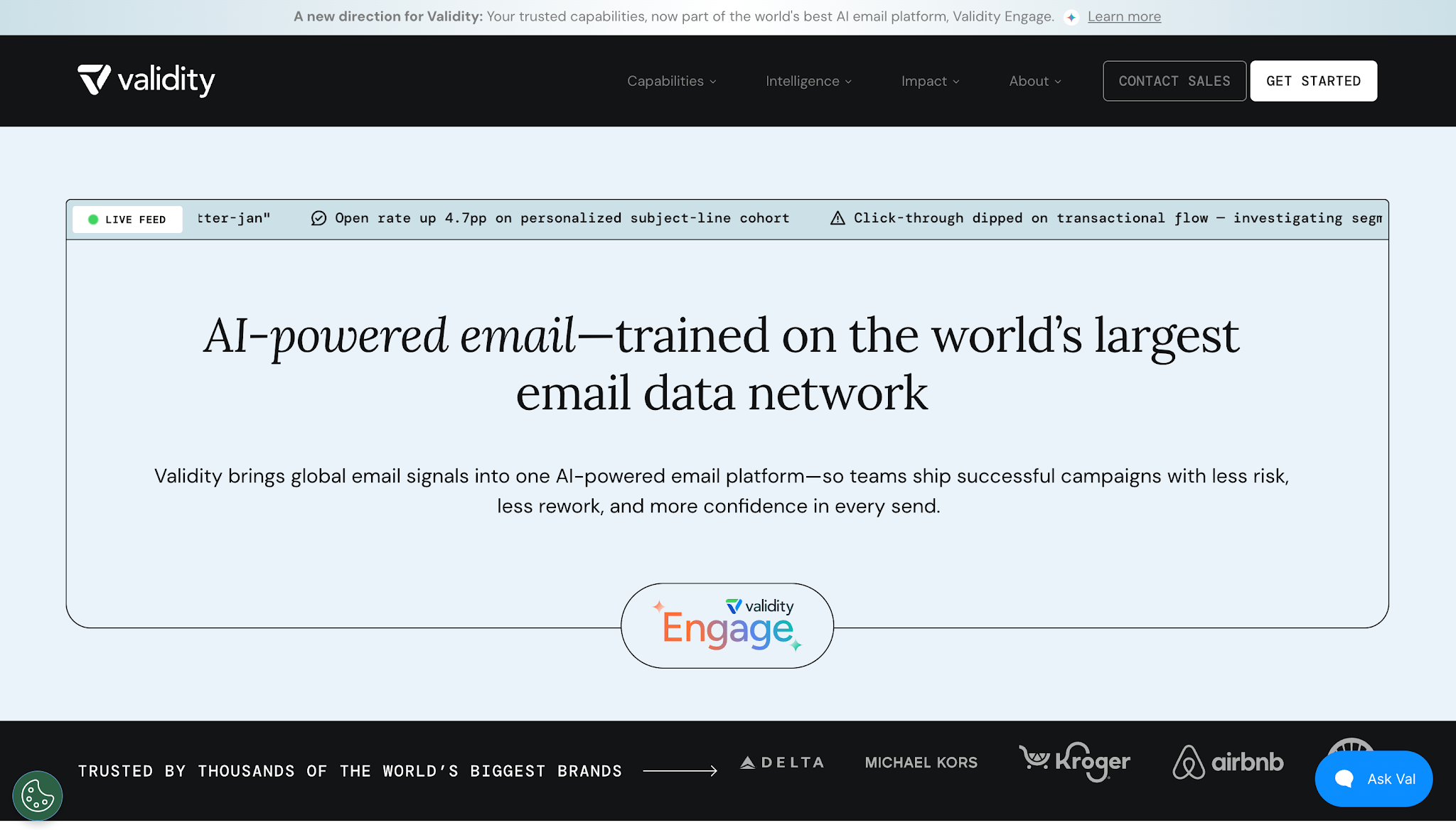
Teams use Validity Engage to see whether emails reach the inbox and understand what might be affecting delivery.
The platform checks authentication settings before a campaign goes out, then uses inbox placement tracking and sender reputation monitoring to help teams spot problems before they affect future campaigns.
For larger email programs, Validity Engage combines inbox placement features with live deliverability monitoring to help teams identify problems early. Marketing and sales teams can see how authentication changes, domain reputation, or mailbox provider performance affect where their emails land.
The reporting is designed to help teams move from identifying a problem to fixing it. Instead of showing raw deliverability data alone, the platform highlights the areas that need attention so teams can improve inbox placement and protect sender reputation over time.
Best use case: Enterprise teams that need ongoing deliverability monitoring before and after email campaigns.
The platform is built for larger email programs. Smaller teams that only need basic deliverability checks may find it more comprehensive than necessary.
Mailgun is built for teams that need to monitor domain reputation and inbox placement closely. It offers inbox placement testing, blacklist monitoring, and spam trap detection, giving senders a clearer view of how emails perform with different inbox providers.
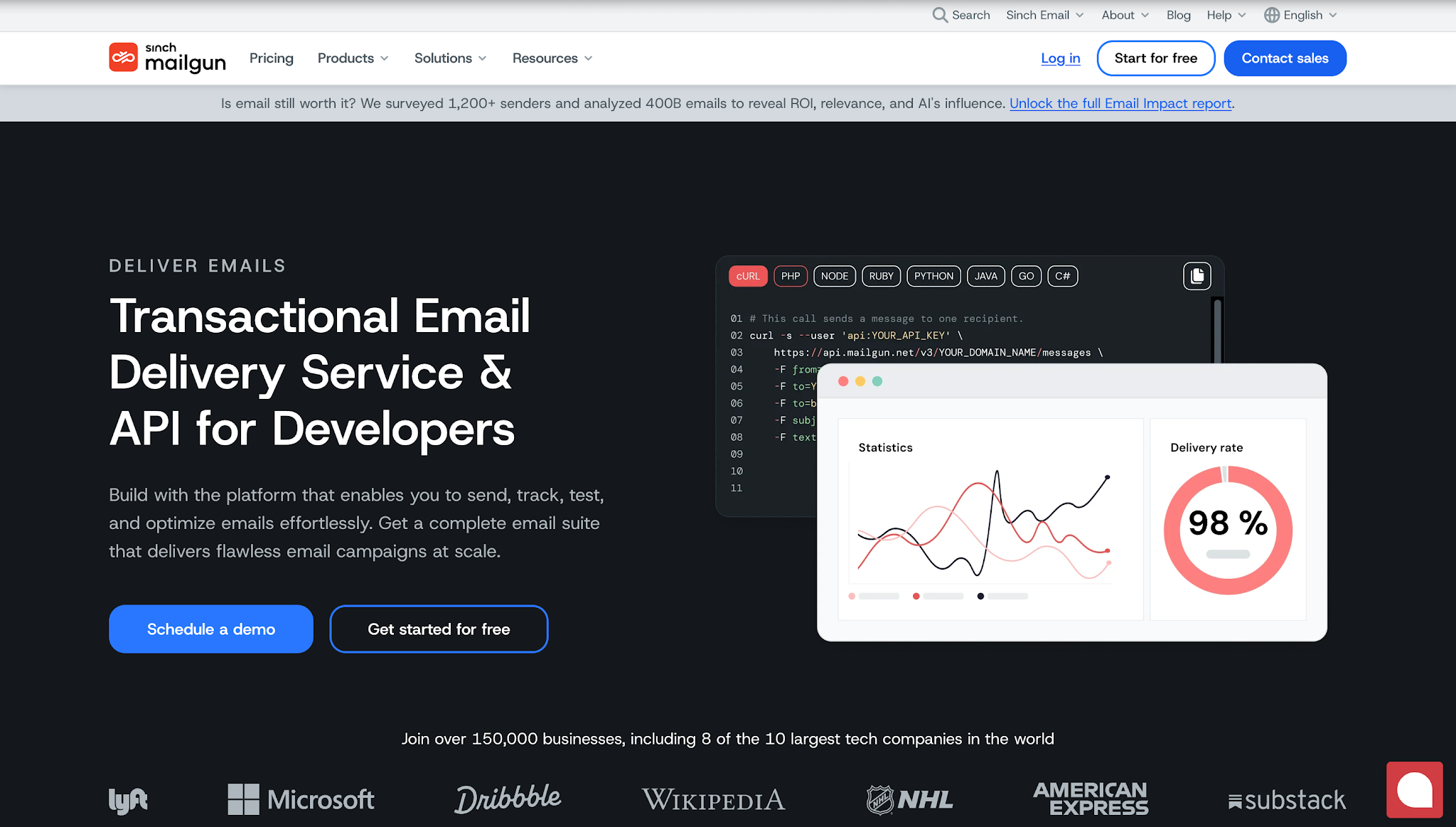
Teams also use it to connect with Google Postmaster Tools, allowing them to track sender reputation signals and act before issues grow.
The platform is a fit for businesses that already use Mailgun for sending or want a tool with deliverability features tied directly to a sending platform or SMTP server.
Reports combine technical signals like IP reputation with inbox placement analysis, helping teams make changes that fix email deliverability and keep email campaigns on track.
Best use case: Technical email teams monitoring deliverability directly inside their sending infrastructure.
Advanced insights can take time to interpret, and smaller teams without technical expertise may need support to act on the data.
Mailtrap provides a safe environment for testing emails before sending them to real inboxes. It allows teams to review headers, subject lines, and content while running spam testing against SpamAssassin rules.
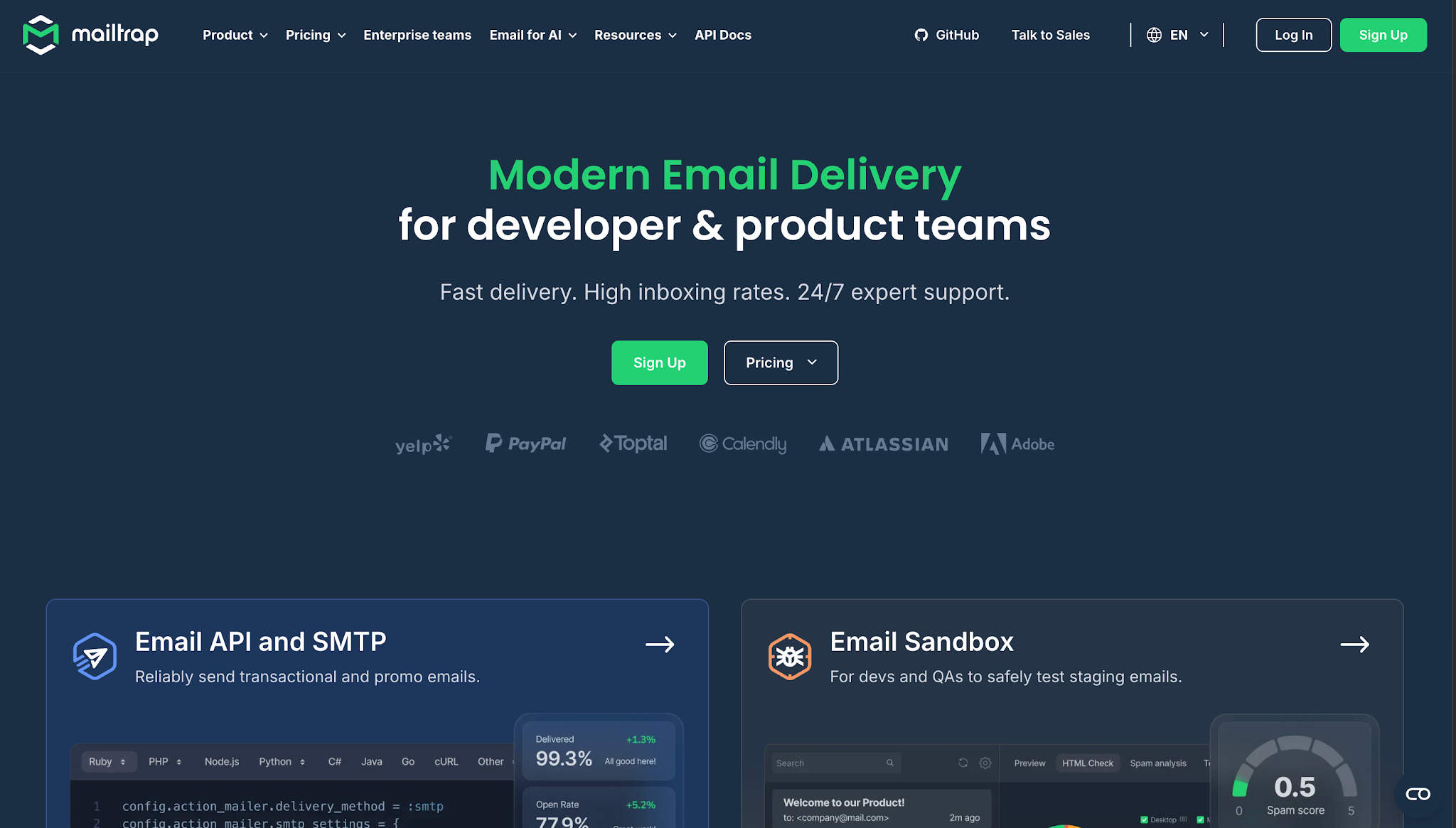
That way, potential risks like missing email authentication or weak technical setup can be spotted early. The platform is widely used by developers and marketing teams who need a controlled space for testing templates and outreach email marketing campaigns.
In addition to spam testing, Mailtrap includes blacklist lookups, simple scoring, and a free spam test with up to 50 monthly test emails before users move to paid plans.
The workspace is useful for collaboration between teams, allowing developers to run technical checks while marketers focus on optimizing email campaigns.
Best use case: Developers and marketers testing email templates and transactional emails before production sends.
Seed-based inbox placement testing is limited, so teams may need to pair Mailtrap with other email deliverability tools for complete inbox placement monitoring.
Mail-Tester gives teams a quick way to run an inbox test and check the health of an email before sending it to a larger audience. You send a test email to a unique address provided by the platform, and it returns a score along with detailed insights.
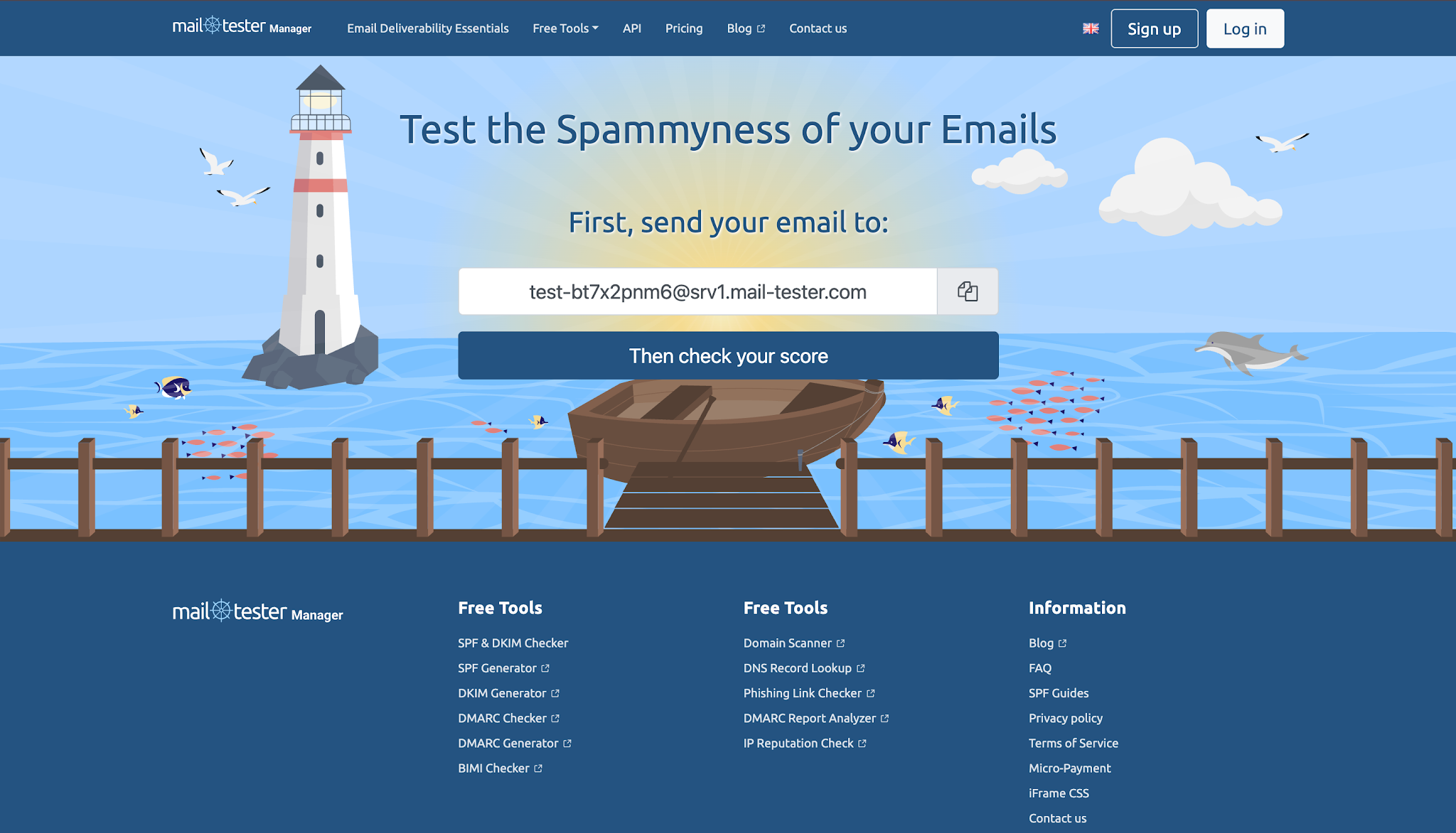
The report highlights issues with SPF, DKIM, and DMARC authentication, DNS settings, and content that may trigger advanced spam filters. It is often used for fast campaign checks and spam trigger detection before launch.
The tool is straightforward, making it easier to identify risky subject lines or technical gaps so emails reach the inbox, not the spam folder. Teams also use it to compare performance between Gmail, Outlook, and other providers.
Marketing teams use the results to make small but important adjustments that help improve deliverability rates and protect sender reputation.
Best use case: Solo marketers and sales reps running quick spam and authentication checks before launch.
Results come from a single test inbox and may not reflect inbox placement for larger campaigns or multiple providers.
Folderly is designed to help teams monitor inbox placement and improve overall deliverability. It offers daily placement tests that show where emails land, including the primary inbox, promotions tab, or spam folder.
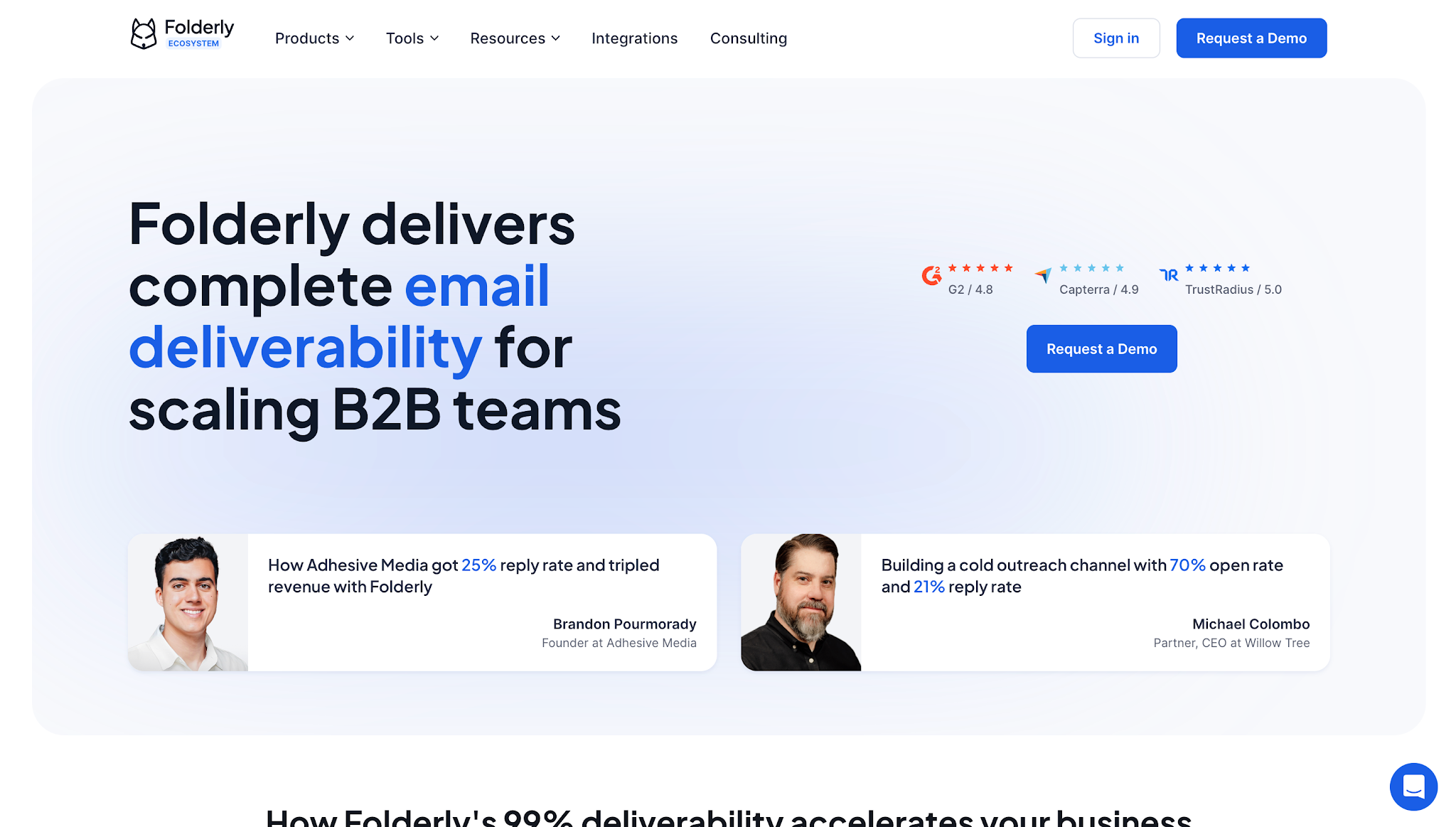
Teams use Folderly to track domain reputation, run spam testing, and monitor blacklist activity. These insights help marketers and sales teams identify problems and improve campaign performance.
It also includes an automated email warm-up tool that builds trust with inbox providers for new domains or accounts. Users can manage warm-up settings while spotting technical issues like missing authentication or weak DNS records, helping improve email placement in recipients' inboxes.
Many companies use Folderly to reduce deliverability issues tied to outreach campaigns and transactional email deliverability.
Best use case: Growth and outbound teams focused on inbox placement monitoring and automated warm-up workflows.
Generic warm-up tools can improve domain reputation, but they do not fully solve issues tied to invalid addresses or poor email list quality. That's why additional validation tools may still be needed.
MxToolbox gives teams a suite of diagnostic tools to check email configuration and domain health. It monitors blacklist status, verifies SPF, DKIM, & DMARC records, and provides detailed insights into DNS settings.
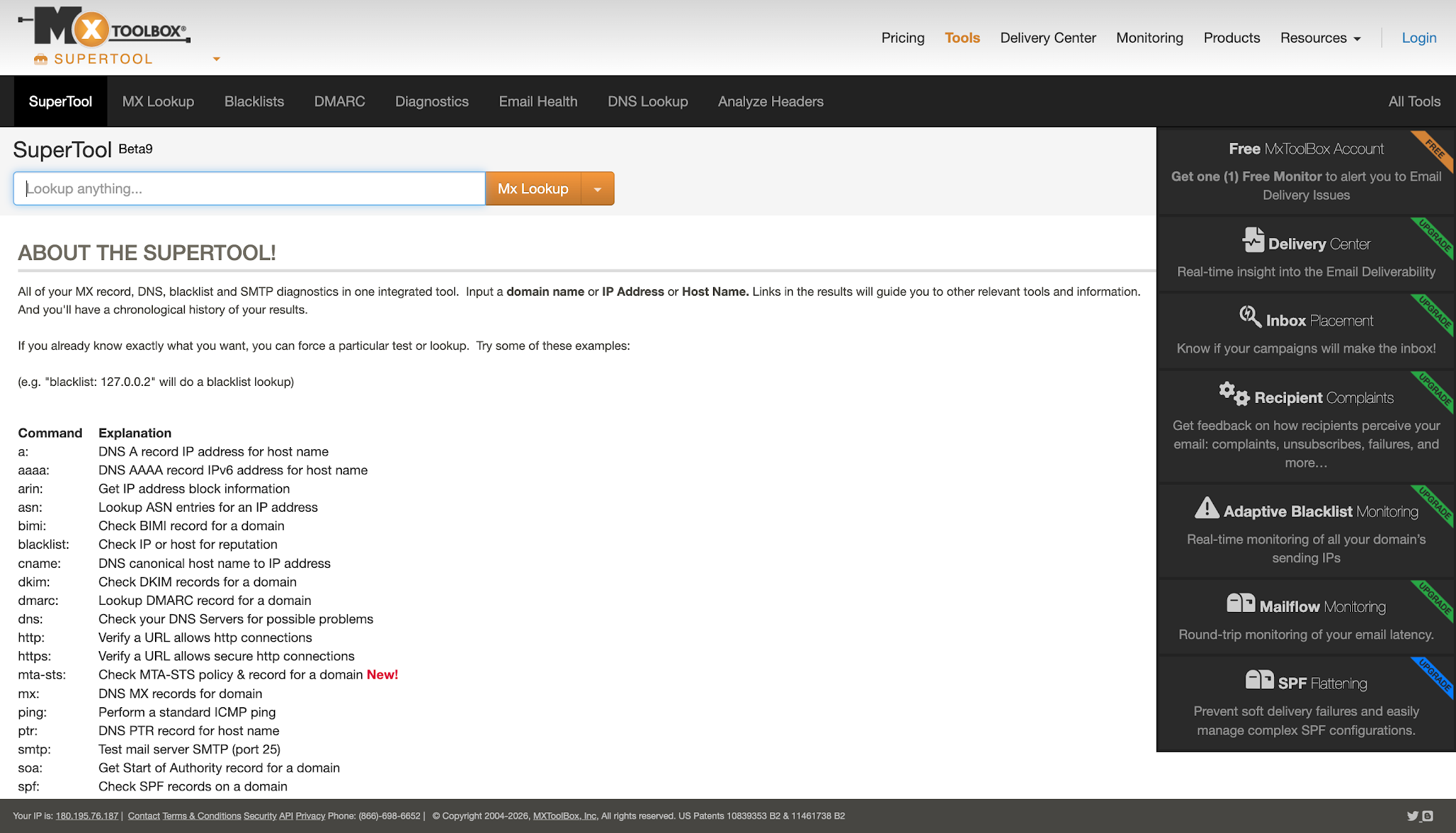
Many teams use it for email configuration analysis to catch gaps that can lower inbox placement rates. The platform’s delivery center brings reputation monitoring signals together so teams can see how the technical setup affects email delivery and the health of a sending domain.
Ops teams and marketers rely on MxToolbox for real-time alerts and actionable insights. It helps identify missing authentication, IP reputation issues, and risks that could affect sender reputation.
While the tool is powerful from a technical perspective, some teams may find the data-heavy reports more useful when paired with deliverability experts or internal specialists.
Best use case: IT and operations teams diagnosing DNS, authentication, and domain health issues.
The interface and reports can feel highly technical, so non-technical users may need extra guidance to turn detailed insights into fixes.
Warmy focuses on preparing new email accounts and domains through automated warm-up. It gradually increases sending volume and simulates engagement, which helps build a strong sender reputation with inbox providers.

It also runs deliverability tests that show inbox placement rates for major providers. These insights give teams a clearer view of how marketing emails and outreach campaigns perform before scaling.
Warmy is commonly used by outreach teams looking for warm-up services for new domains. It also helps teams safely warm up emails before increasing sending volume, especially for Google Workspace and Gmail users trying to build consistent inbox placement.
The dashboard highlights reputation signals, spam complaints, and inbox placement results in an easy-to-read format. Teams can also connect Warmy with their existing email providers to manage outreach activity in one place.
Warmy offers a free trial, giving teams a chance to review these insights before choosing a paid plan.
Best use case: Sales teams warming new outbound domains before scaling email volume.
Warmup alone cannot solve problems tied to invalid addresses or poor data quality, so teams still need validation and proper authentication checks to improve deliverability.
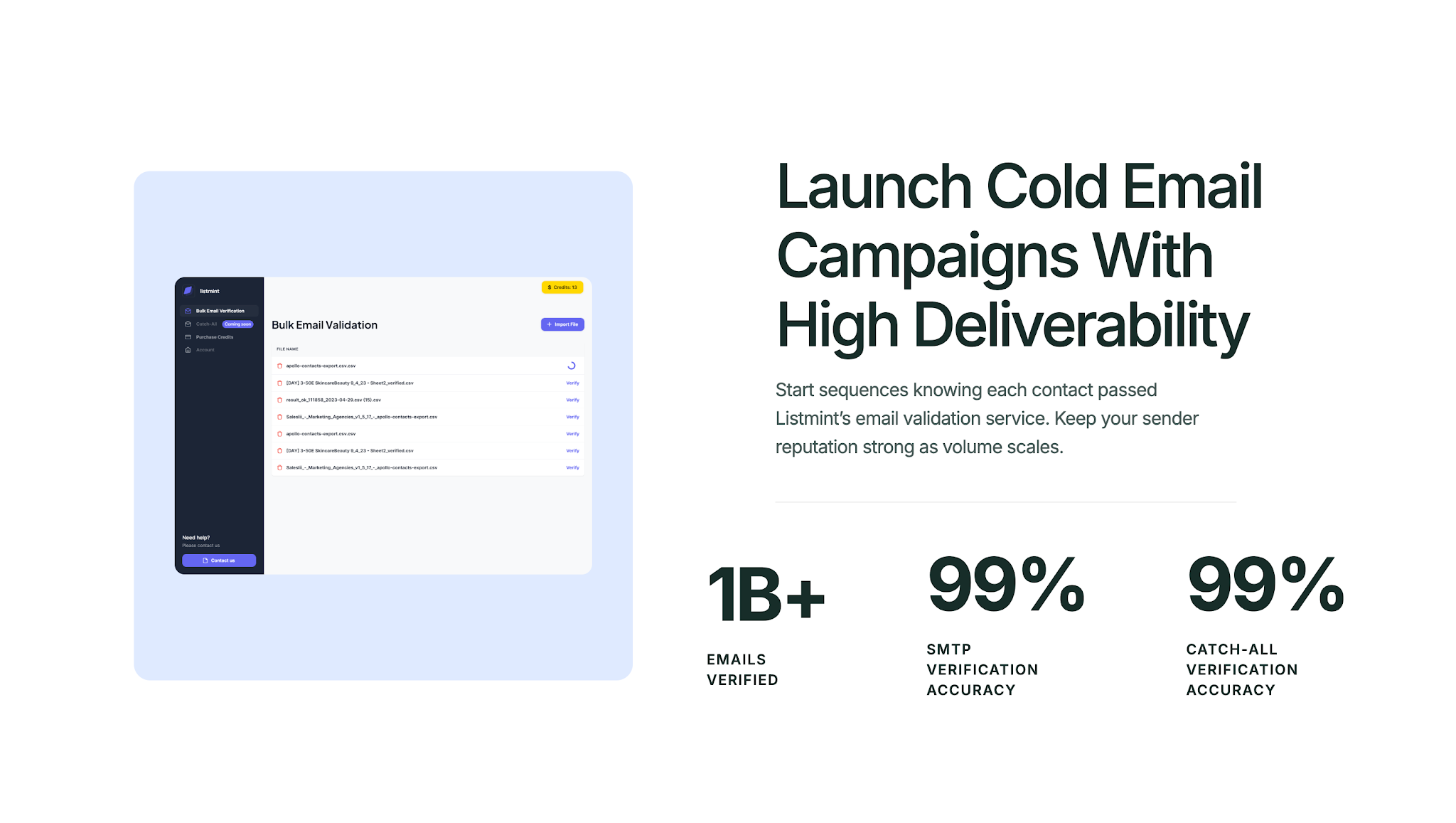
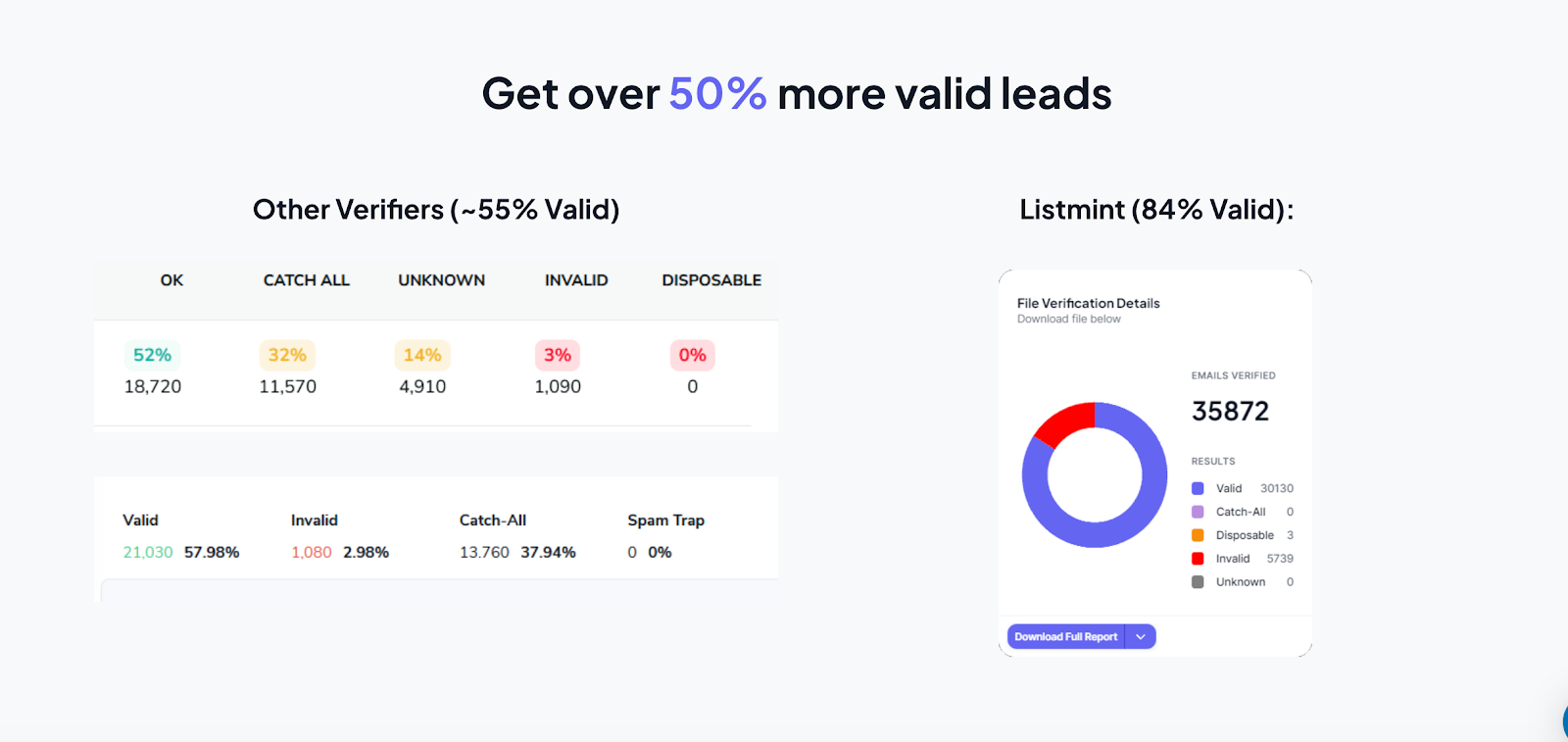
Teams choose Listmint because it does what other deliverability tools cannot. Most verifiers mark 30% to 40% of a list as “risky” and leave those records unused.
Listmint verifies them fully and shows which ones are safe to use, unlocking a large segment of leads that would normally be lost. The result is fewer wasted contacts, a stronger sender reputation, and more chances to connect with engaged users.
Agencies and sales teams also value speed. Instead of waiting days for results, Listmint delivers them in real time.
That accuracy and speed give companies with high-volume sending a way to keep campaigns moving without delays.

"The fastest, easiest, and most effective validation tool"
SMTP + Catch-all validation in one platform - the most cost-effective + fastest way to get as many emails validated as possible.
– Matt L., Founder at Anevo Marketing

"A Lifesaver for my lead Generation Agency"
It's the best platform for verifying emails, both in terms of cost and logistics. I run an agency with 40+ clients and was running around 70-80 cold email campaigns at a time. Using ListMint simplifies the email verification process and does a great job of only giving us valid emails so we can avoid email bounces. The ability to do both standard and catch-all email verification within the same platform is a game-changer.
– Liz M., Mirraponte Marketing

"Verifies Standard and Catch All Emails"
It verifies both standard and catch-all emails in one spot with a less than 1% bounce rate.
– Jack M., Centauri Marketing
Listmint is more than a validator. It protects the sender's reputation and recovers valuable data that others cannot. With accuracy rates above 99% and a record of verifying over 1B emails, it gives B2B teams the confidence to send at scale.
Email deliverability decides if your message gets seen or ignored. Strong deliverability protects sender reputation, avoids wasted effort, and gives campaigns the chance to perform as planned.
The right tools make it easier to spot risks, validate lists, and keep emails where they belong, in the inbox.
Teams that pair data accuracy with regular placement checks stay ahead of common issues. Clean lists, proper authentication, and consistent monitoring give campaigns the foundation they need to succeed.
Listmint helps you handle that first step with precision. With more than 1B emails verified at over 99% accuracy, Listmint reduces bounces and gives outreach a better chance to connect with real people.
Get started for free and see how much of your lead list can be verified with confidence!
The best platform depends on what your team needs. Some tools focus on inbox placement testing, while others provide spam testing or blacklist monitoring.
For teams that want accurate email validation, including catch-all verification, Listmint is a strong choice because it verifies standard and catch-all emails in real time.
Email blasting is not illegal when done responsibly. It becomes a problem if emails are sent to invalid addresses or without consent, which can lead to spam complaints.
Regulations like CAN-SPAM and GDPR require clear opt-outs and valid sender information. Teams that focus on permission-based email marketing reduce risks and improve deliverability.
The 12-second rule suggests that readers spend about 12 seconds scanning an email before deciding to act or move on. Keeping subject lines clear, using a strong call-to-action, and writing concise copy can help keep current users' attention and improve engagement rates.
Most email service providers limit sending to protect against abuse, but some offer free tools or starter plans with capped daily limits. Using multiple tools to split lists between different accounts can work, though it requires careful tracking.
For larger outreach campaigns, affordable pricing plans from reputable providers are safer. They maintain sender reputation, protect data accuracy, and give detailed insights into campaign performance. Always test before sending with a read float check to confirm proper setup.
Yes. Unlimited inbox warm-up helps improve sender reputation by gradually increasing sending activity and engagement. Teams managing unlimited email accounts often use warmup tools to reduce the risk of emails landing in spam folders.
Clean email lists and proper authentication are still important for maintaining deliverability.