Hunter is widely known as an email finder and verifier that also provides basic outreach features. It has helped many sales and marketing teams get started with prospecting, verifying email addresses, and sending campaigns.
Still, as teams scale, the limitations become clearer. Many start looking for options that deliver more accurate results with catch-all domains, stronger sending capabilities, richer prospect data, or developer-friendly APIs that integrate smoothly into existing systems.
This guide breaks down the best Hunter alternatives by use case. You’ll find top picks in each category: email verification, sending, prospect data, and APIs.
These are the best Hunter alternatives available in 2026, based on the use case:
Best alternatives for email verificatIon:
Best alternatives for sending cold email campaigns:
Best alternatives for (developer-first) verification API:
Best alternatives for email finding and prospecting data:
Most tools stop at basic SMTP checks and mark catch-all emails as risky. That means 30–40% of your lead lists go unused. Listmint changes that.
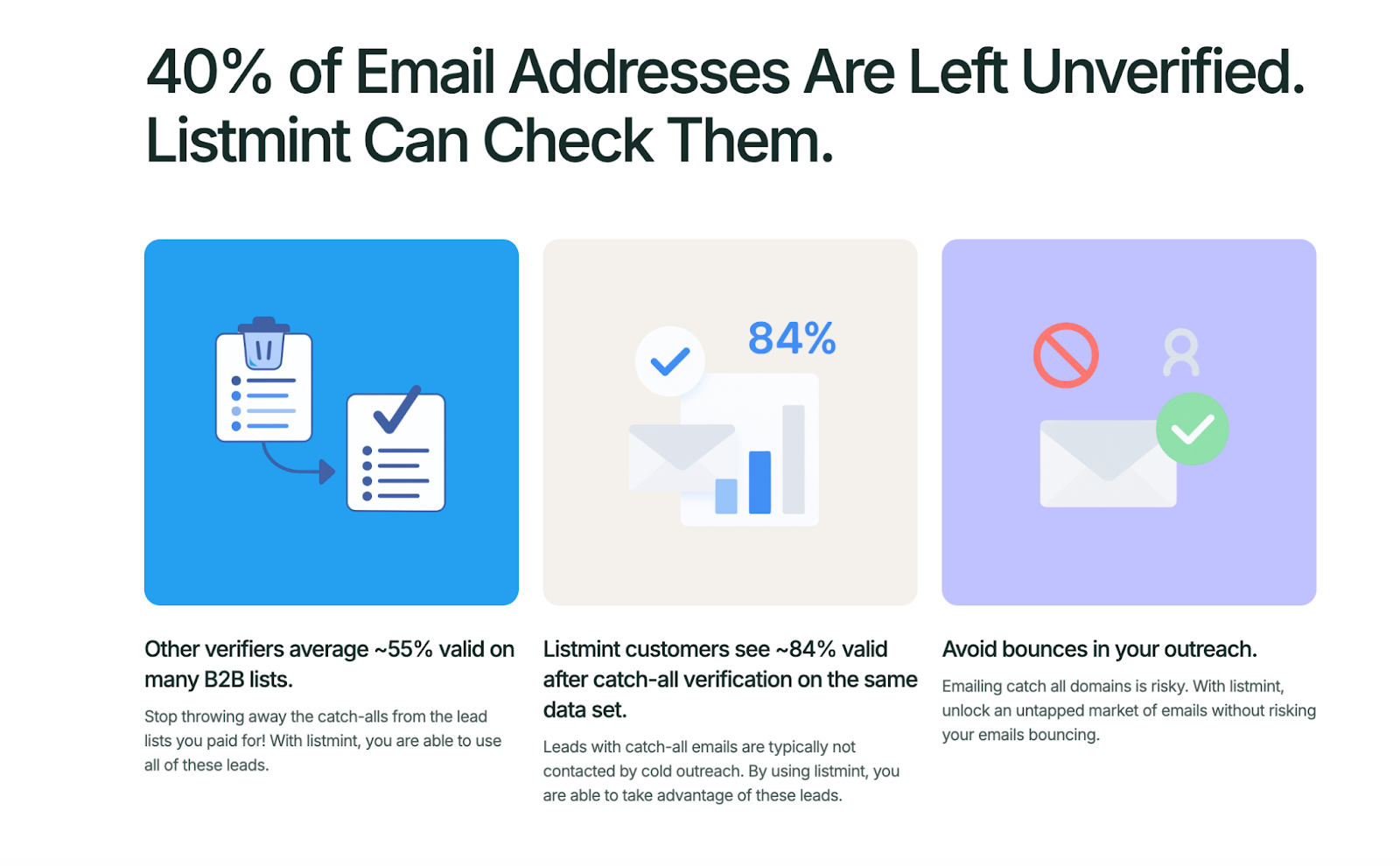
Listmint verifies catch-all emails in real time, not in 48 hours like other tools. Our API delivers instant results without ever sending a test email to the address. That’s why businesses and agencies rely on Listmint to keep their data valid and their outreach efforts safe.
Get started for free today and see how accurate catch-all verification changes your lead lists.
If you are considering Hunter.io alternatives, the right choice depends on what your team needs most and what your sales team focuses on every day. Before you pick a new tool, check these factors:
Some teams also want specialized tools for domain search, phone number access, or job change alerts before they commit to broader sales strategies.
These checkpoints help your sales department and marketing teams avoid wasted spend and choose tools more confidently.
When your sales team relies on accurate data and qualified leads, the right email verifier matters. Many tools handle basic checks, but the real test is how they deal with catch-all domains. Below are four strong options to compare:
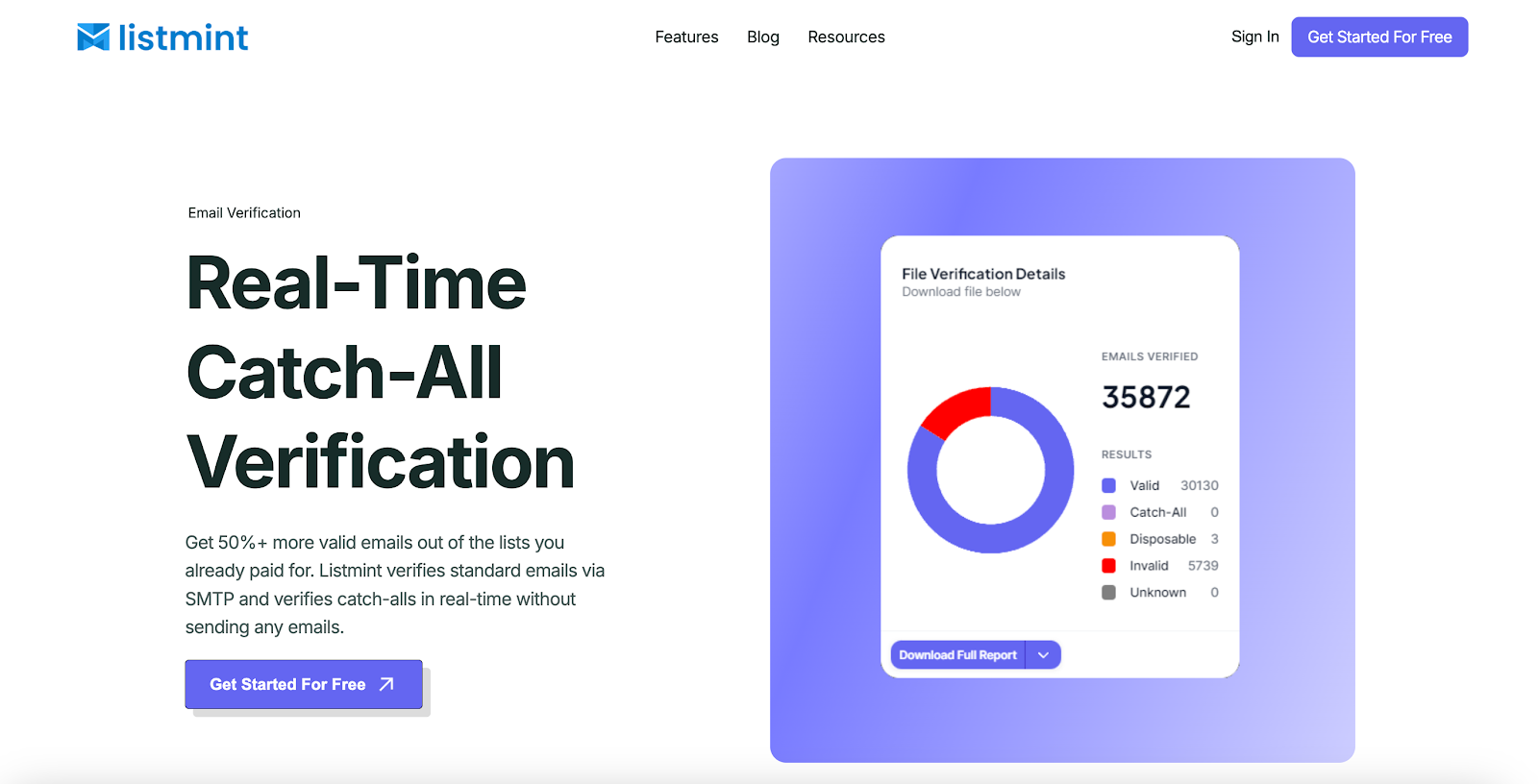
Listmint is built to solve the biggest gap in email verification: catch-all domains.
While most verifiers stop at SMTP checks and mark catch-all emails as “risky” or “accept-all,” Listmint confirms them instantly without ever sending a test message. That means you recover more valid contacts from the lead lists you have already paid for.
Performance numbers show the difference. Listmint delivers 84% valid catch-all leads compared to around 55% with other services, helping you keep more valid email addresses in play.
With 99%+ SMTP accuracy across 1B+ verifications, sales and marketing teams can keep risky domains in play without putting sender reputation at risk.
Listmint is the right fit for teams that want to turn catch-all uncertainty into opportunity. Verifying the addresses others ignore helps agencies and B2B companies capture more valid leads and keep outreach pipelines moving.
Create a free account on Listmint and see how accurate catch-all verification improves your lead lists.
NeverBounce centers on fast list processing and a direct workflow. Users upload files, run verification, and download results that slot into sales and marketing systems. It also supports single checks and form checks through an API.
The product aims for predictable performance on standard SMTP validation. Teams that manage frequent campaigns use it to keep top-of-the-funnel data cleaner and reduce obvious hard bounces. Results and statuses are straightforward, which helps with quick decisions.
Catch-all handling can be conservative on some domains, leaving more addresses marked as unknown. Pricing is credit-based with multiple tiers for different volumes. Many users choose it for speed and a simple path from upload to export.
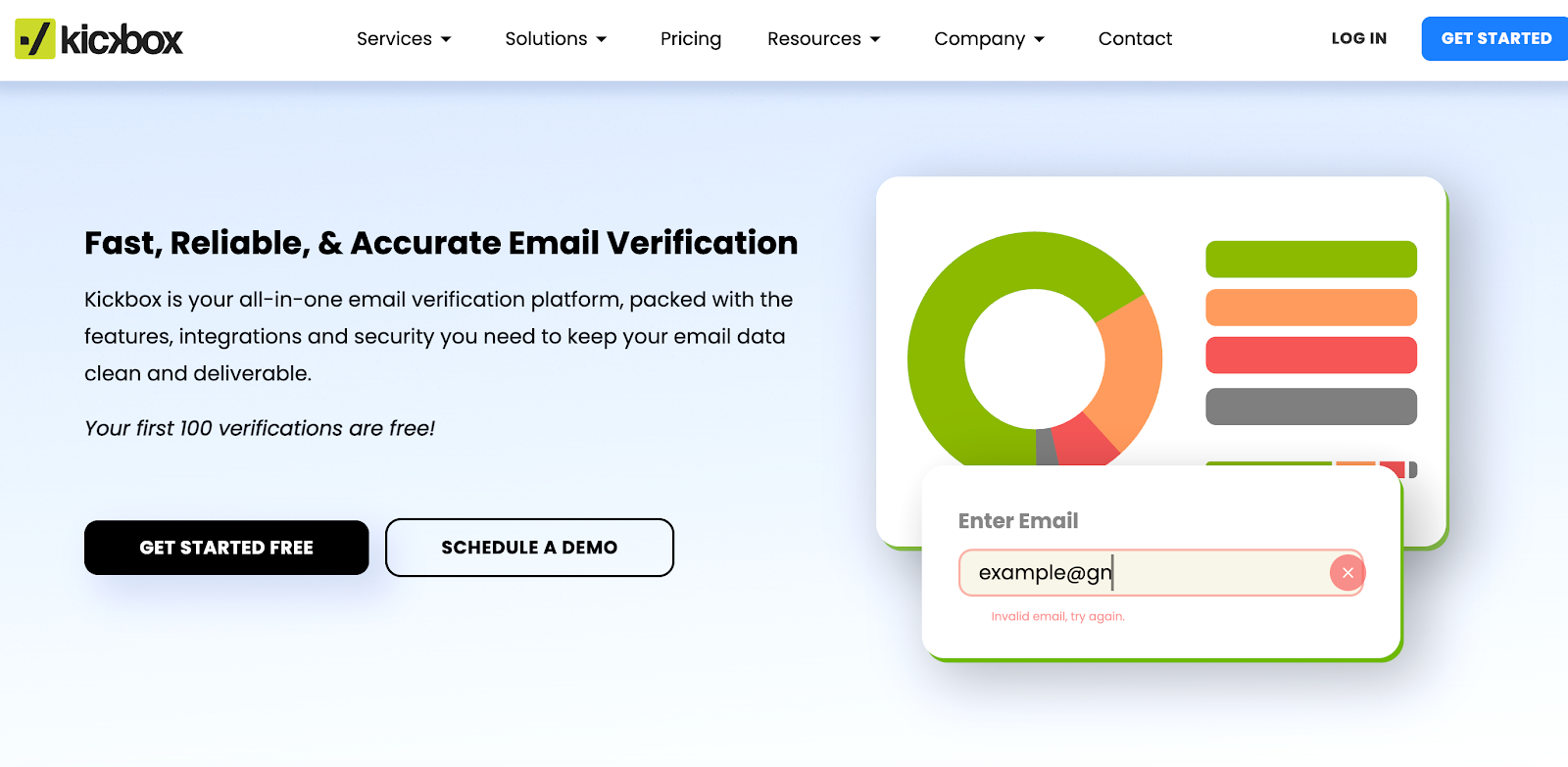
Kickbox provides verification for lists and forms with support for bulk uploads and API checks. Teams use it to remove invalid emails before campaigns and to keep inbound data cleaner at the point of capture. It also offers connectors to popular sending platforms.
The service includes risk scoring and categories that help teams segment contacts by confidence level. These outputs guide decisions on which records to enroll in outreach and which to review. Reporting gives counts and summaries for quick reviews.
Costs scale by credits and features. On some plans, smaller teams may see a higher cost per check as volume grows. Catch-all validation may be too cautious in complex domains. Even so, Kickbox remains a frequent shortlist option due to its integrations and steady day-to-day use.

Clearout is designed to verify emails across multiple channels, including bulk lists, sign-up forms, and CRMs. It helps teams identify invalid, temporary, and duplicate addresses to keep data quality high.
The platform also offers integrations with tools like HubSpot, Mailchimp, and Salesforce, which simplifies syncing clean records. For developers, Clearout includes API support for real-time verification.
Plans are based on credits, with some reports noting higher costs at scale. Accuracy can vary on tricky domains, but many sales and marketing teams find it a practical solution thanks to its integrations and multiple verification methods.
Email verification is only one part of outreach. Once lists are clean, teams need tools to deliver messages at scale. Cold email platforms focus on sequences, deliverability, and ways to track performance so campaigns reach the right inboxes.
Here are five options to consider:
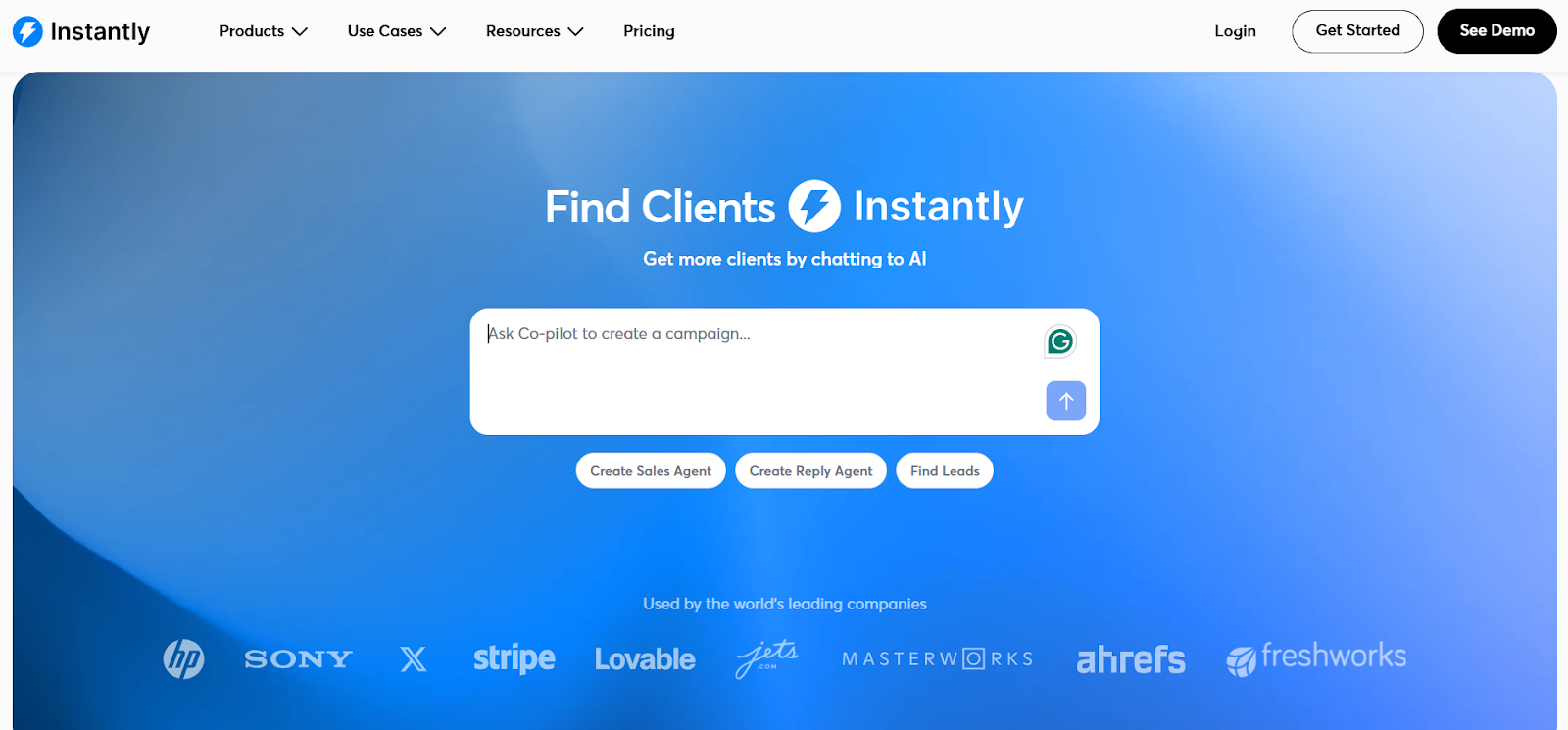
Instantly focuses on high-volume cold email at scale. Teams use it to create campaigns, add multiple mailboxes, and schedule sends across time zones. The layout keeps steps simple for setup, sending, and review.
The platform includes sequence building, basic personalization, and reporting on opens and replies. Mailbox rotation and sending windows help spread volume to protect deliverability. Many users pair it with a separate verifier for cleaner lists.
Plans vary by features and mailbox limits. Proper domain setup and gradual ramping remain important for safe sending. Teams that need advanced calling or a deep CRM usually connect to external tools.
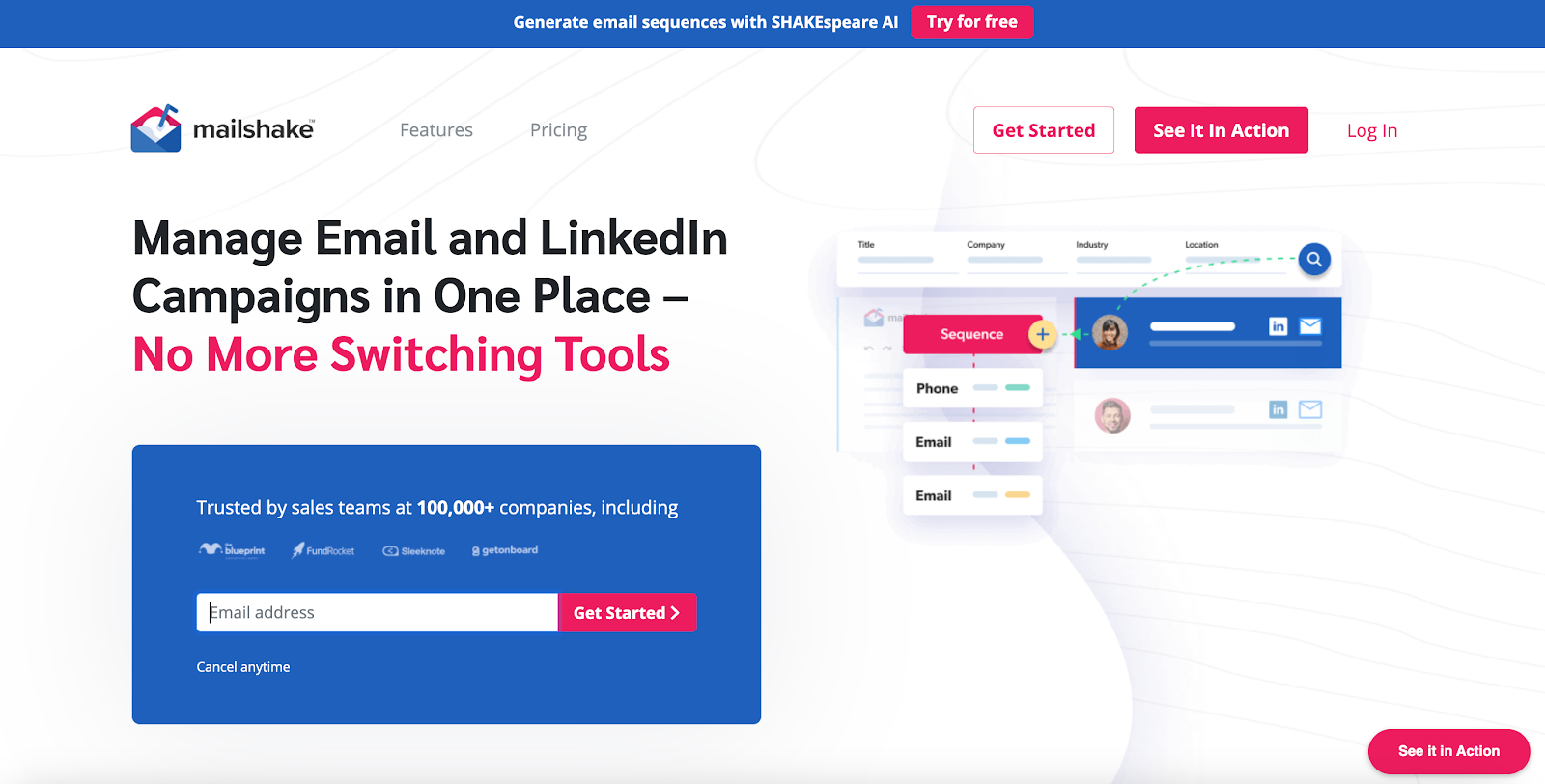
Mailshake serves sales professionals who run cold email and want a light sales engagement workflow. It centers on sequences, reply tracking, and quick tasks that keep outreach moving. The UI guides users through campaign creation and daily follow-ups.
Templates, A/B tests, and lead catcher features help teams refine messages and manage responses. Integrations connect to CRMs and other sales tools, so activity lands in one place. Phone outreach exists as an add-on for teams that need calls.
Pricing aligns with features and user seats. Some teams add a separate verifier and enrichment tool to improve data quality before launch. The product stays focused on email first, then adds calling where required.
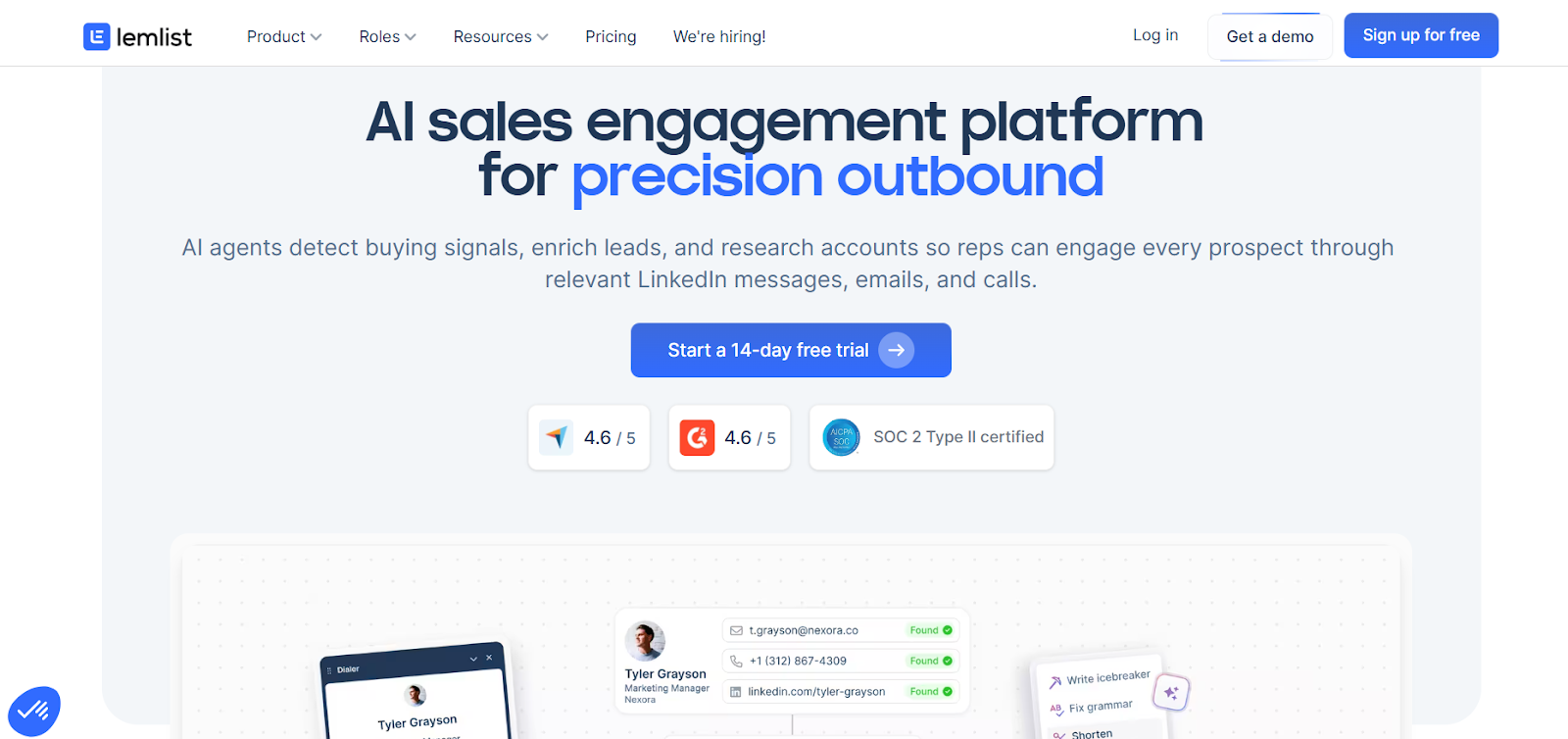
Lemlist targets cold email with a focus on personalization. Users build sequences, insert dynamic fields, and send campaigns with scheduling controls. The interface includes guided steps for setup and launch.
Image and video personalization help messages stand out in busy inboxes. Warm-up guidance, deliverability tips, and community content support teams new to outbound. Reporting covers basic performance metrics so teams can adjust quickly.
Plans differ by features and volume. Visual personalization can add prep time for assets and templates. Many teams use it for LinkedIn outreach or to connect to a CRM for deeper pipeline tracking.
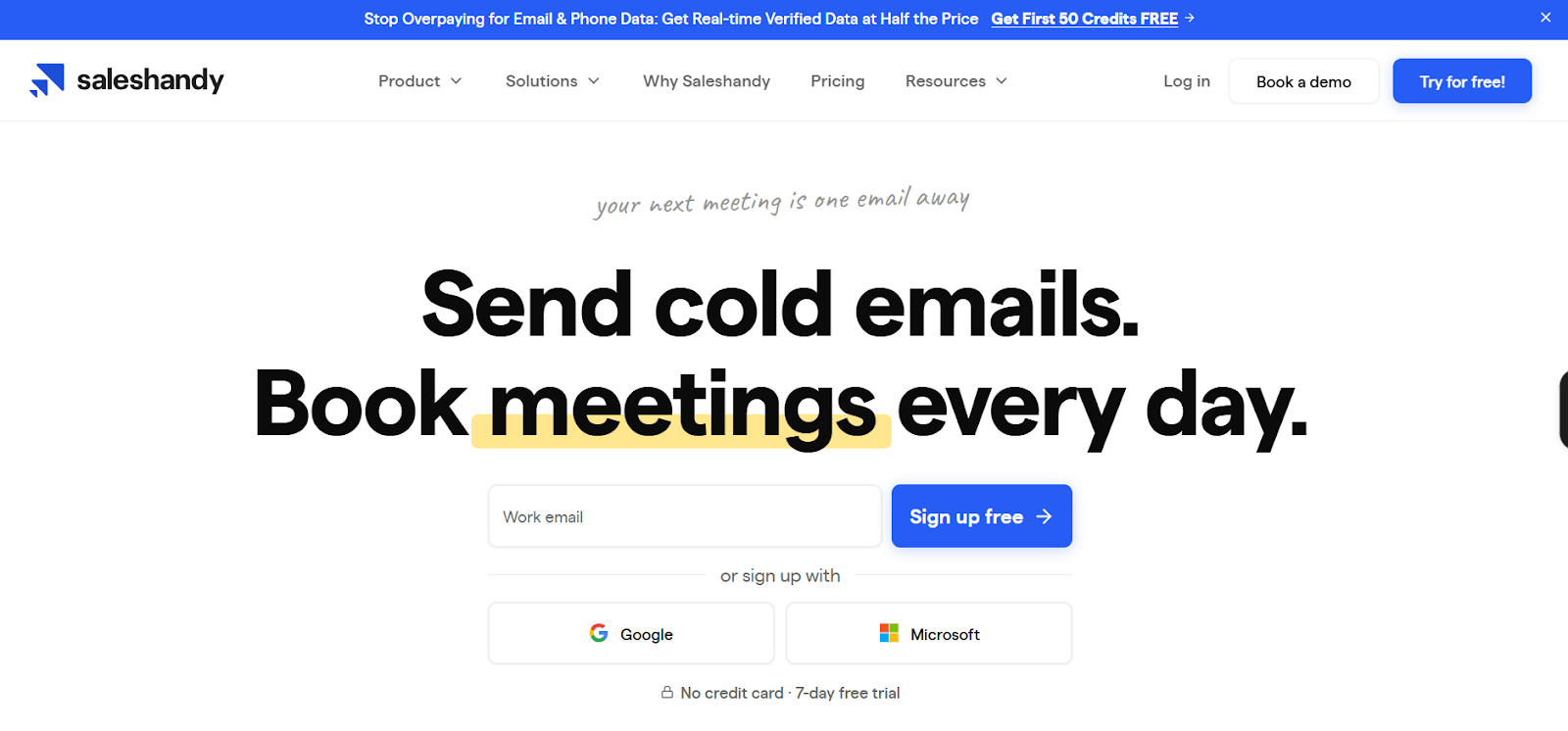
Saleshandy provides cold email campaigns with straightforward steps for upload, sequence building, and launch. The tool aims to simplify daily outreach and follow-ups for small teams and agencies.
Features include auto follow-ups, mailbox rotation, and inbox placement checks on supported plans.
Users can track campaign performance, export results, and connect to external tools for data sync. The workflow suits teams that want a clean dashboard and more control over day-to-day outreach efforts.
Plan limits apply to mailboxes and sends. Proper domain setup and gradual ramping remain best practice for safe delivery. Many users pair it with verifiers and enrichment tools for better list quality.
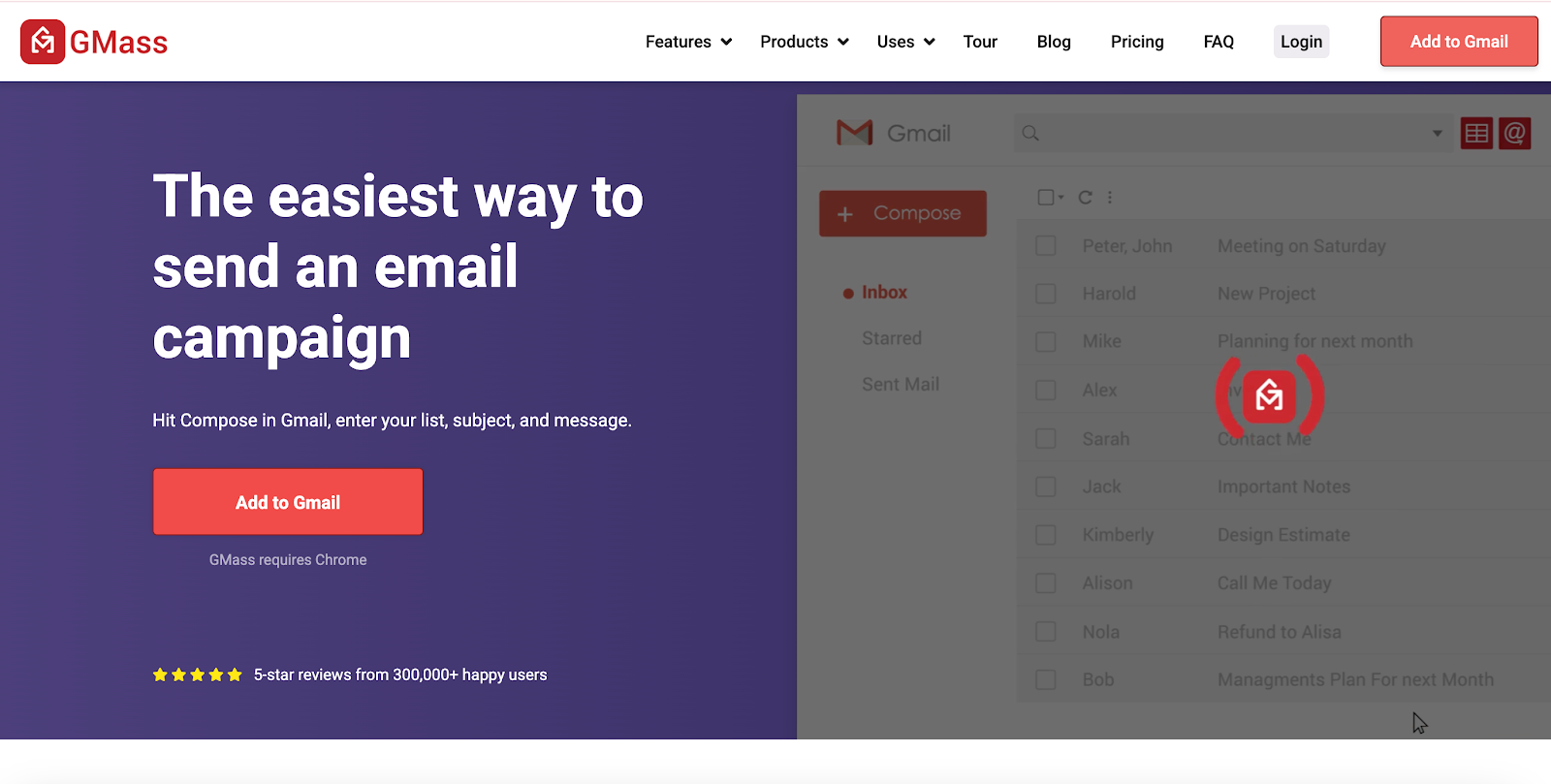
GMass runs inside Gmail as a Chrome extension for cold emails and mail merging. Setup is quick for teams that already live in Google Workspace. Users compose messages in Gmail, then send campaigns with scheduling and tracking.
The tool supports personalization via Google Sheets, reply tracking, and simple A/B tests. Campaigns can be paused, edited, or resumed inside Gmail. Reporting shows basic engagement metrics for quick checks.
Sending limits depend on Gmail and Workspace policies, so safe daily caps are important. Teams that need shared inboxes, advanced routing, or deep CRM workflows often add external tools. GMass remains popular for fast startup and a familiar interface.
Some teams need verification built directly into products, forms, or CRMs. A verification API gives developers real-time results at intake and during bulk checks. These four solutions provide different approaches for production workloads:
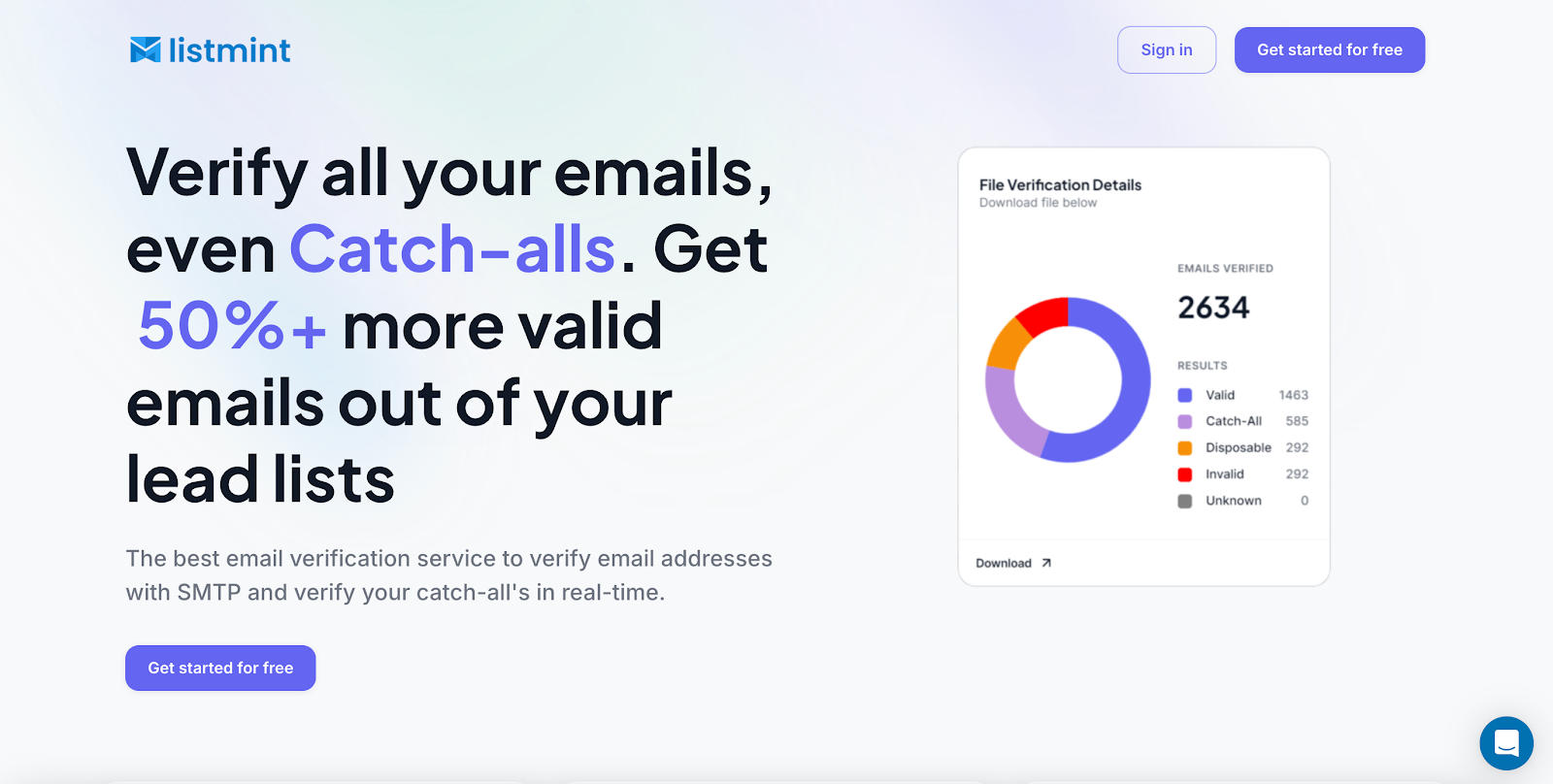
Listmint also offers a developer-first API built for production workloads. It confirms catch-all emails in real time and doesn’t send live test emails, giving developers reliable results during signups, lead capture, or bulk processing.
Scale and developer experience stand out. The service reports 1B+ emails verified, with 99%+ SMTP accuracy and a proven record of handling enterprise-level traffic.
Modern SDKs, clean documentation, and webhooks make integration straightforward for engineering teams and resellers who want to deliver catch-all verification to their own clients.
For developers and SaaS providers, Listmint gives a direct path to accurate data inside any workflow. You can start with a free account and see how 84% valid catch-all leads transform your lead capture.
Get started with Listmint for free and deliver real-time results to your users.
Verifalia offers a REST API that validates emails asynchronously. Clients submit jobs, then poll or subscribe for results once processing is complete. This approach suits large files and slower mail servers that require retries.
Result payloads include deliverability classifications plus quality scores. Teams sort contacts into safe, review, or drop lists before any outreach. Dashboards show job progress, status counts, and history for audits.
Pricing uses credits with package options and paid tiers. SDKs exist for popular languages, which shortens the time to the first result. Many organizations select Verifalia for queued workflows where predictable throughput matters more than immediate responses.

AbstractAPI provides a lightweight HTTP endpoint for email checks. The service returns fields like deliverability status, MX records, and syntax validation. Many teams add it to simple forms and internal tools that need quick responses.
A free tier helps developers test requests in minutes, then scale usage on paid tiers. Docs include code snippets, example responses, and rate limit details. For bulk needs, users often script batch calls or pair the API with separate file processing.
Output fields support basic filtering, so only good addresses reach CRMs and mailing tools. This keeps outreach lists cleaner and reduces obvious hard bounces on launch.
Byteplant runs a verification API plus bulk processing via a dashboard. The service checks syntax, domain, MX, and SMTP, with options to detect disposable and catch-all patterns. Many teams use it to clean files and to validate emails during signup.
The dashboard supports uploads, progress views, and CSV exports. API responses include status fields that map to accept, review, or reject decisions inside sales and marketing systems. Documentation covers endpoints, parameters, and webhook use.
Pricing follows a pay-as-you-go or package model with paid tiers for higher volumes. Enterprise options add single sign-on (SSO) and stricter security controls. Users who need both file workflows and API checks often include Byteplant in evaluations.
Finding the right contacts fuels lead generation. Email finders and prospecting platforms give sales reps access to professional email addresses, phone numbers, and company data. Below are five tools that help build targeted lists:
Apollo combines a massive database with search, enrichment, and basic outreach. Teams filter by contact title, job function, location, company size, and more to build precise lists.
The extension lets users pull verified contact data on LinkedIn, Sales Navigator, Gmail, Salesforce, and company websites.
Prospecting features include advanced search filters and company signals. Documentation highlights filtering by buying intent, job postings, and technology. Lists can move into sequences or be exported to other tools for sales outreach.
Apollo’s database cites 210M+ contacts. Users can export to CSV or connect to a CRM platform. The extension helps request emails and phone numbers without tab switching.

Snov.io offers an email finder tool with verification, drip campaigns, and automation capabilities. The Chrome extension collects contact data on company websites and LinkedIn, then saves leads to lists. Teams use it for quick research and campaign setup inside a web app.
The listing on the Chrome Web Store notes built-in email verifier support and basic automation. This helps users keep potential leads organized while preparing messages. Knowledge base articles cover using and pinning the extension for faster access.
Snov.io fits small teams that want a finder, light outreach, and a browser extension in one place. Many pair it with a CRM for lead management and tracking. Reviews emphasize convenience on profile and company pages.
RocketReach focuses on accurate email addresses and fast access to phone numbers for B2B outreach. The Chrome extension helps users pull contact details while browsing profiles and company sites. Teams add results to lists for later exports or syncs.
Third-party breakdowns describe individual and team plans tied to lookup credits. Articles also point to a huge database used by sales, marketing, and recruiting teams. Features commonly include list building and CRM integrations.
RocketReach suits teams that need quick access to verified emails and direct dials. The extension reduces tool switching during research. Users often pair it with an email verifier and engagement software.

Lusha provides B2B contact data, including direct dials and emails, with a credit-based system and a free plan option. Product pages highlight an extensive database, CRM integrations, and an extension for quick reveals.
The platform positions itself as a sales intelligence solution with prospect search, recommendations, and enrichment. Official pages and help docs reference advanced filters by seniority, job title, technology, and more.
Many teams have started using the Chrome extension to reveal contact data on LinkedIn and company sites. Enterprise pages also point to a massive database that supports wider global coverage for reaching key decision-makers more quickly.
Clearbit focuses on data enrichment and company intelligence. Teams use enrichment to add firmographics, company details, tech stack, and other attributes to records in a CRM platform. This supports segmentation, routing, and lead scoring.
Reveal supports visitor identification by matching IP addresses to company profiles. That gives sales teams a way to act on website activity, spot intent signals, and route more qualified leads into outreach.
Clearbit fits organizations that need accurate information attached to inbound and outbound records. It also works well for teams that want real-time data enrichment without stitching together too many separate systems.
Teams move away from Hunter because it marks catch-all domains as risky and leaves a large portion of leads unused. Listmint closes that gap. It verifies catch-all emails in real time, delivers clear statuses, and makes more of your paid contacts usable without adding risk.
That’s why Listmint stands out among Hunter alternatives. It gives sales and marketing teams reliable data, helps ops and product teams keep records clean at intake, and offers service providers a real-time API to resell verification.
See catch-all verification in action and keep more of your leads active. Sign up for free and test how 84% valid catch-all results change your outreach volume.
Finding the right Hunter alternative depends on what your team needs most. Some tools excel at email verification, others at cold outreach, APIs, or prospecting data.
The best approach is to run a small pilot, compare bounce rates, engagement, and pipeline impact, and then commit to the stack that delivers the strongest results.
Some Hunter alternatives lean on a huge database, specialized tools, or even conversation intelligence. Listmint stands out by solving the catch-all problem in real time.
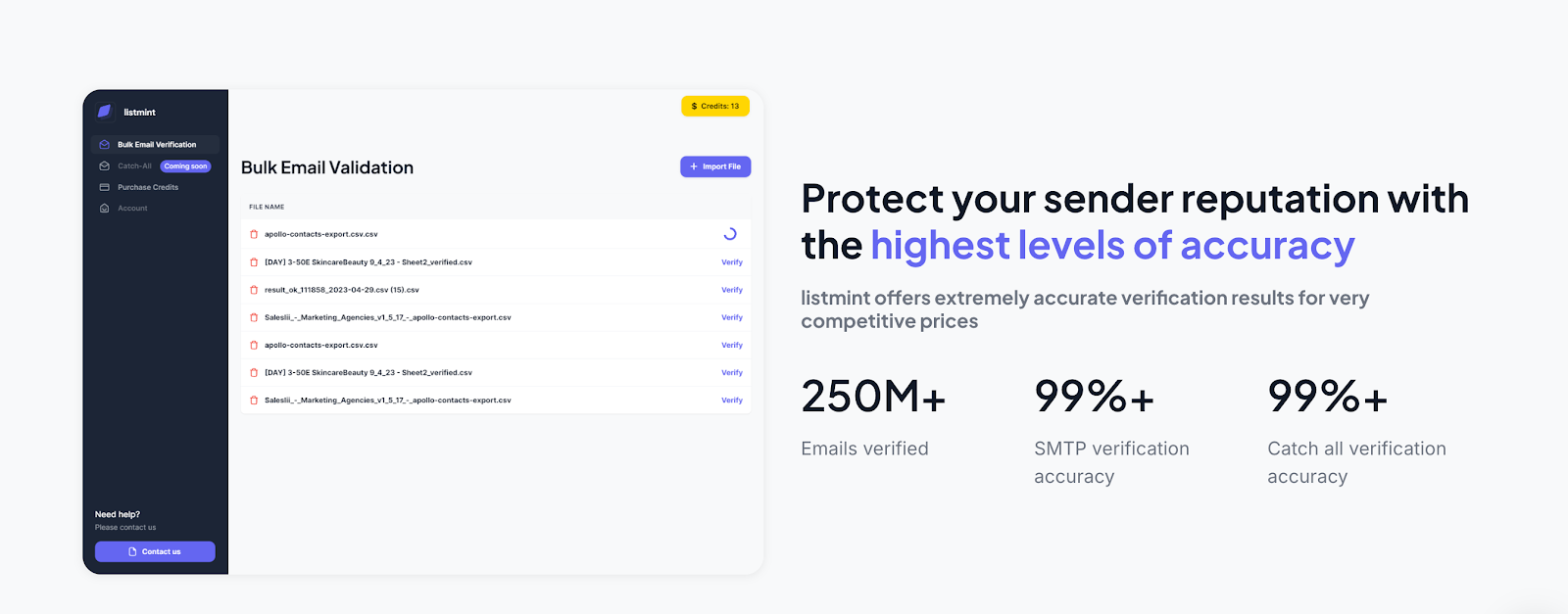
With 1B+ emails verified and 99%+ SMTP accuracy, it helps teams recover more valid leads, protect sender reputation, and move faster with clear results.
Ready to move ahead with cleaner data and faster decisions? Start with a free account on Listmint and put real-time catch-all verification to work in your next campaign.
A sales intelligence platform gives sales teams more context than basic email finding. It can add buyer intent signals, job change alerts, phone number access, and conversation intelligence, so outreach is more informed.
Unlike Hunter, many platforms also support global coverage and richer company details, which helps sales professionals build stronger prospecting workflows with less guesswork.
Website visitor tracking identifies companies behind anonymous visits, while Hunter and other email finder tools focus on individual email addresses. Used together, they improve prospecting by surfacing accounts that already show interest.
With export credits and integrations into prospecting tools, reps can combine visitor identification with intent filters to reach the right company at the right time.
A good Hunter.io alternative goes beyond an email finder tool. The strongest alternatives offer more than basic domain search. They also support cleaner data, better workflow fit, and a clearer path from research to outreach.
Some teams want a finder with automation capabilities. Others need a more complete platform with enrichment, sending support, or verified contact data that stays usable after export.
Yes, many Hunter alternatives include a free trial or a free tier so teams can test results before scaling. That early access helps buyers compare how paid plans work, where paid plans start, and whether annual billing lowers the cost enough for steady use.
On larger contracts, custom pricing is also common. That matters for teams that need more seats, more credits, or wider global coverage without jumping between vendors.
Some platforms include voice prompts to help sales reps during calls. This feature guides conversations, improves consistency, and works well alongside email outreach.
Combined with other features, it can support wider outreach efforts for teams that want more than a basic finder. It still makes sense to compare sending tools, prospecting tools, and verification tools separately before you buy.