
Simple Mail Transfer Protocol (SMTP) email verification is one of the most common ways businesses verify email addresses before sending email campaigns. Many people assume it simply confirms whether an email address exists, but that's only part of the process.
SMTP verification checks how a recipient's mail server responds without sending an email.
A mail server may accept an address, but that doesn't always mean the address is correct or that it will reach the intended recipient. Understanding the difference is important for every marketer.
In this article, you'll learn how SMTP email verification works, what it can and cannot verify, how accurate it is, and when additional verification methods provide a clearer picture.
SMTP email verification is the process of checking how a recipient's SMTP server responds when a verification tool requests permission to accept an email address.
The SMTP protocol is the standard communication method mail servers use to send email between one another. During this process, the verification tool starts a short conversation with the recipient's mail server without sending an actual email.
The server's response helps determine if the address appears valid and can receive messages. It also checks if the mailbox is recognized by the server during that conversation.
It's important to understand that SMTP email verification is only one part of email verification. Many verification platforms often combine SMTP with other checks to build a more complete picture of an email address before you send a campaign.
For businesses, this means you can identify many invalid addresses before outreach while understanding that SMTP is only one verification method, not the entire verification process.
SMTP email verification happens in a series of steps. Each one checks a different part of the email address before the tool decides if the receiving mail server is likely to accept it.
The first step is to check email addresses for obvious formatting mistakes. The tool looks for typos, missing "@" symbols, extra spaces, and invalid characters that keep an email address from being valid.
If the address is something like “name@@company.com” or “name_company.com,” it won't move to the next stage. Catching these errors first removes simple problems before more advanced verification begins.
Next, the tool checks the email domain, which is the part after the “@” symbol. For example, in “alex@company.com,” the domain is “company.com.”
This step confirms that the domain exists and can be found online. If the domain is misspelled or inactive, the email address cannot work properly.
With the domain confirmed, the tool retrieves its Mail Exchange (MX) records. These records show where incoming email should be delivered for that domain.
If a domain has no MX records, it may not be set up to receive email. That means the address is more likely to fail when someone sends a message to it.
After locating the correct mail server, the verification tool connects to it to continue the verification process. Since this is only a server-to-server check, no email is sent, and the recipient never sees a message.
The connection gives the verification tool a way to communicate with the destination server before moving to the next step. If the server is unavailable or doesn't respond, the verification may return a temporary result until another check is performed.
At this stage, the tool starts a short conversation with the SMTP server. This is called the SMTP handshake.
The handshake helps confirm that the server is available and responding. Think of it as saying "hello" before asking the server about a specific email address.
After the handshake, the tool checks if the receiving server indicates it can accept mail for the intended recipient. This is where SMTP helps validate email addresses at the mailbox level.
No email is sent during this process. The tool simply requests a response from the server to see if the address appears to be accepted.
Finally, the tool interprets the server response and classifies the email address based on what the server reports. The result may be valid, invalid, unknown, or another verification status.
This is the test that helps marketers decide what to do next with the address. A direct rejection usually means the address should not be used, while an unclear response may need additional verification.
SMTP verification can identify several common issues before an email is sent. These checks help businesses remove obvious problems from their lists and understand how a recipient's mail server responds during the verification process.
The table below shows what SMTP verification can typically detect.
Note: SMTP provides reliable information when the receiving mail server returns clear responses. The quality of the result depends on how that server is configured and the information it chooses to disclose.
SMTP verification is useful, but it cannot answer every question about an email address. A receiving mail server may intentionally limit the information it shares, so some details cannot be confirmed through SMTP alone.
SMTP email verification works best when the receiving mail server provides a direct response. If the server clearly accepts or rejects an email address, you can usually rely on that verification result.
At the same time, accuracy depends on how the receiving mail server is configured. Different providers respond differently to verification requests, so the same process may produce different results depending on the mail server handling the email address.
For that reason, it's important to interpret SMTP verification results in context. A positive response shows that the receiving server accepted the verification request at the time of the check, while a limited or inconclusive response does not automatically mean the email address is invalid.
The most reliable approach is to treat SMTP verification as one part of a complete email verification process. Combining SMTP with additional validation methods provides a fuller assessment of each email address before sending campaigns.
SMTP email verification helps businesses improve the quality of their email lists before launching a campaign. Removing invalid addresses early reduces unnecessary risk and helps your team make better decisions about who to contact.
SMTP verification is one method used during email validation, but it is not the entire verification process. It focuses on how a receiving mail server responds, while complete email verification combines several checks to provide a more complete assessment of an email address.
Think of SMTP verification as the foundation of email verification. It provides valuable insight into how a receiving mail server responds, but it is only one part of a complete verification workflow.
SMTP verification remains the foundation of modern email verification, but most businesses need more than a single mail server response before deciding if an address belongs on their email list.
Modern email verification software combines SMTP with additional validation methods to answer questions that SMTP alone cannot.
This gives businesses greater confidence when cleaning lists, preparing campaigns, and verifying addresses submitted via a website or other lead-capture forms.
Listmint is an email verifier that builds on SMTP rather than replacing it. Along with standard SMTP verification, it uses additional validation methods that help businesses verify more email addresses before outreach.

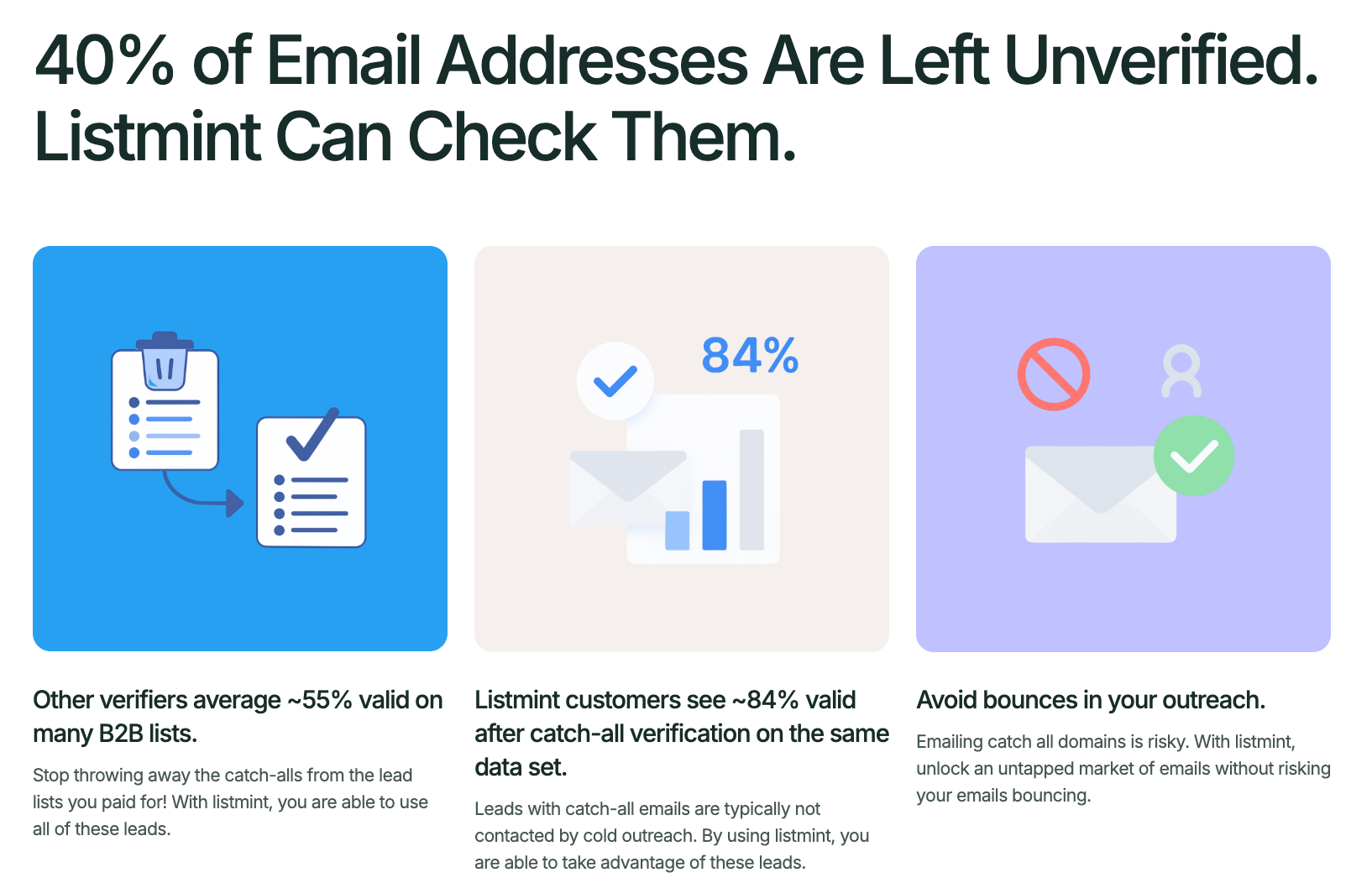
Standard email verification tools often label catch-all addresses as "catch-all," "risky," or "unknown." Listmint performs real-time catch-all verification without sending verification emails or waiting up to 48 hours.
Verified catch-all addresses are classified as catch_all_valid or catch_all_invalid, giving your team a more definitive result.
Other validation layers address limitations that SMTP cannot solve on its own:
Listmint has verified more than 1 billion email addresses and reports 99%+ accuracy in SMTP and catch-all verification. These capabilities help businesses make more informed decisions before sending email campaigns while reducing unnecessary list loss.
SMTP email verification is a useful first step because it shows how a receiving mail server responds before you send messages. It can identify many invalid addresses, but it cannot answer every verification question on its own.
For better results, use a process that combines SMTP with additional validation methods. Listmint helps businesses verify standard and catch-all email addresses on a single platform, so you can clean your lists with greater confidence before outreach.
Get started for free with Listmint and verify more email addresses before your next campaign.
Yes. SMTP email verification is generally safe because it checks how a mail server responds without sending an email to the recipient. It does not require access to the recipient's account or inbox contents. If you want to try an email verification service before committing to a paid plan, some providers offer a free account or free trial.
Yes. SMTP verification works with Gmail and Yahoo email addresses, but it relies on the response from each provider's mail servers. Because these providers use privacy and security measures, they don't always reveal enough information to produce a definitive verification result.
Yes. SMTP verification works with most business email addresses as long as the organization's mail server accepts verification requests. The result depends on the configuration of the company's email system and the information its server chooses to return.
There's no single schedule that works for every business, but you should verify your email list before every major campaign, after collecting a large batch of new contacts, and whenever your email database changes. This helps keep your list up to date before you send.
Yes. Verifying email addresses before you upload an email list helps remove invalid contacts before they enter your workflow. This is especially useful when importing email lists from Google Sheets, CSV files, or other data sources.