Sending emails to the wrong addresses does more than waste time. It leads to bounced messages, weak engagement, and damaged trust with email service providers (ESPs).
When emails bounce, campaigns lose momentum, follow-ups get weaker, and messages stop reaching the people who matter most.
The good news is you don’t need to send a message to know if an address is real. There are several ways to confirm validity before hitting send.
Some work for quick checks, while others scale for large lists. The most reliable option is using a tool built for speed and accuracy, like Listmint.
In this guide, you’ll learn how different methods work, where manual checks fail, and why verification tools make the biggest impact for growing teams.
Email lists decay fast. Addresses go bad each year, mostly due to invalid domains, catch-all setups, disposable accounts, fake addresses, and outdated contacts. That means almost one in every three contacts could be blocking your message before it reaches its mark.
Hard bounces are especially damaging. For sales teams running outbound emails, even a small batch of bad records can hurt response rate and make cold emails less effective.
Mailbox providers now expect authenticated mail and spam complaint rates under 0.3% to keep delivery healthy. High bounce rates or poor list hygiene can trigger filters that label your sends as risky, throttle delivery, or push messages into spam. In some cases, low list quality also increases spam-trap risk.
Every bounce is a missed opportunity, as you lose:
When your emails vanish before they land, campaigns struggle to convert. Your reputation suffers, and even your valid contacts face lower inbox placement in future sends.
Verifying addresses before sending saves time, money, and your domain's good standing. You earn better deliverability, stronger engagement, fewer bounces, and confidence that your message reaches its intended audience instead of triggering bounce notices.
Verifying an email address does not always mean sending a test message. The verification process can use quiet checks in the background to confirm if an address can actually receive messages. Each step removes the guesswork and protects your mailing lists before a campaign goes live.
Together, these checks form an email validation process that works without sending messages. The goal is simple: confirm accuracy, protect sender reputation, and help teams reach the intended recipient with confidence.
Sales and marketing teams need quick ways to confirm email validity before launching campaigns. Different approaches exist, but accuracy and scale vary. Here are seven methods to verify an email address without sending a message.
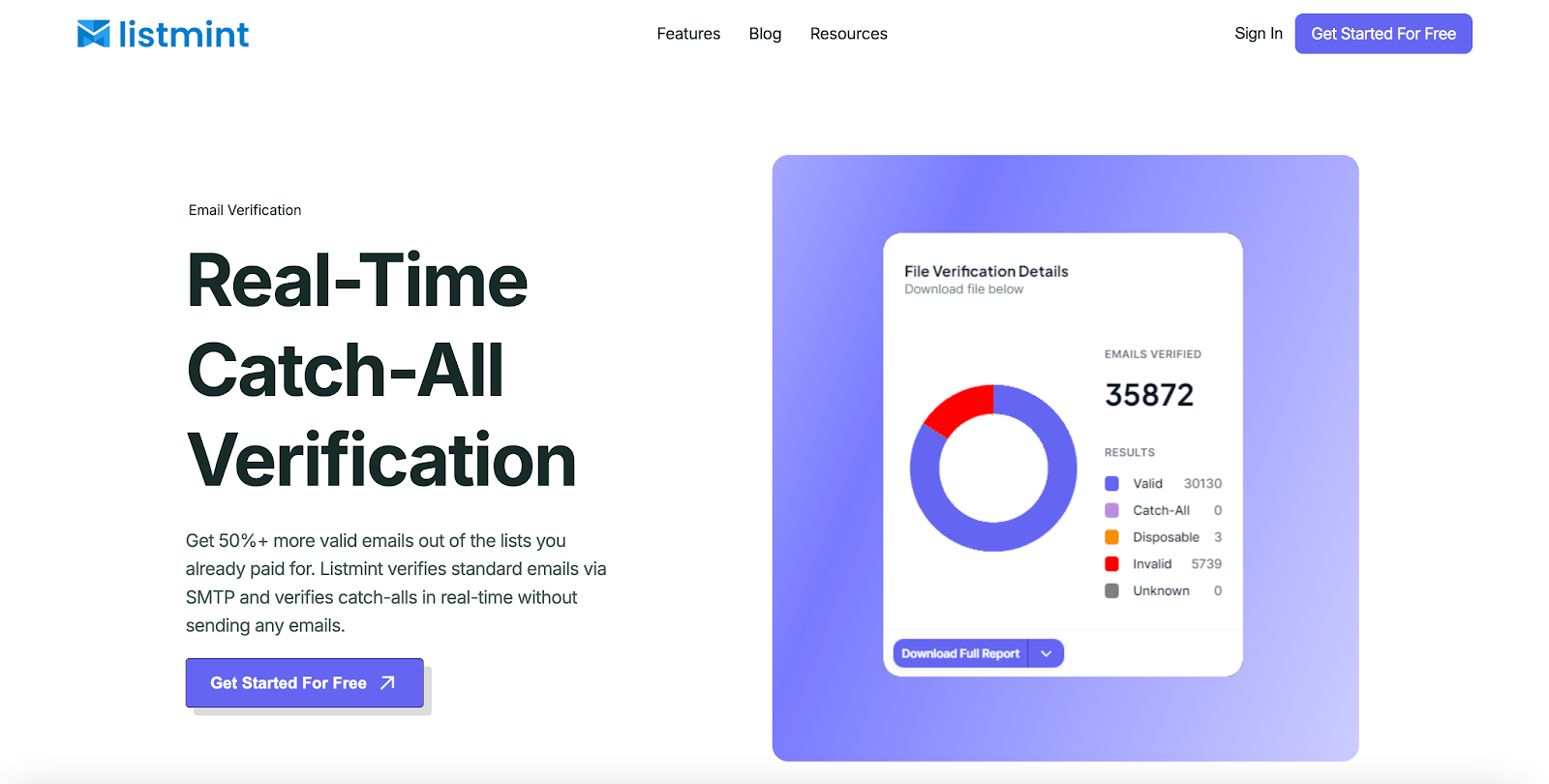
Manual checks can work in small situations, but they fail once mailing lists scale. A dedicated email verification tool provides accurate results without sending test messages or waiting days for confirmation.
Listmint stands out because it verifies both standard and catch-all emails in real time. While most tools mark catch-alls as risky or leave them unverified, Listmint confirms if those addresses are usable.
That matters even more when you are scaling email campaigns or working from leads pulled in by an email finder tool. If data is mixed, the verification layer decides which records stay in play and which ones should be removed.
Accuracy is also proven at scale. With more than one billion emails verified, Listmint delivers over 99% accuracy across SMTP and catch-all verifications.
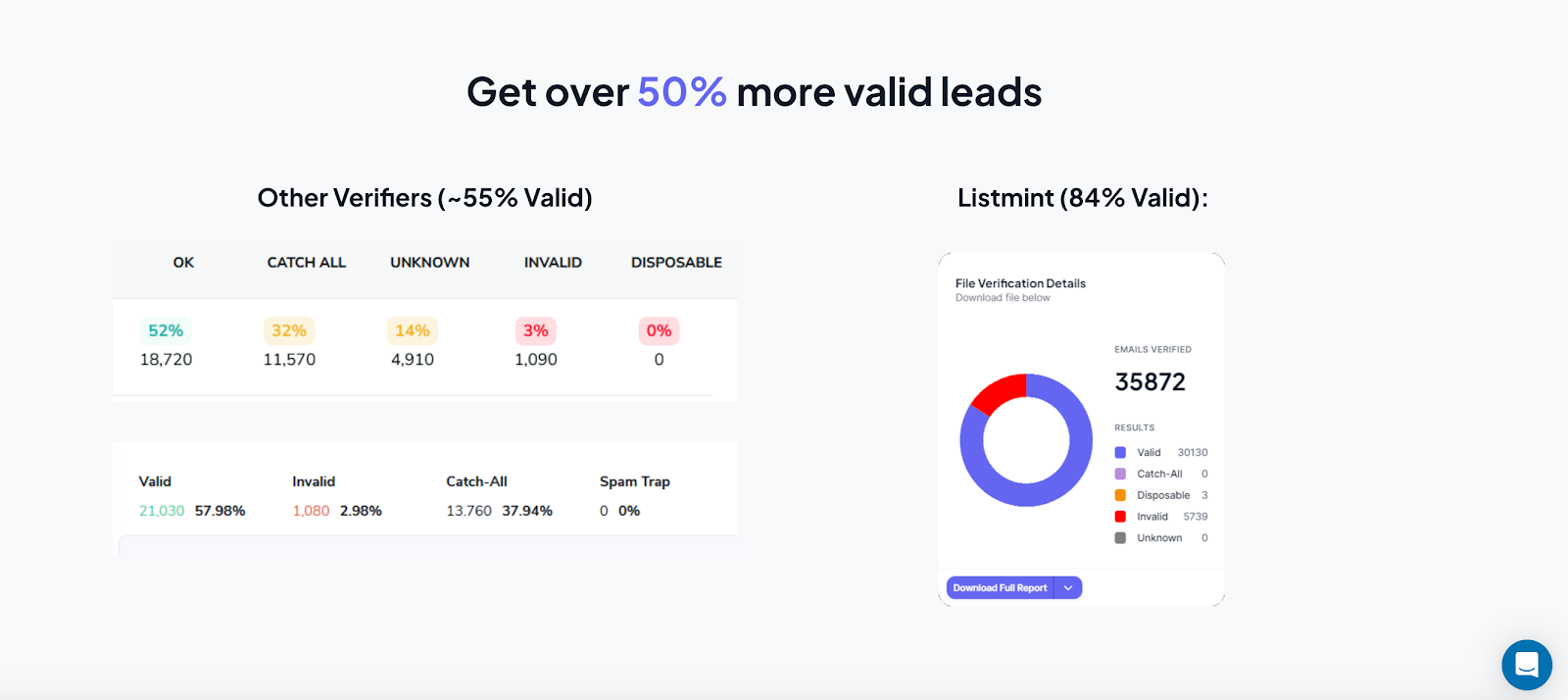
Results come back in real time with clear categories like valid, invalid, catch_all_valid, and catch_all_invalid, so you know exactly which contacts can receive messages.
For sales and marketing teams, using an email verifier like Listmint is the fastest and most reliable way to confirm addresses without ever sending emails.
Get started with Listmint for free and start validating your email lists.
Gmail offers a simple way to confirm if an email address exists through its account recovery feature. Enter the given email address into the recovery form, and Gmail will show if the account is active or if no profile is found.
This method can be useful when testing email addresses one at a time, but it has clear limits. It does not confirm if the mailbox can actually receive messages, and it is not built for bulk email lists.
For business owners or teams running campaigns, this approach is more of a quick spot-check than a reliable verification process.
An IP address lookup links an email domain to its hosting details. Every email domain has an IP address behind it, and checking that record can reveal where it is hosted, who the internet service provider is, and if it is tied to spam or fraudulent activity.
Running this check helps confirm that the email domain is properly configured and not linked to risky addresses. When the IP details align with what you know about the intended recipient, it adds another layer of confidence.
Still, an IP lookup cannot prove that a specific mailbox exists. It is best used as a supporting step in the verification process, not a standalone method for managing mailing lists.
Typing an email address into Google search can show if it has been used publicly. Quotation marks (“mail@site.com”) around the full address often bring up profiles, websites, or posts connected to it. Seeing an address appear in trusted spaces is a good sign that it is active.
Social media platforms can also help confirm email addresses. Many users connect their accounts on LinkedIn and X (Twitter) with their primary contact details. Searching the username part of the email can lead to profiles that verify the person behind the address.
In some cases, you can automatically find matching company pages, social handles, or even public phone numbers that belong to the same person.
These checks provide extra clues that an address is real, but they do not guarantee that the mailbox can receive messages. They are best viewed as helpful additions alongside proper verification tools, especially if you are already using online tools or online services to enrich lead data.
Even small mistakes can turn valid emails into invalid addresses. A missing “@,” extra space, or wrong domain extension creates a non-functional email address that will bounce every time. Syntax checks highlight these errors before they damage sender reputation.
Look for a valid format: the local part before the “@,” followed by a correct domain name. Pay attention to invalid characters such as exclamation points, dollar signs, or spaces, since most mail servers will reject addresses that include them.
Syntax validation is fast and useful for catching obvious mistakes in mailing lists, but it does not confirm if the mailbox exists. It should be viewed as the first filter in the verification process, not the final step.
A ping test connects with the domain’s SMTP server to see if it will accept emails for a specific address. The process works by sending a request to the server and waiting for a response code.
An SMTP test may return acceptance codes, but many servers disable mailbox verification or accept all addresses, so results vary and can be misleading. Because of that, pinging alone cannot be relied on to confirm that a mailbox exists.
Running this type of test can help reduce bounced emails and protect sender reputation, but the setup requires technical knowledge, and results are inconsistent across different domains.
It may tell you the server accepts mail, but not whether an actual email inbox exists or whether messages land where they should.
Pinging is useful as a supporting step in testing email addresses, not as the main method for large mailing lists.
The Domain Name System (DNS) acts like a directory for email domains. Running a DNS lookup lets you confirm if the given domain is properly configured to accept emails.
The most important step is the MX record lookup, which shows the mail exchange servers assigned to handle incoming emails for that domain.
If the DNS records reveal active MX records, you know the email domain is set up to receive messages. If no MX exists, servers may fall back to the domain’s A Record under SMTP rules, though delivery often fails in practice without proper mail exchange records in place.
A DNS lookup confirms that the domain can accept emails, but it does not verify if the specific mailbox exists for the intended recipient. That is why DNS checks are useful in the verification process, but not a replacement for dedicated verification tools.
Manual checks help in a pinch, but they don’t hold up under real campaign pressure.
According to HubSpot, email lists degrade quickly, with about 22.5% of contacts going invalid each year due to typos, role-based emails, or domains that vanish or only exist as catch-alls. That means nearly one in five contacts might fail silently.
Testing a few addresses on Gmail or social media doesn’t translate to bulk lists. DNS lookups or SMTP pings might confirm that a mail server exists, but silent failures, blocked requests, or servers that won’t validate addresses leave gaps that allow unverified emails past defenses.
Manual testing becomes a bigger problem when data comes from sign-up forms, imported spreadsheets, or an old email database full of outdated contacts. It does little for fake addresses, typo-heavy records, or leads that were never cleaned after they entered your system.
The impact is real: even a small number of bounces can signal poor list hygiene, causing inbox providers to clamp down on deliverability. What starts as a minor issue can impair your sender reputation, throttle future sends, and delay your messages from ever reaching people who matter.
Manual checks are useful for quick tests, but they lack the accuracy and scale that serious email campaigns demand. Verification tools give teams the reliable results needed to validate email addresses, protect response rate, and keep follow-ups moving.
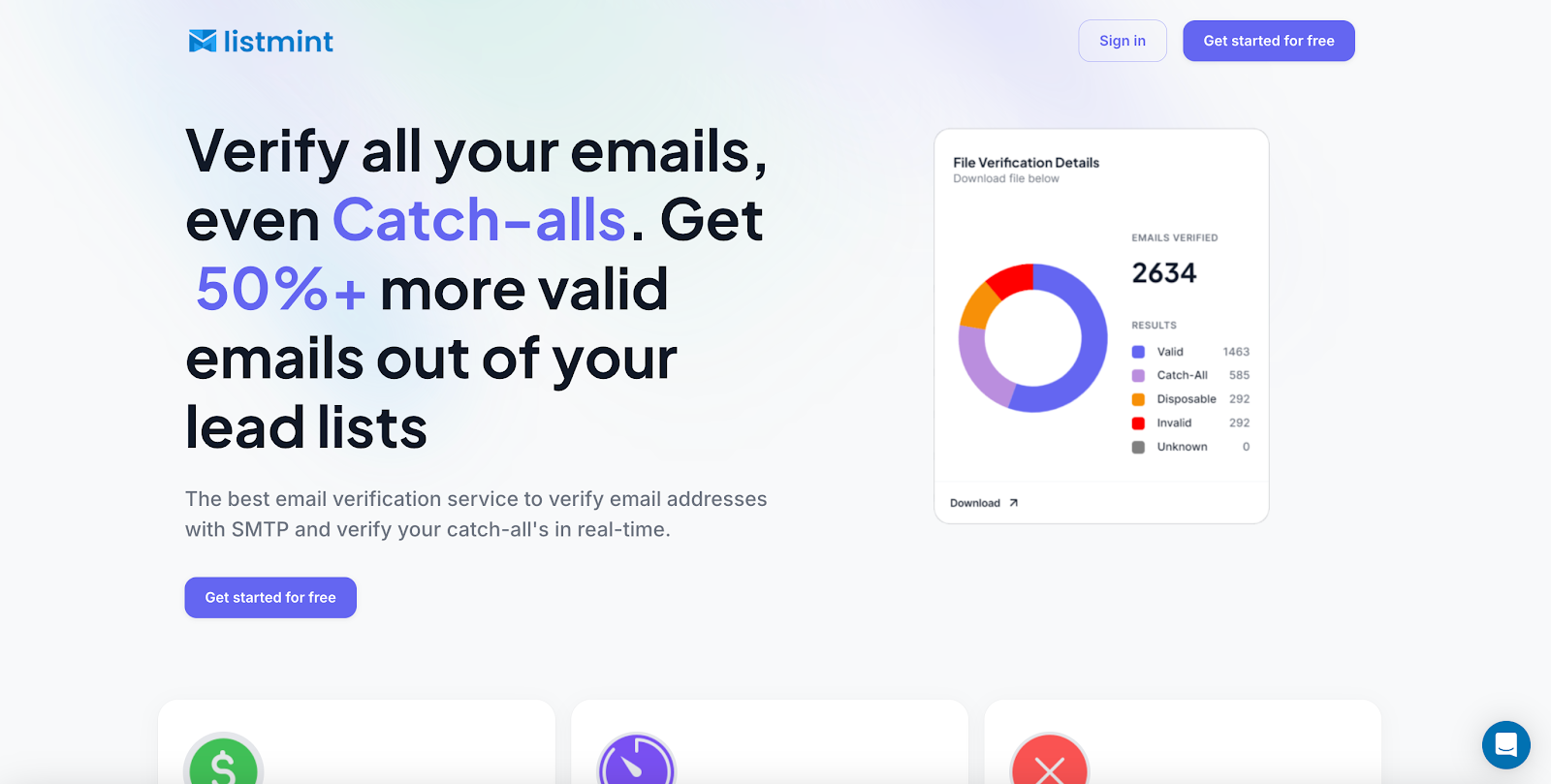
Manual checks can only go so far. Businesses dealing with large mailing lists need a solution that delivers accurate results instantly, without sending test messages or waiting days for confirmation. That is where Listmint makes a difference.
Email lists consist of about 30 to 40 percent of catch-all addresses, and most tools leave them flagged as risky. Those leads usually get thrown away, even though many of them are valid.
Listmint verifies catch-all addresses in real time, letting you recover more than 50% additional valid emails from the same list.
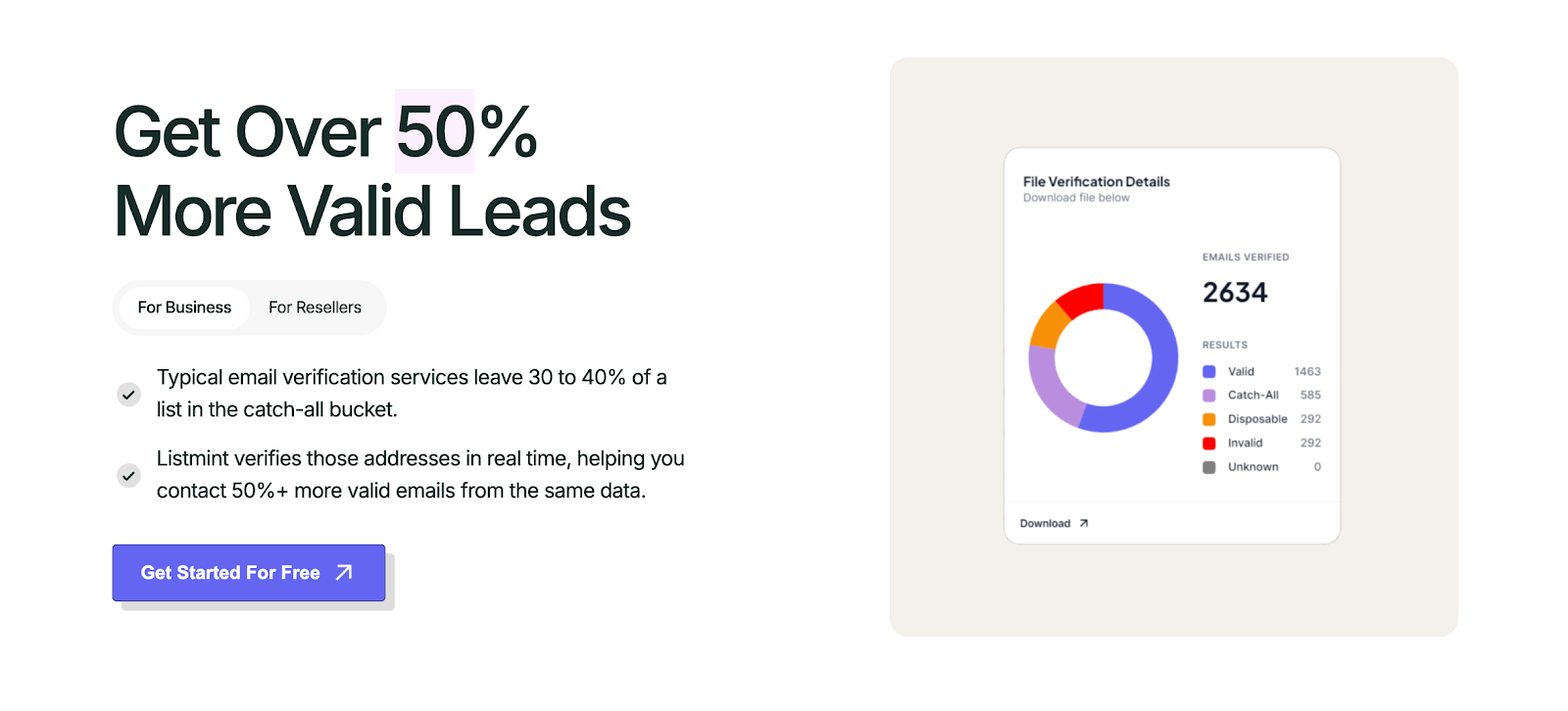
With more than one billion emails verified, Listmint delivers 99%+ accuracy across both SMTP and catch-all checks. Results come back instantly with clear categories: valid, invalid, catch_all_valid, or catch_all_invalid, so you always know which contacts can receive messages.
Key advantages include:
Listmint provides a direct platform to clean and validate mailing lists before campaigns go live. For B2B platforms, the real-time API enables resellers to deliver the same high-accuracy verification inside their own products.

Reaching the inbox depends on more than writing good email messages. It starts with knowing your mailing list is accurate, safe to use, and free of invalid contacts. Manual checks can help in small cases, but they cannot deliver the accuracy or scale that growing teams need.
Listmint gives you confidence before a single message is sent. With real-time verification for both standard and catch-all email addresses, you can recover more valid leads, protect your sender reputation, and keep campaigns on track by making sure your emails are delivered successfully.
Get started for free today and see how Listmint turns risky lists into reliable contacts.
You can use an email checker or validator that runs syntax, DNS, and SMTP checks without sending a message. These tools confirm if an email address is valid, help avoid risky emails, and prevent spam complaints that hurt the sender reputation.
Yes. An email validator confirms structure, domain records, and mailbox status to check if an email can receive messages. Some services even detect a disposable email address or flag a full mailbox, helping you work with accurate information and improve deliverability.
Outlook itself cannot confirm addresses because it lacks built-in verification for this kind of list cleanup. You can run records through an external email verification service before uploading. Results can be exported into tools like Google Sheets, keeping your lists clean so emails land in inboxes instead of spam folders.
Yes. Most email providers let you mask or forward addresses, but this requires proper authentication mechanisms such as SPF, DKIM, and DMARC. Without them, your messages risk being flagged as risky emails.
Many providers, including Listmint, offer free credits so you can test how well the process works before committing. This lets you validate a sample of addresses and confirm that your messages have a better chance of landing in a real inbox.