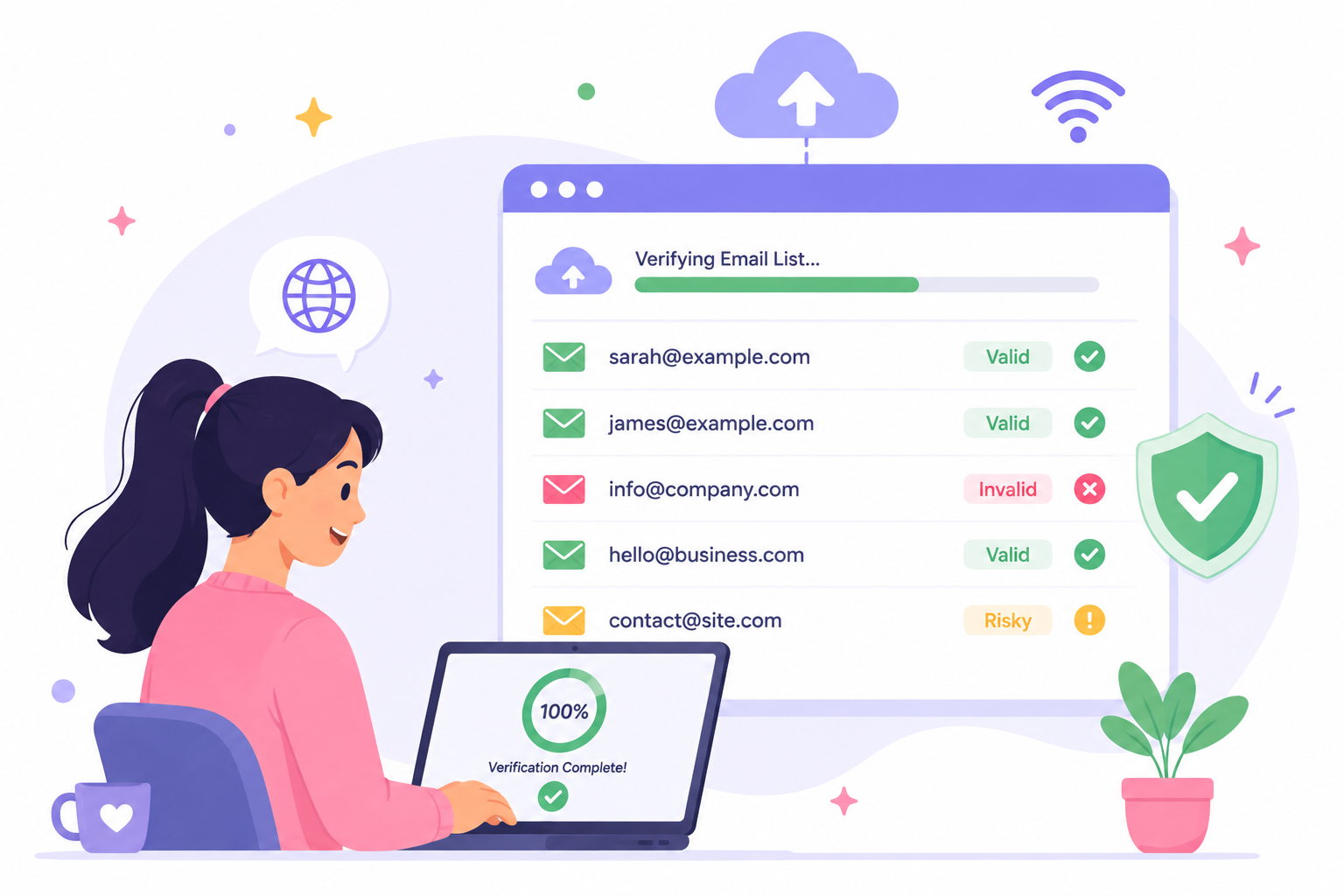
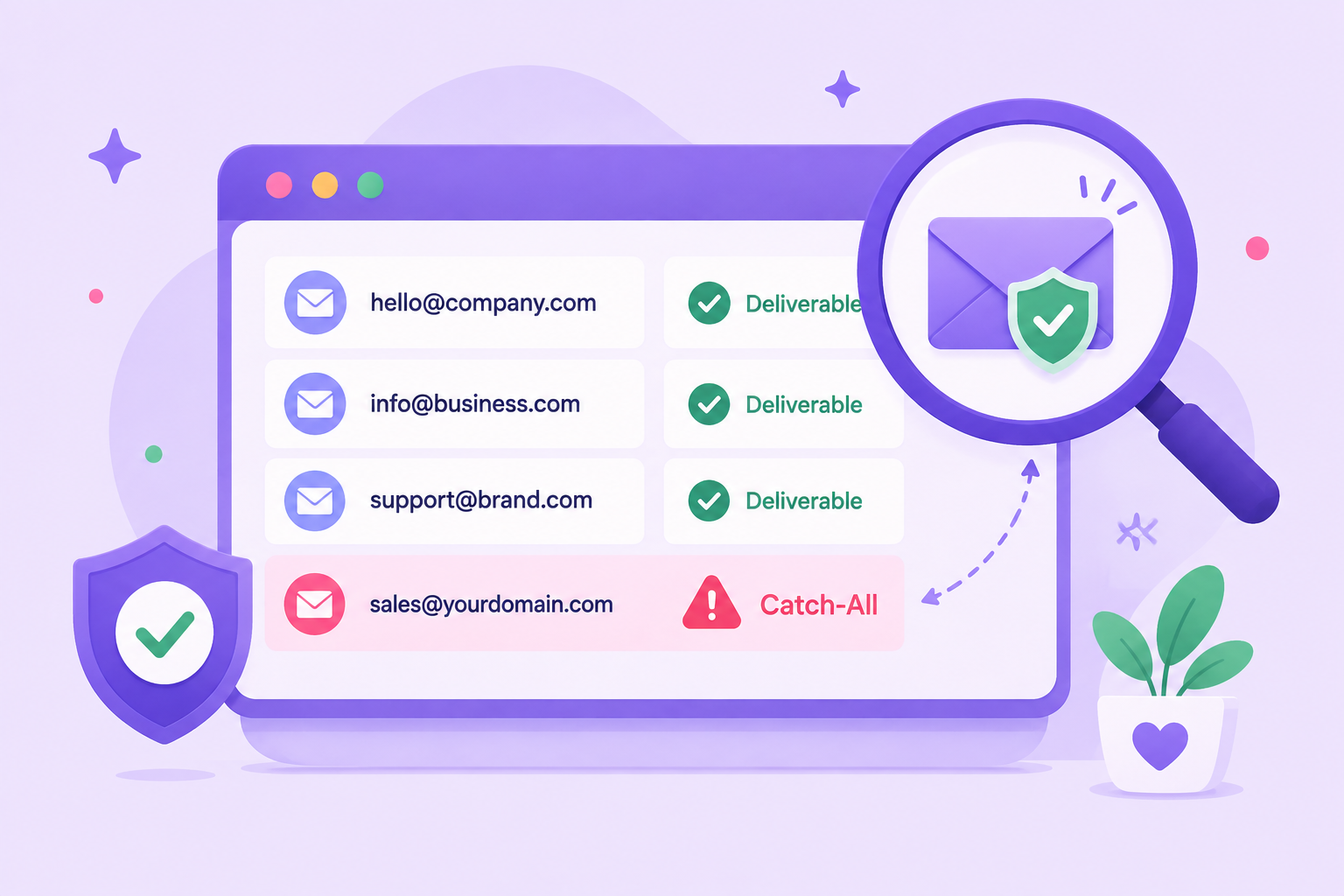
When you send a message, you expect it to reach the right person’s inbox right away. But sometimes, emails never arrive. An undeliverable email is one that fails to reach its destination, often sending a bounce notice back to the sender.
Every failed delivery comes with a cost. Businesses lose money sending to contacts that will never respond, engagement drops because real people don’t see the message, and sender reputation suffers with email providers.
Over time, too many delivery failures can make it harder for even valid emails to reach the inbox.
In this guide, you’ll learn the most common reasons emails go undelivered, how to prevent these problems, and which tools can help protect deliverability before they disrupt your campaigns.
An undeliverable email is a message that cannot be delivered to the intended recipient. Instead of reaching the inbox, it triggers a bounce notice that provides feedback on what went wrong in the delivery process.
To help you understand, we’ll cover the two main types of bounces that occur:
A hard bounce, sometimes called a permanent bounce, occurs when delivery is impossible due to a permanent issue. Some common causes include:
Hard bounces should be removed from your email list right away to avoid repeated delivery failures.
A soft bounce happens when the failure is only temporary. The issue is often on the recipient’s side rather than the sender’s. Common reasons include:
In many cases, soft bounces resolve themselves, and internet service providers (ISPs) will attempt redelivery for a short period, so you may need to wait before resending. If the same issue persists, a soft bounce can eventually turn into a hard bounce.
According to WebFX, the average email bounce rate is around 2.48%. While a single instance of delivery failure may not be a concern, a higher bounce rate can quickly raise concerns.
A high number of failed deliveries can prompt email service providers to view your list as unreliable, damaging your sender reputation and lowering inbox placement over time.
Reducing undeliverable emails helps you protect campaign performance, maintain healthy contact lists, and keep messages reaching the people who want to hear from you.
Emails can fail for various reasons, and while it can be frustrating, not all of them are within your control. Understanding the common causes gives you a better idea of what to check first.
One of the most common reasons for an undeliverable email is sending it to an incorrect email address. A simple typo on a signup page, a fake entry added to a form, or outdated contact information can all cause the message to bounce back.
Invalid addresses are permanent failures, so continuing to send to them only hurts sender reputation and wastes effort. The best way to avoid this problem is to verify new addresses before you collect them in your email list and regularly remove outdated contacts.
Sometimes an email cannot be delivered because the recipient’s mailbox has no space left. When a mailbox is full, new messages are automatically rejected until storage is cleared.
Unlike invalid addresses, this is usually a temporary issue. Still, repeated attempts to send mail to full inboxes can increase bounce rates and affect sender reputation. Monitoring delivery reports and cleaning inactive contacts can help reduce these soft bounces.
Emails can also fail when there are problems with the recipient’s server or domain. If the recipient’s server is down, misconfigured, or experiencing technical errors, messages may bounce back due to denied access. A missing or invalid domain name will have the same result.
These errors are usually outside the sender’s control, but they still impact deliverability. Monitoring bounce reports and removing addresses tied to persistent server problems help prevent ongoing failures.
Sometimes a message is rejected because it triggers spam filters. Email servers scan subject lines, content, links, and potential malware to determine if a message looks suspicious.
If the email resembles spam or matches known spam patterns, providers may place it in a spam folder instead of delivering it.
Even legitimate email marketing campaigns can be affected if subject lines are misleading, content is poorly formatted, or links appear untrustworthy. Reviewing email content, avoiding spam-like phrasing, and authenticating your domain are key steps to reducing false spam flags.
When a sending server or domain is flagged for poor practices or hacked activity, emails are often blocked before they reach the inbox. High complaint rates, sending spam, or hitting spam traps can all lead to blacklisting.
Once a domain or IP is blacklisted, messages may be rejected across multiple email servers. Regularly monitoring sender reputation and following responsible email marketing practices help reduce the risk of being blocked.
Emails may also bounce when authentication records are missing or set up incorrectly. Protocols like SPF, DKIM, and DMARC confirm that a message is really coming from the sender’s domain.
If these checks fail, the receiving server, including Gmail and other major providers, may reject the delivery request.
Authentication protects both the sender and the recipient. Setting up these records correctly builds trust with email service providers and lowers the chance of messages being blocked.
Sometimes emails bounce because the recipient’s account is no longer active. Addresses tied to abandoned or rarely used accounts eventually stop accepting new mail. Over time, these inactive contacts build up on email lists and cause repeated delivery failures.
The best way to handle this issue is through regular list maintenance. Removing unengaged users helps reduce bouncebacks, improve deliverability, and keep your messages focused on contacts who are still interested.
Undeliverable emails may look like small setbacks, but they carry real consequences. Each failed delivery lowers trust with email service providers, making it harder for your future incoming and outgoing emails to reach the recipient's inbox.
There’s also the financial impact. Gartner reports that poor data quality costs businesses an average of $12.9 million every year. A portion of that loss comes directly from wasted sends, missed leads, and lost opportunities tied to bad email addresses.
The bigger concern is the ripple effect. When genuine prospects don’t receive your message, you lose the chance to start conversations or build customer relationships.
Over time, these missed connections reduce engagement, slow growth, and create a weaker outlook for your email marketing investment.
Keeping your lists accurate limits these risks. Clean data protects your sender reputation, reduces wasted costs, and helps you focus on reaching the people who actually want to hear from you.
Undeliverable emails aren’t random. Most failed messages can be avoided with consistent list care and responsible sending practices. Here are the most effective steps:
Consistently applying these practices helps reduce bouncebacks and protect sender reputation, removing the need to hope your messages reach the inbox.
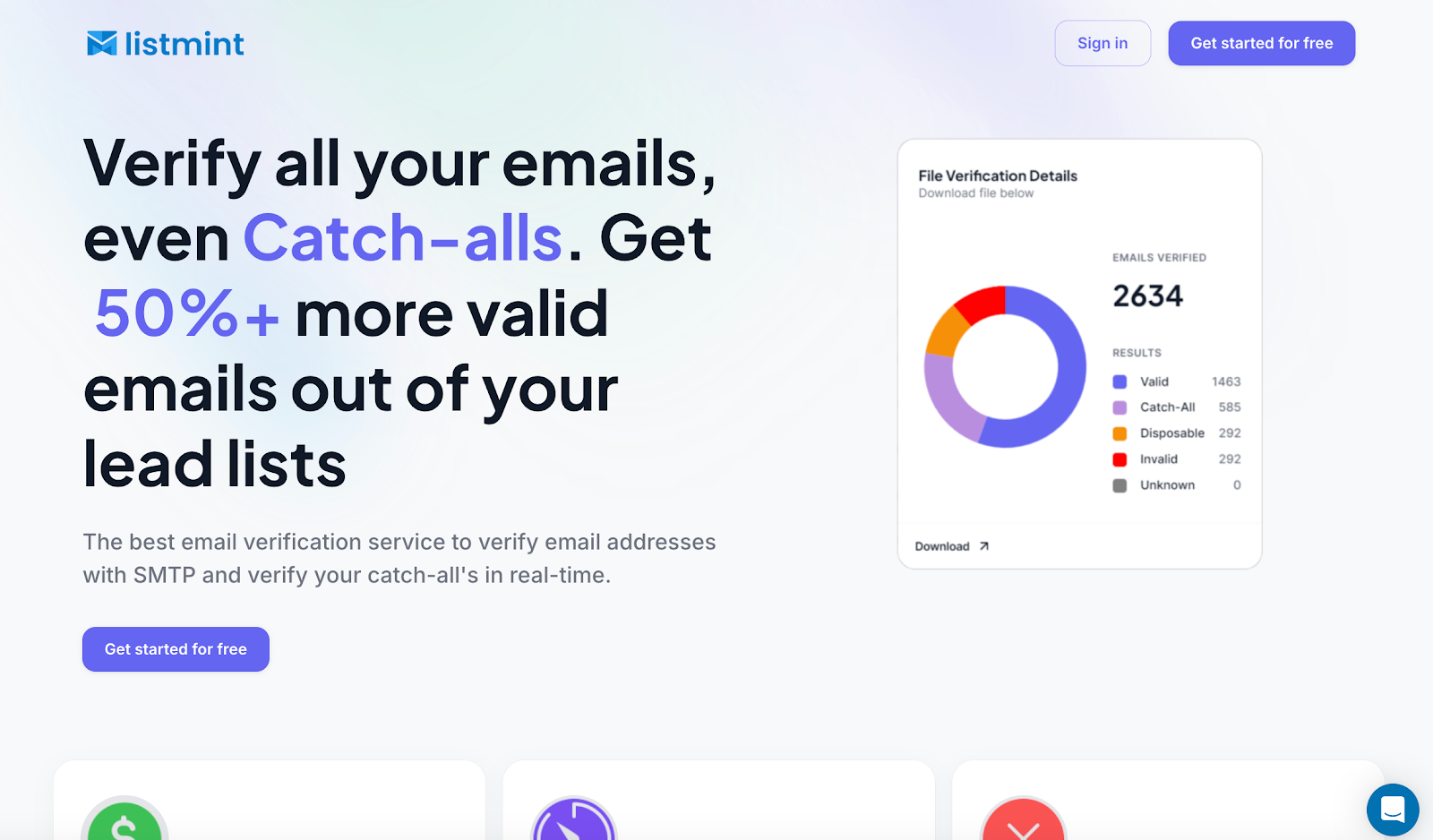
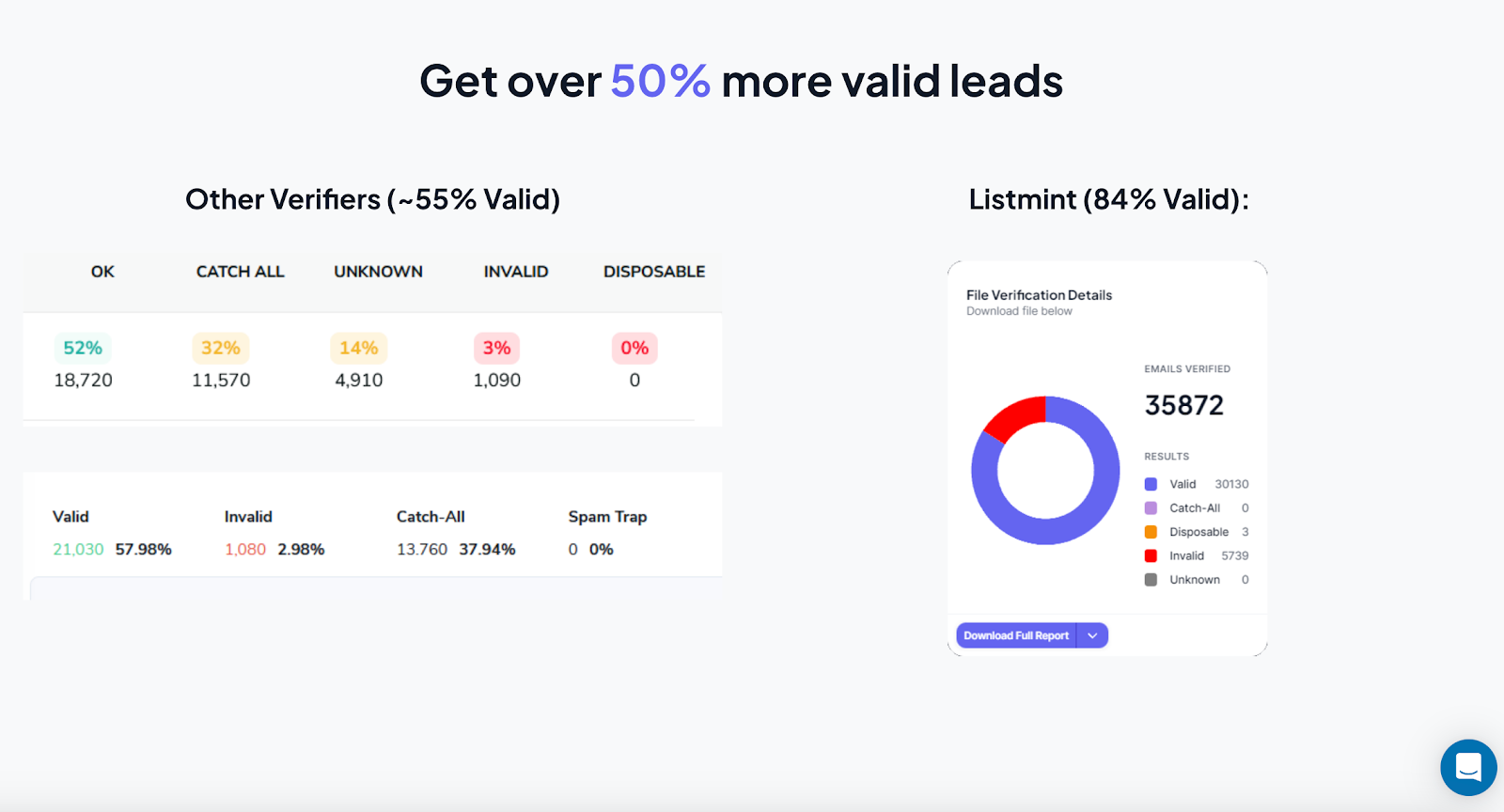
Many verification tools stop at basic checks and mark 30–40% of addresses as “risky” because they belong to catch-all domains. That leaves businesses wasting a large portion of their paid lead lists.
Listmint solves this problem with technology built to verify catch-all email addresses instantly and accurately. With more than 1 billion emails verified and 99%+ accuracy, Listmint gives teams confidence that every address on their list is worth sending to.
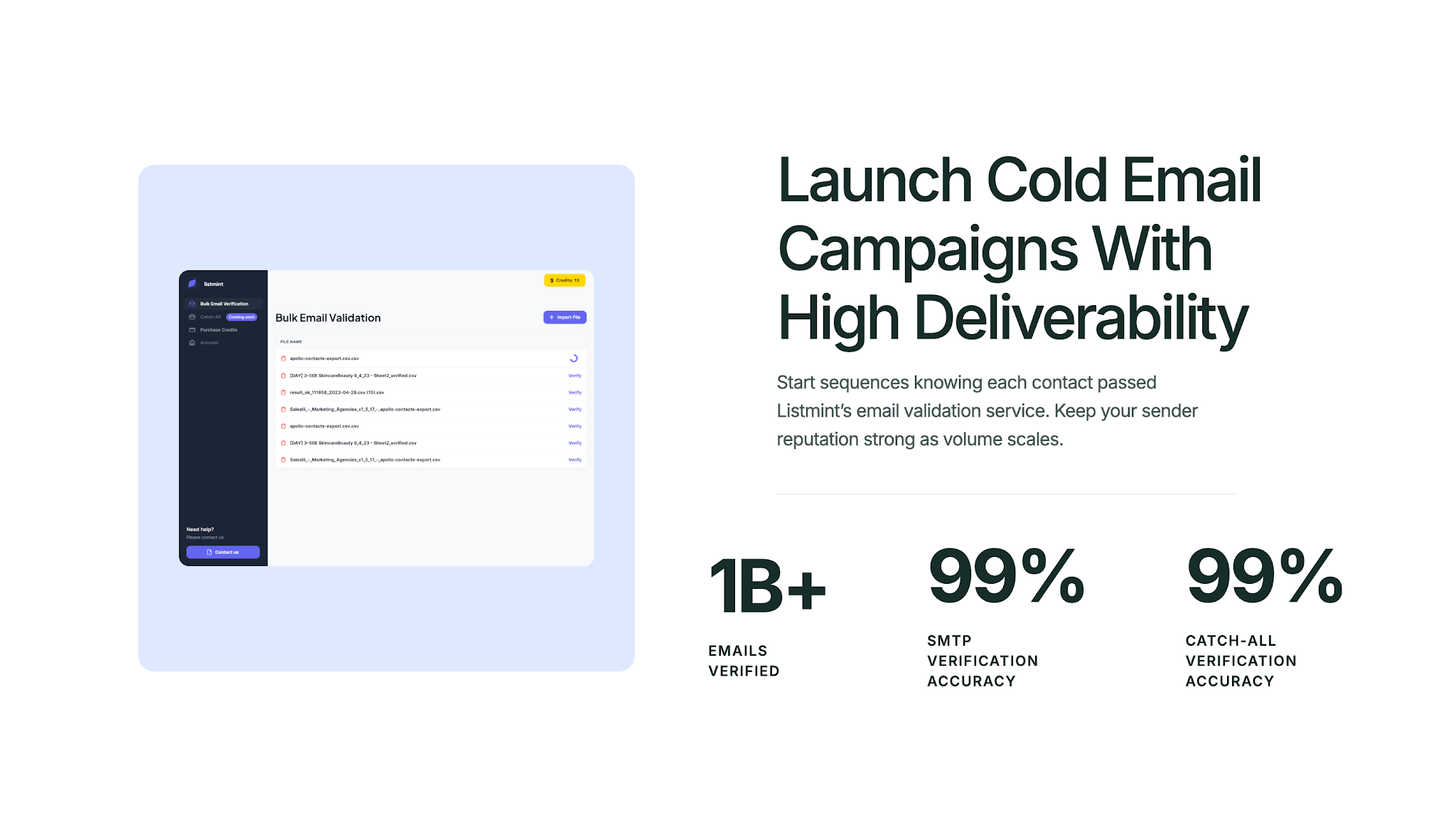
For businesses running campaigns or agencies managing multiple clients, this accuracy means fewer bouncebacks, more valid contacts, and stronger deliverability.
Unlike other services that take up to 48 hours or require teams to check emails manually, Listmint’s verification happens in real time without sending test emails.
Using Listmint helps protect sender reputation, reduce wasted sends, and uncover valid leads other verifiers miss. For teams that rely on email marketing to reach prospects on phones or desktops, it means higher response rates and healthier long-term deliverability.
Get started for free and see how Listmint reduces bouncebacks with over 99% accuracy.
Undeliverable emails are more than just a technical problem. They waste budget, weaken sender reputation, and block you from reaching the people you worked hard to connect with.
The good news is that most delivery failures can be prevented with consistent list care and the right tools.
Keeping your data clean, verifying addresses before sending, and monitoring reputation are proven ways to reduce bouncebacks. Listmint makes this process faster and more reliable by verifying every email in real time, even catch-alls.
With 1B+ emails verified and 99%+ accuracy, Listmint helps make sure your campaigns reach inboxes instead of bouncing back.
To fix an undeliverable email, start by reviewing the bounce notice and account settings in your email program. If the issue is caused by an incorrect address, update the contact and resend.
When the problem is temporary, such as a full inbox, you may only need to wait before trying again. Using verification tools before campaigns helps reduce the possibility of repeat failures.
No. An undeliverable email simply means the message could not be delivered for many reasons. Being blocked is one possible cause, but it can also result from invalid addresses, full inboxes, server issues, or authentication failures.
An undeliverable message means the sending server could not complete the delivery request, whether the email was sent directly or forwarded. The failure may be permanent, such as an invalid address, or temporary, such as server downtime.
In either case, there is always a possibility of delivery errors if lists are outdated or contain bad contacts.
No. An undeliverable email only fails for the recipient whose address could not accept the message. If the email was sent to multiple recipients, the others can still receive it as long as their addresses are valid and able to accept the message.
Examples of undeliverable messages include: "Delivery failed. Recipient address does not exist," "Mailbox is full," "Domain not found," or "Message rejected due to failed authentication." These messages indicate that the email could not be delivered and often explain the reason for the failure.