Most teams start with Apollo because it's easy to spin up outbound fast. You can build prospect lists, pull contact data, and launch campaigns without much setup.
The problem shows up later. Data stops feeling reliable, credits run out faster than expected, and sales teams spend time chasing contacts that never respond.
That's not a failure. It's what happens when outbound starts to scale.
At that point, looking into Apollo alternatives becomes part of the process. Different tools handle data quality, coverage, and workflows in different ways.
This article compares the top Apollo alternatives to help you pick the one that matches your needs.
Here are the top Apollo alternatives in 2026:
Even with the right tool, email accuracy can still be a gap. Listmint helps verify emails, including catch-all addresses, before you send.
At first, the data looks fine. Then small issues start to show. Contacts are outdated, details are missing, and some information just doesn't match what you see when you reach out.
That creates a chain reaction. Sales reps spend more time double-checking contact details than actually sending messages. CRM records fill up with bad data, and campaigns go out with little to show for it.
Data accuracy becomes uncertain. One list works, the next one doesn't. That inconsistency slows down sales and marketing efforts and makes it harder to plan outreach with confidence.
Coverage isn't always consistent. Some regions or industries don't return the same depth of data, which leaves gaps in your prospect lists.
Volume isn't the main concern anymore. You need data you can actually use for outreach, so switching tools makes sense. Still, not all alternatives solve the same problems.
Choosing the right tool starts with how it fits your workflow. The feature list matters less than how the data performs when your team uses it.
Start with the data. You need accurate data you can rely on when it's time to reach out.
Focus on tools that provide verified data and contacts you can actually reach. Large lists can look impressive, but they don't add value if they don't convert into replies.
You also need up-to-date data. Reliable contact data should reflect recent changes, not outdated records that lead to wasted outreach.
Coverage affects how far your outreach can go. Some tools perform well in the US but fall short in other regions.
Aim for global coverage backed by strong company data and a well-built database. If your team targets a specific segment, industry depth can make a big difference.
Gaps in coverage can limit your prospect lists and slow down outreach.
A tool should fit your workflow without extra steps.
Sales teams running outbound need fast access to data inside their daily tools. That includes reliable CRM sync, so data stays consistent.
Founder-led sales may need simpler workflows, while RevOps teams care more about control and data structure. The best tools support your sales tools and fit naturally into your outreach tools.
Pricing only matters when you compare it to results.
Look beyond the free plan, basic plan, or professional plan. Focus on how many usable contacts you get for what you spend.
Custom pricing can make sense if the data quality supports it. What matters most is how many contacts turn into real opportunities.
These are the tools teams usually look at when Apollo no longer fits their workflow. Each one handles data, coverage, and outreach a bit differently.
ZoomInfo is a sales intelligence platform built for teams that need deeper company data and more structured prospecting.

It provides access to a comprehensive database of firmographic details, contact records, and insights into key decision-makers. With advanced search, your team can filter accounts by industry, size, or buying signals to find better-fit leads.
The platform also includes advanced analytics to track engagement and adjust targeting over time. For teams running outbound at scale, it supports more controlled and data-heavy workflows.
ZoomInfo can be expensive, especially for smaller teams. Setup can take time, and the platform can feel heavy if you only need simple prospecting.
Some users still report outdated or inaccurate records, which means your team may need to double-check contact data before outreach.
Larger sales teams that rely on detailed company data and structured outbound workflows. Teams that want pricing or full access usually need to contact sales.
Lusha is built for teams that want fast access to contact details without adding heavy tools to their workflow.

It works well for quick prospecting, especially with its Chrome extension that pulls data directly from LinkedIn and company sites.
You can find emails, phone numbers, and in some cases phone-verified mobile numbers, then push them into your system for immediate use.
It also supports CRM enrichment, helping keep records up to date without manual cleanup. It's easy to set up, which helps reps go from research to outreach faster.
It may not go deep enough for teams doing large-scale prospecting or needing detailed account insights. Some contact details can still be outdated or missing, which means extra checks before outreach.
Smaller teams and individual reps tend to get the most value from Lusha, especially when they need fast access to contact details. It fits workflows where ease of use comes before deep data coverage.
UpLead focuses on helping your team find accurate contact details without wasting credits on bad data.
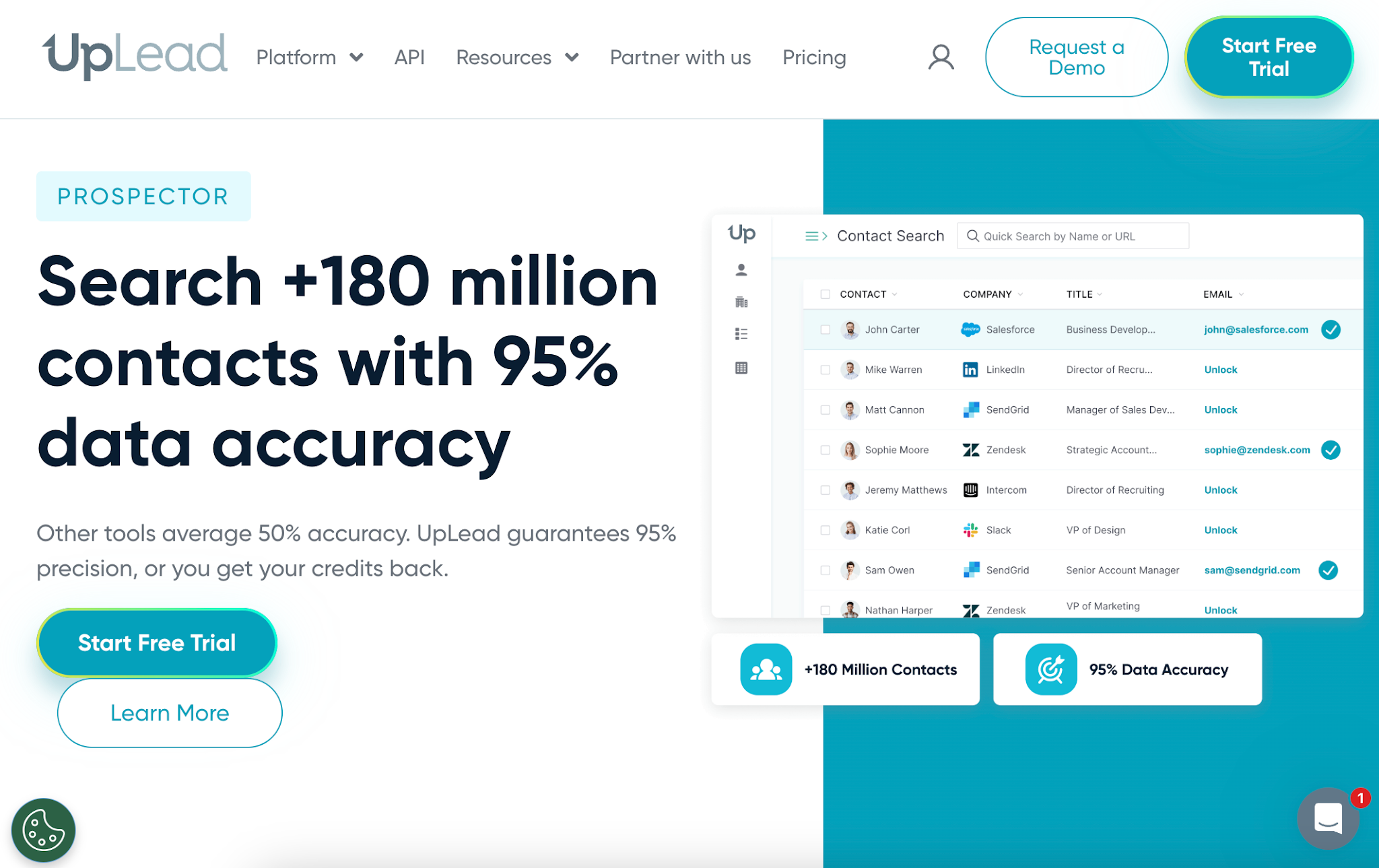
It uses real-time checks to deliver verified contact data, so you can build prospect lists with more confidence before outreach.
The platform makes it easy to find accurate contact details using filters like industry, company size, and location. It also supports data enrichment, which helps keep your CRM records usable without extra cleanup.
Teams that care about the most accurate data often use it as a cleaner alternative to heavier sales intelligence tools.
Data depth can feel limited if your team needs very large prospect lists or niche contacts. Some records still need a quick check, especially for smaller companies or fast-changing roles.
UpLead works well for teams that want simple prospecting with a strong focus on data accuracy. It fits SDRs and small teams that need clean data fast without a complex setup.
Seamless is built for teams that want an all-in-one setup for lead generation and outreach. It combines a large lead database with prospecting, enrichment, and built-in outreach tools in one place.

Sales reps can search for contacts, pull data, and start campaigns without switching between multiple sales tools.
The platform includes advanced features like buyer intent, automation, and integrated calling tools, which can help teams move faster from list building to outreach.
It works best when your team wants both data and execution in a single workflow.
The platform can feel crowded, especially for new users. The number of features often comes with a steep learning curve, and data quality can still vary, so some contacts need manual checks before sending.
Seamless works well for teams that want one tool for prospecting and outreach. It fits teams that prefer speed and automation over a simple, data-only setup.
Kaspr is built for reps who live inside LinkedIn Sales Navigator and need contact data fast.

The Chrome extension pulls phone data and emails directly from profiles without breaking your flow. It fits well into daily prospecting when you are building lists inside Sales Navigator and pushing leads into your stack.
You can send contacts into your CRM with simple CRM sync, which helps keep records usable without extra steps. It works well alongside other outreach tools when your focus is speed and quick access to decision-makers.
Credits can run out quickly, especially when pulling large lists from LinkedIn. Data accuracy can vary, so reps may still need to double-check before sending or calling.
Kaspr works best for reps who prospect daily on LinkedIn and want fast access to contact data without leaving the page. It fits teams that value speed over deep database research, with dedicated support available for onboarding and setup.
RocketReach gives you fast data access to a large database of contact profiles pulled from company websites and public sources.
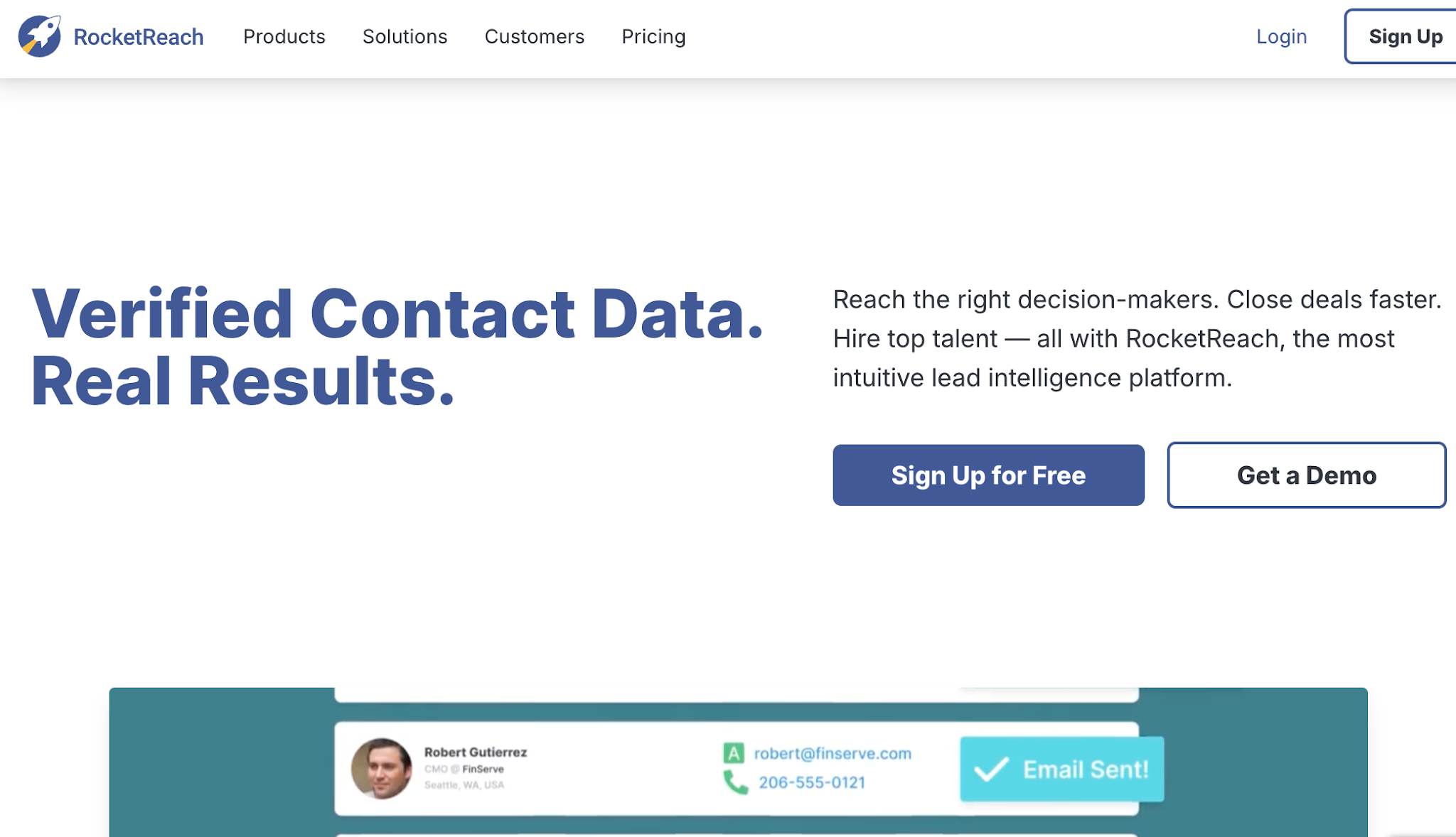
You can search by job title, company, or domain to build quick prospect lists without much setup. The browser extension helps you pull contact data while researching leads, which fits well into early prospecting workflows.
Teams that need scale often use its API access to enrich CRM records or power internal tools. It works best when you need broad coverage and quick lookups, not deep filtering.
Data quality can be inconsistent, especially with outdated contacts or missing details. You may need extra verification before sending, which adds time and risk to outreach.
RocketReach fits teams that want simple prospecting from company websites and quick list building. It works well for teams that rely on API workflows or light website visitor tracking use cases.
Cognism is built for teams that need compliant contact data and more confidence in the records they use for outreach.
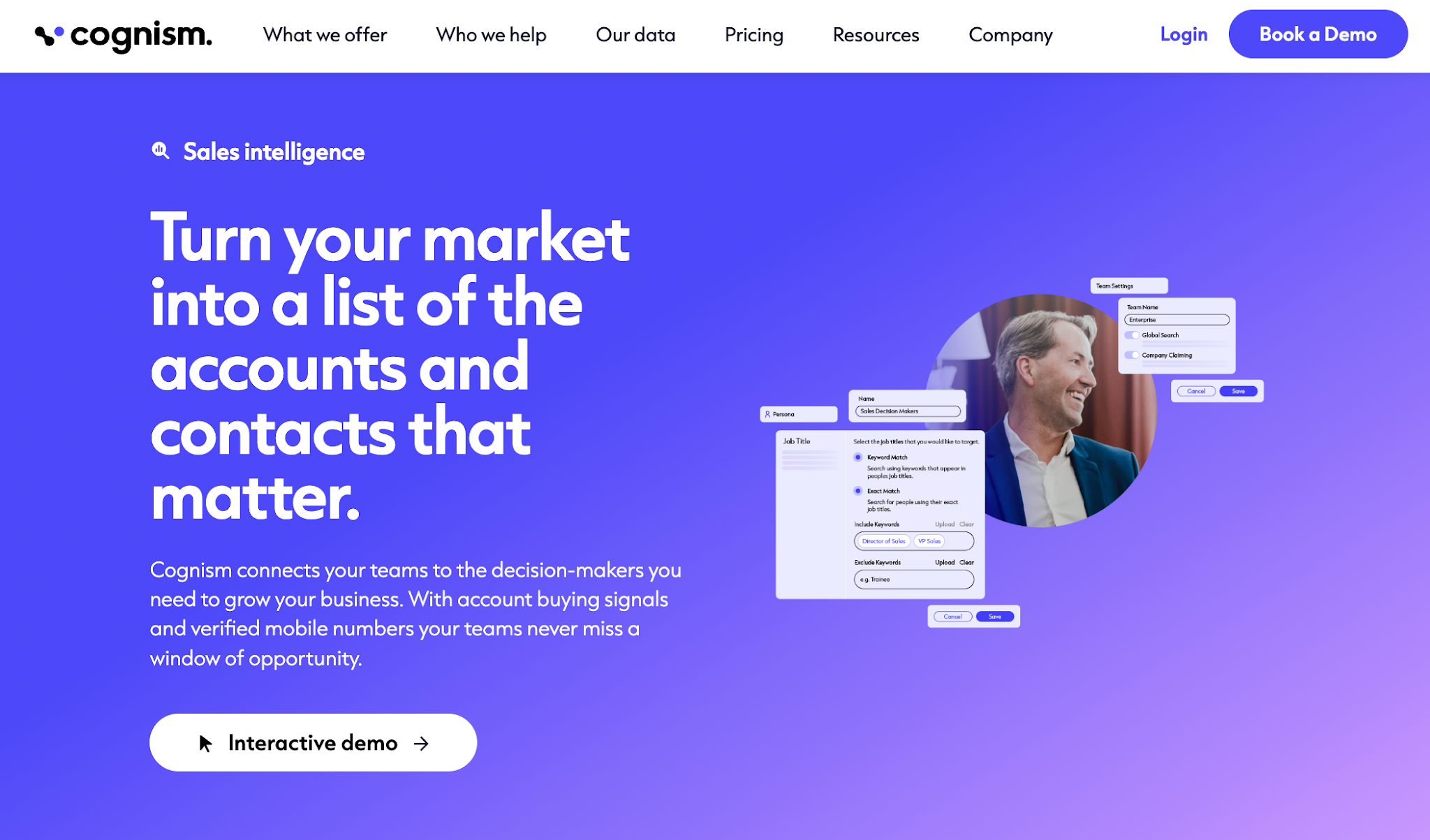
It focuses on verified contact data, including phone-verified numbers, which helps reduce time spent chasing the wrong contacts.
The platform brings in intent signals and buyer intent data to help you focus on accounts that are more likely to engage. It tends to perform better in regions where compliance and data accuracy are taken more seriously.
Teams can plug it into their workflow and keep steady data access without relying only on large, unfiltered lists.
Cognism isn't built as an all-in-one tool, so you'll likely use something else for sequences or campaign execution. You may still see gaps in coverage or older data, which means double-checking certain contacts.
Cognism fits teams that need dependable data and strict compliance, particularly those targeting European markets or using signal-based prospecting. Teams that value priority support and cleaner data over volume will get the most from it.
LeadIQ focuses on helping sales reps move faster from prospecting to outreach without switching tools.

You can capture contacts from LinkedIn, push them into your CRM with strong CRM integration, and drop them straight into multi-channel sequences.
It also tracks job changes and other signals, which helps with sales trigger tracking when accounts show new activity.
The platform works well when you are building lists around specific target accounts and need to act on them quickly. It fits teams that care more about workflow speed than building massive databases.
Data accuracy can still be hit or miss, especially with emails and phone numbers. Some reps end up double-checking contacts before adding them to sequences.
LeadIQ works best for teams that rely on LinkedIn prospecting and need fast crm integration into outreach tools. It fits teams that run structured outbound with clear target accounts and defined sequences.
Hunter is a good fit when your team needs to find email addresses from company websites and verify them before outreach.

You can search by domain, look up a person by name, and pull basic contact details without a heavy setup. It also includes email verification, which helps improve data accuracy before campaigns go out.
Hunter is simpler than many larger prospecting platforms, so it works well for focused email outreach. It is less about full sales intelligence and more about finding and checking emails quickly.
Data depth is limited beyond emails, so you will not get full contact profiles or strong enrichment. Credits run out fast when you try to scale larger outbound campaigns.
Hunter fits teams that build prospect lists from company websites and need fast email lookup and verification. It works best for lean outbound setups where simple contact details are enough to get started.
Snov.io works as a comprehensive sales engagement platform for teams that want prospecting and outreach in one place.
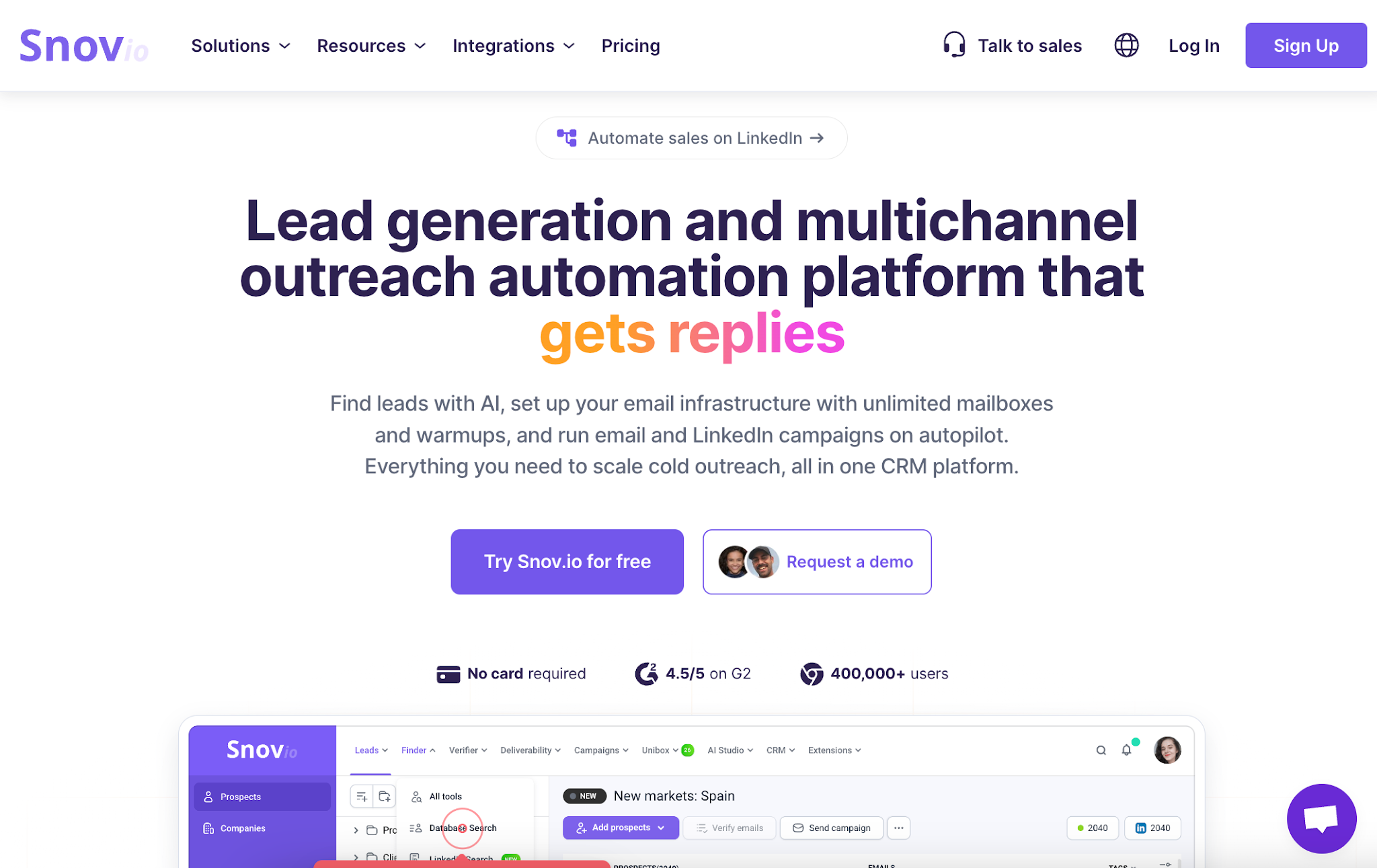
You can find emails, verify them, and run campaigns using built-in outreach tools. It supports multi-channel outreach, so your team can combine email and LinkedIn steps in one flow.
That makes it useful for managing both prospect lists and ongoing marketing efforts without switching tools. It also includes email warm-up and deliverability checks, which help reduce bounce risk before campaigns go live.
The platform can take time to learn, especially for teams new to multi-channel setups. Data quality and tracking features can feel inconsistent, so some leads may still need extra checks.
Snov.io fits teams that want an all-in-one sales engagement platform with built-in outreach. It works well for smaller teams that need email and LinkedIn campaigns in one place.
Choosing a tool comes down to how your team actually runs outbound each day. A good fit should reduce manual work, not add more steps to your process.
If you are a small team or founder-led, you need something simple. Fast setup matters more than deep features. You should be able to pull contact data and start outreach in minutes.
If your team runs high-volume outbound, focus on tools that handle large prospect lists without burning credits fast. You need a steady data flow, not constant list cleanup.
If you target your outbound, quality matters more than volume. Fewer contacts, but better ones. Clean data saves your reps' time and protects sender reputation.
Check how the tool fits into your tech stack. If reps have to fix CRM records or move data manually, it will slow everything down.
If most of your pipeline comes from the US, many tools will work fine. If you target Europe or specific industries, data gaps show up quickly.
Some tools go deeper in certain regions. Others give broad coverage but weaker detail. Always check if the contacts you need actually exist in the database.
Think about how your outbound efforts will grow. A tool that works for 100 contacts may break at 10,000. Credit limits, export rules, and pricing can all slow you down later.
Most teams end up using multiple tools as they scale. One tool for prospecting. Another for outreach. Another for enrichment or workflows.
But even after choosing the right tool, one issue often remains. Email data still needs a final check before campaigns go live, or you risk bounces, wasted credits, and damaged sender reputation.
You can pick the right tool and still run into bad data.
Prospecting platforms help teams find contacts and enrich records. That does not mean every email is safe to use.
A contact record does not mean a usable email. Many records look complete but fail when it is time to send.
Outdated contact details show up often. People change roles. Domains shift. Old emails stay in the system and lead to bounces. Typos slip in during enrichment or imports. One wrong character turns a valid lead into a failed send.
Catch-all domains add another layer of risk. You cannot tell if the inbox exists, even when the record looks valid.
Your existing leads can have the same issues. Data accuracy drops over time, even if the source was clean at the start.
Most prospecting tools focus on sourcing and enrichment. They are not designed to make final send decisions for every email on your list.
The result is simple. More bounces. Wasted credits. Sales reps spend time chasing leads that were never reachable.
That gap shows up after prospecting, right before you send.
Listmint is not another prospecting tool. It sits after you build your list and helps you verify email addresses efficiently, so your team knows which ones are safe to use.

It fixes the gap that shows up when your list is ready but not yet clean enough to trust.
First, it reduces bounce risk. You clean your prospect lists before sending, so fewer emails fail, and your sender reputation stays intact.
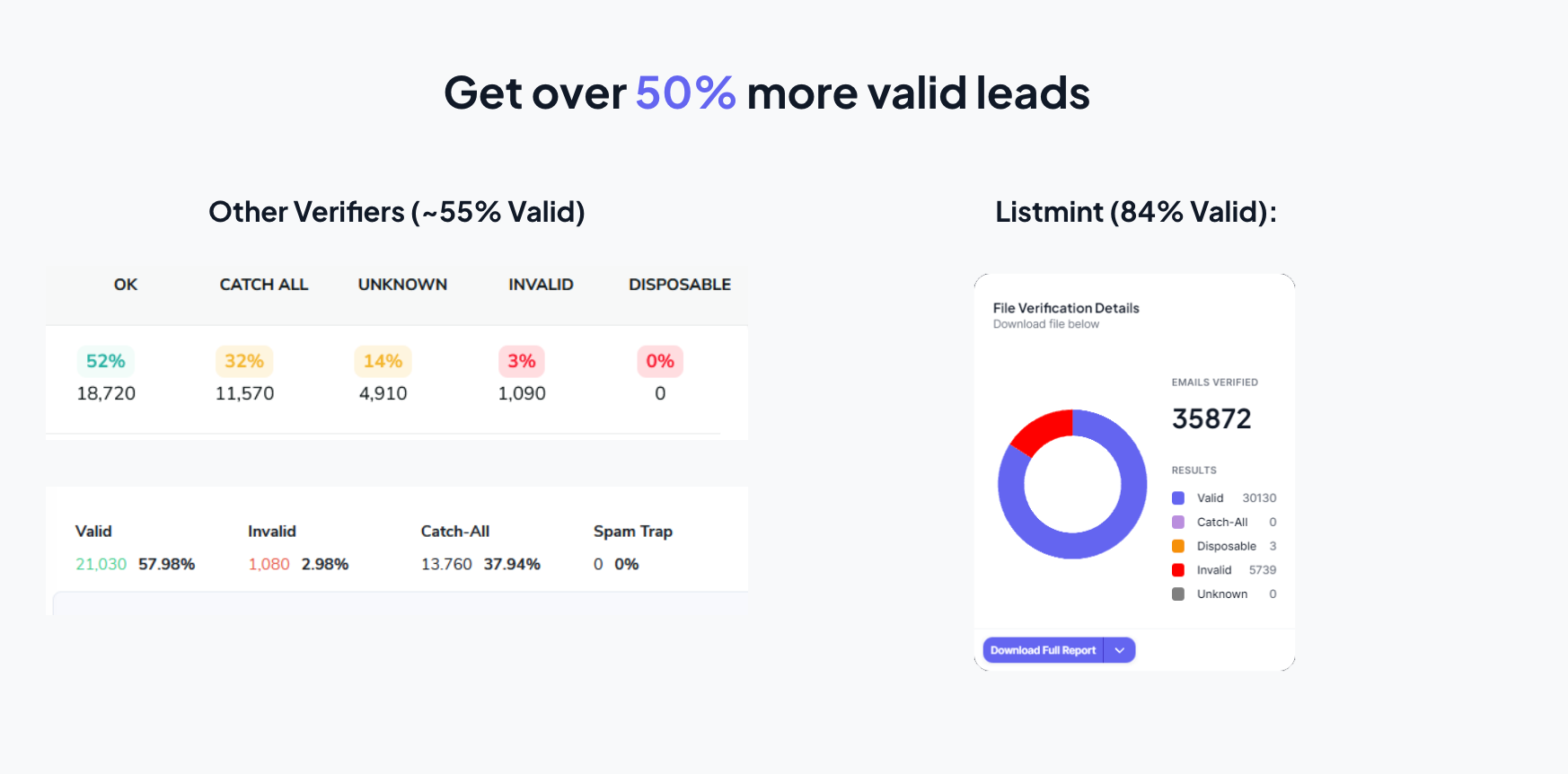
Second, it removes guesswork around catch-all emails. Instead of labeling them as risky or unknown, Listmint verifies them and shows which ones are usable. That means you can keep more valid contacts instead of throwing them away.
This matters more as your outbound volume grows. Bad data compounds fast. One list turns into thousands of emails, and small errors turn into real losses.
You can use Listmint in a few simple ways:
Teams that use it often see a clear difference. More usable contacts. Fewer wasted credits. Better reply rates because emails actually reach people.
Listmint processes large volumes fast and keeps accuracy high. Teams report over 99% SMTP accuracy and strong results on catch-all verification, which most tools skip.
In real workflows, that shows up as fewer bounces and more usable leads from the same list. One team shared they were able to recover a large portion of catch-all contacts instead of dropping them.
⭐⭐⭐⭐⭐
"The fastest, easiest, and most effective validation tool. SMTP + Catch-all validation in one platform - the most cost effective + fastest way to get as many emails validated as possible."
– Matt Lucero, Founder at Anevo Marketing
⭐⭐⭐⭐⭐
"Verifies Standard and Catch-All Emails." It verifies both standard and catch-all emails in one spot with a less than 1% bounce rate.
– Jack M., Founder at Centauri Marketing
If your workflow depends on accurate data, adding email verification at this stage closes the gap most tools leave open.
You already paid for the data. This step helps you actually use it.
There is no single best Apollo.io alternative for every team.
Each tool solves a different part of the problem. Some give you better data. Some help with outreach. Others fit a specific region or sales motion. The right choice depends on how your team builds lists, runs campaigns, and manages your workflow day to day.
But one issue stays consistent no matter which tool you pick. Data quality still decides your results.
You can have strong prospect lists and still lose time and budget on emails that never land. Bad data turns outreach into bounces, missed replies, and wasted effort.
That is where Listmint fits in.
It works as a layer after your prospecting tool. It helps you check what is actually usable before outreach starts. That means cleaner lists, fewer risks, and better use of the data you already have.
Yes, most Apollo.io alternatives provide both emails and phone numbers. Coverage and accuracy vary by provider, with some tools offering stronger direct dial or mobile data depending on the region.
The lead data in Apollo is useful for prospecting, but accuracy can vary. Some records may be outdated or incomplete, which can affect outreach and require additional checks before use.
Yes, email verification can still help, especially before large campaigns or when you import leads from multiple sources. Apollo includes built-in validation as part of its key features, but extra verification can help reduce bounce risk before sending.
Integration is important. Most tools function as part of a sales intelligence solution, where contact data connects with outreach tools and CRM systems to support campaigns without manual work.
When lead data is wrong, emails can bounce, messages may reach the wrong contact, and campaigns lose effectiveness. It also leads to wasted credits and lower outreach performance.