You upload a list with thousands of contacts, but there is no easy way to tell which ones are still worth sending to.
Mixed into those email addresses could be old accounts, typos, disposable addresses, or mailboxes that no longer exist. Removing bad contacts before sending can reduce avoidable bounces and help protect your sender reputation.
Email list validation tools help sort through that list before an email campaign starts. The harder part is choosing one. Tools can differ in how deeply they verify addresses, handle catch-all domains, process bulk lists, and report uncertain results.
This guide compares the top seven options for 2026 so you can see what each tool does and which one fits your list and workflow.
These are the seven best email list validation tools in 2026:
Uploading a CSV and getting another CSV back does not help much if your team still cannot tell which contacts are usable. Good email verification should turn the list into decisions you can actually act on.
The results should at least separate valid from invalid addresses, risky emails, catch-all results, and addresses that could not be confirmed. They should also flag disposable or other temporary email addresses that you may not want in your database.
To verify email addresses, a tool can check email syntax, the domain and MX records, then communicate with the mail server through SMTP without sending a message. These checks form part of the verification process, but they do not always produce a definite answer.
The server response can help determine if an email address exists. Some domains may accept requests without confirming that a specific mailbox belongs to the intended recipient.
Disposable email detection and catch-all checks provide more context, and some tools may also identify potential spam traps.
The useful part of email validation is the final verification status. Your team should be able to decide what to keep, remove, or review before sending.
Email list validation tools can solve the same basic problem in different ways. The differences become more noticeable when you look at bulk capacity, result classifications, catch-all handling, APIs, and the workflows each platform supports.
Below are the seven best options in 2026:
Listmint is an email verification solution built for both standard and catch-all addresses.
It combines SMTP checks, catch-all verification, bulk processing, and an email verification API in one platform, giving teams a way to verify more of the addresses already sitting in their lead lists.
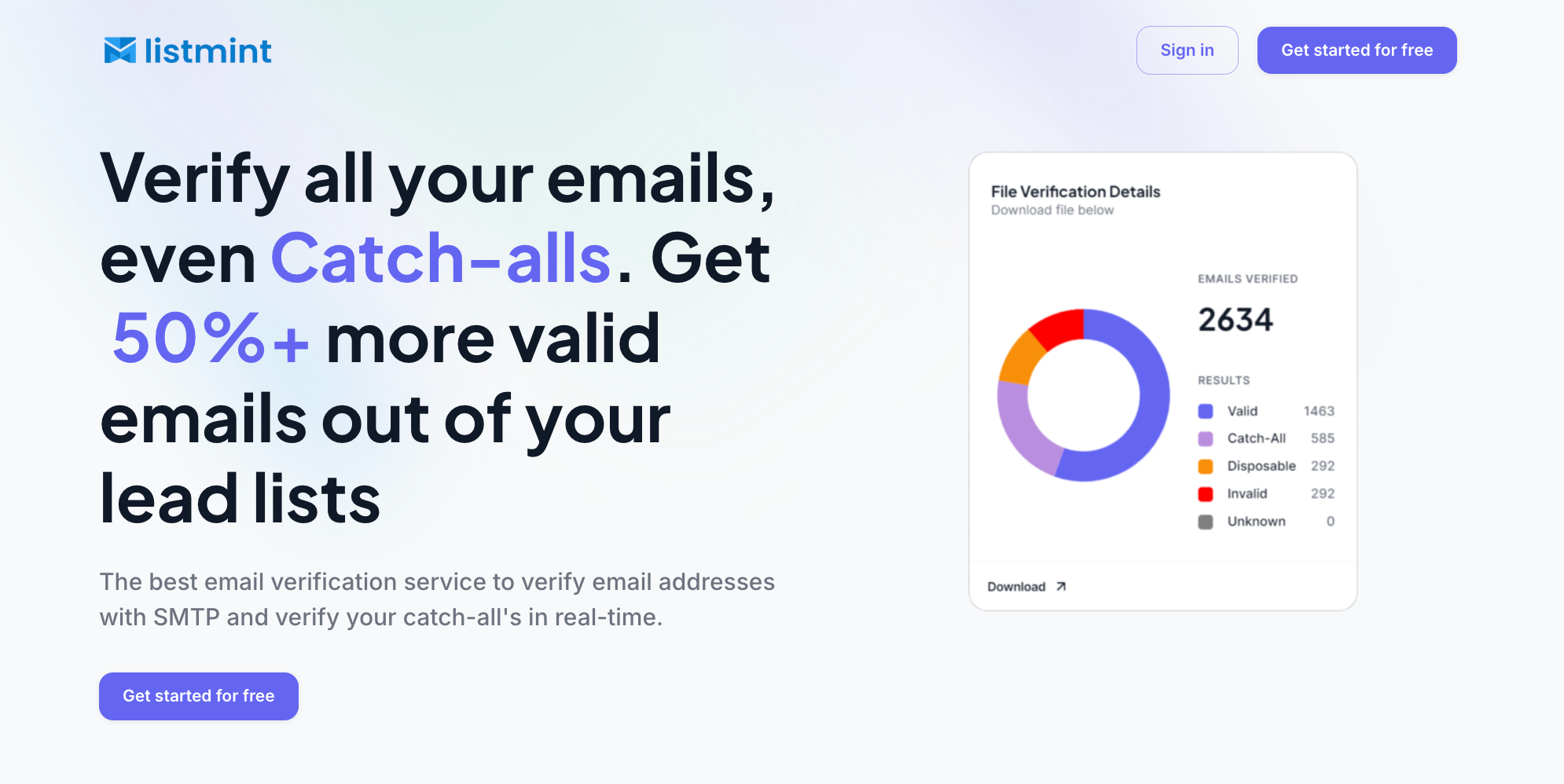
For bulk email verification, Listmint checks standard addresses first, then verifies catch-all emails that standard verification may leave as risky or unresolved.
Catch-all results are classified as catch_all_valid or catch_all_invalid, giving teams a direct answer on which addresses are valid and which should be removed.
Listmint has verified more than 1 billion emails, with 99%+ accuracy for both SMTP and catch-all verification.
The same verification is available through its real-time API, so businesses can check standard and catch-all addresses without waiting for a manual second pass.
Businesses and agencies looking for accurate email verification tools that can recover more usable addresses from catch-all-heavy lead lists.
Verify standard and catch-all emails with Listmint. Get started for free today.
NeverBounce is an email validation service for cleaning existing lists and checking new addresses before they enter a database.
It supports bulk list cleaning, real-time verification, automated cleaning through Sync, and an API for teams that want verification built into their existing workflows.
Teams can upload an existing list or connect NeverBounce with supported platforms to check customer data.
The service identifies invalid email addresses and other contacts that may contribute to higher bounce rates during email campaigns.
NeverBounce also offers instant bounce analysis, which gives teams an initial look at list quality before running a full cleaning job.
For ongoing databases, Sync can automate list cleaning so contacts can be checked regularly without uploading a new file each time.
Teams that want a straightforward user interface for bulk list cleaning, with real-time verification and automated cleaning for ongoing databases.
Kickbox is an email verification service that supports both bulk list cleaning and real-time checks.
Teams can upload existing lists, connect supported integrations, or use the API to check new addresses before they enter a database.
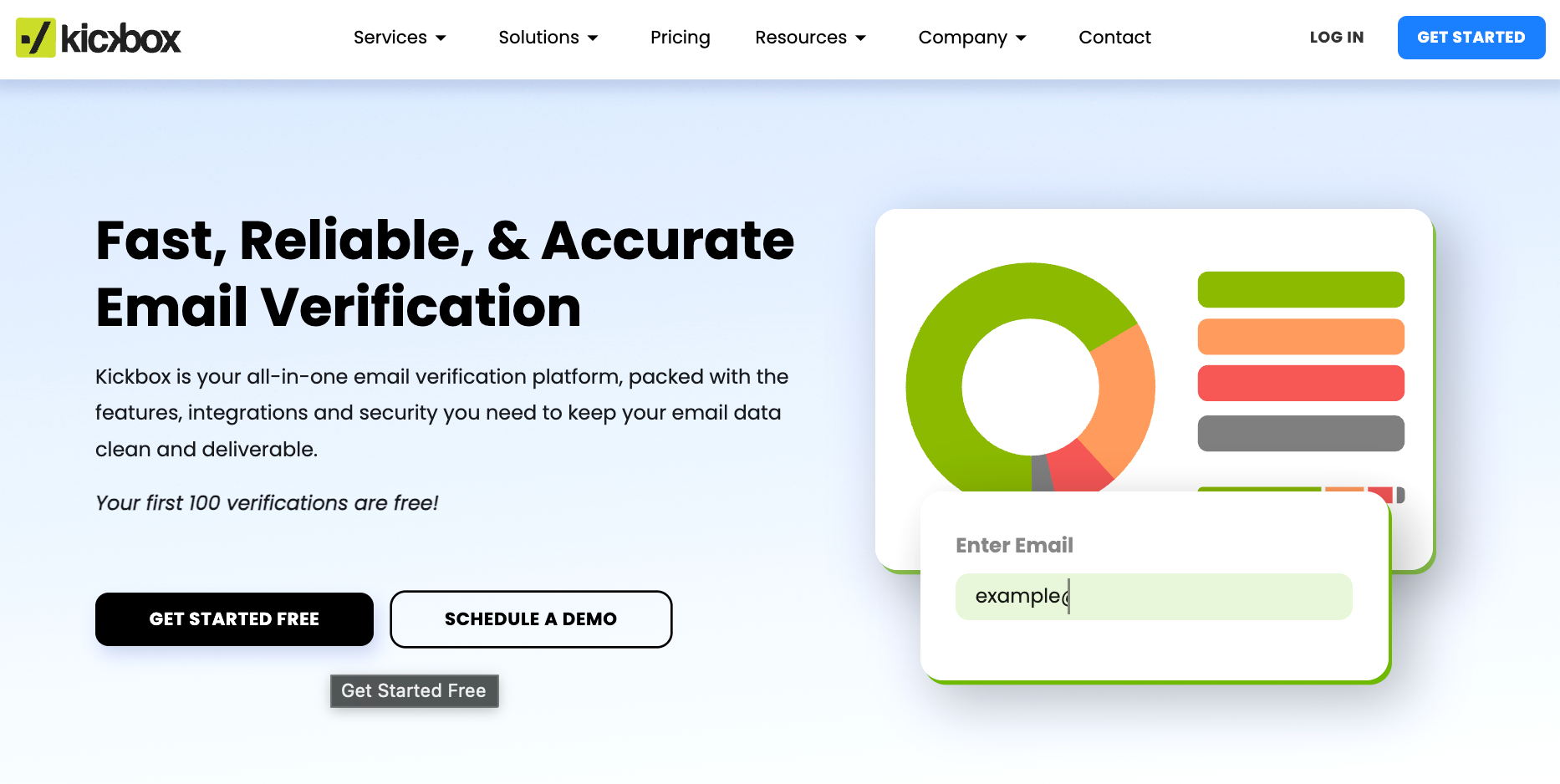
For uploaded lists, Kickbox classifies results as deliverable, risky, or undeliverable.
Risky results can include disposable addresses, role-based accounts, and accept-all domains, while undeliverable results can include invalid addresses, fake emails, typos, and syntax errors.
Kickbox also offers an email verifier API for checking addresses at the point of capture. It can be added to sign-up forms, mobile apps, POS systems, and other form submissions so invalid or mistyped addresses can be flagged before they are stored.
Kickbox also provides deliverability consulting for teams that need help reviewing broader inbox placement issues, though that sits outside the core list verification product.
Teams that want both bulk list cleaning and real-time verification for addresses collected through forms, apps, or other digital touchpoints.
Mailgun Validate is an email validation product for checking individual addresses, uploaded lists, and contacts submitted through an API.
It is part of Mailgun’s broader email platform, but the Validate product itself is focused on screening addresses before they are used for sending.
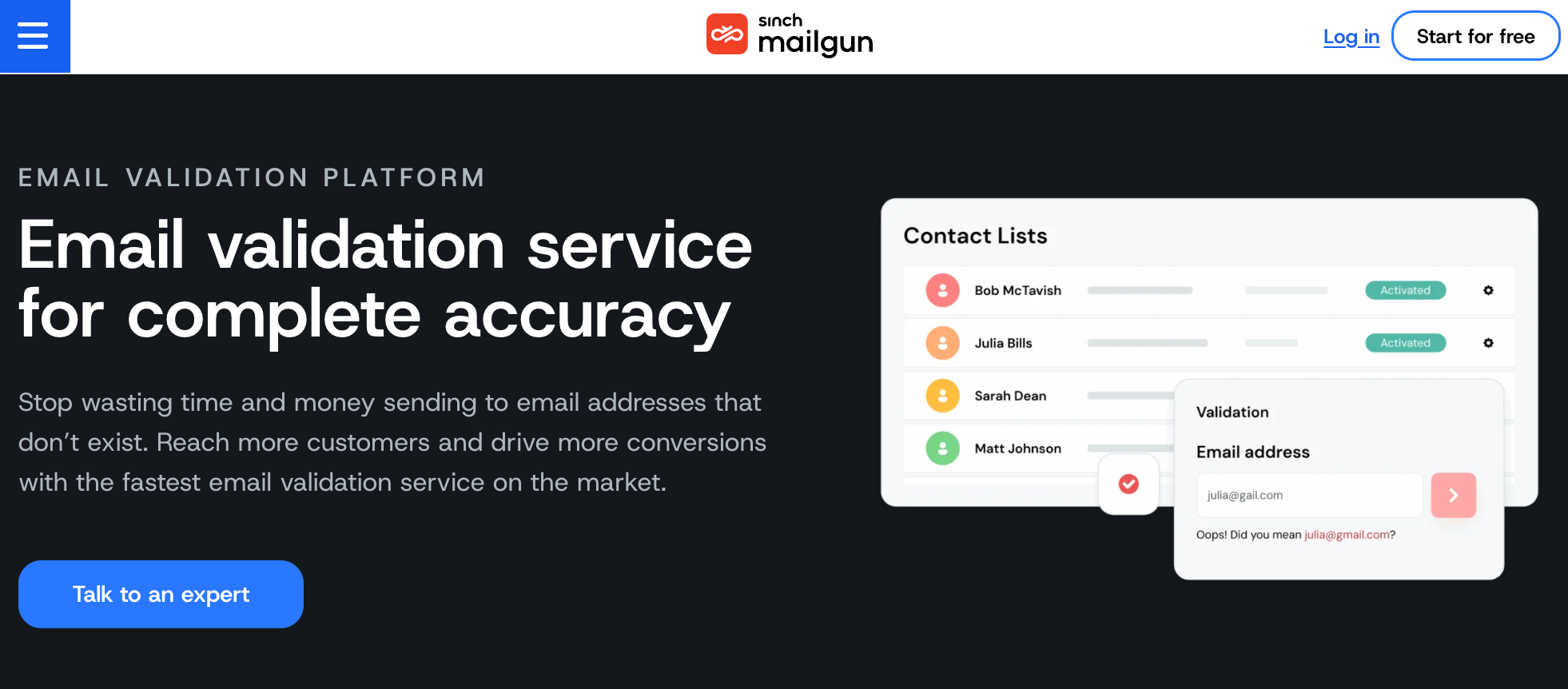
Teams can upload a CSV for bulk validation or connect Mailgun Validate to a form or application for real-time checks. Its email verification process combines cached sending data with checks against mailbox providers and mail servers.
The service can return risk information for each address and review factors such as mailbox availability, suspected typos, disposable accounts, and catch-all status.
It also checks DNS records and related domain status information as part of the validation process, including signals gathered from mail servers and inbox providers.
Teams that want bulk and API-based validation for applications that need to fit into a broader server setup or backend workflow.
Verifalia is an email verification service for cleaning uploaded lists and checking new addresses in real time.
It supports bulk validation, API-based verification, and a browser-based dashboard for reviewing results before contacts are used for sending.
Teams can upload CSV, Excel, text files, or pasted data and receive results grouped as deliverable, undeliverable, risky, or unknown. Verifalia also returns detailed status codes that explain why an address received a particular result.
Its checks cover syntax, domain and MX records, mailbox availability, disposable addresses, role accounts, spam traps, and catch-all servers.
For ongoing workflows, the API and web-form widget can check addresses as they are collected before they move into an email marketing platform.
Teams that want detailed verification results and flexible options for uploaded lists, forms, and ongoing email marketing workflows.
Reoon Email Verifier is a dedicated verification service for cleaning existing lists and checking addresses as they are collected.
It supports bulk uploads, individual checks, and a REST API for ongoing verification.
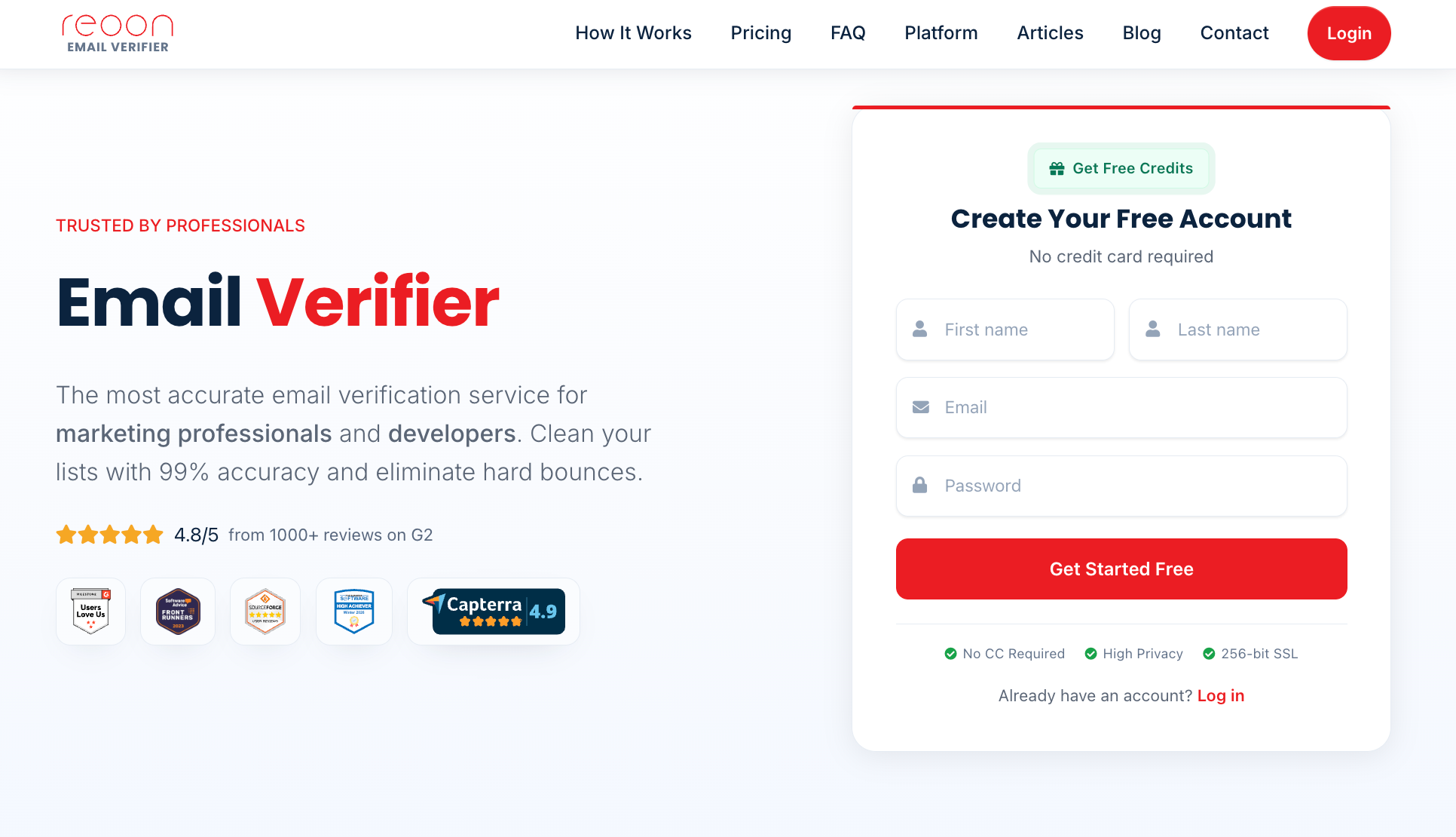
Teams can upload CSV or TXT files, and Reoon checks DNS and MX records, domain information, and the recipient mail server through SMTP without sending a message. Results are grouped as Safe, Risky, or Invalid.
The service also checks for disposable addresses, spam traps, full or disabled mailboxes, and catch-all domains. Its API can verify addresses at a signup form or other point of capture, which can help prevent disposable and invalid contacts from entering a database.
Reoon also identifies catch-all results so teams can decide how to handle addresses that cannot be confirmed at the mailbox level.
Marketing teams and developers that need bulk list cleaning alongside API-based verification for newly collected contacts.
Email Hippo provides email verification products for checking individual addresses, cleaning existing lists, and verifying contacts through an API.
Its CORE product is designed specifically for bulk list verification, making it the relevant option for teams cleaning existing databases.
Teams can create a free account to try CORE, import a list, and receive results showing which addresses are good, bad, or unverifiable.
Email Hippo uses multiple verification checks to determine if an address appears valid without sending email messages.
For ongoing verification, its MORE API can check addresses as they enter a business system. This can be useful for sales teams that collect professional email addresses through lead forms, signup pages, or other business contact sources.
Email Hippo also provides a free email checker for individual addresses, though its broader product range separates bulk cleaning, API verification, and data enrichment into different tools.
Teams that want bulk list cleaning with separate options for real-time verification and email data enrichment.
A 2,000-contact newsletter list does not have the same requirements as a B2B database with hundreds of thousands of records.
Start with the list where you need to validate email addresses, then compare tools based on how that data will be checked and used.
List size affects both processing needs and cost.
A smaller database may be easy to handle with a simple bulk upload or even a free plan, but larger lists need enough capacity to process high volumes without creating unnecessary delays.
For larger databases, check how the provider charges for bulk verification and what happens to credits when a result cannot be confirmed.
B2B databases often contain corporate domains and catch-all addresses that are harder to assess than standard consumer accounts.
If those contacts make up a meaningful part of your list, look closely at how each tool reports them.
Simply labeling every uncertain address as risky may leave your team with another decision to make. More detailed results can help you decide which contacts are usable and which need further review.
An older list may contain accounts that have been abandoned, deleted, or changed since the data was collected.
That makes verification especially useful before reactivating an old database or starting a new campaign with contacts you have not reached recently.
Cleaning those records before sending can support email deliverability by reducing avoidable bounces, one signal email service providers may use when evaluating sending quality.
For a one-time cleanup, uploading a CSV from Google Sheets and downloading the results may be enough.
If new email leads enter your database every day, an API can check them closer to the point of capture.
Also consider how verification fits with the other tools your team already uses. A useful option should fit the workflow without adding unnecessary manual steps.
When comparing other verification tools, do not judge them only by how many contacts they process.
Look at how much context they provide for each result, including catch-all status, mailbox problems, disposable use, or a temporary verification failure.
More detail can help your team decide what to send, suppress, or review. It can also support better list decisions, though validation alone cannot prevent spam complaints or keep messages out of the spam folder.
A cleaned list is only useful if you know what to do with the results. Before your next send, you should be able to see which addresses are usable, which should be removed, and which need another look.
Listmint helps with that decision by checking lists in bulk and returning practical results for valid, invalid, risky, disposable, catch-all valid, catch-all invalid, and unknown addresses.
It also supports SMTP checks, catch-all verification, and an API for checking new contacts as they enter your workflow.
If you have a list ready to clean, get started with Listmint for free.
You can validate an email list by uploading it to an email verification service that checks formatting, domains, mailboxes, disposable addresses, and risky contacts. The best email verification tools also return result categories so you know which addresses to keep, remove, or review.
Email validation itself is generally permitted, but businesses still need to follow applicable privacy, data protection, and email marketing laws when collecting and using contact information. Validation does not provide permission to email someone or replace consent requirements that may apply in your jurisdiction.
Not always. An email finder is designed to discover contact addresses, while an email validator checks whether an address you already have appears usable. Some platforms combine both functions, but they are separate processes.