Old, fake, or invalid email addresses can lead to higher bounce rates and hurt your sender reputation. An email verification tool helps you find these contacts before you send a campaign.
ZeroBounce checks email addresses and labels results based on their status. The platform also offers tools for email deliverability, inbox testing, and blacklist monitoring. Still, catch-all addresses need a closer look since standard checks can’t always confirm whether a specific mailbox exists.
In this ZeroBounce review, you’ll learn how its features work, what it costs, and how it handles catch-all emails.
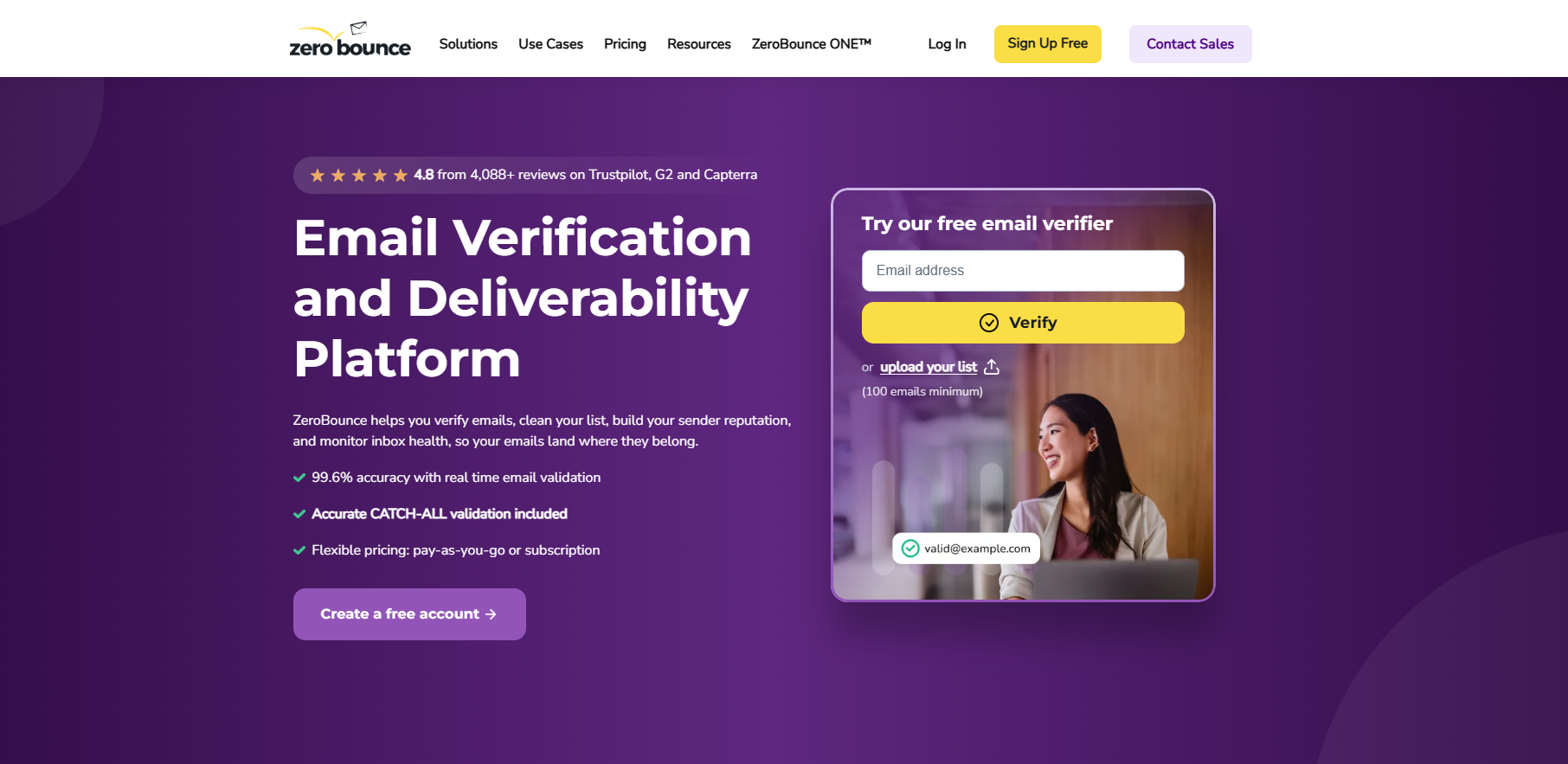
ZeroBounce checks email lists for bad or risky contacts before you send messages to them.
People change jobs, close accounts, or enter the wrong address on signup forms. Over time, those old records can lead to higher bounce rates and hurt your sender reputation. Spam traps can cause more trouble since mailbox providers may see those hits as a sign of poor list quality.
With ZeroBounce, you upload your contacts and let the email verification tool check each address. Results help you see which emails may be safe to keep and which ones need attention.
Beyond email marketing list checks, you can test where emails land, review spam rates, follow inbox score trends, and monitor blacklist listings. Their customer support team can also help when you have questions about your account or results.
ZeroBounce combines email cleaning, live checks, catch-all analysis, scoring tools, and many more in its deliverability dashboard.
ZeroBounce’s email validation service checks the format, domain, and mail server behind each address. A typo such as “user@gamil.com” gets flagged before you add it to a campaign.
Filters look for disposable accounts, abuse contacts, risky addresses, and spam traps that could cause delivery problems.
ZeroBounce can catch spam traps through checks that go beyond basic SMTP responses. Its verification tools flag problems that simpler tools miss and separate them by status.
Role-based addresses such as “info@company.com” or “support@company.com” receive their own labels since several employees may share one inbox.
After the scan, you can remove invalid records instead of letting bad data remain in your mailing list.
Bulk cleaning deals with contacts you already have, whereas real-time validation checks an address when someone enters it.
You can add ZeroBounce to signup forms, checkout pages, or custom apps through API access. When a visitor submits an email, real-time verification checks its format, domain, mailbox status, and known risks before your system saves the entry.
For example, someone who types “name@gamil.com” gets a chance to correct the mistake before registration finishes.
ZeroBounce can screen new contacts for disposable emails, abuse records, and other poor entries. Developers get SDKs for Python, PHP, JavaScript, Java, .NET, and Go. Sandbox testing lets them try different API responses without using paid validation credits.
Catch-all domains accept messages sent to almost any name under a company domain, even when a specific mailbox doesn’t exist. Send a check to “madeup123@company.com,” for example, and its server may accept the request rather than reject it.
Standard verification struggles with catch-all addresses for that reason. An accepted server response doesn’t prove a real person uses the account. ZeroBounce identifies these records and marks them separately instead of treating each one as a confirmed mailbox.
Sales teams running cold email then have a clearer choice when reviewing contact lists. Keeping every catch-all adds delivery risk, yet removing every result may discard possible leads. Extra scoring can help reduce false positives before you decide which contacts to use.
Looking beyond ZeroBounce for catch-all verification? Try Listmint for real-time results!
Email scoring assigns a 0–10 quality score based on activity data and other signals ZeroBounce uses to judge an address.
For catch-all addresses, ZeroBounce provides these average bounce rates:
A score of 0 doesn’t automatically mean the address is invalid. ZeroBounce treats it as very low quality and recommends against emailing it.
Catch-all results are one reason to use scoring. Standard checks can’t confirm whether a real person uses a specific mailbox when the server accepts every address.
A quality score gives you another data point for deciding which uncertain contacts to keep.
ZeroBounce lets you upload a spreadsheet for bulk validation without moving your contacts into a new format. Supported files include:
Once you click “Verify,” ZeroBounce checks each address for syntax errors, invalid mailboxes, disposable accounts, spam traps, and other risks. Duplicate emails get removed during processing, so the same email doesn’t appear twice in your results.
After the scan finishes, you can download separate files for valid, invalid, catch-all, abuse, spam trap, do-not-mail, and unknown contacts. Organized results can support customer satisfaction since your team can choose the records it needs.
Email finder helps when you know a person’s name and employer but don’t have their work address. You enter:
After you click “Find Emails,” ZeroBounce tests likely company formats such as “j.doe@company.com” or “janedoe@company.com.” Its system tries to find and verify emails rather than return an unchecked pattern.
Catch-all detection helps identify servers that accept mail for many possible addresses.
You can search for one person or upload a file when you have many prospects to check.
Before sending a campaign to thousands of contacts, you can use test emails to see where your message may arrive.
ZeroBounce provides seed addresses from mailbox providers such as Gmail, Yahoo, Apple Mail, and Microsoft Outlook. You send your draft to those accounts, then the platform checks where each copy went.
Results show whether messages reached an inbox, another folder, or spam. Poor placement gives you a chance to review your content and sending setup before contacting real subscribers.
Such tests can show whether emails may reach your customers’ inboxes and help explain changes in campaign performance. You can repeat the process when switching email marketing platforms or testing a new campaign setup.
ZeroBounce checks more than 200 blocklists for domains and IP addresses you choose to watch.
Once you add a sending domain or server IP, ZeroBounce checks its blacklist status on a set schedule. Freemium accounts get one monitor with checks every 24 hours. ZeroBounce ONE supports up to 10 blacklist monitors and checks them every eight hours.
An email alert tells you when a monitored domain or IP appears on a list. ZeroBounce can send another update after the listing disappears.
Instead of checking hundreds of services yourself, your team can use the alert to identify the blocklist and start investigating the cause, such as spam complaints, poor list quality, or issues tied to a shared server.
ZeroBounce provides technical checks for problems that can affect email deliverability even after you clean your list.
Its Mail Server Tester reviews server configuration for setup errors. SPF checks whether a server has permission to send for your domain, and DKIM adds a signature that receiving email gateways can verify.
DMARC sets rules for messages that fail authentication and helps protect your brand from spoofed mail. Correct records can improve deliverability by giving secure email gateways clearer proof of who sent a message.
ZeroBounce offers email warmup for supported accounts too. Warmup starts with lower sending activity and builds it over time.
ZeroBounce states that its email validation service has 99.6% accuracy and checks more than 30 email statuses and sub-statuses.
Part of its high accuracy comes from how it handles greylisting. Some servers reject an initial check and ask the verifier to try again later. ZeroBounce can retry the receiving server rather than mark the address unknown after one failed attempt.
Such extra checks can resolve addresses that most tools may leave uncertain. ZeroBounce doesn’t charge a credit when an address still comes back unknown. You can run those contacts through the service again after a temporary server issue clears.
Results can still vary when strict security settings prevent verification, and other tools face the same server limits.
ZeroBounce has pay-as-you-go credits for occasional list cleaning and monthly plans for regular use.
A minimum purchase costs $39 and gives you 2,000 verification credits. Larger packages reduce the cost per address:
Duplicate entries on the same list don’t use extra credits, and ZeroBounce doesn’t charge for unknown results.
ZeroBounce ONE is the platform’s subscription plan that starts at $99 per month. Its entry plan includes 10,000 validation credits, 10,000 Email Finder searches, 100 inbox placement tests, 100 server tests, 10 blacklist monitors, and one DMARC Monitor domain.
ZeroBounce can detect catch-all emails in real time, though some servers won’t confirm whether the exact mailbox exists.
For example, a company using Google Workspace can configure its domain to accept mail sent to addresses that don’t match a known user. ZeroBounce may identify the catch-all setup immediately, yet the server response alone can’t prove that a specific employee uses the mailbox.
Such results remain risky emails until a deeper check provides more information.
Verify+ gives uploaded lists another level of checking. When a file contains at least 10 catch-all results, ZeroBounce can recheck them and move some into valid or invalid groups. Processing may take up to 12 hours, and unresolved records stay in the catch-all.
API connections use a ZeroBounce API key rather than an app password.
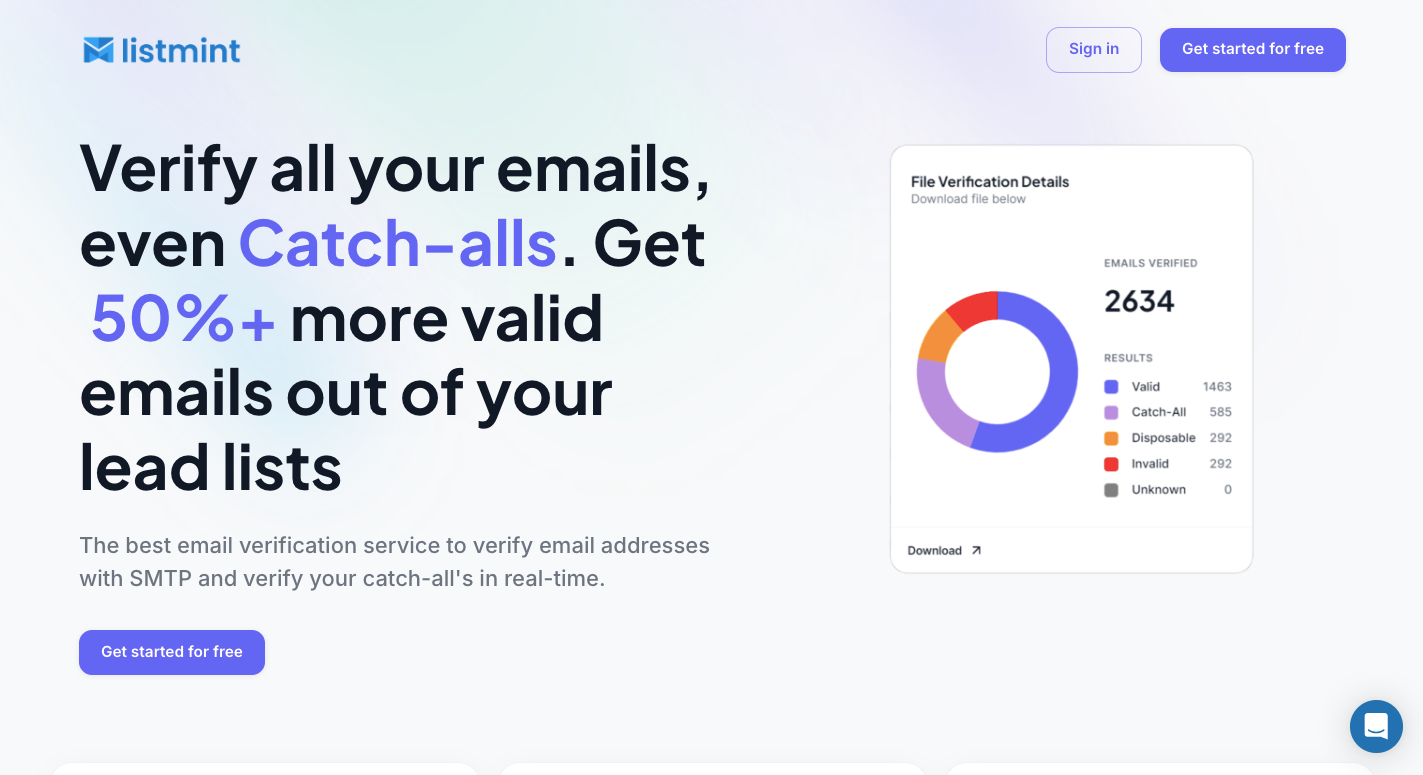
Listmint takes email verification further by checking standard addresses and resolving catch-all contacts in real time without sending verification emails.
Standard SMTP verification can confirm many regular mailboxes, yet catch-all domains create a problem. Their servers accept requests for many usernames, even when a particular inbox may not exist.
Around 30% to 40% of a B2B lead list can fall into the catch-all or risky category. Listmint runs a separate real-time check on these contacts rather than leaving the whole group uncertain.
Results come back as “catch_all_valid” or “catch_all_invalid,” so you have a direct answer for each processed address. You can keep more valid addresses and remove failed contacts before starting outreach.
Listmint completes this process without sending verification emails to the people on your list.
Listmint checks regular addresses before applying its separate catch-all process. Its verification engine reviews several signals:
Standard verification can return valid, invalid, or catch-all. Listmint then applies its catch-all process when the server can’t confirm the individual mailbox.
You get one workflow instead of exporting uncertain contacts to another verification service for a second check.
Listmint provides the same real-time verification through its API. A company can connect it to signup forms, lead databases, or its own software and check an address as soon as it enters the system.
Regular and catch-all results return without sending verification emails to the recipient. That makes the API useful when a product needs an answer during an active customer workflow rather than hours later.
B2B companies, on the other hand, can use the API to clean their own incoming data. B2B2C businesses can integrate regular and catch-all checks into products offered to customers.
Reseller support extends the same setup to SaaS platforms and companies that want to provide email verification under their own service.
Listmint separates standard and catch-all credits since the two processes require different checks.
Starter costs $99 per month and includes 20,000 Standard Credits, 5,000 Catch-All Credits, and 24/7 support.
Agency costs $187 per month and includes 50,000 Standard Credits, 10,000 Catch-All Credits, and 24/7 support.
A list with 20,000 regular addresses and 3,000 catch-all contacts, for example, doesn’t require 23,000 catch-all credits. You use the more expensive credit type only for records that need the extra verification process.
Yes. NeverBounce is a legitimate email verification service used to clean email lists and check addresses before sending campaigns.
ZeroBounce and NeverBounce cover similar email verification needs, but ZeroBounce includes extra tools for email scoring, inbox placement testing, blacklist monitoring, and deeper catch-all analysis. Your choice depends on which verification and deliverability features you need.
ZeroBounce lets you upload a list or connect its API to verify email addresses. It checks syntax, DNS records, spam-trap signals, SMTP responses, and other risks before returning a status for each contact.
ZeroBounce identifies invalid, catch-all, disposable, abuse, spam-trap, and other risky addresses. Its platform includes additional tools for email scoring, finding business emails, inbox placement testing, and deliverability checks.