Sending an email starts with a simple question: can the address actually receive it?
A contact may look correct and still point to an old account, a temporary inbox, or a catch-all domain that makes the answer harder to confirm. Email verification platforms check these details before sales and marketing teams start sending messages.
Each service takes a different approach to bulk lists, new leads, and uncertain results.
In this article, you’ll learn about the top six email verification platform options in 2026.
The following are the six leading email verification platform options in 2026:
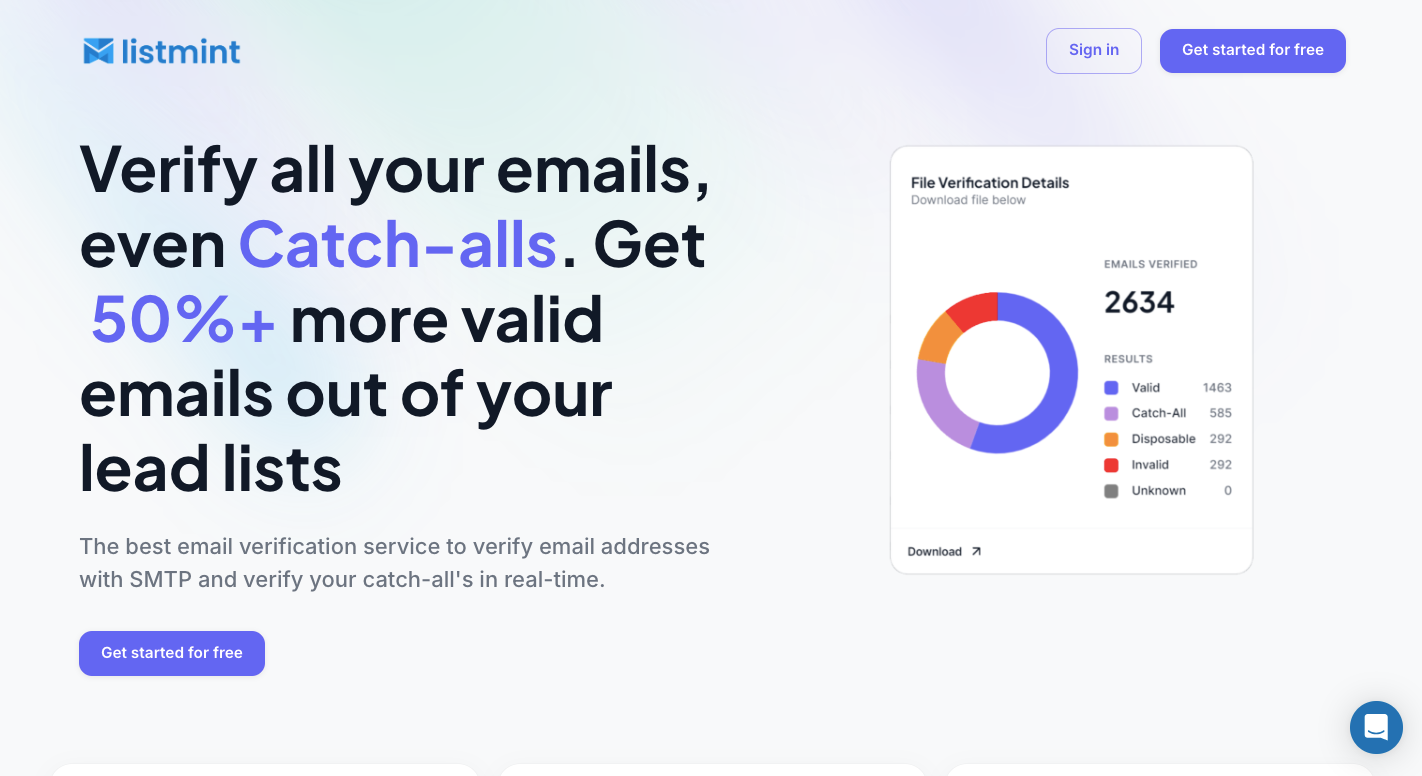
Listmint verifies regular emails and resolves catch-all addresses that standard SMTP checks can leave uncertain.
A catch-all mail server accepts requests for almost any username under a company domain. As a result, a basic check might accept “john@company.com” even when John’s specific mailbox doesn’t exist.
In this case, the platform runs an additional verification process. Its current catch-all service works in real time and doesn’t send an email to the recipient. Users get results without the 48-hour delay associated with slower verification methods.
Listmint returns a concrete verification status for each result:
You can use those categories to separate standard contacts from catch-all addresses that passed or failed the additional check.
For direct platform users, you can upload lead lists for bulk verification. Software companies can use the API to add regular and catch-all checks to their own products. Listmint also connects with Clay for data enrichment workflows.
Together, these options make Listmint an ideal verifier for teams that need to process uncertain B2B contacts that other tools may leave unresolved.
Try Listmint to upload a lead list and resolve standard and catch-all addresses from one platform!
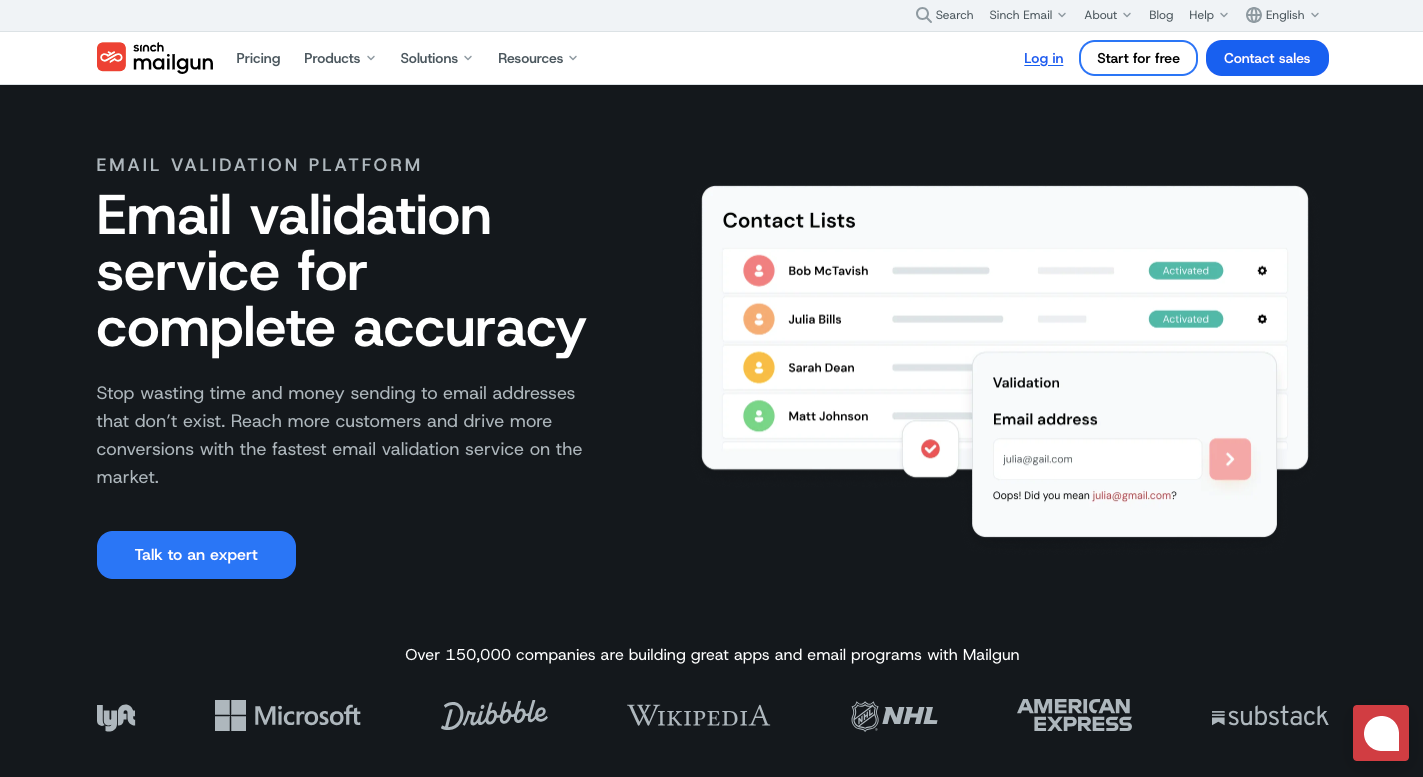
Mailgun Validate helps companies check contact lists before they send emails. You can upload a CSV file, and Mailgun checks each address for errors, domain problems, and signs that the mailbox may fail.
Developers can connect its API to a sign-up form or app. When someone enters an email, Mailgun checks it right away before the address reaches your database.
Mailgun has more data to work with than a basic checker. Past delivery data helps its email validation service spot patterns linked to failed addresses and major email providers such as Gmail, Yahoo, and Outlook.
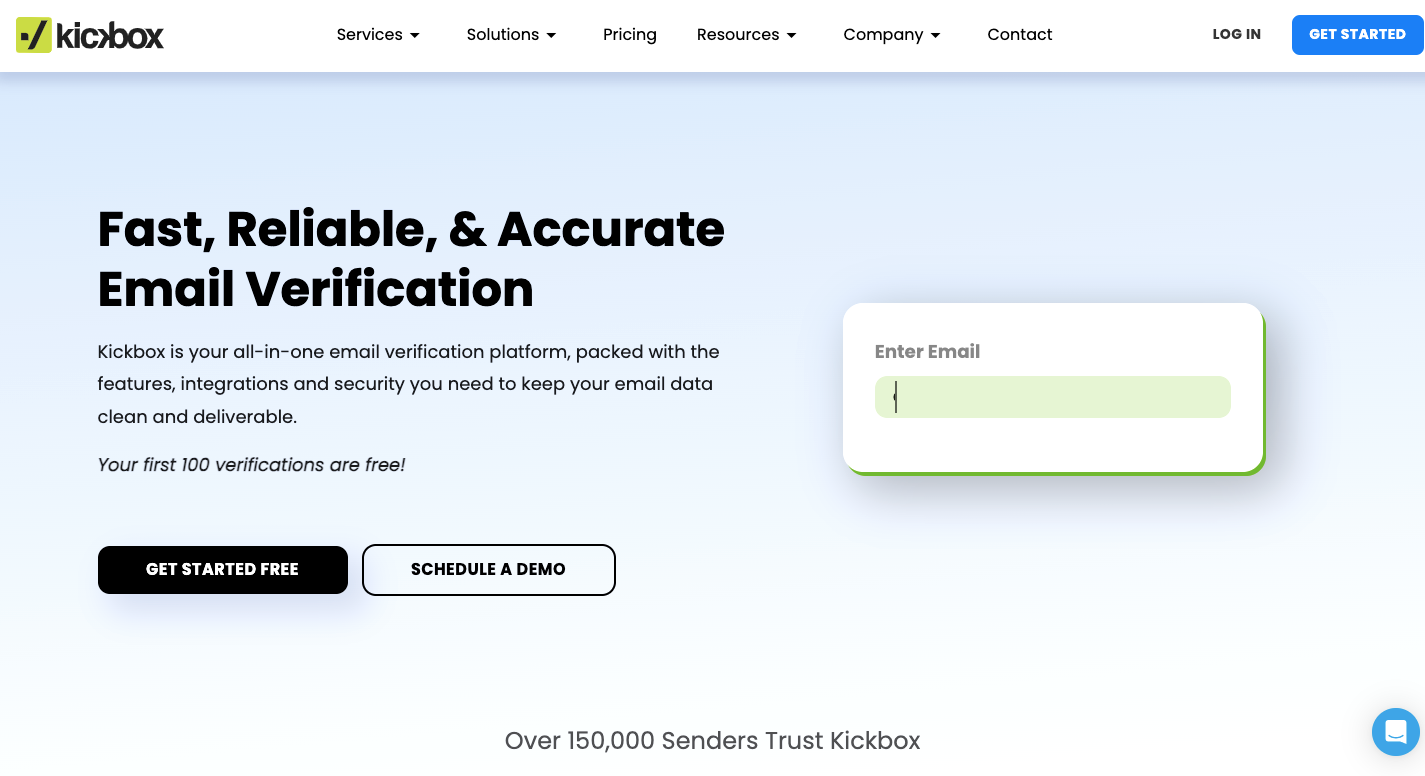
Kickbox helps businesses clean email lists before newsletters and marketing campaigns go out. To catch bad addresses as people enter them, you can upload a contact file for bulk checks or connect its API to a sign-up form.
Its Sendex score rates each address from 0 to 1 based on quality signals rather than giving you only a valid or invalid result.
Companies can connect it to more than 30 services such as HubSpot, Mailchimp, Constant Contact, and Klaviyo. Those integrations let you clean contacts and send the results back to your marketing tool without moving files between accounts by hand.
Many email checkers work best with standard Latin characters. Verifalia goes further with international email verification support, so it can check email addresses written with Chinese, Arabic, Cyrillic, and other non-Latin characters.
It gives you control over how closely it checks each contact. You can choose Standard, High, or Extreme depending on how much testing you need.
Its email address verification can return more than 40 status codes. Rather than simply marking an address as risky, Verifalia can tell you if the mailbox is full, the server has a temporary problem, or the domain uses a catch-all setup.
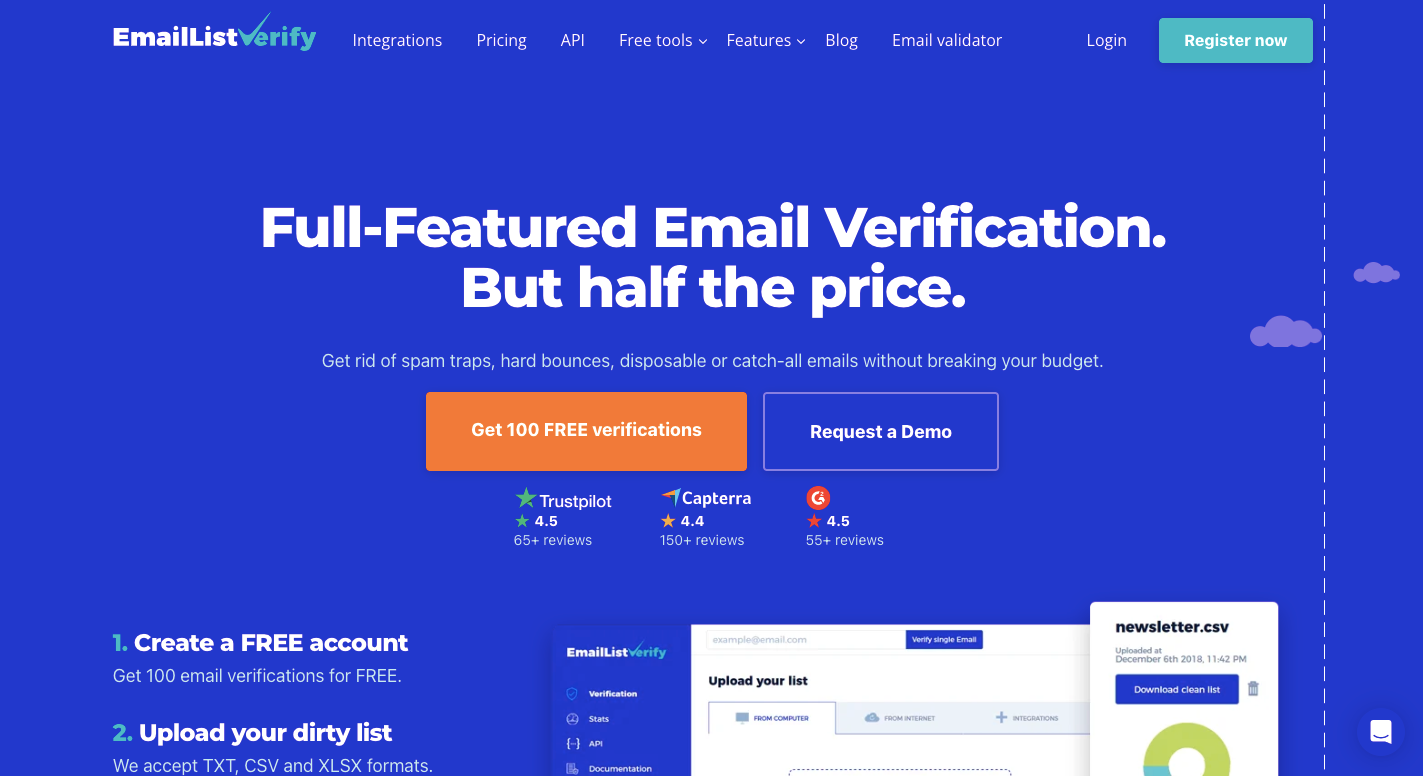
Before you send a newsletter or sales campaign, EmailListVerify can check your contact list and find addresses that may bounce. Its multi-layer verification process looks at syntax, domain setup, MX records, mailbox response, catch-all servers, and other risk signals without sending an actual message.
EmailListVerify reports 99% accuracy for email validation. You can upload CSV, TXT, or Excel files when you have thousands of contacts to check at once.
Developers can connect its API to sign-up and checkout forms when they need to catch fake details before those records enter a database.

Clearout combines email verification with tools for finding new business contacts. Its email finder lets you search by company, job title, or location, then check those contacts before adding them to your pipeline.
For sales teams, having both jobs in one place means fewer steps between finding a prospect and deciding if the address is worth using.
It runs over 20 checks on each address, including syntax, domain, mailbox, disposable account, and catch-all tests.
You can upload a file or connect Clearout to Google Sheets and other marketing platforms to clean records.
Choosing an email validation service means looking past price and checking how each platform handles catch-alls, large lists, live requests, and final results.
Many email verification platforms run a standard check and stop when they find a catch-all domain. They mark the address as “Risky,” “Unknown,” or “Catch-All,” then leave the decision to you.
Better services run extra tests to validate email addresses and separate usable contacts from invalid addresses. Compare how many uncertain results each platform can resolve when other email verification tools stop early.
Better filtering can lower bounce rates during cold email campaigns before contacts enter your sales automation platform.
Bulk and live verification do different jobs. Bulk verification takes an existing file and checks hundreds or thousands of contacts together. Compare upload limits, processing time, supported files, and how easily you can manage bulk list cleaning.
Real-time checks work on sign-up forms, checkout pages, and other live fields. An email verification API checks each entry before your website accepts it.
When you verify email addresses this way, response speed becomes more important than file-processing capacity.
When you test email verifiers, don’t focus only on speed or price. Look closely at the file or report you get back.
A basic email checker might only label contacts valid or invalid. Better reports explain why emails failed and flag issues like broken syntax, full mailboxes, or temporary email addresses.
Some services include spam trap detection as another risk signal. Compare the actual result fields because a free email checker may give you far less detail than the paid product.
Response time measures how long an email verifier API takes to check an address and return an answer to your website. A slow server response can make sign-up or checkout forms feel unresponsive.
Test providers under the same conditions rather than assuming one service performs like other tools. A claimed sub-second server response time should hold up under the traffic and regions your website serves.
During the email verification process, inspect the API output too. Useful responses can include status codes, failure reasons, typo suggestions, disposable-email flags, and catch-all details.
No. Verification can confirm an email address exists during the scan, yet a full mailbox, server outage, or changed MX records can cause a later bounce. You should verify emails shortly before sending.
Clean lists remove spam traps and can reduce spam complaints, which helps protect sender reputation, domain reputation, and overall email deliverability.
Still, email service providers can reject mail or send it to the spam folder. Verification can’t replace domain validation, guarantee inbox placement, or control delivery to the intended recipient.
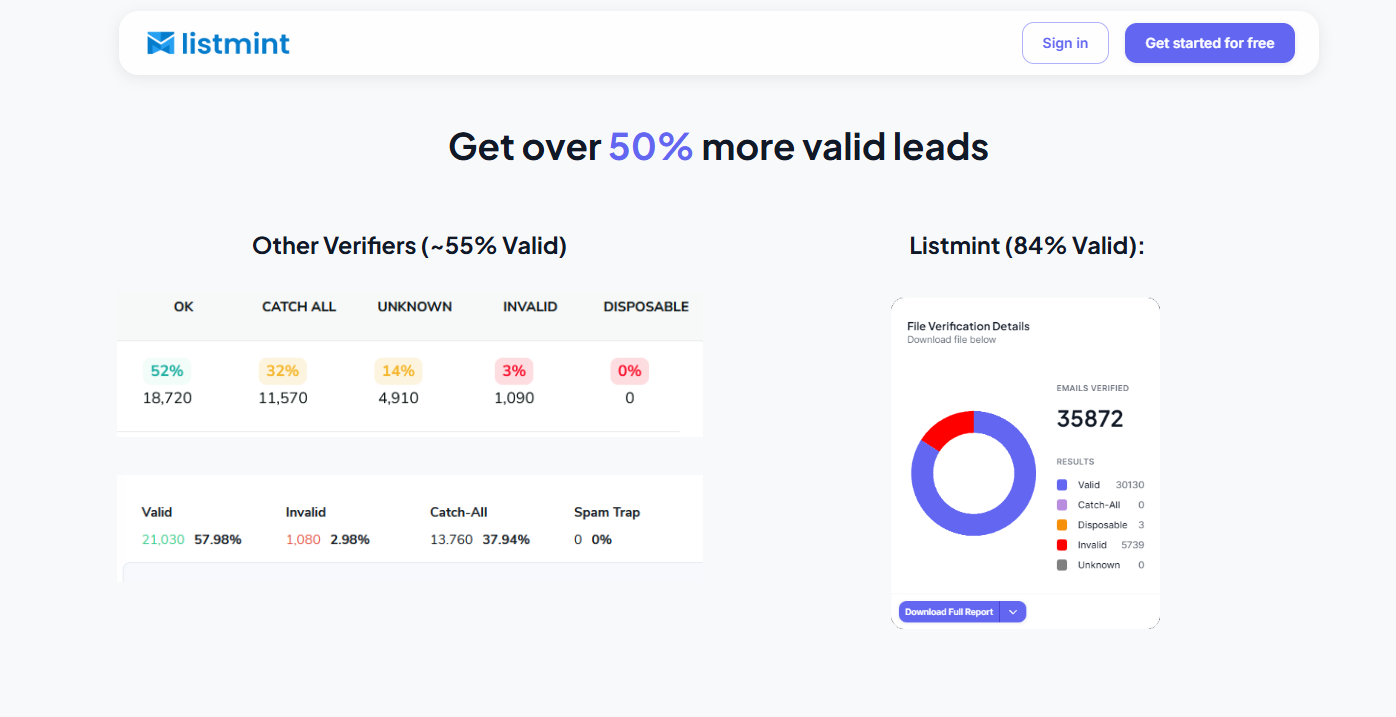
Standard verification can leave you with a large group of catch-all contacts that it can’t confirm at the mailbox level. Listmint checks those addresses further and returns real-time catch-all results without sending verification emails to the recipients.
For existing databases, upload your lead list and run standard plus catch-all verification from one platform. New contacts can go through Listmint’s real-time API as they enter your system.
B2B2C companies can use the API to offer regular and catch-all verification through their own products.
Listmint separates results into valid, invalid, catch_all_valid, and catch_all_invalid, so your team has a clear result for each processed address.
No email provider can factually be called the “most hacked” without a defined dataset and time period. Gmail, Outlook, and Yahoo accounts are common phishing targets because they have large user bases.
Pricing depends on list size and billing model, so there isn’t one cheapest service for every user. Compare the cost per verification at your expected monthly volume.
Listmint is worth considering when you need standard and real-time catch-all verification. It can verify uploaded lists and provides an API for regular and catch-all checks.