Bulk email verification software helps you clean large contact lists before you use them for email campaigns. These tools check each address and flag invalid contacts, risky addresses, disposable emails, and other records that could hurt email deliverability.
Each option handles the verification process differently. Some focus on bulk verification, and others add an email verification API, sales features, or real-time checks for new contacts.
In this article, you'll learn about six leading options and what to check before choosing one for your email list.
Here are the six leading bulk email verification software options:
In 2026, these are the six best email verification tools:
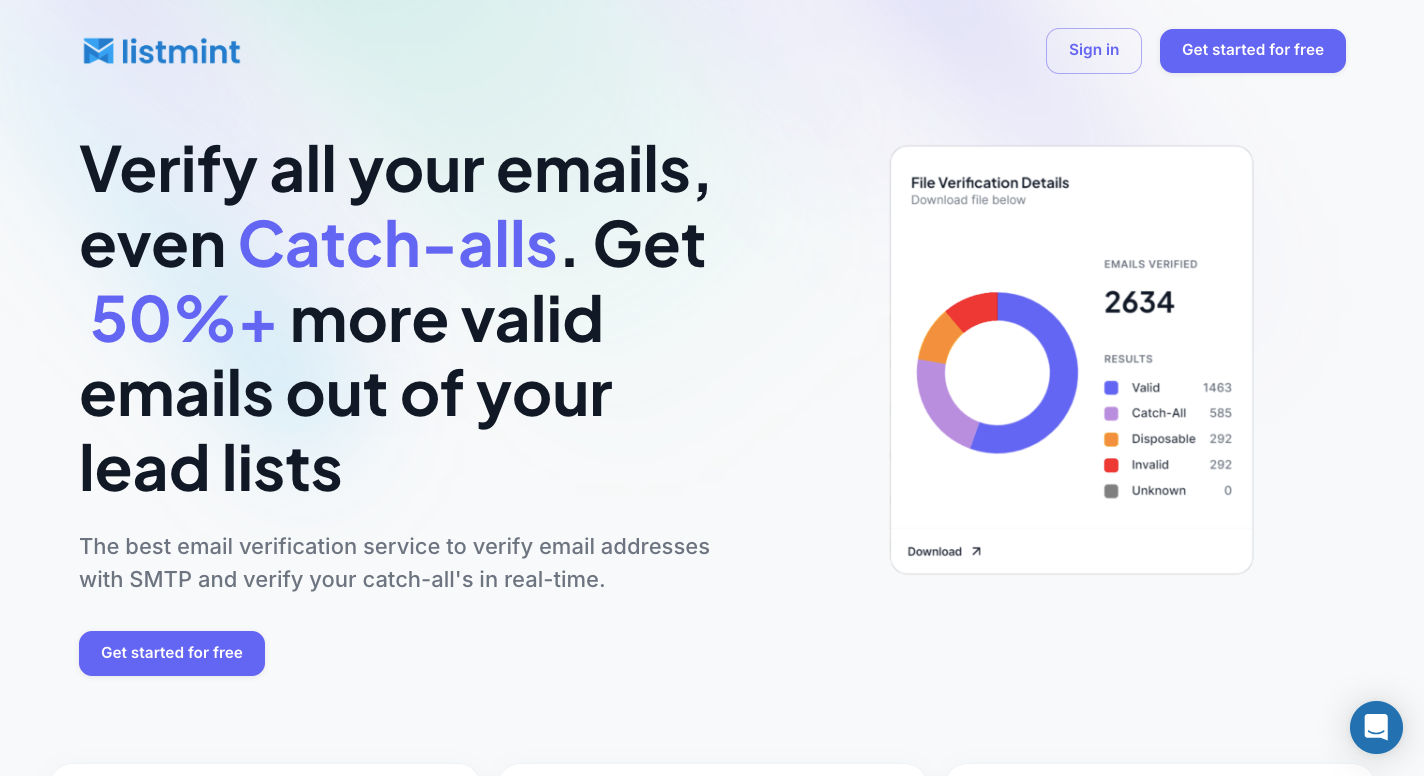
Listmint combines standard email verification with real-time catch-all checks. You upload a lead list, and it first uses SMTP verification to sort regular addresses into valid, invalid, or catch-all results.
Catch-all contacts need another check because the company's mail server may accept requests without confirming whether a specific person's inbox exists. Listmint takes those uncertain addresses and verifies them in real time without sending an email to the recipient.
For software companies, agencies, and B2B2C platforms, Listmint provides an API for regular and catch-all verification. API results come back in real time rather than requiring the 48-hour wait associated with slower catch-all methods.
Try Listmint for your next bulk list and get real-time standard and catch-all verification results!
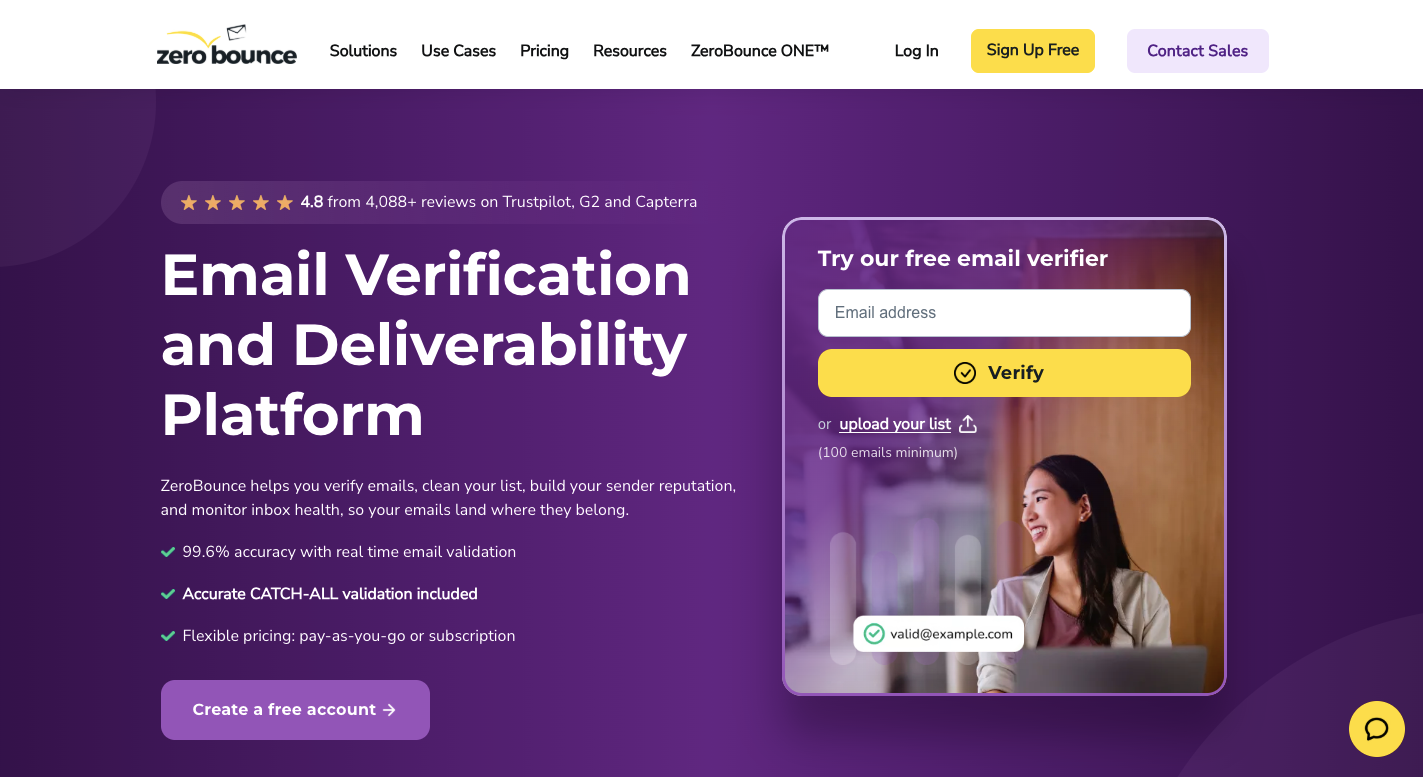
ZeroBounce is an email validation service that checks large contact lists before you send a campaign. You upload your file, then the platform looks for syntax errors, dead domains, invalid addresses, risky contacts, and spam traps.
From there, ZeroBounce checks MX records to see if the domain has a mail server and tests the mailbox to learn whether it can receive messages. Results separate valid email addresses from invalid, catch-all, abuse, disposable, and other types.
You can use those labels to decide which contacts should stay on a mailing list.
ZeroBounce includes deliverability tools and an email verifier API as well. Those features let you check new contacts in real time or test where messages may land before a larger send.

Clearout is an AI-powered email verification and B2B lead generation platform. You upload a contact list, and it checks each address for syntax errors, dead domains, missing MX records, inactive mailboxes, disposable accounts, and spam traps.
For mailbox checks, Clearout connects to the recipient's mail server and asks whether a specific inbox exists. It closes the connection before sending a message.
Clearout then reviews server responses and other signals to decide whether an address looks valid, invalid, risky, or uncertain. Its checks can help improve deliverability, lower bounce rates, and protect sender reputation before you start a campaign.
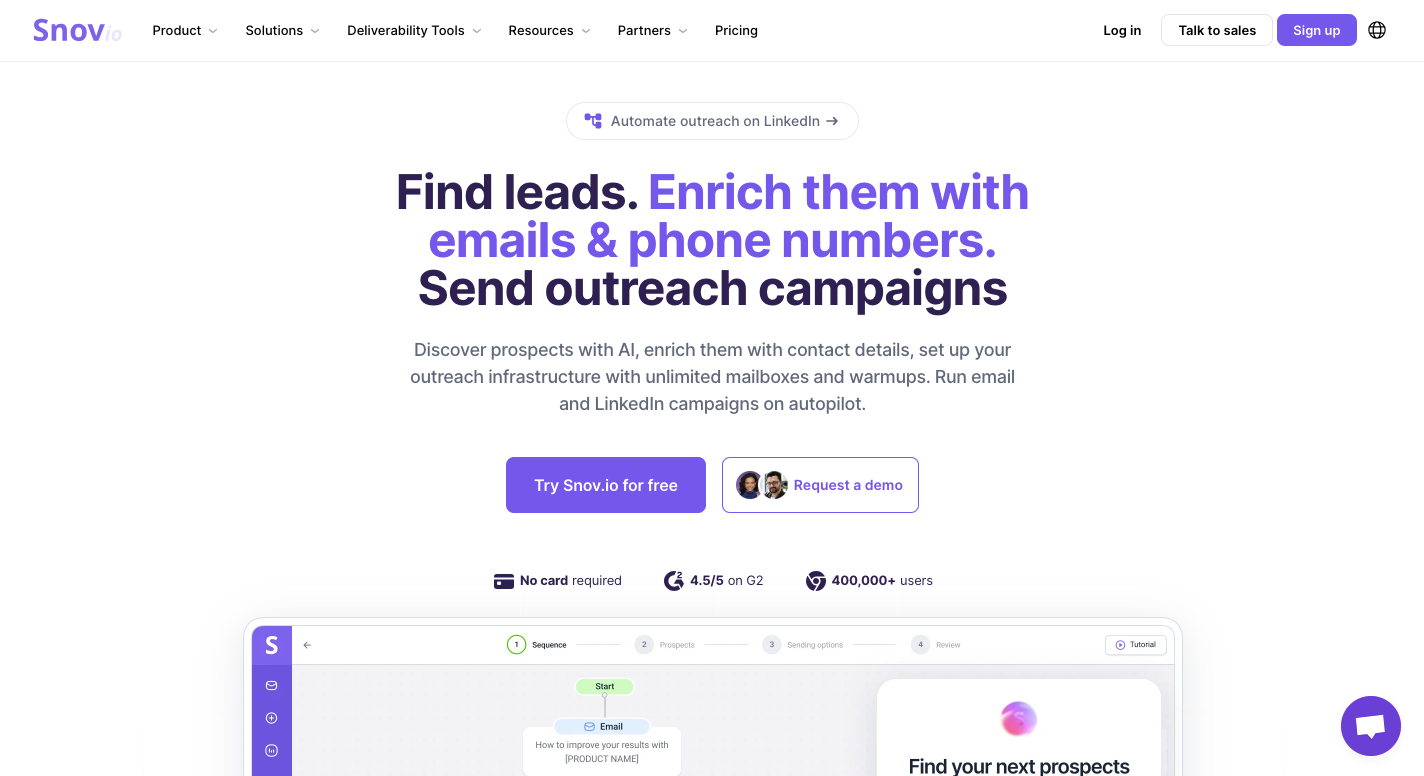
Snov.io is an all-in-one sales CRM and cold outreach automation platform. It is more than just a verifier because it combines email verification with prospect search, campaign tools, and lead management.
This setup may suit teams that want an email marketing tool and sales platform in the same dashboard.
Seven checks run before Snov.io gives an address a result. It starts with syntax and random-text detection, then reviews the domain, MX records, mailbox response, catch-all setup, and free email status. No real message goes to the recipient during these checks.
For sales teams, a clean contact can move straight into an outreach sequence from the same dashboard. You don't have to clean a file with one service, export it, then load it into a separate email outreach platform.
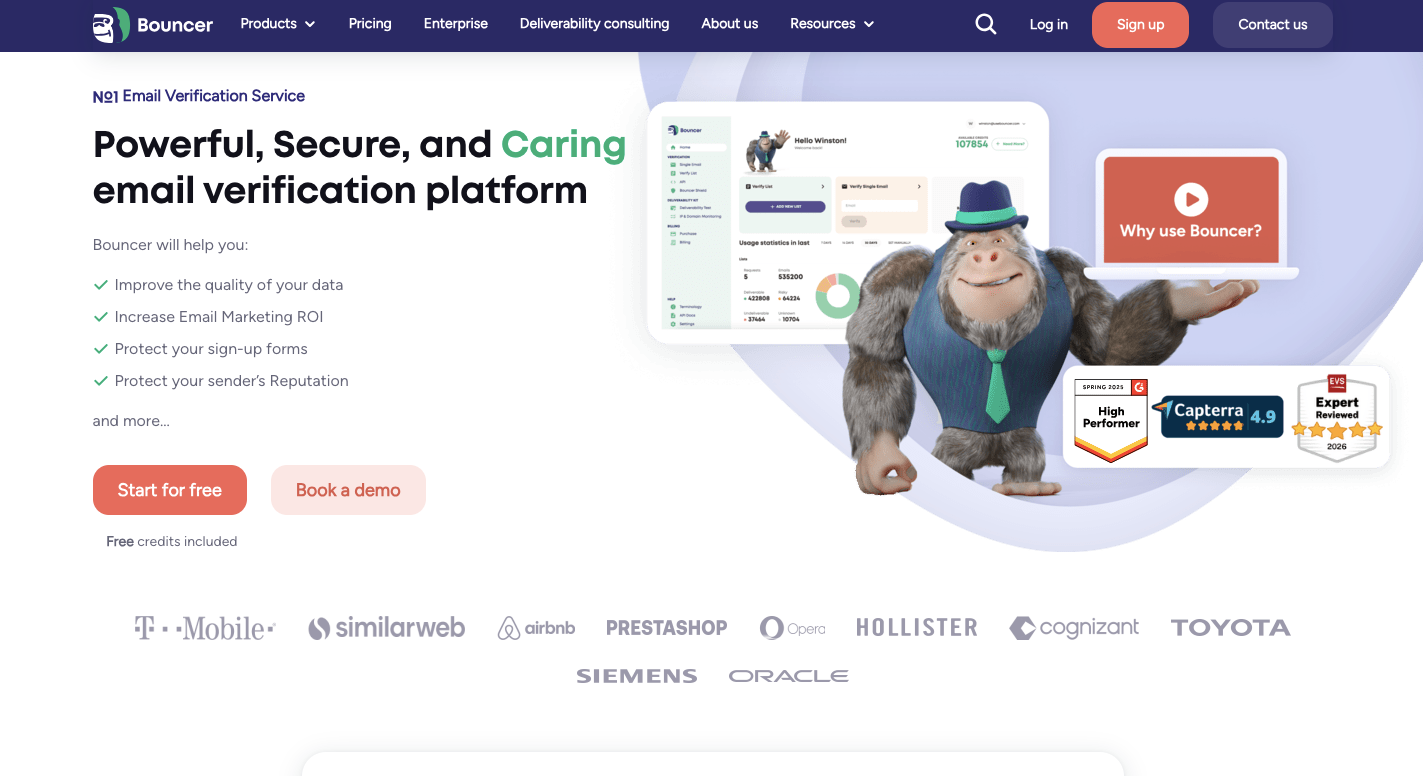
Bouncer is an email checker for cleaning large contact lists before you send campaigns. You upload a file, and Bouncer checks each address to separate working inboxes from broken, risky, or unknown contacts.
Bouncer offers flexible pricing through a pay-as-you-go credit model, so businesses can purchase checks without committing to monthly subscriptions.
First, it looks for missing @ symbols, spaces, bad characters, and common typos. Bouncer then checks DNS and MX records to see if the domain exists and has a mail server that can receive messages.
For deeper email validation, it contacts the receiving server to check the mailbox without sending a real email.
Bouncer can process up to 200,000 addresses per hour per customer. Its tools cover list cleaning, risk checks, automatic database cleanup, and tests that help teams protect sender reputation.
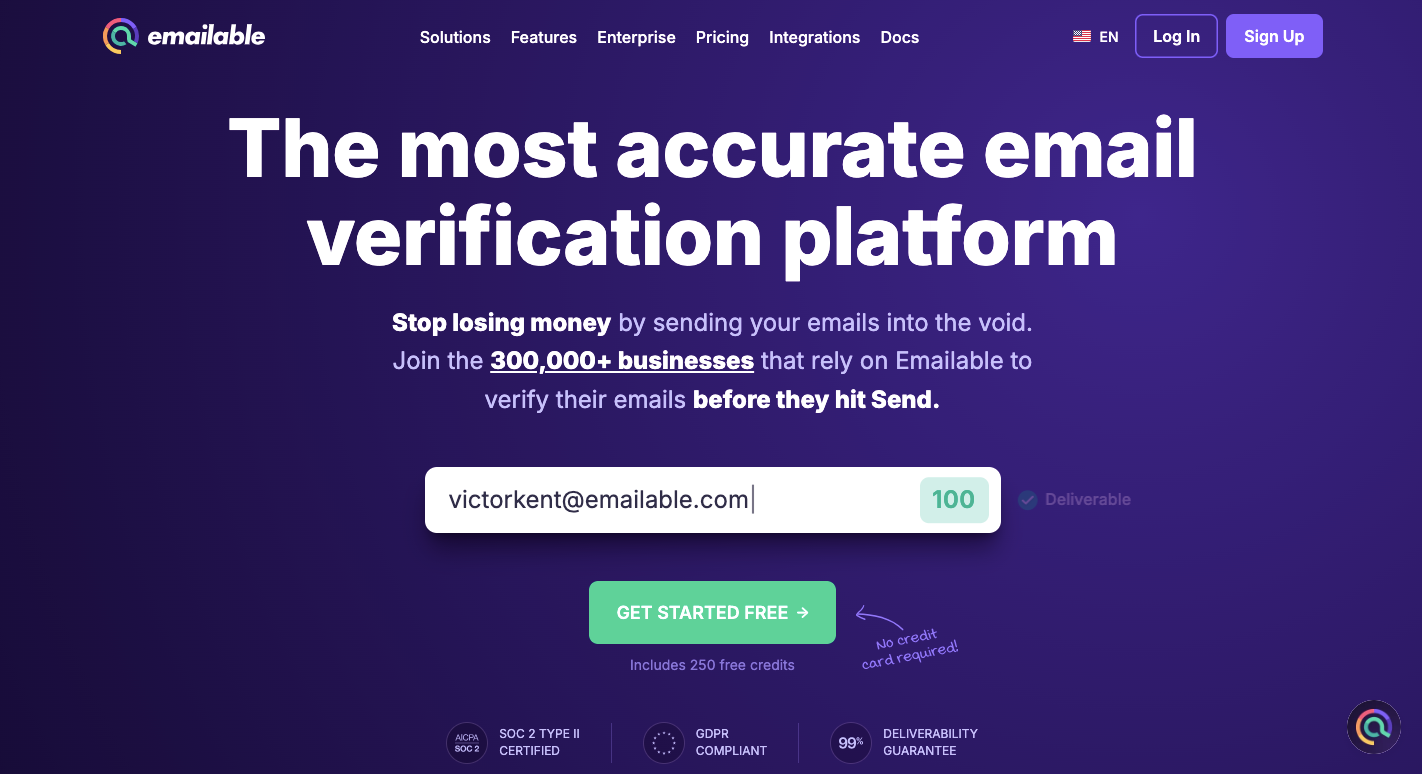
Emailable is a cloud-based email verification platform where you can drag a CSV, XLSX, or TXT file into its user interface, and it checks each address.
Every contact goes through syntax, domain, MX record, and mailbox checks. Emailable catches missing @ symbols, extra spaces, bad characters, and common spelling errors before it contacts the mail server.
Strict business servers sometimes reject the first request to stop bots. Emailable can detect that response, wait, and try again rather than immediately labeling the address unknown.
For email deliverability, Emailable promises 99% accuracy for contacts marked "Deliverable." Its high processing speed can help teams validate addresses before large email campaigns.
Email verification accuracy depends on the verification method, list quality, catch-all domains, temporary server responses, and how the tool handles uncertain results.
Reliable tools use comprehensive verification instead of trusting one test. Real-time validation starts by finding missing @ symbols, spaces, and other syntax errors, which helps you remove invalid contacts early.
Next, software checks MX records and the server setup to confirm that the domain can receive mail. Some tools may review signals linked to active company websites too.
During bulk validation, the technical validation process uses silent SMTP requests to check mailbox availability. Removing invalid email addresses gives campaign performance cleaner data before sending begins.
Old lists become less reliable as employees change jobs, businesses close, and inboxes disappear. A neglected database can quickly fill with risky addresses and dead domains, leading to inbox placement issues later.
Lists collected from free services may contain abandoned consumer accounts or temporary records. B2B tools can check the company domain to see whether its mail system still works.
Fresh, well-maintained data usually produces more accurate results because fewer contacts point to expired domains, closed accounts, or servers that no longer respond.
Catch-all domains accept requests for almost any username, even when the individual mailbox doesn't exist. A standard SMTP check may therefore get the same positive response for a real employee and a made-up address.
MX records can confirm that a domain receives mail, yet they can't prove a specific inbox exists. Better tools identify catch-all servers and run extra checks or place those contacts in a separate category.
Clearer results help you decide which addresses to keep before syncing a cleaned list with Constant Contact or another sending platform.
Greylisting, rate limits, maintenance, and outages can temporarily stop a mail server from answering verification requests. A failed first check doesn't necessarily mean the inbox is dead.
Better tools recognize temporary codes, wait, and retry the request. A later check may reveal the real mailbox status once the server accepts another connection.
Some platforms use these responses with other signals to calculate quality scores. Retry logic becomes especially useful during large jobs because repeated requests can trigger server defenses that a basic or free tool may struggle to handle.
Unknown results appear when a verifier can't get enough information from the receiving server. Corporate firewalls, security gateways, rate limits, and outages can block the mailbox check even when a real person uses the address.
Reliable tools separate those contacts from confirmed failures. A disposable email needs another label because the account may work now and expire later.
Risk screening can further flag spam traps before sending. A blacklist checker, on the other hand, can check blocklist status, but it serves a different purpose from verifying an individual mailbox.
A bulk email verifier can process thousands of addresses within minutes, although list size, server response times, and retries can change the total wait.
For example, Emailable reports speeds above 40,000 checks per minute, while Bouncer can process up to 200,000 per hour per customer. Fast cloud processing saves time when you need clean lists for email marketing without checking each contact one by one.
You normally upload CSV files or other supported formats through the dashboard. From there, the platform splits the list into smaller batches and checks many addresses at the same time.
Strict mail servers, however, may limit requests, and greylisting can force the verifier to wait before trying again. Older lists with dead domains create extra timeouts too.
Reliable tools balance processing speed with enough server checks to help marketing emails land without rushing uncertain results.
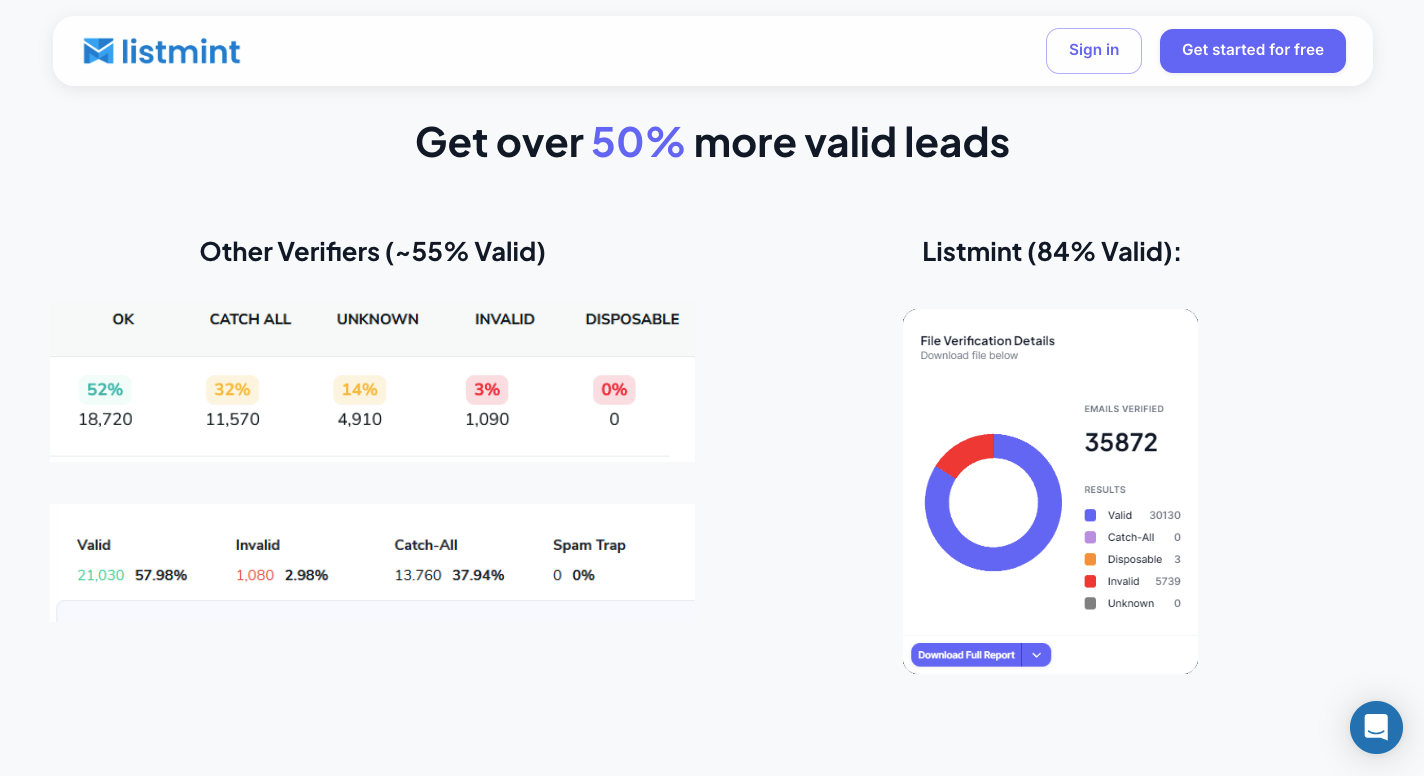
Listmint gives you two ways to verify email addresses. You can upload a bulk list to the platform or connect its API to your own product.
Standard verification checks regular addresses first and identifies catch-all results that need another check. Listmint then verifies those catch-all addresses in real time without sending emails to the recipients.
API users get real-time results for regular and catch-all verification too.
Listmint's subscription plans include a $99 monthly Starter Plan with 20,000 standard credits and 5,000 catch-all credits. Its $187 Agency Plan provides 50,000 standard credits and 10,000 catch-all credits.
Many of the best email verification services can identify catch-all domains. Listmint goes further by verifying those uncertain addresses and giving businesses a clearer result before they use their lists.
Yes. Some email verification services offer free credits or limited free plans for bulk checks. Limits vary by provider, and larger lists usually require paid credits or a subscription.
Upload a CSV or spreadsheet to a bulk email verification tool. The software checks each address for problems such as formatting errors, invalid domains, unavailable mailboxes, and catch-all results before returning a cleaned list.
No single email verifier fits every use case. Compare verification methods, catch-all handling, processing speed, API access, integrations, and pricing based on your list size and workflow.
For email verification, compare bulk services based on list capacity, verification methods, catch-all handling, speed, result categories, and cost. Teams with B2B lists may need stronger catch-all verification than businesses checking mostly standard addresses.