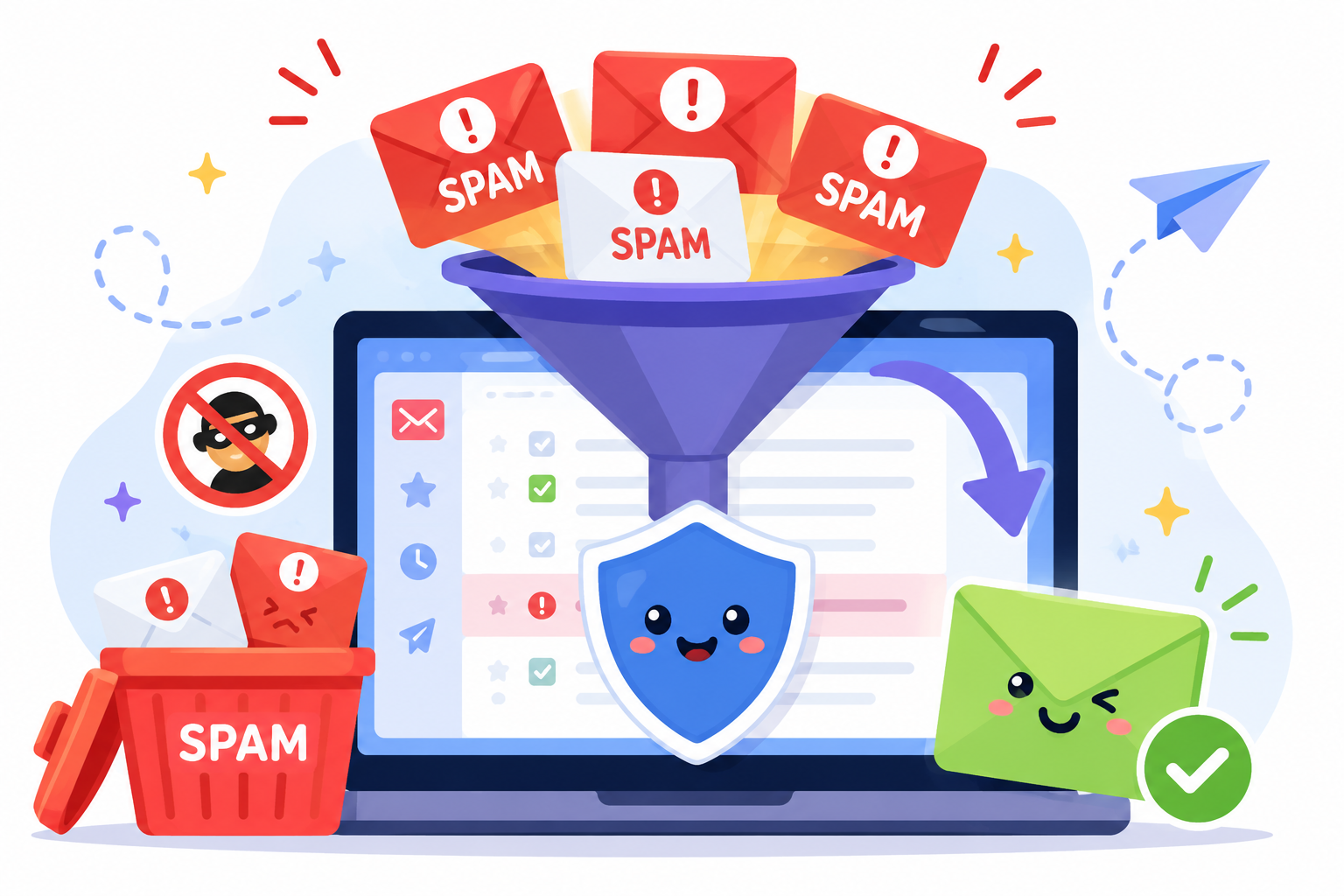
If your business has thousands of contacts, there's a good chance not every email address is valid. Lists naturally change over time as people switch jobs, close accounts, or enter incorrect information.
The larger your email lists become, the harder it is to spot those problems manually before launching email campaigns.
Reviewing every address one by one isn't practical. Bulk email verification helps speed up that process by checking large lists in a single scan.
This article walks through how bulk email verification works, what the results mean, and how to choose the right tool for your business.
Bulk email verification reviews large email lists in a single scan, making it easier to identify addresses that are valid, invalid, or need additional review before sending. It's commonly used to clean databases containing hundreds, thousands, or even millions of contacts.
Unlike verifying one email address at a time, bulk verification analyzes an entire list in a single upload. This saves time and makes it easier to review large datasets without checking each contact manually.
Businesses typically use bulk email validation for:
Bulk email verification gives businesses a practical way to verify email addresses in large volumes before using that data for marketing, sales, or customer communication.
A large contact database doesn't stay accurate on its own. People change jobs, abandon old inboxes, make typing mistakes, or sign up with temporary addresses.
Over time, those changes affect the quality of your list and the results of your email campaigns.
Sending emails to invalid or inactive addresses increases your bounce rate. A high number of bounces tells mailbox providers that your list contains outdated or poor-quality contacts.
Running bulk validation before sending helps identify records that need attention, so fewer emails are sent to addresses that can no longer receive messages.
Mailbox providers look at the quality of your sending activity, not just the number of emails you send.
Frequent bounces and spam complaints can hurt your sender reputation, making it harder for future emails to reach recipients. Regular list verification helps protect your sender reputation by reducing avoidable sending issues.
Even a well-written email has little value if it never reaches the inbox. Lists with outdated or invalid contacts are more likely to end up in the spam folder or experience lower inbox placement.
Reviewing your list before sending can help improve deliverability and give legitimate emails a better chance of reaching active recipients.
Many email platforms charge based on the number of contacts or emails sent. Keeping invalid contacts on your list means spending money on records that no longer provide value.
Removing those addresses before a campaign helps reduce unnecessary sending costs and keeps your database more useful.
Your customer relationship management (CRM) system supports marketing, sales, and customer communication. Outdated contact information makes it harder to trust reports and plan future outreach.
Maintaining verified contact data supports better campaign performance and more reliable reporting and gives click-through rates a fair chance to reflect genuine audience engagement rather than being skewed by undeliverable emails.
Bulk email verification follows a series of checks that help determine the current status of the email addresses in your list. Each step looks at different parts of the address before a final result is returned.
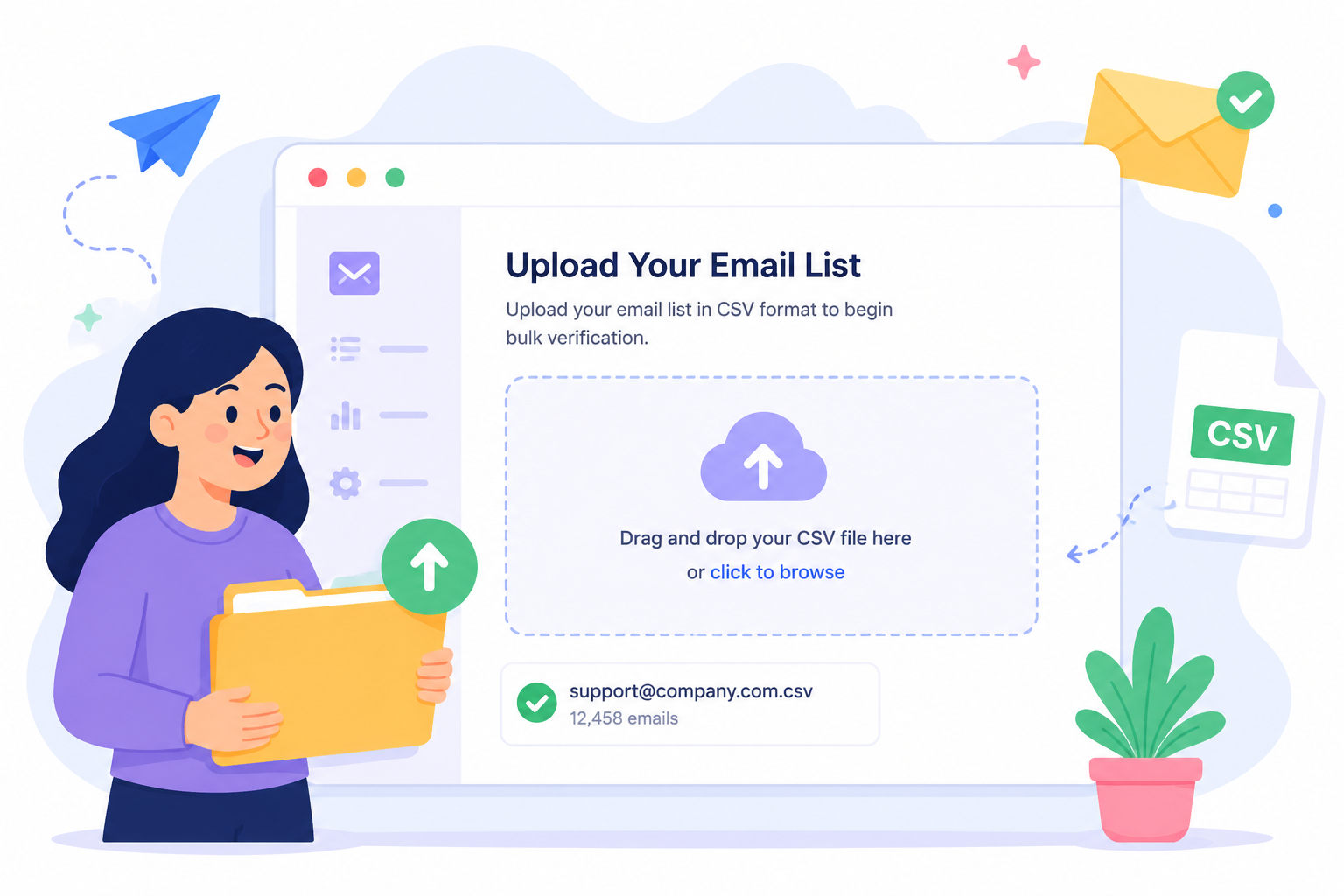
The process starts by uploading your email list to the verification platform. Most tools support common file formats such as CSV, allowing businesses to review thousands of records at once instead of trying to verify email addresses individually.
Next, the system checks each address for invalid syntax. This step identifies formatting problems such as missing symbols, extra spaces, or incorrectly structured email addresses.
If an address doesn't follow standard formatting rules, it fails email validation before any additional checks take place.
The system then checks if the domain exists and can receive email. It verifies that the email server is properly configured by looking up its MX records, which tell other systems where incoming mail should be delivered.
It also confirms that the associated mail server is available to receive messages. If a domain has no valid mail configuration, the address is unlikely to accept email.
After confirming the domain, the platform performs an SMTP check to determine whether the mailbox appears to exist.
This step looks for signs of mailbox existence without sending an email to the recipient. Many platforms perform this as part of real-time verification while processing the list.
The platform then reviews the information collected during the earlier checks as part of the overall verification process. It evaluates those signals together before assigning a verification result to each email address.
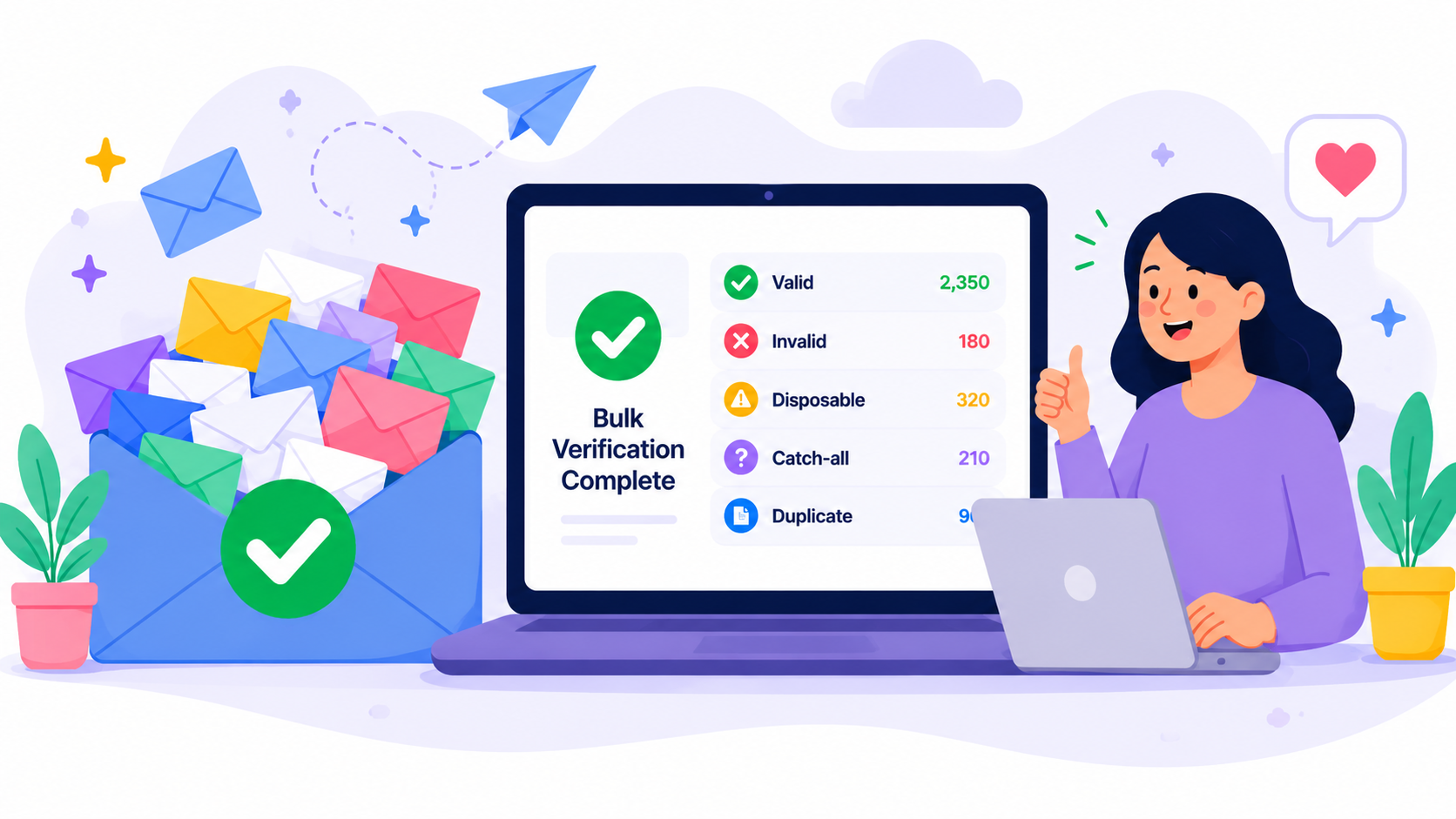
Once every check is complete, the platform generates a verification report for each email address. Businesses can examine those results before sending future campaigns.
Working from verified data helps reduce unnecessary bounces and protect sender reputation by lowering the chances of sending emails to addresses that are no longer usable.
After a bulk verification scan, you'll receive a status for each email address in your list. These results help you understand which contacts are suitable for future communication, which ones need additional review, and which ones should be removed before sending.
A verified result means the platform found no obvious issues with the address during verification. These are generally considered valid email addresses and are suitable for marketing, sales, or customer communication based on the checks performed.
Typical action: Keep these addresses in your list unless there is another business reason to remove them.
An invalid status indicates that the email address cannot receive email. Common reasons include nonexistent mailboxes, invalid domains, or formatting problems that prevent delivery.
Sending emails to invalid email addresses increases the chance of bounces. Many businesses remove these risky addresses before launching a campaign.
Typical action: Remove or suppress these addresses from future sends.
Disposable email addresses are created for short-term use and are often abandoned after registration. Many verification platforms include disposable email detection or disposable email address detection to identify these accounts.
Because these addresses are frequently automatically deleted, they usually aren't suitable for long-term customer communication.
Typical action: Review them carefully. Many businesses exclude disposable addresses from ongoing marketing lists.
A catch-all email address belongs to a domain that's configured to accept messages sent to almost any email address, even when the individual mailbox can't be confirmed. Because of this setup, catch-all domains are harder to classify than standard email addresses.
A catch-all result doesn't confirm that an individual mailbox is valid or invalid. It simply means the domain accepts email for addresses that can't always be verified through standard checks.
Many verification tools stop at that point and label these addresses as risky or unknown.
Listmint goes a step further by verifying catch-all emails in real time and classifying them as catch_all_valid or catch_all_invalid, helping businesses make more informed decisions about which contacts to keep.
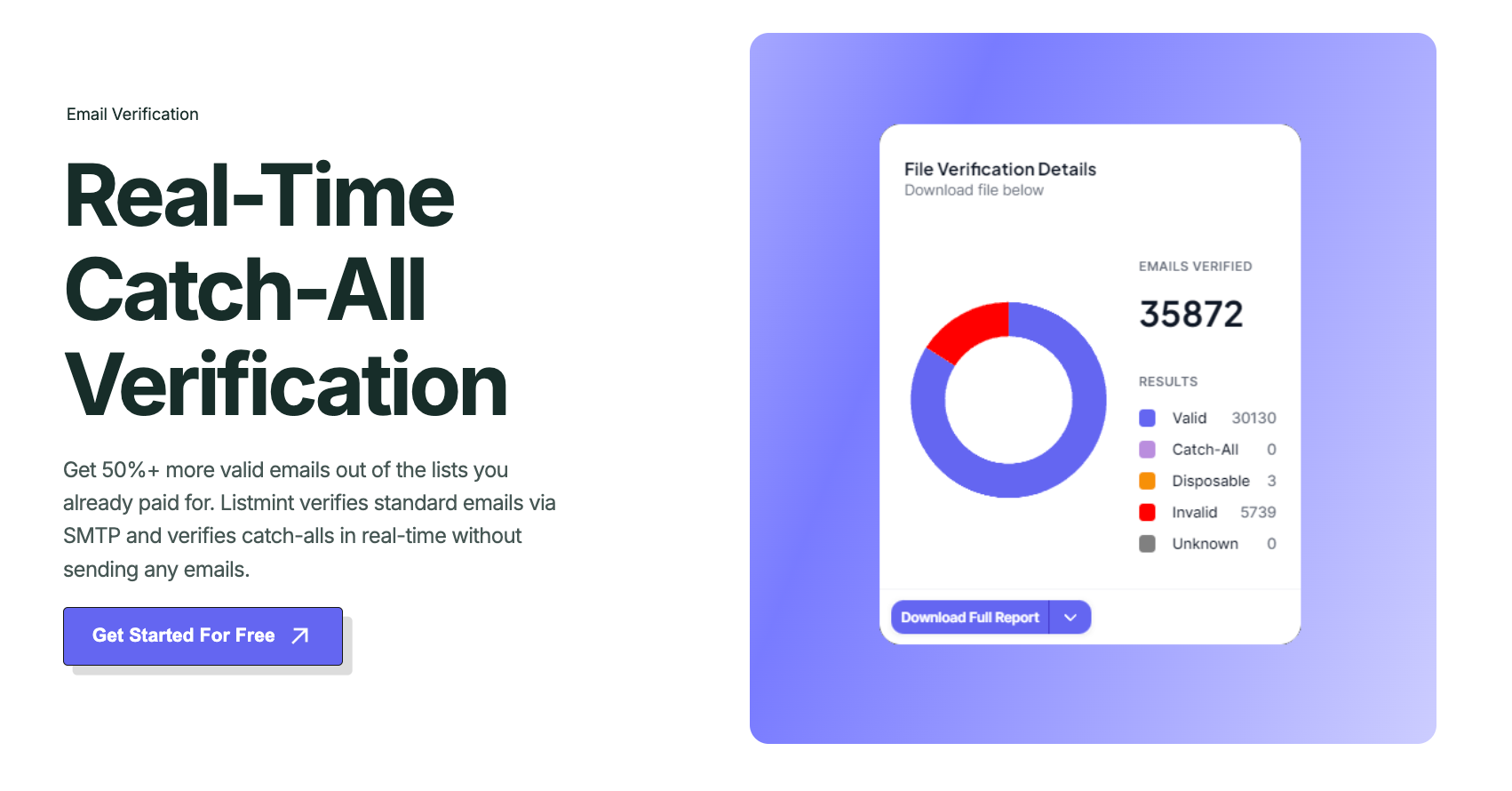
Typical action: If your verification platform fully verifies catch-all email addresses and returns results such as catch_all_valid and catch_all_invalid, follow those classifications. If your provider only labels them as catch-all or risky, additional review may be needed before sending.
Get started for free and verify catch-all emails with 99%+ accuracy.
A duplicate appears when the same email address exists more than once in your database. While duplicate emails don't usually cause delivery failures, they can affect reporting, segmentation, and campaign management.
Keeping duplicate records may also result in the same contact receiving multiple copies of a message.
Typical action: Merge or remove duplicate records before sending.
Temporary email domains provide addresses intended for short-term use, often for one-time registrations or quick signups. They are different from spam traps, which are email addresses used by mailbox providers or anti-spam organizations to identify poor sending practices.
Some verification providers may identify or flag addresses associated with known spam trap risks, but the two are not the same.
Since temporary addresses are rarely used for future emails or ongoing communication, they often provide little long-term value for marketing or customer communication.
Typical action: Review temporary email addresses carefully and decide if they fit your business use case before keeping them on your list.
Bulk email verification is most useful before your contact data is put to work. Running a verification check at the right time helps you review list quality before those addresses are used in business activities.
Businesses commonly verify bulk lists in these situations:
The right timing depends on how your business collects and manages contact data, but these are the situations where bulk email verification is most commonly used.
Not every email verification service works the same way. The right choice isn't based on affordable pricing alone. Look for the capabilities your team needs to manage email verification effectively.
A bulk email verifier should accurately identify the status of your email addresses.
Look for a provider that explains how it verifies addresses and returns detailed verification results instead of broad or unclear categories. Reliable results make it easier to decide which contacts to keep, review, or remove before sending.
As your business collects more contacts, processing speed becomes more important. Choose a tool that can handle bulk uploads without long delays, especially if you regularly verify thousands of contacts.
Fast processing is useful when you're preparing for a campaign, importing contacts into a CRM, or working with tight deadlines.
Standard verification cannot always determine the status of addresses on catch-all domains.
If catch-all email addresses are common in your database, look for a solution that offers additional verification capabilities instead of returning a generic result for every address.
More detailed classifications make those results easier to review.
Uploading large lists should be simple. Look for a platform that supports common file formats such as CSV or TXT files so your team can upload existing contact lists without extra preparation.
The import process should fit the way your business already manages data and work smoothly alongside other tools your team already uses.
If your business verifies email addresses regularly, an email verification API can automate the process. Choose a provider that supports API integration with your website, CRM, or other business systems.
This allows new contacts to be verified as they enter your workflow instead of relying only on manual uploads.
Email lists often contain customer and business information, so data protection should be part of your evaluation. Review how providers store, process, and protect uploaded data.
If your organization manages sensitive information or large databases, check if they offer enterprise-grade security.
Verification reports should be easy to understand without technical knowledge. A well-designed user interface should make it simple to review statuses, filter results, and decide what action to take for each group of email addresses.
The less time your team spends interpreting reports, the easier it becomes to work with verified data.
After comparing different verification platforms, the next step is finding one that fits the way your business works.
Listmint conducts both standard SMTP and catch-all verification in real time, helping businesses verify large email lists without relying on separate tools or lengthy verification delays.
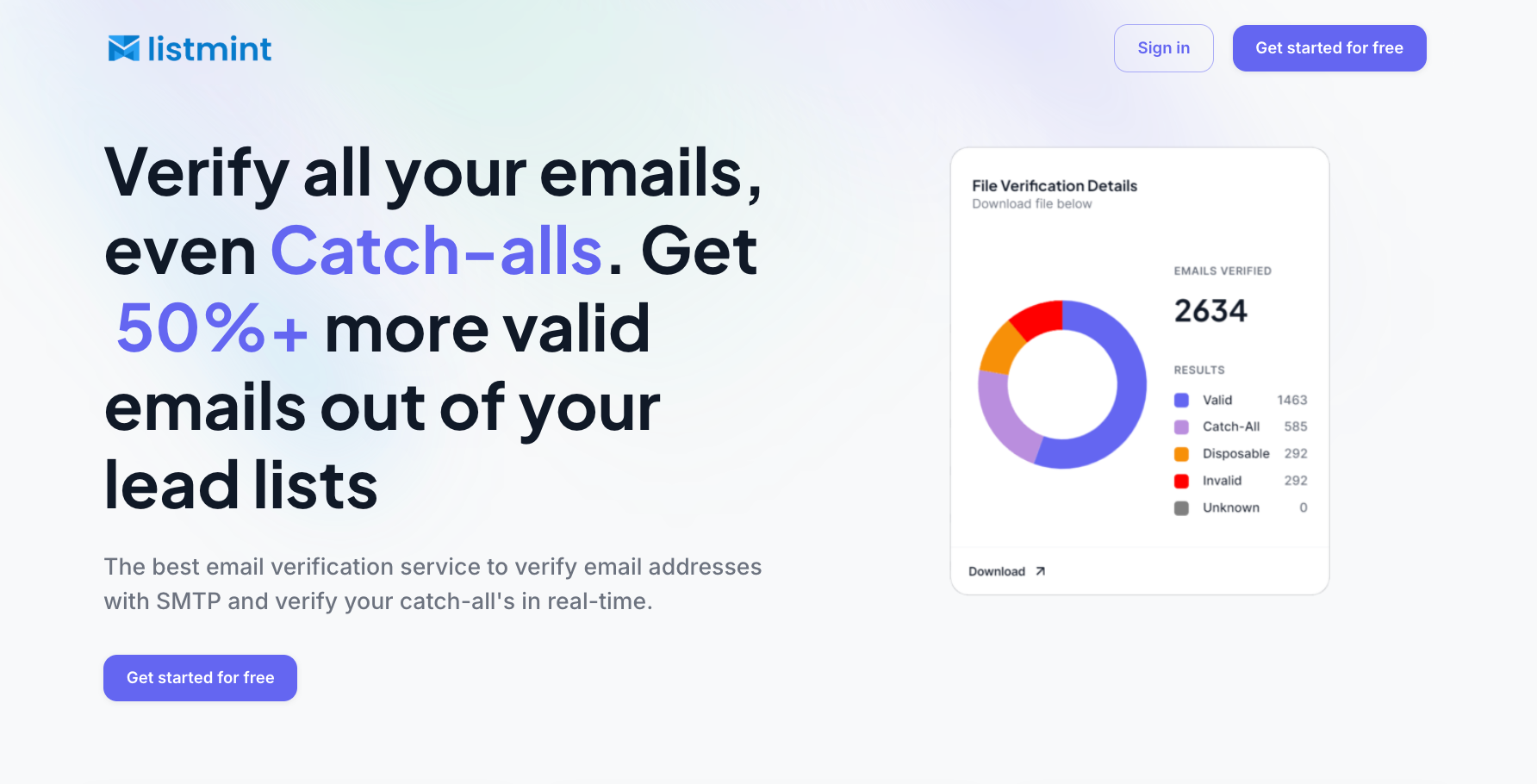
Unlike many verification platforms that label catch-all email addresses as "risky" or "unknown," Listmint verifies them in real time and classifies them as catch_all_valid or catch_all_invalid.
That gives your team more confidence when deciding which contacts belong in your outreach or marketing lists.
Listmint has verified more than 1 billion email addresses, with 99%+ SMTP and catch-all verification accuracy, helping businesses work with more complete and reliable contact data.
If your business regularly works with large email lists, Listmint makes it easier to verify both standard and catch-all email addresses on a single platform.
Get started for free and upload a list to see how Listmint works with your own data.
Keeping an email list healthy isn't something you do once and forget. Following these best practices can help maintain cleaner data, reduce unnecessary bounces, and improve campaign performance over time.
Treat email verification as part of your regular database maintenance instead of a one-time cleanup.
Every new email address collected through forms, events, or sales activities should follow the same review process before becoming part of your long-term database.
This keeps your contact records more consistent as your list grows.
Email lists naturally change over time, even when no new contacts are added.
Set a recurring schedule to check your database based on how frequently your business collects new leads or communicates with customers.
A consistent routine makes it easier to spot outdated records before they build up.
Once an address has been confirmed as invalid, remove or suppress it as soon as possible.
Leaving invalid records in your database increases the chance they'll be included in future campaigns by mistake.
Keeping your active mailing list up to date also makes future reviews easier.
Don't look only at individual verification results.
Review your reports over time to identify patterns, such as increasing numbers of invalid addresses or disposable accounts from a particular source.
Those trends can help you identify where data quality problems are starting.
The quality of your email list depends on where your contacts come from.
Review signup forms, landing pages, CRM imports, and other lead sources regularly to reduce data entry mistakes before they reach your database.
Small improvements at the point of collection often reduce cleanup work later.
Catch-all email addresses should be handled based on the verification result you receive, not treated as one single risky group.
If your verification platform provides additional catch-all classifications, check those results instead of treating every catch-all address the same.
This gives your team more confidence when deciding how each contact should be handled.
Create a simple process that explains how your team reviews verification results, removes invalid addresses, and manages exceptions.
Documenting these steps helps everyone follow the same approach as your database expand.
It also makes routine list maintenance easier when multiple people are responsible for managing contact data.
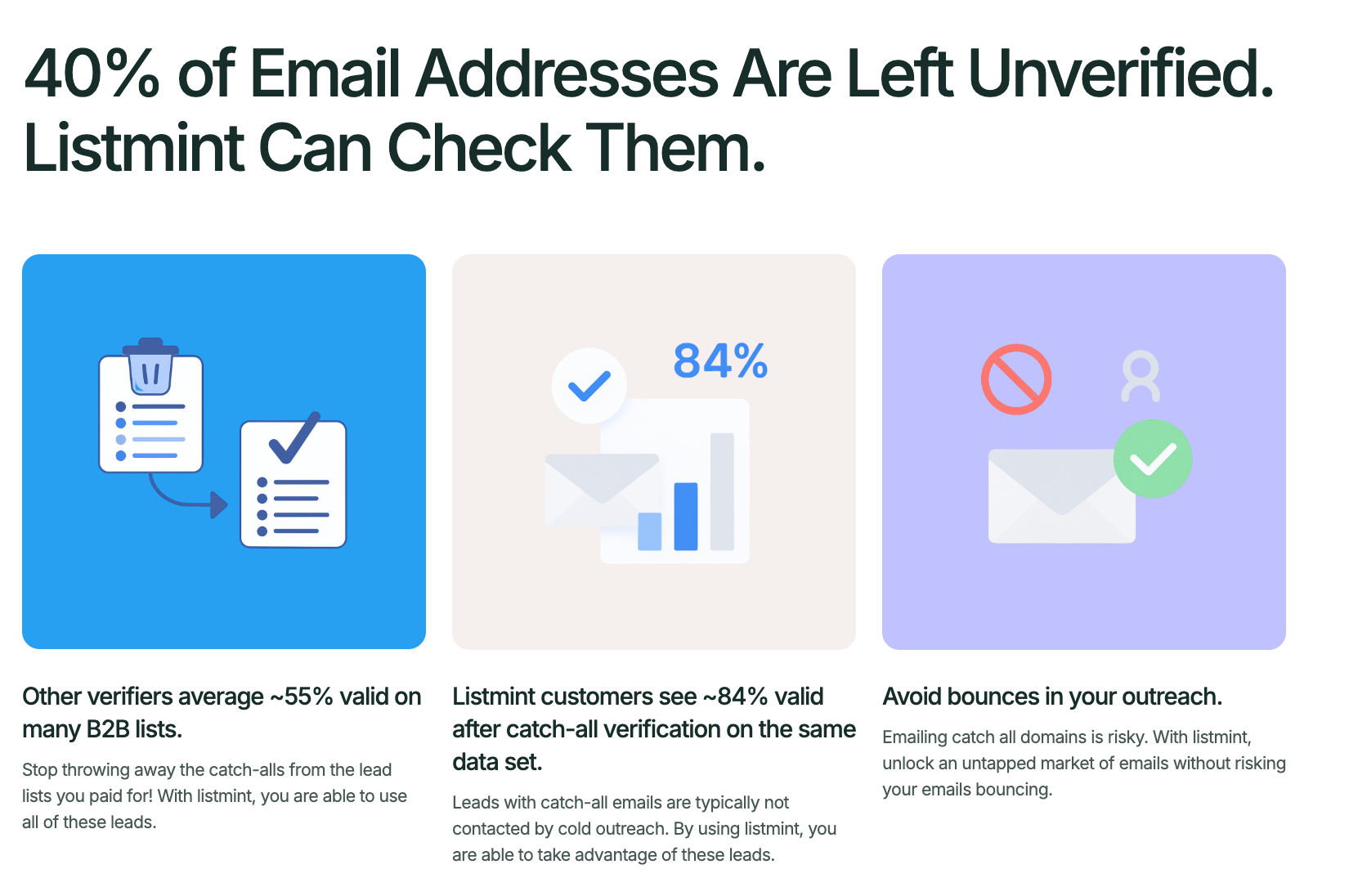
Bulk email verification isn't a one-time task. As your contact database expands, keeping your email data up to date becomes an ongoing part of maintaining healthy marketing and sales operations.
Working with verified contact data helps reduce unnecessary sending to outdated addresses while supporting better deliverability and a healthier sender reputation over time.
If you're ready to verify large email lists with real-time catch-all verification and detailed verification results, Listmint makes the process simple.
Yes. Some email verification platforms can verify catch-all email addresses in real time instead of simply labeling them as risky or unknown. This gives businesses more confidence when deciding which contacts to keep and which ones to remove.
After verification is complete, you'll receive a report showing the status of every email address in your list. Businesses typically use these results to remove invalid addresses, check catch-all results, and update their contact database before sending future campaigns.
Most bulk email verification platforms support common formats such as CSV and TXT files for bulk uploads. Some providers also offer an email verifier or email verification API to automate verification without manually uploading files each time.
Email addresses that fail verification are usually removed or suppressed from future campaigns because they are unlikely to receive messages successfully. Keeping them in your database may increase bounce rates and reduce the quality of your contact data.
Many bulk email verification providers include a free email verifier that lets businesses test a limited number of addresses before upgrading. Listmint also offers a free trial, giving you the opportunity to evaluate its verification accuracy, reporting, and workflow using your own email list.