Many email verifiers can handle standard addresses, yet company domains can return less clear results. Catch-all settings and mail security tools are two common reasons.
BounceBan focuses on checking these harder B2B emails along with normal contacts. Users can run a single check, upload a list for bulk processing, or add verification to another system through an API.
In this BounceBan review, you’ll learn how it handles each type of address, what features the platform includes, how pricing works, and how it compares with Listmint.
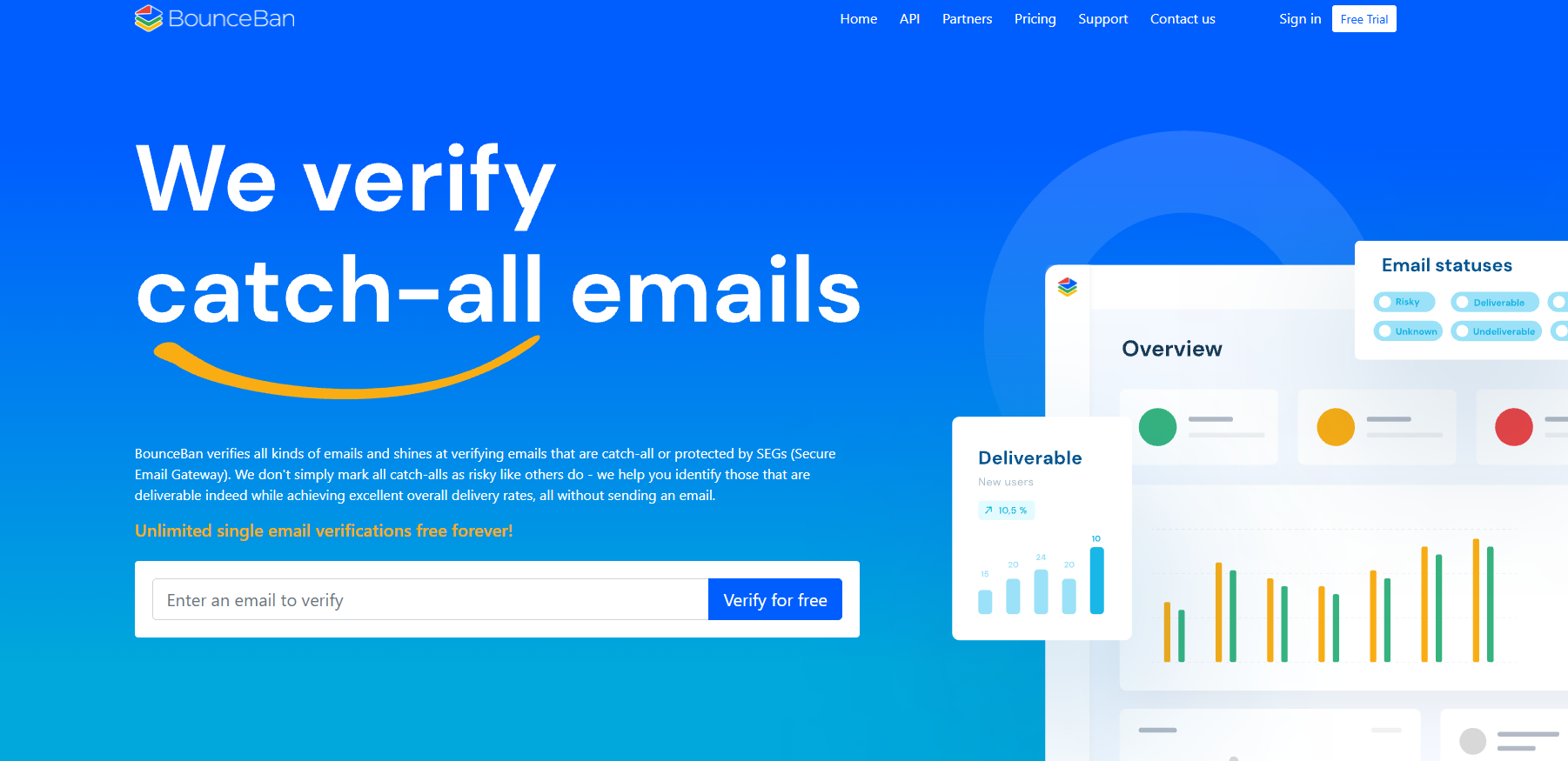
BounceBan is an email verification tool that checks whether an email address belongs to a working mailbox before you send a message.
Its verification tool handles regular emails as well as harder-to-verify business addresses that basic checks may miss. BounceBan stands out most for checking catch-all domains and emails behind company security systems.
It uses proprietary algorithms to study several signals and return a clearer result without sending a real email. You can work from the platform to check one contact, upload a large email list, or connect email checks to another app through its API.
First, BounceBan contacts the recipient’s mail server through an SMTP handshake to verify emails. You can think of it as asking the server whether a certain mailbox exists. On a normal domain, the server may give a clear response that shows whether the address appears valid.
BounceBan uses the reply to confirm whether the named inbox can receive mail. When a simple response doesn’t give enough information, BounceBan takes a different approach and looks at more server signals before returning a result.
Basic tools may stop after checking the format, domain, or SMTP reply. BounceBan says its process goes further without sending an actual test email to the recipient.
An accept-all domain tells basic email checks that almost any address can receive mail. Even a made-up name may get the same response as a real employee, so other tools often mark these contacts as uncertain or risky.
Many email verifiers struggle here because the server doesn’t give a clear answer for each mailbox. BounceBan uses its own system to identify signs that can separate working inboxes from addresses that only appear reachable.
Rather than trusting one SMTP reply, BounceBan checks several signals to judge true deliverability. Some contacts can still remain risky when the available information isn’t strong enough to support a clear result.
BounceBan offers these features:
Single verification checks one contact at a time from the BounceBan dashboard. It suits cases where you find an important prospect and want to check the mailbox before writing a personal email.
A free account includes unlimited single email verifications, and BounceBan describes manual dashboard checks as free forever. You don’t need to buy bulk credits each time you paste an address into the single checker.
Most standard addresses return results within seconds. A protected or catch-all domain may need a few minutes because BounceBan runs extra server checks before giving an answer.
Each completed check returns a status that tells you whether the address appears deliverable, undeliverable, or risky.
Bulk verification cleans large contact lists without making you check each address by hand. BounceBan’s bulk processing system accepts CSV files with up to 500,000 email addresses in one upload.
After adding a file, you select the email column that BounceBan needs to check. Processing happens on its servers, so you can close the page and wait for an email when the job finishes.
Results come with filters that separate deliverable emails from risky contacts and undeliverable emails. You can select a group and export only those rows to a new CSV.
For example, your sales team can download its deliverable contacts for outreach and keep failed addresses out of the sending list.
Catch-all verification deals with domains that accept requests for almost any mailbox name. A normal SMTP check can’t tell whether “jane@company.com” belongs to a real person when the same server response appears for a made-up address.
BounceBan uses extra domain and server signals to find more deliverable catch-all emails instead of marking the full group as risky. Some difficult checks can use person and company information from external data providers as another point of reference.
BounceBan publishes its own figures for how many catch-all contacts it can resolve. Those numbers describe company-reported performance rather than a fixed result for every list, since each domain can respond differently.
Secure Email Gateways (SEGs) protect company mail systems from spam, malware, and unwanted traffic. Basic checks may struggle with emails protected by services such as Mimecast, Proofpoint, and Barracuda because the gateway can hide or change the mailbox response.
BounceBan checks SEG-protected emails by studying more than the final SMTP answer. For corporate domains protected by a SEG, it looks at server and gateway signals to decide whether there is enough evidence to return a useful status.
Using several signals can reduce false positives caused by servers that appear to accept an address even when the mailbox isn’t confirmed. BounceBan performs these checks without sending a real email to the recipient.
BounceBan’s API puts its verification system into another app or process. A developer could check a new signup as it enters a database or send a large batch of contacts for background processing.
Access starts with an API key created in the user’s account. An application sends the key with each request, then BounceBan processes the supplied address and returns its result.
Developers can choose a request that waits for the answer or submit harder jobs and retrieve the result later. Separate bulk options accept larger groups of contacts.
Account endpoints can return information such as available credits and rate limits, which helps software track its usage automatically.
BounceBan Sync checks contacts stored in a connected CRM on a recurring schedule. Its purpose differs from bulk verification, since you don’t need to export a new CSV whenever you want to check older records again.
Daily checks create updated verification results for the contacts selected in the Sync setup. You can then set rules for failed addresses, such as unsubscribing a contact, removing it from a list, or deleting it from the CRM.
Unlike other services that depend on repeated exports and uploads, Sync keeps the verification process linked to supported CRM data. BounceBan charges for this feature separately from regular bulk credits, with plans based on the number of unique email addresses checked each month.
BounceBan uses a paid credit model for Single Premium, bulk checks, and API requests. One credit covers each successful verification, while manual single checks in Free Mode don’t use credits. Available packages start at 10,000 credits and go up to 1 million, with custom pricing for larger orders.
You can buy credits as needed or choose monthly subscriptions, which currently receive a 15% discount. Unused subscription credits carry over to the next billing period and don’t expire. Sync has separate pricing based on the number of unique addresses checked each month.
BounceBan’s current pricing page doesn’t advertise a free trial for bulk verification. Free access applies to individual checks through Free Mode.
Here are the pros and cons of BounceBan:
BounceBan can reduce bounce rates by finding dead addresses before they enter a campaign.
Lower bounce rates can support better email deliverability, delivery rates, and domain health. Cleaner lists may support open rates too, although verification alone doesn’t control engagement. Deliverability shouldn’t be the only metric used to judge outreach.
It can further check corporate domains where standard verifiers may struggle. BounceBan can examine contacts behind protected mail systems and flag risky emails before sending. Fewer bad sends can help protect a sender’s reputation.
You can even clean lists through Google Sheets, and BounceBan offers an app through Google Workspace for spreadsheet-based checks.
BounceBan checks existing addresses rather than finding new prospects. Sales teams still need outside lead sources before adding verified contacts to their sales workflow.
Hard addresses can take longer to process. BounceBan says its verification process may require about one to six minutes for some difficult catch-all or protected contacts. Results can differ between different tools because each service uses its own checking methods.
Some users processing very large lists may find credit packages expensive, and reviews from real users describe reporting as fairly basic.
For many, these cons are enough reason to start looking for an alternative like Listmint.
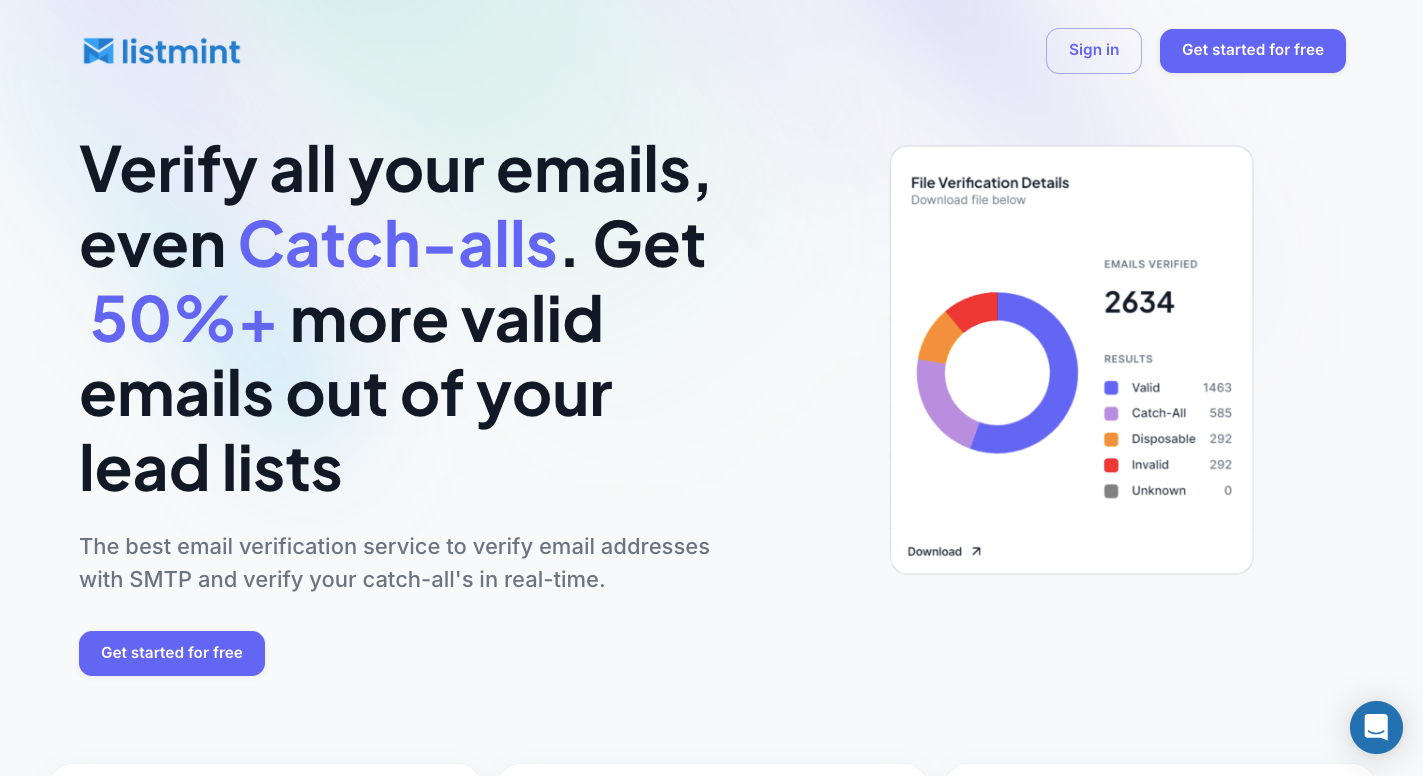
BounceBan can verify catch-all emails in real time, but Listmint is a better option for teams that want standard and catch-all checks in one service, plus an API built for B2B and B2B2C use.
A catch-all address creates a problem because its mail server may accept requests for any name under the company domain. Standard checks can detect the catch-all setup, but they can’t always tell whether the exact inbox exists.
Listmint adds a separate catch-all check for these contacts. Instead of leaving every uncertain address under one risky label, it returns results such as “catch_all_valid” and “catch_all_invalid.”
Older catch-all methods can take a long time to return results. Listmint’s current service focuses on real-time verification for these harder addresses.
Users don’t need to send test messages from their own email accounts to check uncertain contacts. Listmint processes the address through its verification system and returns a result without requiring the user to contact the recipient.
BounceBan offers real-time catch-all checks too, so speed alone isn’t the main reason to compare the two. Listmint becomes more relevant when a business needs the same type of check through a direct platform and an API built for use in other products.
Listmint separates standard verification from its catch-all process because each type of check requires different work. Standard credits cover normal SMTP checks, while separate catch-all credits pay for the added analysis of uncertain company addresses.
For example, a business can upload a CSV and run the normal check first. Listmint sorts the addresses into groups such as valid, invalid, and catch-all. Users can then run the harder group through catch-all verification rather than paying the higher rate for every contact.
Listmint isn’t limited to businesses cleaning their own lead lists. Its API targets B2B2C companies that want to add standard and catch-all verification to a SaaS product, lead service, or other customer-facing system.
A company can send an address to the API when a user submits it and receive the verification result without moving files between services. Resellers can use the same setup to provide email checking to their own customers.
Listmint makes the most sense when you need a direct verification service plus an API for a product that checks emails for other businesses.
Start with a standard email check to identify the catch-all domain, then use a service that can check whether the specific mailbox is active. Tools such as BounceBan and Listmint are built to resolve catch-all addresses that basic SMTP checks may leave uncertain.
Yes. BounceBan is a real email verification service that offers single checks, bulk verification, catch-all verification, API access, and CRM Sync.
BounceBan claims more than 97% accuracy for the email addresses it verifies. Results can still vary based on the domain, mail server, security setup, and whether enough information is available to confirm the mailbox.