Kickbox helps businesses verify email addresses before adding them to contact lists or sending email campaigns.
With bulk verification, real-time checks, and deliverability classifications, it gives teams a way to identify addresses that may cause problems.
Even after verification, your team may still need more information before deciding which contacts to email.
For B2B teams working with catch-all domains, knowing which contacts are worth keeping can be particularly difficult. Other businesses may be comparing verification costs or looking for a service that better fits their existing workflow.
If you're considering a switch, this guide compares seven Kickbox alternatives, including their verification capabilities, practical differences, and limitations.
The seven Kickbox alternatives to consider in 2026 are:
Kickbox helps businesses identify invalid contacts and assess risky email addresses through deliverability classifications and its Email Threat Score.
Still, many teams want more detailed results, especially when working with B2B contacts on catch-all domains.
Risk classifications are useful, but businesses may want more information about individual addresses before deciding which contacts to keep.
That extra information can help teams protect sender reputation without removing potentially valuable leads too early.
Cost is another consideration. Kickbox pricing is based on verification volume, but your needs may change as contact lists grow.
A business checking a few thousand addresses occasionally has different priorities from one processing large databases every week.
Budget, verification speed, and how often you check contacts can all influence the decision to explore other services.
Workflow fit also plays a role. Kickbox already offers bulk verification, real-time API checks, and integrations.
However, your business may prefer a different approach to ongoing verification, CRM maintenance, or managing customer data.
The right setup depends on how contacts enter your database and how often they need checking.
Choosing from the best Kickbox alternatives depends on your email verification needs and how you manage contact data. Below, we compare seven services based on their verification capabilities, key differences, and potential considerations.
Best For: B2B sales teams, outreach agencies, and businesses that want to verify catch-all emails and recover more usable contacts from their lead lists.
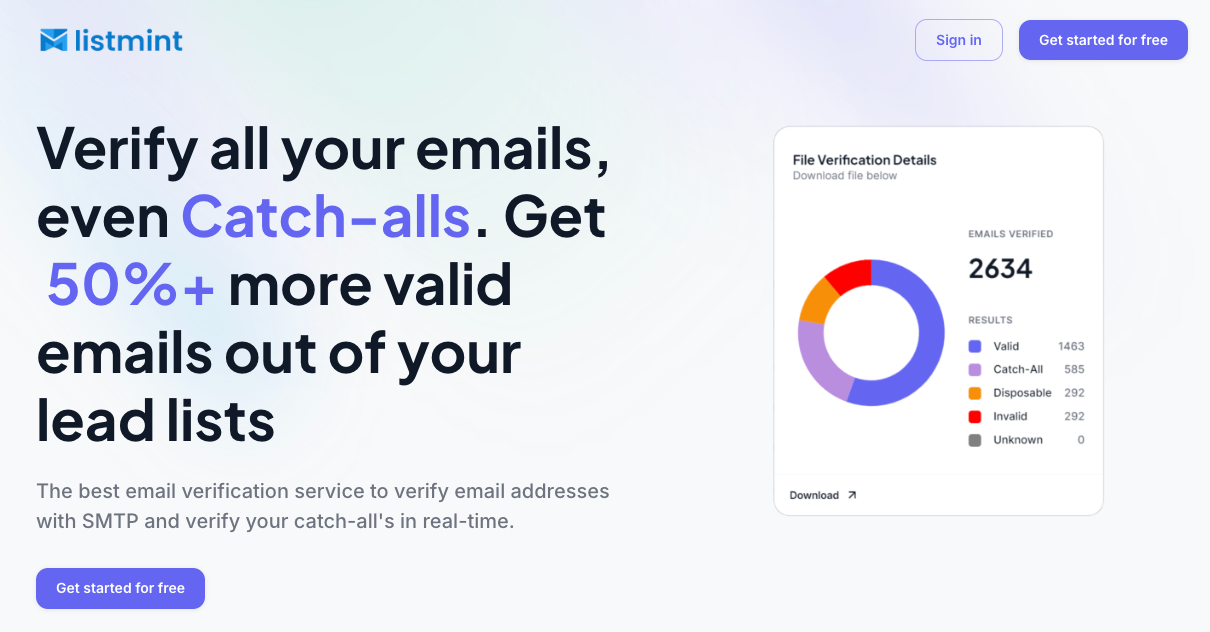
Listmint combines standard SMTP checks with dedicated catch-all verification, helping businesses identify valid emails that conventional verification may leave unresolved.
It supports bulk verification and a real-time API, allowing outbound teams to check existing prospect lists or verify new contacts without sending verification emails.
With over 1 billion emails verified and 99%+ verification accuracy for both SMTP and catch-all checks, Listmint gives businesses a way to manage standard and difficult-to-verify addresses in one service.
Kickbox identifies accept-all addresses and provides deliverability classifications and an Email Threat Score. Listmint's dedicated catch-all verification adds another level of decision-making, returning catch_all_valid or catch_all_invalid results for addresses it can classify.
This distinction helps teams identify which catch-all contacts to keep for outreach and which to remove. Addresses classified as catch_all_valid can be included with other verified contacts without automatically excluding them because of their domain type.
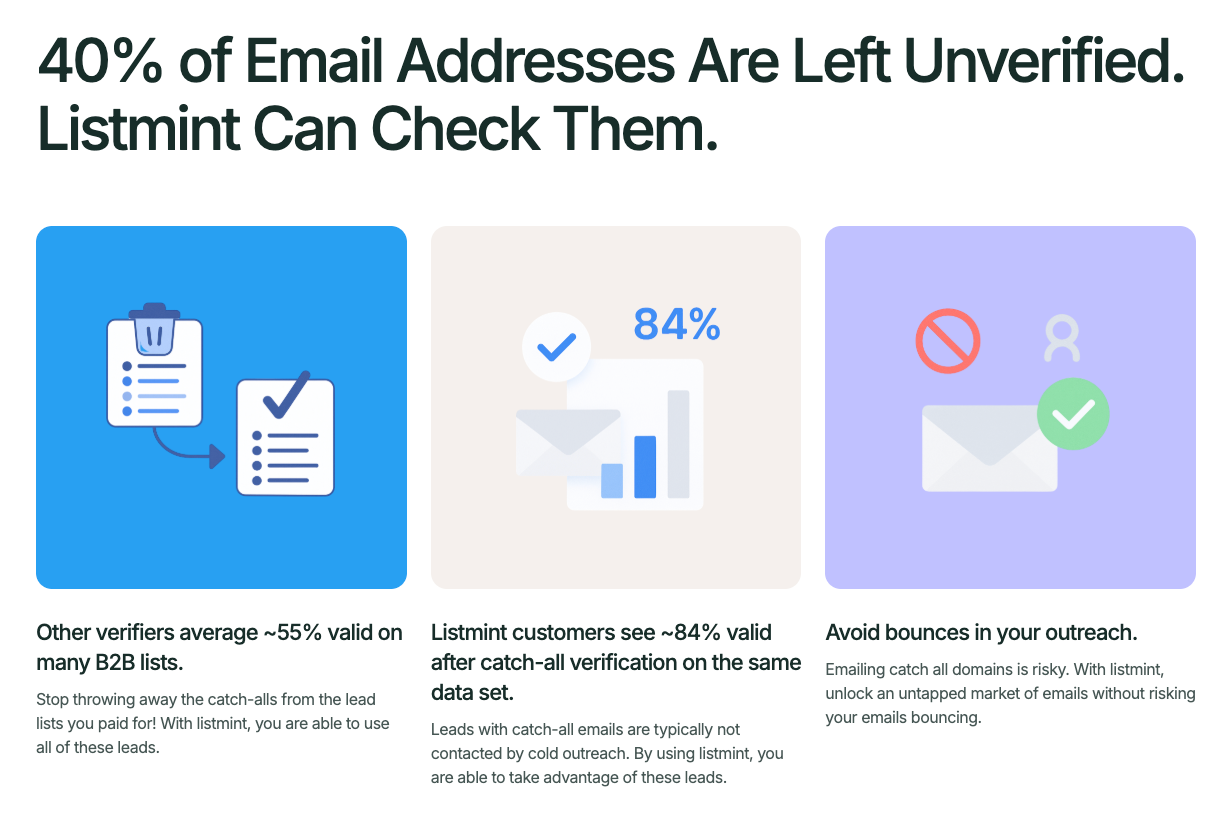
Listmint customers can see up to 84% valid results, compared with approximately 55% from generic verifiers, based on Listmint's published figures. That gives B2B teams the potential to recover over 50% more usable contacts from lead lists they already own.
These results are available in real time through Listmint's API, giving businesses accurate email verification without waiting for manual follow-up checks.
Listmint offers separate credits for standard SMTP and catch-all verification, giving businesses the flexibility to choose based on their needs. Teams working with larger B2B prospect lists can benefit from dedicated catch-all checks to recover more usable contacts while managing bounce risk.
Best For: Marketing and CRM teams that want automated list cleaning alongside bulk and real-time verification.
NeverBounce offers bulk email list cleaning, real-time verification, and automated list maintenance. It helps businesses verify lists before campaigns and check new contacts as they enter a database.
Teams can upload and clean lists through NeverBounce's dashboard without building an API integration. This suits marketing and CRM teams that prefer file-based checks.
Both services support bulk verification and API checks, but NeverBounce places additional emphasis on automated list cleaning.
Its Sync service connects with supported marketing tools to regularly clean contact lists without requiring repeated manual uploads.
This may suit businesses that want verification built into their existing database maintenance process.
NeverBounce uses verification credits, so businesses should review current pricing and credit expiration terms before purchasing. Automated cleaning also depends on the integrations available for their existing systems.
Best For: Marketing and sales teams that need detailed verification results and email finding capabilities.

Clearout provides bulk and real-time email validation for businesses managing contact lists and prospect data. Its checks include mailbox status, disposable email detection, and identification of role-based addresses such as info@ or sales@.
Clearout also offers an email finder for discovering business contacts before outreach.
Kickbox provides deliverability classifications and an Email Threat Score. Clearout takes a different approach with AI Verdicts and more detailed verification signals, helping teams assess contacts that need further review.
Its Deep Verify feature performs additional checks on catch-all addresses and email gateways to assess individual mailbox validity.
Deep Verify can resolve some catch-all addresses, but others may remain uncertain. Businesses should also review credit usage and processing requirements for large lists.
Best For: Businesses managing large email lists that need bulk verification and recurring list cleaning.
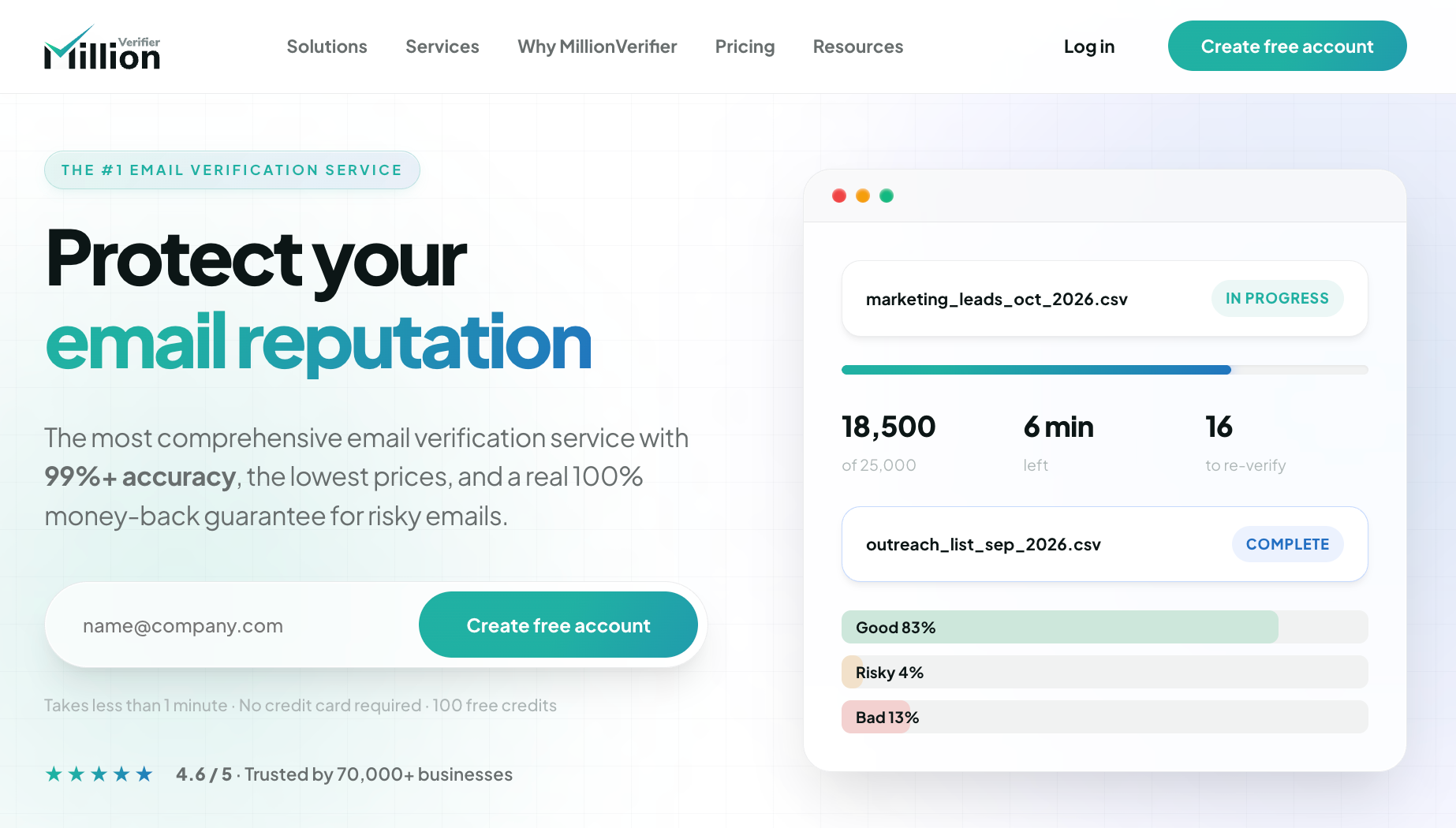
MillionVerifier offers bulk email verification, real-time API checks, and automated list cleaning through EverClean.
Businesses can upload existing contact lists to identify low-quality contacts, including invalid and disposable addresses, before sending email campaigns.
Its pay-as-you-go model lets businesses purchase verification credits based on their needs, with credits that do not expire.
MillionVerifier supports large-volume list verification and offers EverClean for businesses that regularly maintain their contact databases.
EverClean verifies connected email lists daily, reducing the need for repeated manual cleaning. Unlike one-time verification credits, EverClean has a separate monthly fee based on list size.
MillionVerifier also advertises a money-back guarantee and offers credit refunds for eligible risky results, subject to its terms.
MillionVerifier does not offer direct spam trap detection. Its checks can remove invalid and disposable addresses, but they cannot reliably identify active spam traps. EverClean requires a supported email marketing integration.
Best For: Businesses and developers that need configurable email verification settings and detailed results.
Verifalia provides bulk list cleaning and real-time email verification for marketing and technical teams.
Its checks include syntax verification, domain verification, and mailbox availability. Businesses can also upload CSV or Excel files and download results showing which addresses are deliverable, risky, undeliverable, or unknown.
Verifalia allows businesses to select verification quality levels and customize how individual status codes are classified.
It offers Standard, High, and Extreme quality levels, allowing teams to choose additional verification passes when basic verification may leave uncertain results.
Developers can also use Verifalia's detailed status codes and configurable classifications to decide how each verification result should be handled in their systems.
Higher verification quality levels consume more credits and may take longer to process. Businesses should consider these trade-offs when selecting settings for large verification jobs.
Best For: Businesses and developers that need flexible API verification and credit options for different usage levels.
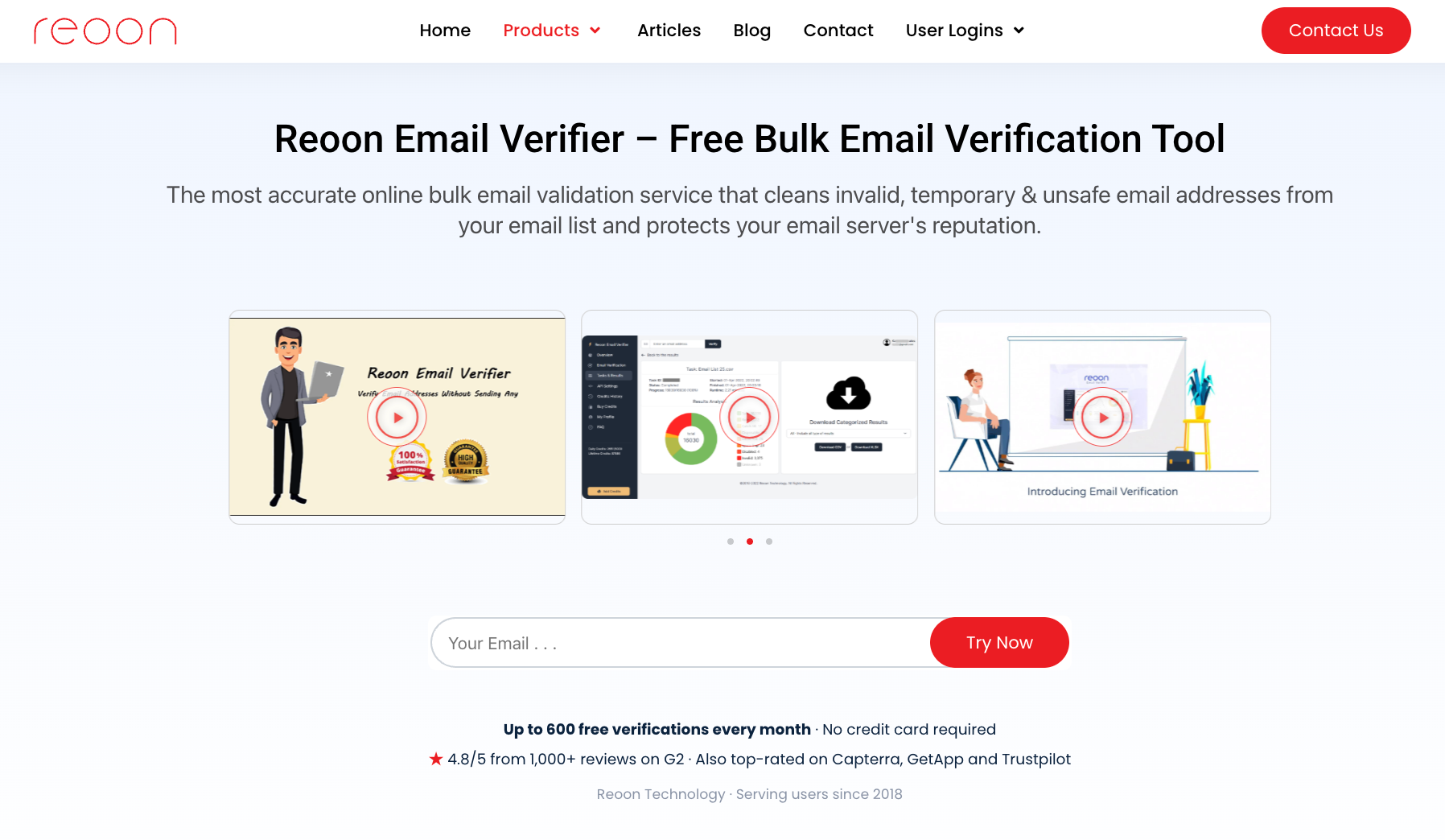
Reoon Email Verifier supports single-email checks, bulk verification, and real-time API validation. Businesses can use it to check email addresses before campaigns or verify new contacts as they enter a database.
Its results include safe, invalid, catch-all, disposable, and unknown classifications, along with a verification score.
Reoon offers Quick and Power API modes for different verification needs. Quick Mode can check an address entered through a signup form, while Power Mode performs more detailed checks.
Businesses can also use the API to validate submissions from web forms or process lists in bulk.
Reoon provides recurring free credits, daily credit plans, and one-time credit purchases that do not expire.
Reoon's Quick Mode does not verify individual mailbox availability, so teams preparing contact lists for outreach should use Power Mode for deeper checks. Daily credits also reset rather than accumulate, and API implementation may require developer support.
Best For: Marketing and sales teams that need to verify existing contact lists before sending campaigns.
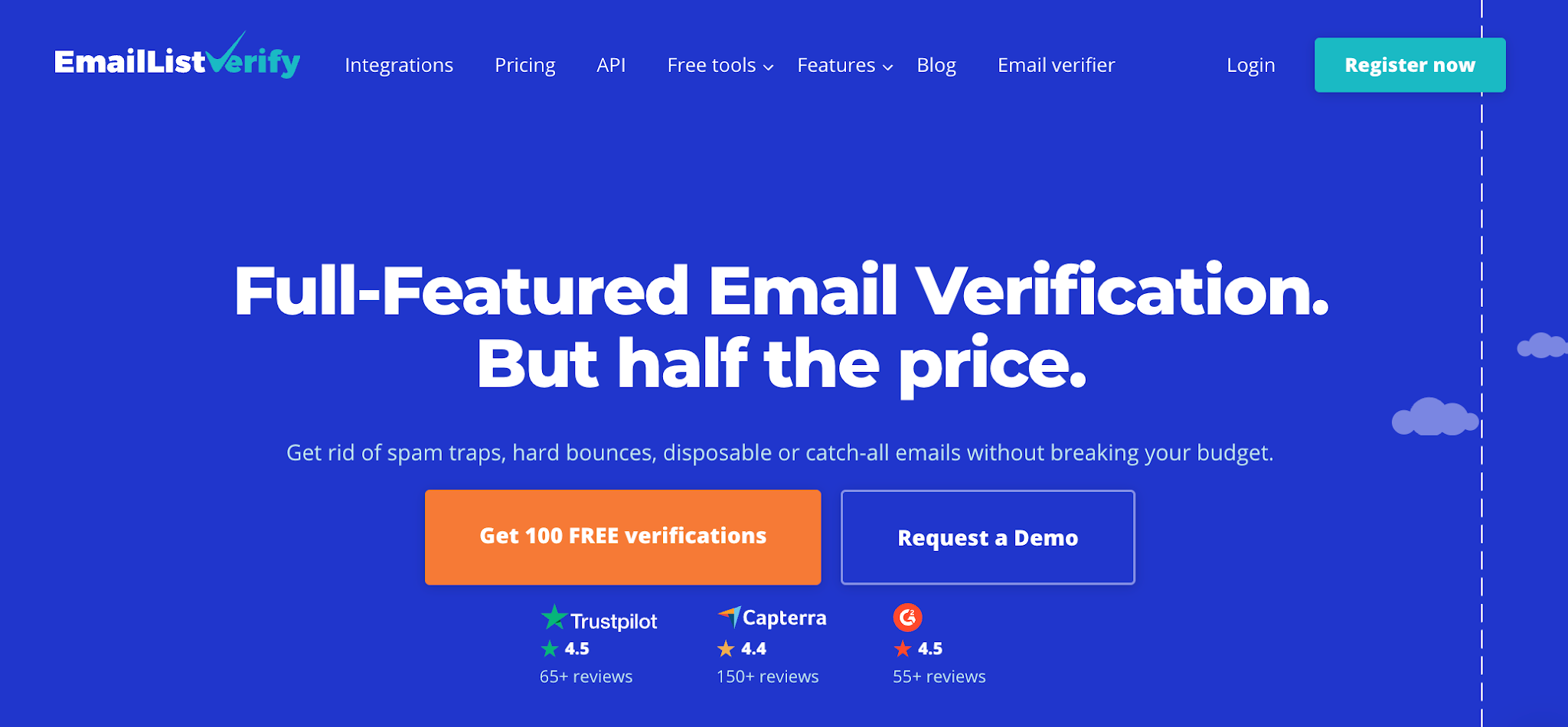
EmailListVerify focuses on bulk email verification for businesses preparing contact lists for outreach or marketing campaigns.
Businesses can upload TXT, CSV, or XLSX files to check for bad data, including invalid addresses, disposable emails, and duplicates. Once verification is complete, they can download the cleaned list.
For businesses that mainly verify contact lists before campaigns, EmailListVerify provides a file-based workflow for uploading, checking, and exporting email addresses.
Its checks cover email syntax, domain and MX records, mailbox availability, and catch-all detection. It also advertises spam trap detection as part of its verification process.
Results are grouped into valid, invalid, risky, and unknown categories, helping teams review which contacts to keep or remove before a campaign.
Businesses working with large volumes of uncertain or catch-all addresses should examine how EmailListVerify classifies them before removing contacts. Its advertised spam-trap checks also cannot guarantee identification of every trap.
Before replacing Kickbox, test how another verifier handles your contact lists, pricing, and daily workflows. Comparing services using your own data gives you a better idea of what will work for your business.
Start with what each verification tool tells you about your contacts.
Beyond identifying valid emails, check how it labels invalid, risky, catch-all, and unknown addresses. Look for explanations that help your team decide which contacts to keep, remove, or review.
Run the same sample list through different providers and compare uncertain results.
In the broader deliverability context, verification helps identify addresses that could increase your bounce rate. It doesn't replace inbox placement testing, which checks where sent messages land.
Calculate the cost based on how many addresses you expect to verify each month or during a bulk cleanup.
Check if providers charge for unknown results, additional verification passes, or premium checks. Also, find out what happens to unused credits and if they expire.
Use the same test volume when you compare alternatives, so you're evaluating costs on equal terms.
If you verify contacts regularly, include recurring costs and manual work when assessing the overall workflow value.
Check if the service works with your CRM, email marketing software, and contact collection forms.
Review supported file formats, export options, and API documentation before committing.
If your business needs bulk checks and real-time verification connected to signup forms, confirm that the same tool supports both.
For API workflows, ask your developer to check setup requirements, usage limits, and automation options before switching.
Your contact lists contain customer information, so review each provider's data security practices before uploading them.
Look for encryption, retention policies, access controls, GDPR compliance information, and available data processing agreements.
Check independent review platforms for recent user feedback about reliability and support.
Also, decide if you need additional email deliverability support, such as blacklist monitoring. A standalone verifier may not include these services, so check if you need a separate deliverability platform.
Choosing a Kickbox alternative comes down to what your business needs from email verification.
You may want automated list cleaning, more control over verification settings, or a simpler way to check contacts before sending campaigns. Each service offers a different approach, so the right choice depends on your contact lists and daily workflow.
For businesses working with B2B contacts, Listmint is worth considering, especially when catch-all addresses are part of your database.
Listmint helps your team look beyond uncertain catch-all results and identify more usable B2B contacts before outreach. You can make better use of the prospect lists you've already built without automatically excluding addresses simply because they belong to catch-all domains.
Verify your catch-all emails with Listmint. Get started for free.
Yes. Businesses can use multiple email verification services when their verification workflow requires different types of checks.
For example, a team might use one service for standard list verification and another to assess addresses that remain uncertain. However, using multiple services can increase costs and make results harder to manage.
No. An honest limitation of email verification is that even a valid result cannot guarantee successful delivery. A mailbox may become unavailable after verification, or the receiving server may reject the message. Verification helps assess validity, but delivery depends on additional factors.
Yes. Some email verification services, including Verifalia, offer Google Sheets add-ons to check addresses within a spreadsheet. Other services may require exporting the spreadsheet as a CSV file before uploading it for verification.
No. Email verification services may label risky, unknown, or catch-all addresses differently. Compare classifications with your existing records, especially where catch-all handling affects how you interpret results.
Not necessarily. Your first Kickbox alternative can use recent verification results, while older records and risky contacts may need another check. An intuitive interface can help your team review new results and identify contacts that still need attention.