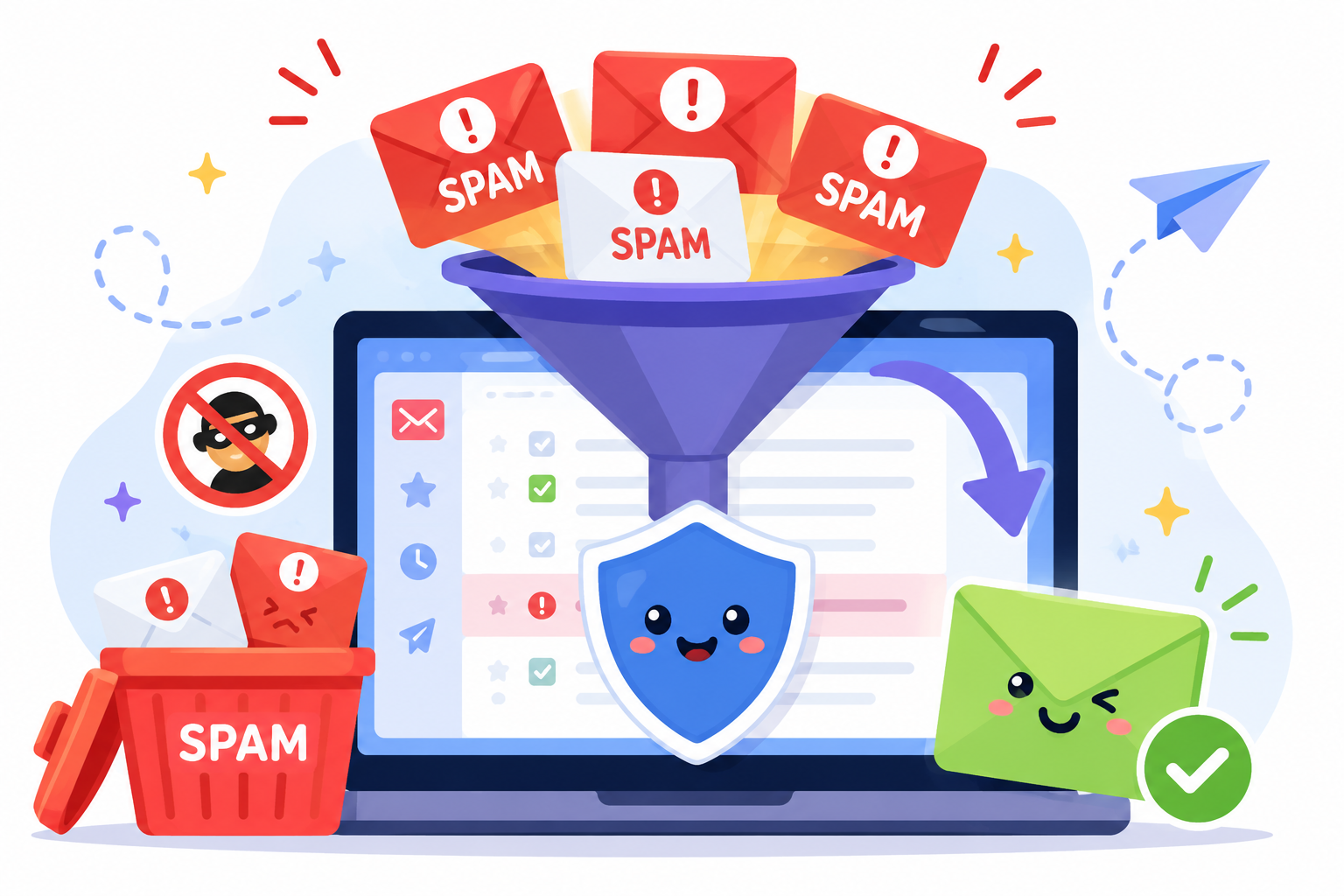
Every email campaign competes for a place in the inbox. Before a message reaches its recipient, email spam filters decide whether it belongs in the inbox, the spam folder, or is blocked altogether.
Those decisions don't affect only unwanted emails. Legitimate marketing campaigns, newsletters, and sales outreach can also be filtered when they trigger certain warning signs.
If you've ever wondered how email spam filters work or why legitimate emails sometimes end up in the spam folder, this guide explains what spam filters look for and the practical steps your business can take to improve inbox placement.
Email spam filters are automated systems that examine incoming email and decide whether it should reach the recipient's inbox, be sent to the spam folder or junk folder, be quarantined, or be blocked completely.
It's important to distinguish spam messages from spam filters. Spam messages are unsolicited, unwanted, or harmful emails, such as junk mail, phishing attempts, or scams.
Spam filters are the tools that identify and manage those unwanted messages before they reach users' inboxes.
Most major email platforms and email service providers, including Gmail, Outlook, Yahoo Mail, and many business email systems, use spam filters to help protect users.
Depending on the email provider or email client, filtering decisions may vary, but the purpose remains the same: reduce unwanted email while allowing legitimate messages to reach the intended recipient.
Spam filters don't guarantee that every email is classified correctly. Legitimate emails can sometimes be marked as spam, while some unwanted messages still make it into the inbox.
That's why understanding how spam filters work is important for any business that relies on email communication.
Spam filters exist to protect inboxes from the growing volume of unwanted email and reduce the risk of email-borne threats.
Without them, users would spend far more time sorting through malicious emails, advertisements, scams, and other unwanted messages before finding legitimate communication.
Another reason is to help defend against phishing attacks. Many phishing emails contain malicious links or malicious content designed to steal login credentials, financial information, or other sensitive data.
Filtering these messages before they reach the inbox helps lower the risk of accidental clicks and account compromise.
For businesses, spam filtering is also an important part of email security. It helps block spam, reduces distractions in the inbox, and lowers the chances of employees interacting with suspicious messages.
It also provides another layer of defense against advanced threats, although additional security tools are still needed for broader protection.
The result is a cleaner inbox where legitimate communication is easier to find, and users spend less time dealing with unwanted email.
Modern email spam filters don't rely on a single rule to decide what happens to an email. Instead, they evaluate multiple signals before deciding if a message should reach the inbox, be marked as spam, or be blocked.
Looking at several signals together helps reduce false positives, where legitimate emails are mistakenly treated as spam. No filtering system can completely eliminate spam, but evaluating multiple signals allows mailbox providers to make more informed filtering decisions.
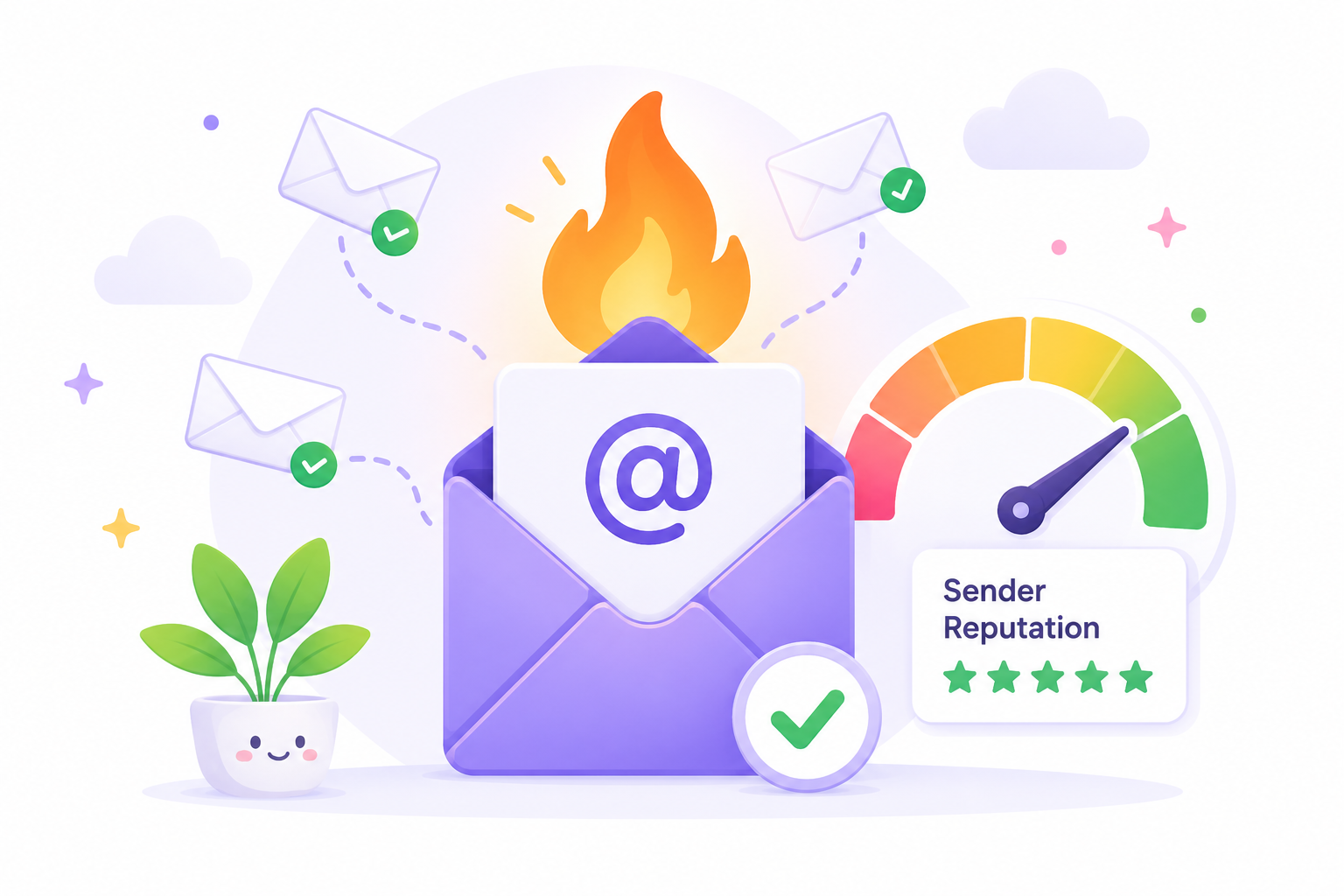
One of the first signals spam filters evaluate is the sender reputation.
Mailbox providers look at the reputation of the sending IP addresses, email domain, and sometimes the email server used to send the message. This information is often compared with reputation databases that track previous sending activity and known patterns of abuse.
A sender with a history of spam complaints, high bounce rates, or suspicious behavior is more likely to have future emails filtered before they reach recipients.
Spam filters also check that an email really comes from the sender it claims to represent. Technologies such as SPF, DKIM, and DMARC help mailbox providers verify that the sender is authorized to use the domain and that the message wasn't changed during delivery.
Passing these checks doesn't guarantee inbox placement, but it helps mailbox providers distinguish legitimate senders from spoofed emails.
The message itself also receives close review through content analysis. Spam filters examine elements such as the subject line, links, formatting, and attachments for warning signs.
Messages containing suspicious attachments, suspicious links, attempts at revealing sensitive information, requests for sensitive data, or language that resembles known spam patterns may receive additional scrutiny before delivery.
Sending patterns provide another important signal. Spam filters monitor a sender's emails for unusual activity, such as sudden spikes in volume, inconsistent sending schedules, or unusually high complaint and bounce rates.
Some business environments also use outbound email filtering to monitor outbound messages before they leave the organization. This helps identify compromised accounts or suspicious activity before those messages affect future email communications.
Recipient behavior also plays a role in spam filtering. Mailbox providers watch how people interact with emails they've received from the same sender.
Opening messages, replying, moving emails out of spam, or selecting "Report Spam" all provide user feedback that helps providers judge future emails from that sender.
Those signals become part of the overall evaluation when similar emails are sent later.
Keeping your email list up to date is more important than many businesses realize. Sending emails to invalid, inactive, or outdated addresses can slowly increase bounce rates and reduce engagement over time.
Regularly cleaning your email list improves the chances that legitimate emails reach the intended recipients.
Mailbox providers look at this together with many other signals before deciding how to handle an email.
Most email providers use several filtering approaches instead of relying on one method. Each type checks a different part of an email before contributing to the final filtering decision.
Modern spam filtering systems typically combine multiple filtering methods instead of relying on a single approach.
Legitimate emails can still end up in the spam folder when they trigger multiple signals that filters work together to evaluate. Spam filtering isn't based on a single issue. Several small warning signs can increase the chance that a message is treated as suspected spam.
Common causes include:
Mailbox providers regularly update their spam detection systems to respond to new spam tactics. As a result, an email that reached the inbox in the past may be filtered differently if its sending patterns or content begin to resemble suspicious activity.
No sending practice can guarantee inbox placement, but a few consistent habits can reduce the chances that your emails are filtered.
Start by authenticating your domain with SPF, DKIM, and DMARC. Send campaigns only to verified email addresses, remove inactive subscribers regularly, and avoid purchased lists. These steps help build a healthier sending history before incoming messages reach recipients.
Keep an eye on your sender reputation and send emails on a consistent schedule instead of making sudden jumps in volume.
Write honest subject lines that match the content of the message, and test campaigns before sending them to larger audiences. If needed, review your spam filter settings and add legitimate contacts to your list of trusted senders.
If your business uses platforms such as Google Workspace or an email gateway, follow their recommended sending practices, security settings, and user access controls.
They can help reduce the risk of emails being blocked because of configuration issues, although they aren't a replacement for good sending habits.
Together, these practices improve the chances that future emails reach the inbox while supporting a more reliable email program.
Although the terms are often used interchangeably, email spam filters and email blocking are not the same. A filtering system evaluates an email and decides how it should be handled, while email blocking prevents a message from being delivered altogether.
Understanding the difference makes it easier to troubleshoot delivery issues and choose the right approach.
In short, spam filters help separate suspicious emails from legitimate ones, while email blocking prevents certain messages from being delivered at all.
Email spam filters evaluate many signals before deciding where a message belongs. One of those signals is the quality of your email list. Sending to invalid, inactive, or disposable email addresses can increase unnecessary bounces over time, which may weaken sender reputation.
That's why email verification is an important step before launching a campaign. Listmint helps businesses verify email addresses before they send, making it easier to work with cleaner, more reliable email lists.
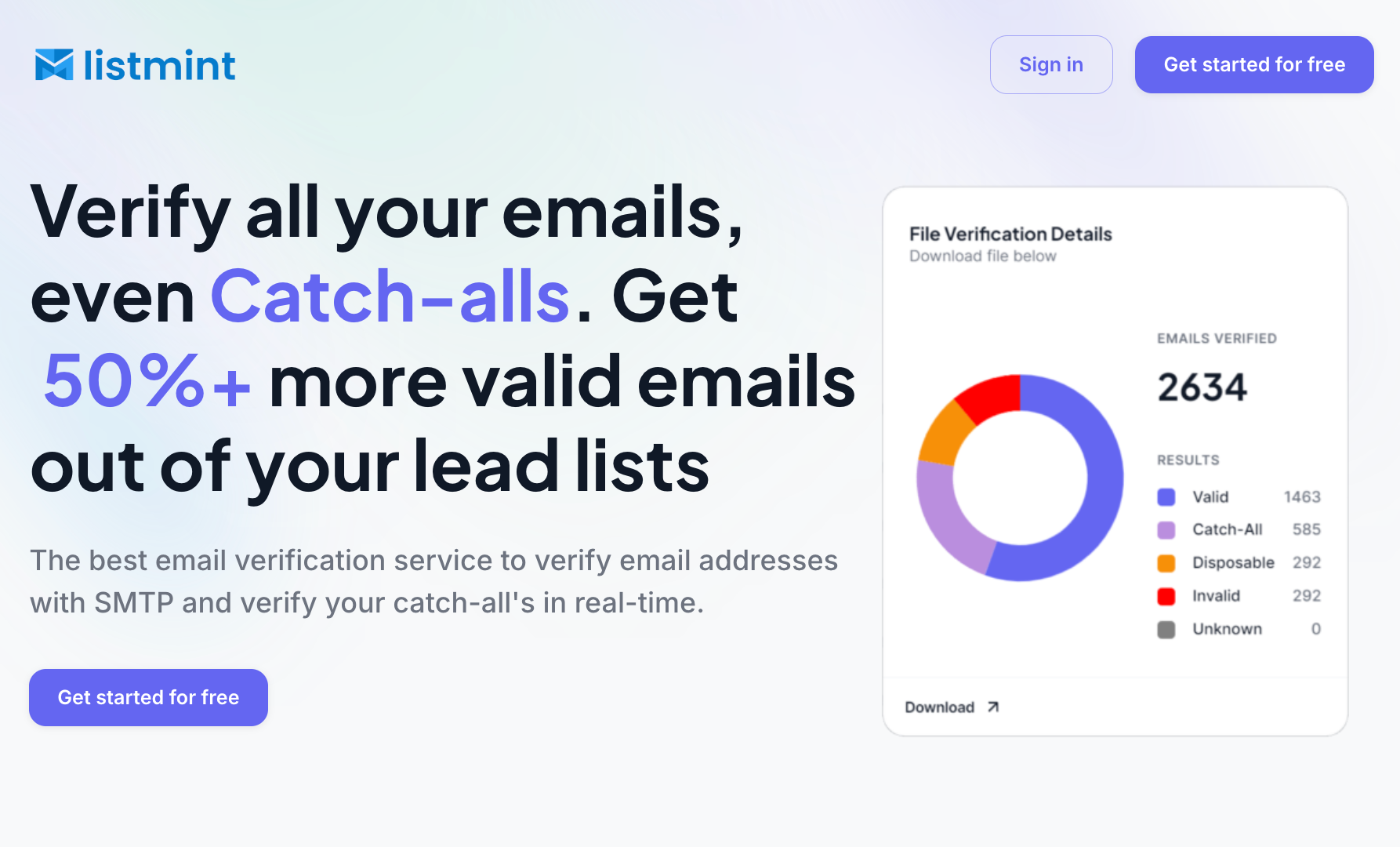
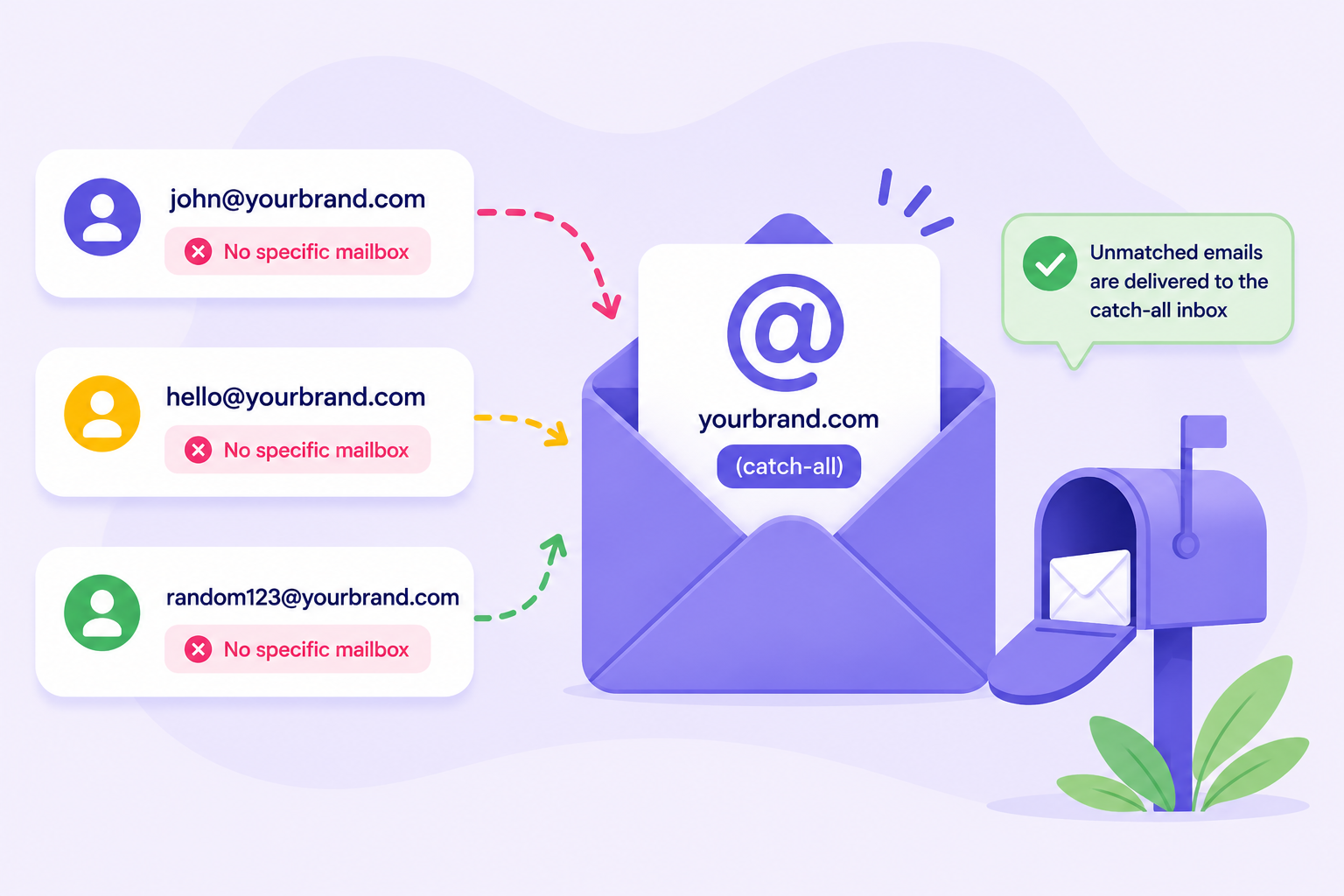
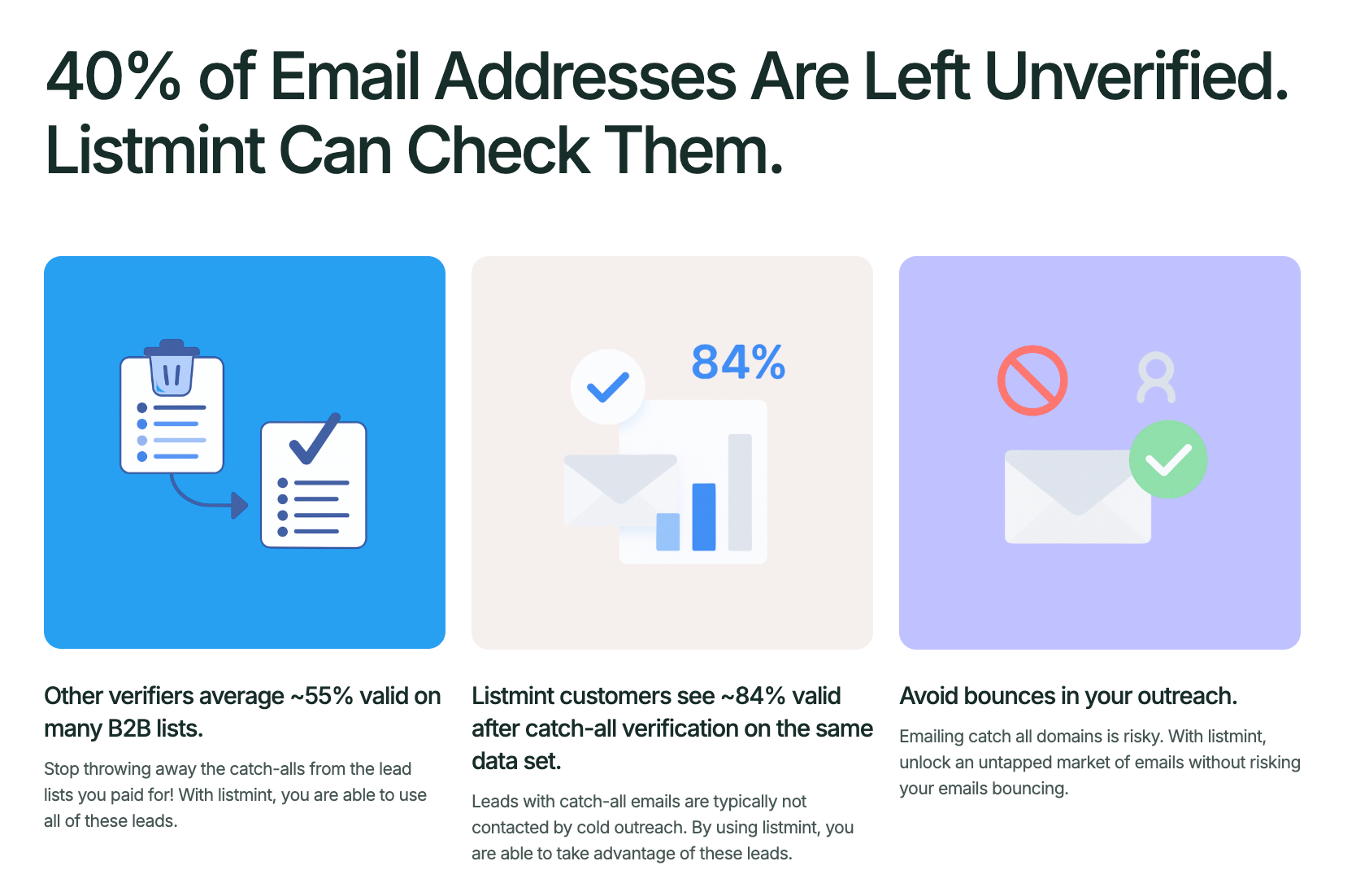
Most email verification tools stop after standard SMTP verification and label catch-all email addresses as "risky" or "unknown."
Listmint goes beyond standard verification. It performs real-time catch-all verification without sending verification emails and without waiting up to 48 hours for results.
Rather than labeling catch-all addresses as "risky" or "unknown," Listmint verifies them and classifies them as catch_all_valid or catch_all_invalid. That gives your team more confidence when deciding which contacts to include in outreach.
Listmint combines multiple verification capabilities in one platform, including:
Listmint has verified more than 1B email addresses and delivers 99%+ SMTP and catch-all verification accuracy, giving businesses reliable verification results before every campaign.
Email spam filters don't rely on a single rule. They look at a combination of signals before deciding where an email belongs. While you can't control every factor, consistent sending habits can improve your chances of reaching the inbox over time.
Authenticating your domain, sending relevant emails, monitoring your sender reputation, and keeping your email list up to date all contribute to healthier email deliverability.
If you're preparing for your next campaign, Listmint helps you start with a cleaner email list so you can send your next campaign with greater confidence.
Get started for free with Listmint and verify your email list before your next campaign.
A sudden increase in spam emails can happen after your email address appears in a data breach, is shared publicly, or is added to spam mailing lists. Spam campaigns also change frequently, so mailbox providers continually update their filtering systems to identify new threats.
Spam filters can identify many phishing emails and other suspicious messages, but they don't detect every attack. Because new threats appear regularly, businesses often use spam filtering together with an email gateway and other security tools for more comprehensive protection against business email compromise and zero-day attacks. These additional layers also help support email continuity during security incidents.
Yes. Many business email platforms let administrators customize spam filtering by configuring filtering rules, approving trusted senders based on business needs, and deciding when to block emails or allow them through. Reviewing these settings as part of ongoing maintenance helps keep filters aligned with changing business requirements without negatively affecting network performance.
No. Every email provider uses its own spam filtering algorithms and policies. Gmail, Outlook, Yahoo Mail, and business email platforms all evaluate similar signals, but the weight given to those signals can differ. As a result, the same email may reach the inbox on one platform but be filtered on another.
Email spam filters are updated regularly to respond to new spam campaigns, phishing techniques, and changing sending patterns. Mailbox providers continuously refine their filtering systems, so an email strategy that worked months ago may need periodic review to maintain good deliverability.