Your email campaign is ready, and your prospect list is loaded, but the inbox you plan to send from is brand new or has barely been used.
Starting with a high sending volume right away may not be the best move. Email warmup services help build activity gradually, giving new or lightly used mailboxes time to establish a sending history.
Choosing the best email warmup service comes down to more than finding a tool that sends warmup emails. You also need to consider mailbox volume, automation, provider compatibility, controls, and cost.
We compared seven options for 2026 to help you find the right fit for your outreach setup.
These are the best email warmup services in 2026:
If you're preparing for outreach, warmup is only part of the process. Listmint helps you verify your contact list before you start sending, including standard SMTP and dedicated catch-all verification.
The best email warmup tools support different sending needs, from dedicated mailbox warmup to broader outbound and deliverability workflows.
Below are seven options worth considering for your outreach setup:

MailReach is a dedicated email warmup and spam testing platform built around email deliverability rather than campaign sending.
The warmup process connects your mailbox to a network of real inboxes and automatically sends warmup emails to create positive sending activity over time.
Unlike a broader cold email platform, MailReach keeps its focus on mailbox reputation, warmup, and spam testing.
MailReach fits B2B outbound teams and agencies that want dedicated warmup, reputation monitoring, and spam testing without moving their campaign sending into another cold email platform.
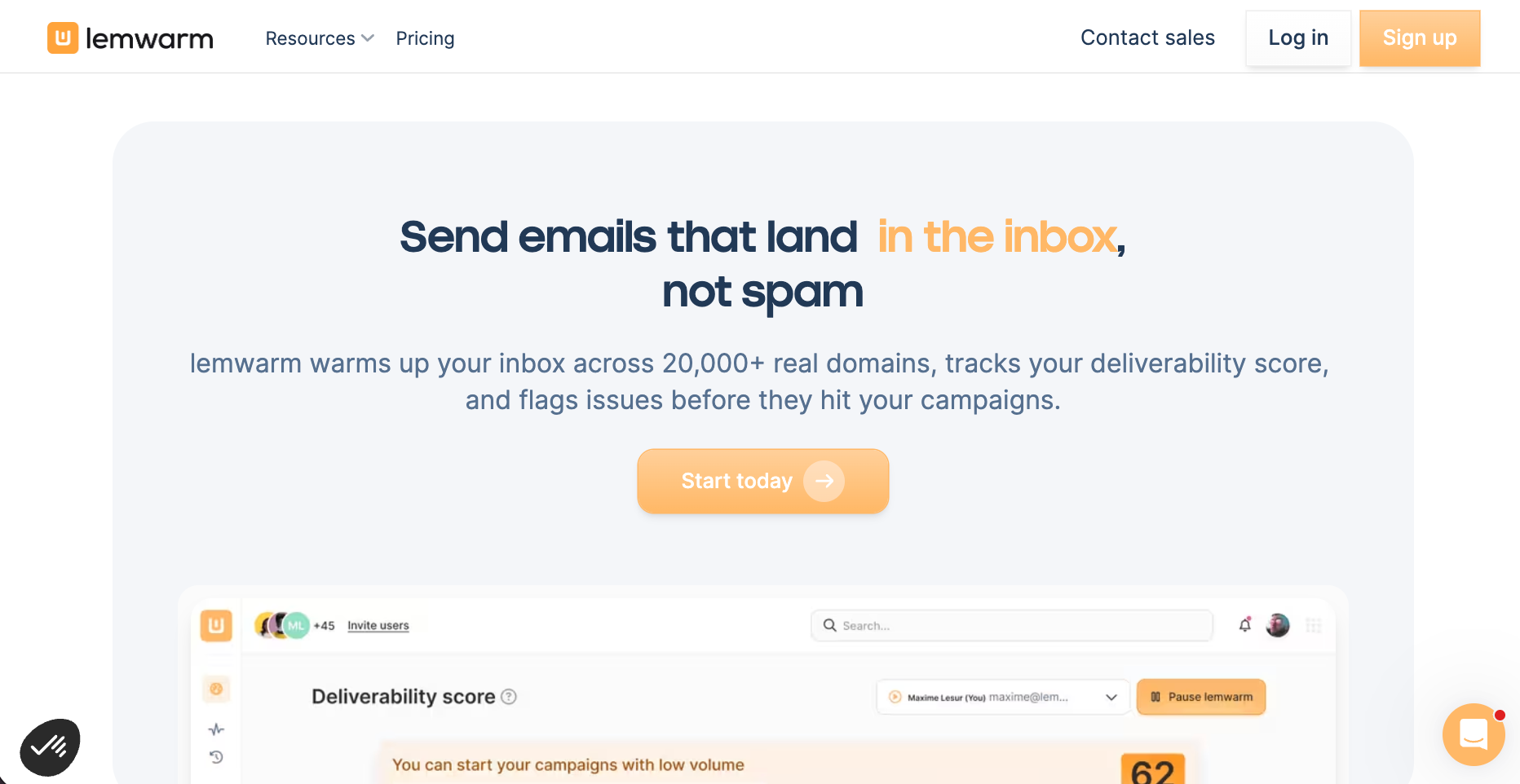
lemwarm is lemlist’s dedicated email warmup and deliverability product. It warms mailboxes through a network of real domains and monitors deliverability alongside its warmup strategy.
Its Smart plan adds personalized warmup emails based on your own email templates and tailors the warmup network to your industry. You can also get lemwarm as part of a lemlist plan, but it is available as a standalone product.
lemwarm fits sales and outbound teams that want more personalization in their warmup activity. The Smart plan is more relevant if you want to warm up your actual email templates and receive customized deliverability alerts.
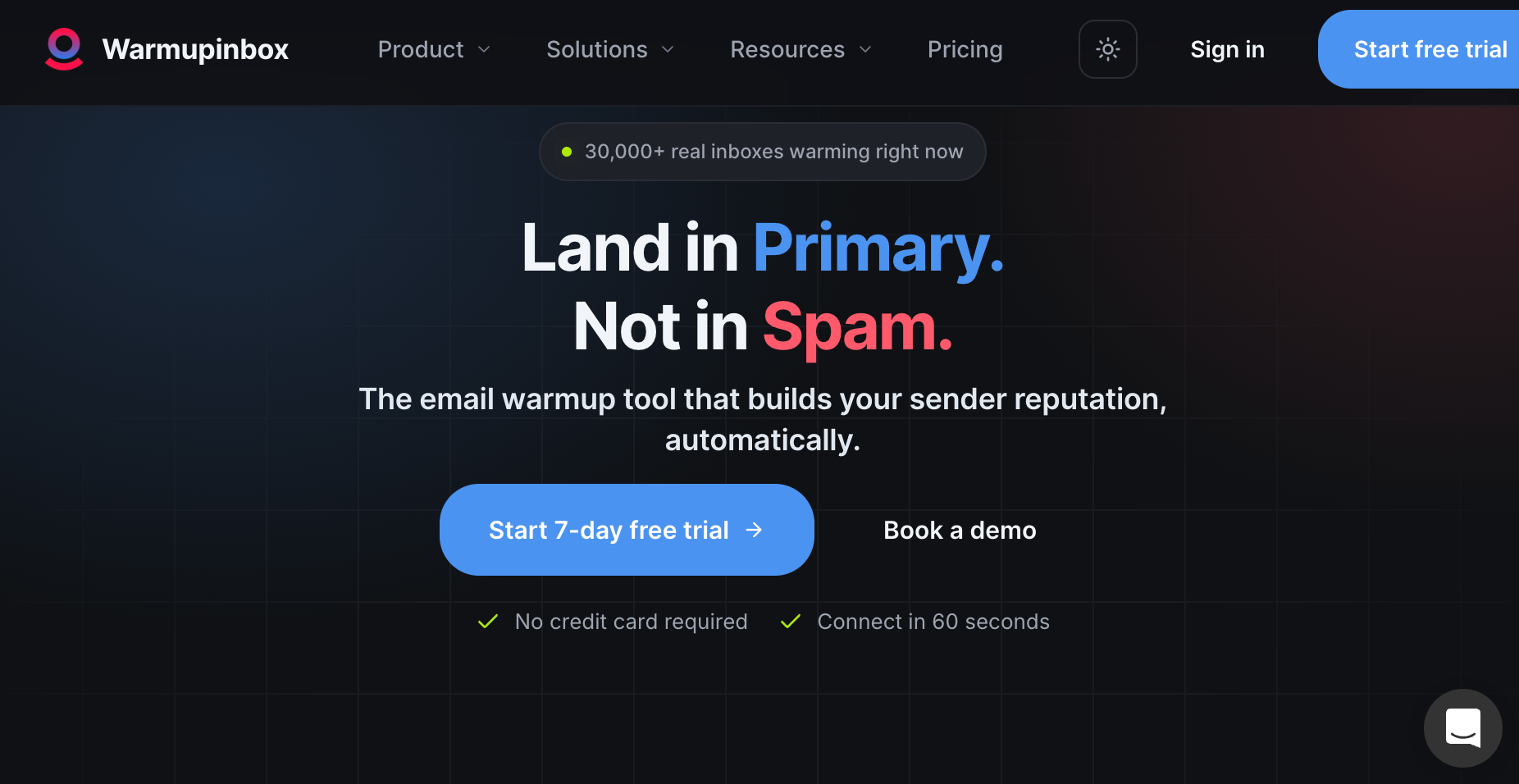
Warmup Inbox is a dedicated email warmup service rather than a broader cold outreach platform. It connects your sending mailbox to a network of real inboxes that exchange opens and replies while gradually increasing activity.
The setup is relatively simple compared with basic warmup tools, but the platform goes beyond basic warmup with deliverability tracking and mailbox health checks.
Warmup Inbox fits individual senders and outbound teams that want a standalone warmup product with built-in deliverability monitoring. Warmup Inbox pricing should be compared at your actual mailbox count, especially if you plan to connect several sending accounts.

Warmbox is a dedicated warmup service built around configurable mailbox activity. It gives you more control over how you warm up your email, which can be useful if fixed routines from other warmup services do not fit your sending plans.
It supports multiple inboxes and uses a relatively simple setup process for connecting supported accounts.
Warmbox suits senders who want more control over warmup schedules, activity patterns, and volume. It can also fit teams or agencies that need to configure several sending inboxes without relying on one fixed warmup approach.
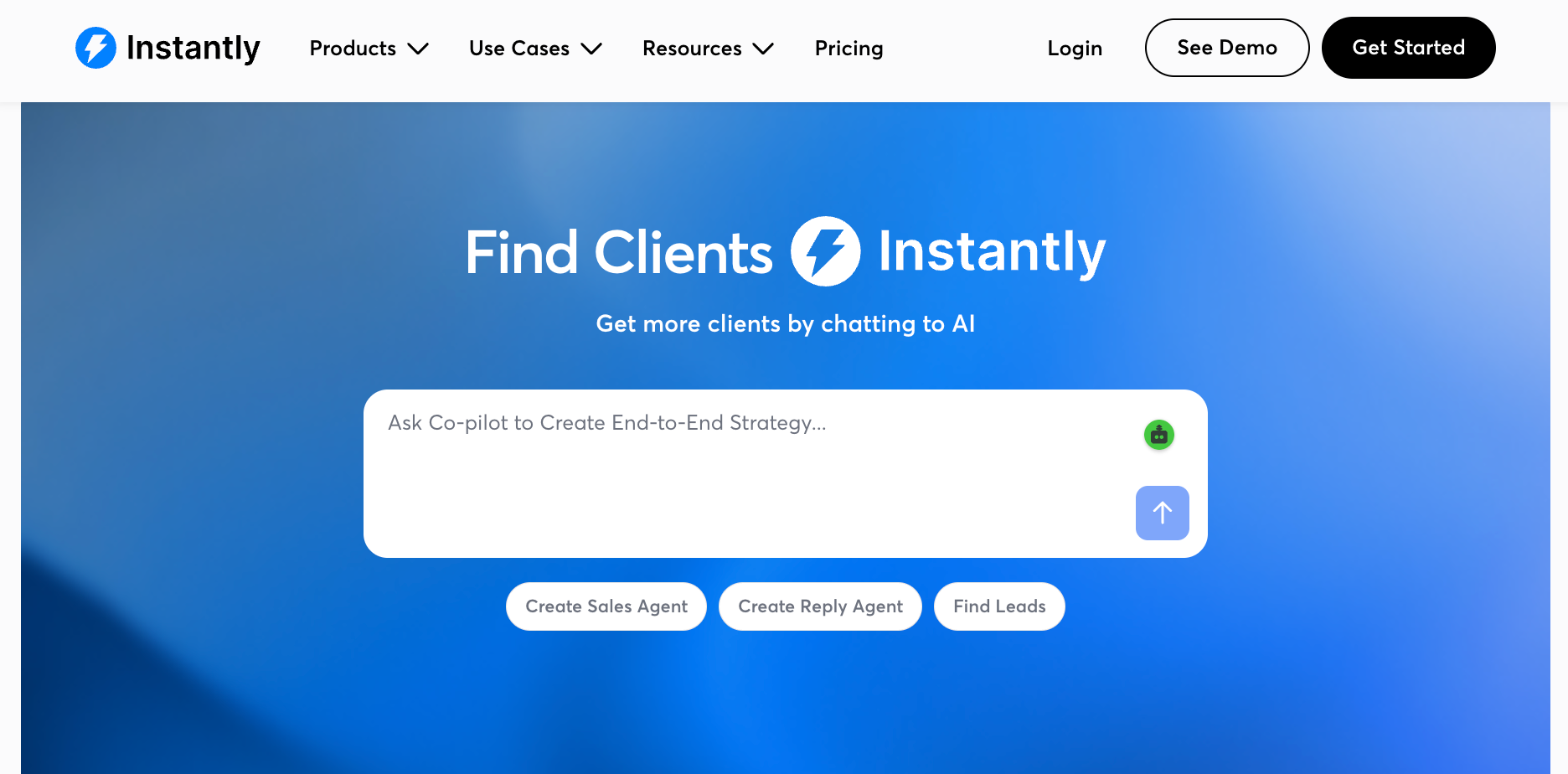
Instantly takes a broader approach than the dedicated warmup services above. Its email warmup sits inside a cold email platform built for running and managing cold outreach campaigns.
That makes it less of a standalone premium email warmup service and more of an option for teams that want mailbox preparation and campaign sending within the same platform.
Instantly fits outbound teams that want warmup and campaign sending in the same platform. It may be the right warmup tool if you also need cold email software, but a dedicated service may make more sense if warmup is your only requirement.
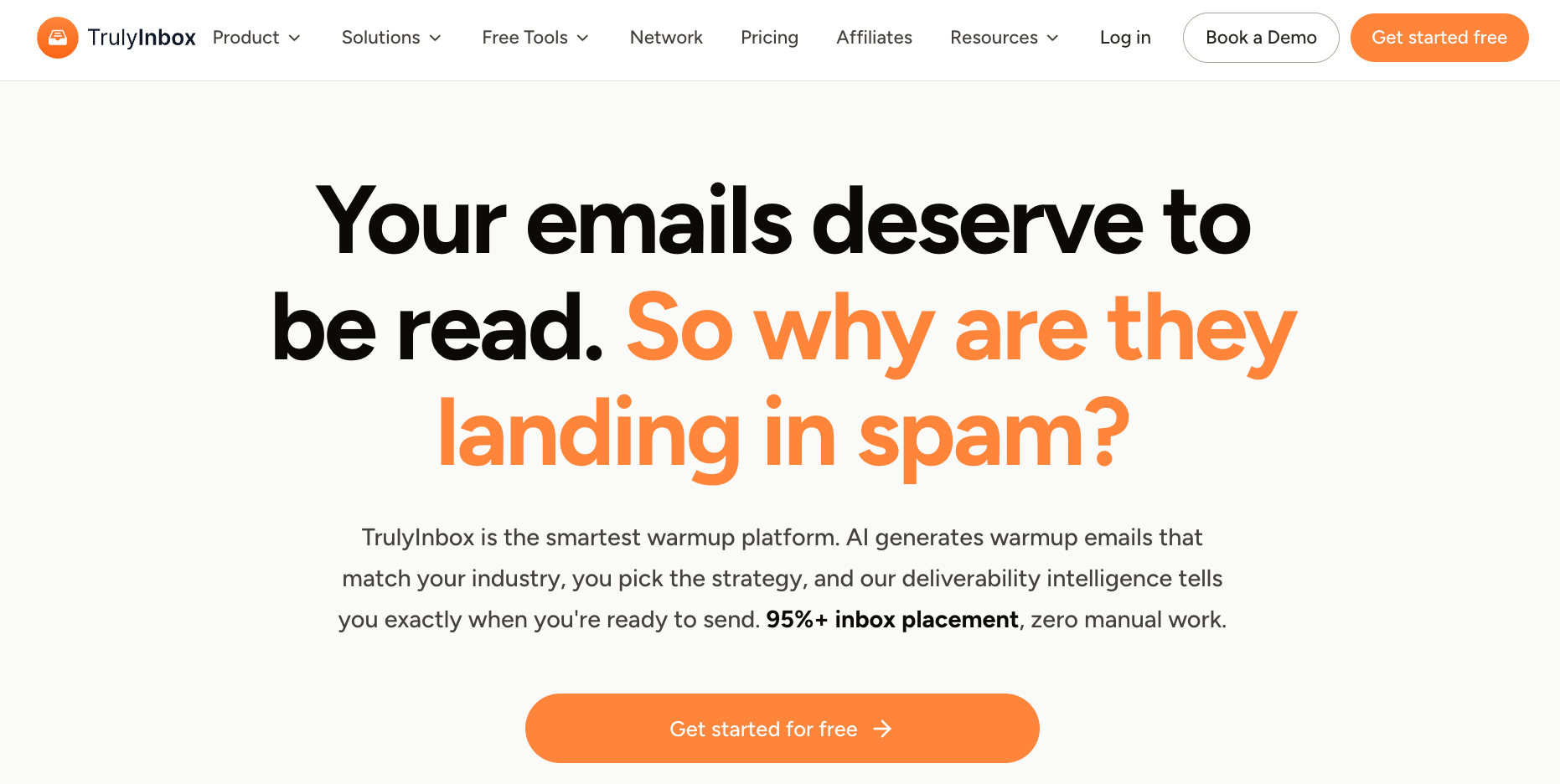
TrulyInbox is a dedicated warmup platform built for managing multiple inboxes from one dashboard. Its model focuses on warmup volume rather than charging per connected account, which can make it easier to manage several sending mailboxes at once.
It also adds AI-generated warmup content, different warmup strategies, and deliverability tracking.
TrulyInbox fits agencies and outbound teams that need to manage several sending inboxes without paying for each connection separately. It is also better suited to teams that want more control over warmup volume and account-level reporting.
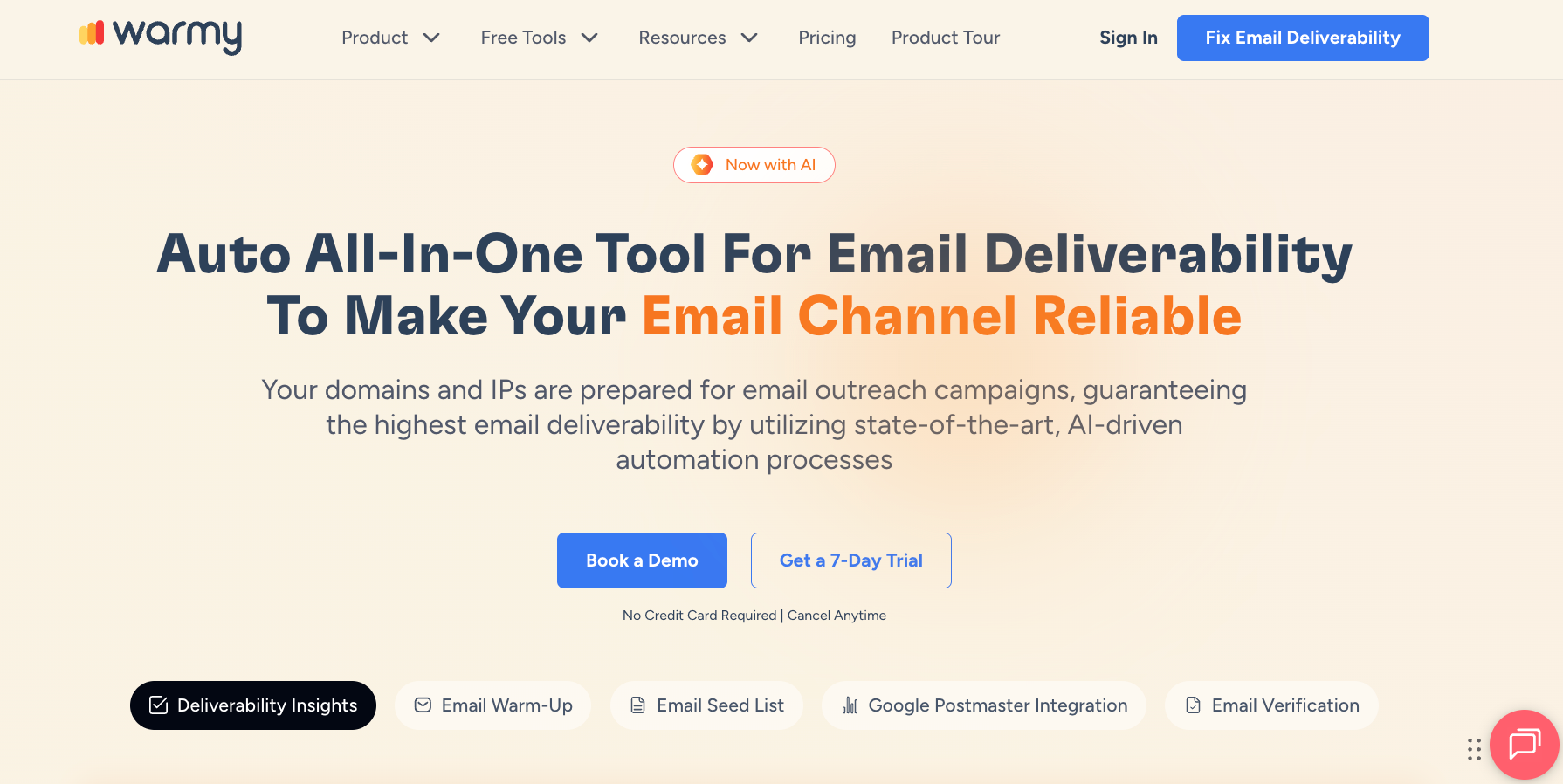
Warmy combines email warmup with broader deliverability monitoring. Its warmup product uses automated activity to prepare sending accounts, while its Deliverability Insights product tracks factors such as email placement, DNS configuration, and domain reputation.
Unlike a basic warmup-only service, Warmy also provides inbox placement insights that help teams identify issues affecting their sending setup.
Warmy fits teams that want automated warmup alongside tools for monitoring and diagnosing deliverability. These insights can help teams improve inbox placement as they prepare and monitor their sending accounts.
The right choice depends less on the longest feature list and more on how you actually send email. Start with your inbox setup, then compare the level of control, compatibility, and cost.
Start with the number of inboxes and domains you manage. If you only need to warm up one new sales inbox, a standalone email warmup tool may be enough.
The calculation changes for an agency managing 30 inboxes for several clients. You need to consider how easily you can manage accounts and what happens to costs as you add more mailboxes.
Also decide where warmup fits into your workflow. You may want a dedicated service, or you may prefer to keep the warmup process inside the same platform you use for outbound.
Think about how hands-on you want to be. Automated warmup can handle much of the daily activity, but the level of control varies between services.
Check if you can adjust warmup scheduling, daily volume, and the pace of the ramp-up. More flexible warmup functionality can be useful when different inboxes need different settings.
For example, a new mailbox may need a different warmup strategy from an account that already has an established sending history.
Confirm that the service supports your email provider before you pay for a plan.
Support for major email service providers such as Google Workspace and Microsoft 365 is common, but your setup may rely on another provider or a custom SMTP connection. Check the connection method too, especially if you manage inboxes from several email service providers.
A low starting price does not tell you what the service will cost at scale.
Calculate pricing using the number of inboxes you actually plan to connect. A per-inbox plan might work well for two accounts but become expensive at 20. Other services price around warmup volume or bundle warmup with outbound software.
Compare each plan against your expected sending volume and mailbox count. That gives you a more realistic monthly cost than the advertised entry price alone.
Getting your sending inbox ready is only one part of preparing for an outbound campaign.
Warmup focuses on the sender. It can support your sender reputation and help establish the sending activity that spam filters consider when deciding between the primary inbox and spam folder.
But it doesn't tell you whether the people on your prospect list have valid email addresses.
Your list can still contain outdated contacts, invalid addresses, or addresses with uncertain mailbox status. Sending to poor-quality recipient data can lead to bounces and create separate email deliverability problems, even after you have spent time preparing your inbox.
That means your contact data needs its own check before outreach begins.
Warmup prepares the sender. Email verification checks the recipient data.
Once your sending inbox is ready, the next step is checking the addresses you plan to contact.
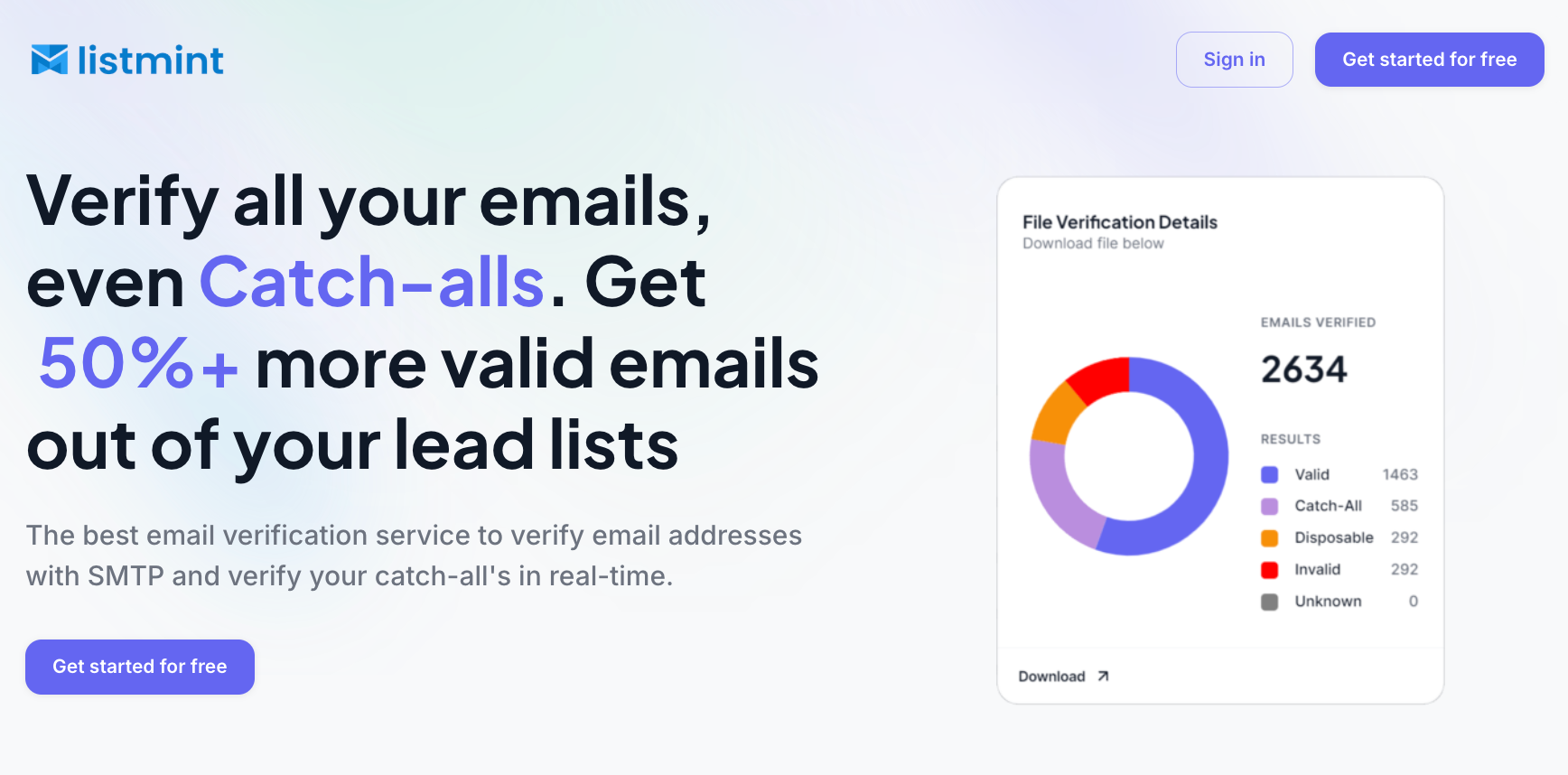
Listmint combines standard SMTP verification with dedicated catch-all verification, so you can review both regular and catch-all addresses in one platform before outreach begins.
Standard email verification can identify catch-all behavior without resolving the individual mailbox.
Listmint evaluates those addresses further and returns them as catch_all_valid or catch_all_invalid, which gives you a more usable result than leaving them in a broad risky or unknown category.
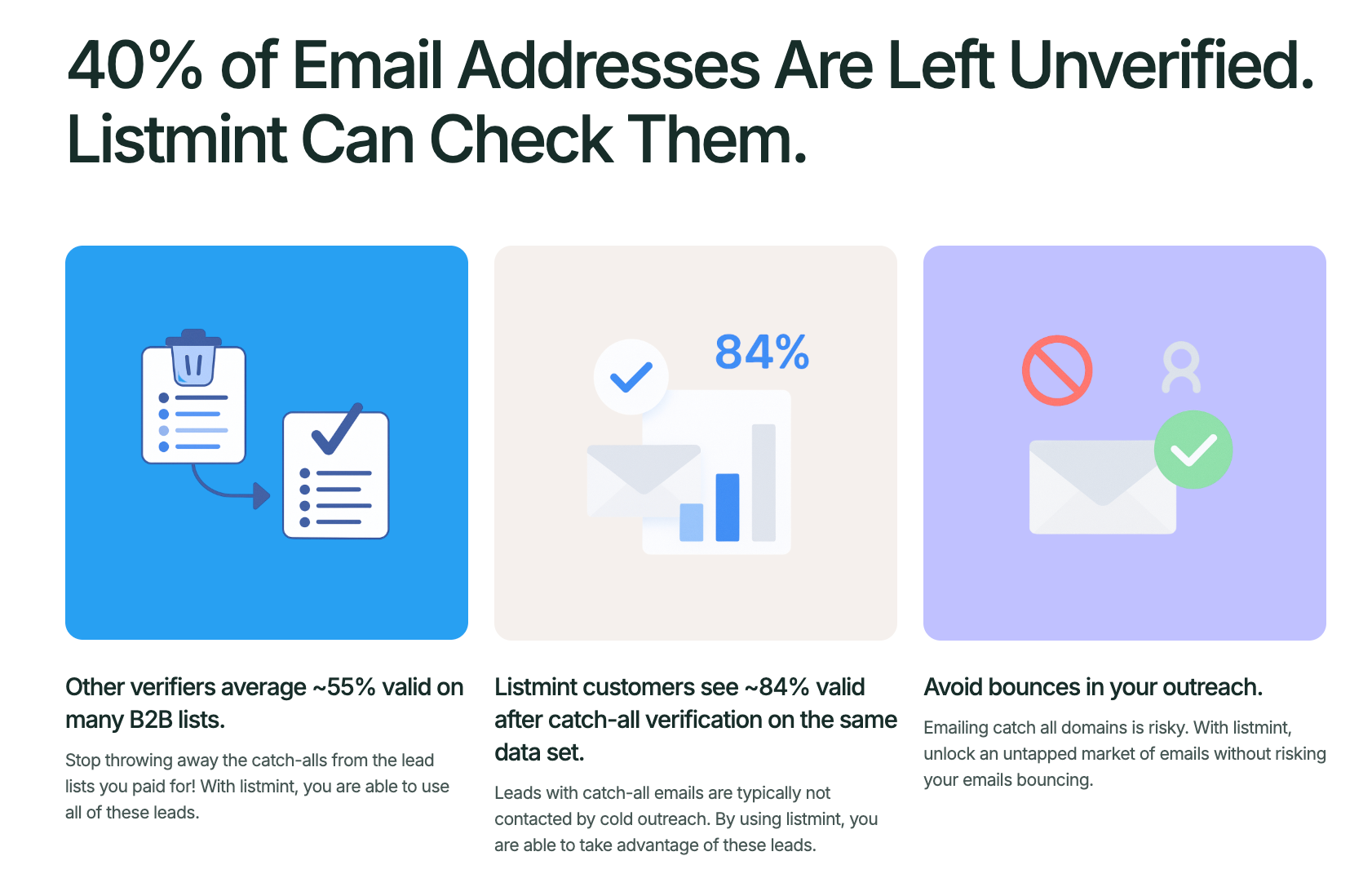
The platform has verified more than 1 billion emails and reports 99%+ accuracy for both standard SMTP and catch-all verification. Its site also says users can recover 50%+ more valid emails from lead lists when catch-all addresses are verified instead of discarded.
Listmint supports both bulk verification and real-time API verification. The API is built for companies that want verification results inside their own products or workflows, including regular and catch-all email checks without waiting for a manual verification process.
That gives businesses two practical options:
The practical benefit is simple. You do not have to treat every catch-all address as an unresolved lead. Once Listmint verifies it, you can handle a catch_all_valid result like another verified address, while removing catch_all_invalid before sending.
Verify your email list with Listmint. Get started for free.
Choosing an email warmup service comes back to your sending setup. Consider how many inboxes you manage, the control you need, provider compatibility, and what the service will cost as your outreach grows.
Recipient data deserves the same attention before a campaign goes live. Listmint verifies standard and catch-all email addresses, helping you identify which contacts are ready for outreach before you send.
Choose the warmup service that fits your workflow, then verify the contact data behind your campaign.
MailReach is our leading choice for dedicated email warmup because it combines automated warmup with sender reputation monitoring and spam testing. The right choice still depends on your workflow. An agency managing multiple inboxes may prioritize account management and pricing, while an outbound team may prefer warmup functionality built into its existing campaign platform.
Yes. Cold email can still work in 2026 when you contact relevant prospects with useful messages and follow responsible sending and compliance practices. Results also depend on list quality, sending volume, and your sending setup. Warmup can support sender reputation, but no tool can guarantee or maximize inbox placement on its own.
AI-generated emails can help warmup services create more varied conversations instead of repeating the same messages. However, AI-generated content alone does not guarantee a healthy sender score or better placement. An in-depth review should also consider the warmup network, controls, monitoring, mailbox compatibility, and factors such as domain age and sending history.
Email warmup tools are not generally prohibited simply because they warm a mailbox, but how a provider accesses accounts and processes data can still be subject to applicable laws and provider terms. Warmup also does not make later cold outreach compliant automatically. Your campaigns still need to follow the privacy and anti-spam rules that apply to your business and recipients.