Bounced emails are a normal part of email marketing, especially when lists grow over time.
One contact may enter the wrong email address. Another may have a full inbox or a temporary server issue. Small bounce rates are expected, but ignoring them can hurt sender reputation and inbox placement.
The key difference comes down to whether the delivery failure is permanent or temporary.
This guide breaks down hard and soft bounce email issues, common causes, and how each one affects sender reputation and deliverability.
A bounce in email happens when an email message cannot reach the intended recipient because the recipient’s email server or receiving server rejects it.
When that happens, the sender usually receives a bounce message or email error report explaining the failure. The report may include bounce codes, error details, or information about the recipient’s email address.
Email platforms monitor bounce rates closely because high bounce rates can hurt sender reputation and email deliverability over time.
The main difference comes down to the type of failure. A hard bounce is permanent, whereas a soft bounce is temporary.
A hard bounce occurs when an email cannot be delivered permanently. The recipient’s mail server blocks or rejects the email, which means the message will not go through even after additional retry attempts.
Hard bounces usually happen because the email address is invalid, the domain no longer exists, or the recipient server’s policies block email communications from the sender entirely.
In some cases, the bounce reason points to a domain name system issue or permanently blocked delivery caused by a damaged sender reputation.
Most email platforms treat a hard bounce as a permanent delivery failure. Hard bounced addresses should usually be removed immediately to help protect the sender's reputation and avoid larger deliverability problems later.
Several permanent delivery issues can trigger a hard bounce:
Repeated hard bounces usually indicate list-quality issues and can hurt deliverability if they persist across multiple campaigns.
A soft bounce happens when an email cannot reach the inbox temporarily, even though the email address still exists. Most email platforms continue retrying delivery because the issue is usually short-term.
A full mailbox, temporary server delays, message size limits, and spam filters are some of the most common causes. The email address itself is still valid, but something is preventing incoming messages from reaching the inbox right away.
Most soft bounces resolve after a few retry attempts. Repeated soft bounces, though, can still affect deliverability if they continue for too long.
Soft bounces are usually linked to temporary issues such as:
These delivery problems are more common during large campaigns or when older contact lists are used. After repeated failed delivery attempts, some email platforms may label the contact as a global bounce.
The biggest difference between hard and soft bounces comes down to whether the delivery failure is permanent or temporary. That difference affects how email platforms retry messages, how senders manage contact lists, and how deliverability changes over time.
A hard bounce means the email cannot be delivered permanently because the address is invalid, the domain no longer exists, or the recipient server blocks the message completely. The email platform usually stops future delivery attempts immediately.
A soft bounce means the email address is still valid, but the message cannot be delivered temporarily because of a server issue, spam filter, or full inbox. Most email platforms retry delivery automatically later.
Hard bounces usually prevent future retry attempts because the email platform recognizes the address as permanently unavailable. Most email service providers stop delivery attempts immediately after the failure.
When a soft bounce occurs, the platform usually retries the message for a period of time. The retry behavior often depends on the error code returned by the receiving server.
Hard bounces can damage the sender reputation quickly because they often come from invalid or outdated addresses. High hard bounce rates may reduce inbox placement and hurt email deliverability.
Soft and hard bounces both affect deliverability, though soft bounces usually pose less immediate risk. Persistent soft-bounce failures can still lead to larger delivery issues later.
Hard bounced addresses should usually be removed from your list immediately. Continuing to send emails to invalid contacts can lead to deliverability problems later.
Soft bounce means the address may still be usable, so most marketing teams monitor the contact before removing it. Many email platforms suppress addresses automatically after repeated soft bounce failures.
Hard bounces generally cannot be recovered because the email address or domain can no longer accept messages. Once the receiving server permanently rejects the message, future delivery attempts usually fail as well.
Soft bounces often recover after the temporary delivery issue is resolved. A full inbox may clear space later, or the recipient server may begin accepting messages again after traffic decreases.
Hard bounces usually create more risk for email deliverability because they signal poor list quality.
Internet service providers (ISPs) and email service providers (ESPs) treat invalid addresses as a warning sign, especially when campaigns continue sending marketing emails to contacts that no longer exist.
High hard-bounce rates can quickly damage the sender's reputation and make inbox placement harder over time. A healthy email bounce rate is usually under 2%, though lower is always better for long-term email marketing efforts and a strong sender reputation.
Soft bounce rates usually become a concern only when the same delivery failures continue repeatedly. Ongoing problems may point to spam filters, high sending activity, IP address reputation issues, or temporary problems with the recipient’s server.
Monitoring bounce rate trends helps marketing teams protect email campaigns’ deliverability before larger deliverability problems develop.
Most bounce issues are tied to list quality and sending behavior. Outdated contacts, fake signups, and sudden increases in email volume are common reasons campaigns run into delivery problems.
Use double opt-in when collecting new contacts. It helps confirm the email address is real before it enters your list.
Validate email addresses at signup to catch typing mistakes and fake submissions early. One incorrect email address can turn into a hard bounce later.
Remove inactive contacts regularly, especially addresses that have not engaged in months. Old lists often contain expired accounts or abandoned domains.
Avoid purchased lists whenever possible. They usually contain invalid addresses that damage the sender's reputation and increase bounce rates quickly.
Large attachments can create temporary delivery problems, especially when inbox size limits are involved. Smaller files usually give campaigns a better chance of reaching the inbox successfully.
New domains and IP addresses should warm up slowly over time. Sharp increases in sending activity can raise spam filter concerns and lead to more soft bounces.
Authentication settings should be reviewed regularly as well. Domain-based message authentication and DomainKeys Identified Mail (DKIM) records help improve trust between sending and receiving servers.
Monitor repeated soft bounces over time. One failed delivery is normal. Ongoing failures usually point to inbox limits, server issues, or sending problems that need attention.
The best action depends on whether the bounce is permanent or temporary. Hard bounces usually need immediate cleanup, while soft bounces need monitoring first.
Here are the common rules most marketing teams follow:
Reducing bounce rates starts with better email verification and cleaner data before campaigns go live. Many hard bounces come from invalid addresses, while soft bounce issues often come from outdated lists, poor sending practices, or unverified contacts.
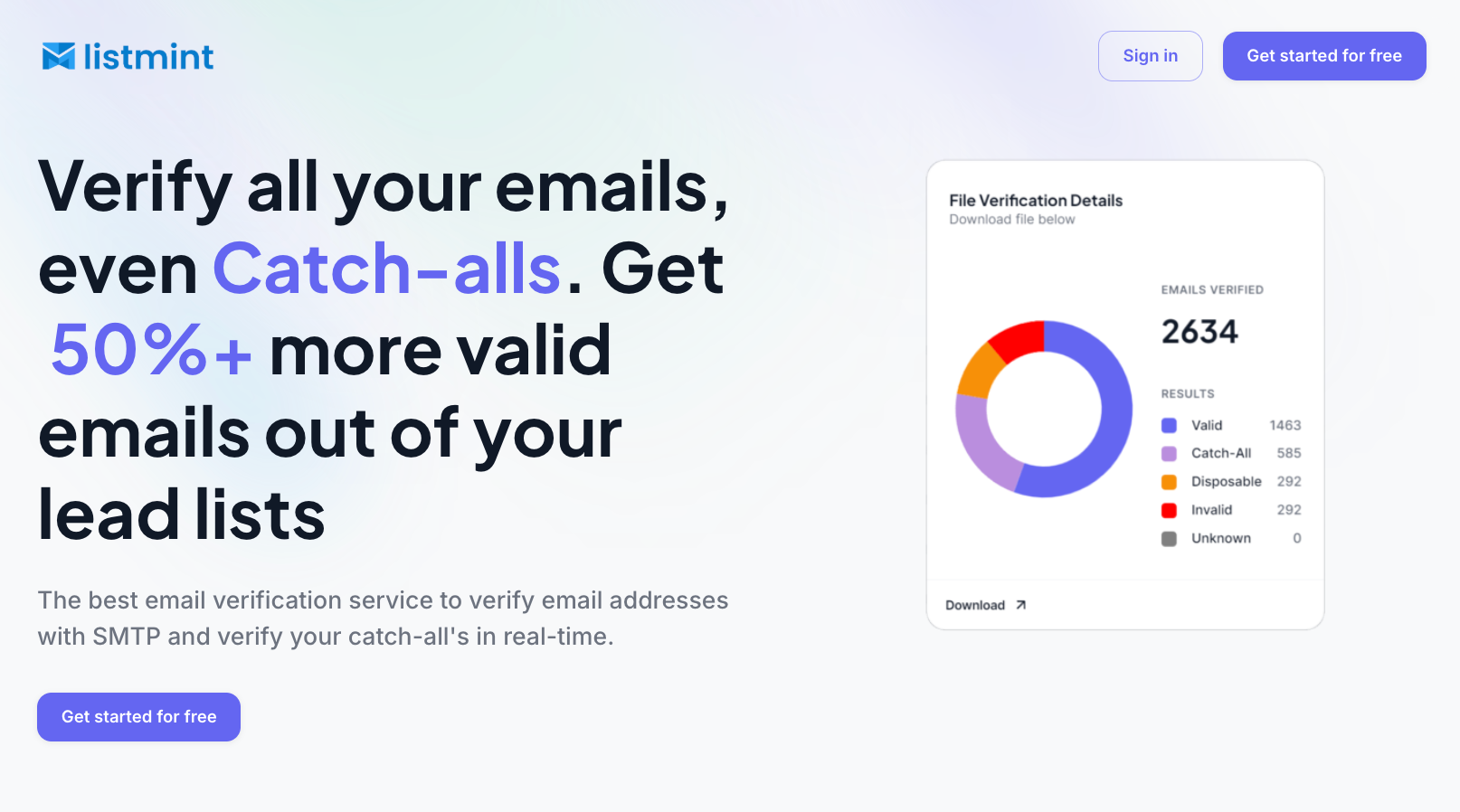
Listmint helps marketing teams improve email list hygiene by identifying invalid or risky email addresses before sending. The platform verifies both standard SMTP emails and catch-all emails in real time, so teams do not need to guess which addresses are safe to contact.
Most verification tools label catch-all emails as risky or unknown and stop there. Listmint verifies catch-all emails further and classifies them as "catch_all_valid" or "catch_all_invalid," helping teams recover more usable leads without increasing bounce risk.
With more than 1B emails verified and 99%+ SMTP and catch-all verification accuracy, Listmint helps teams reduce bounce risk with more confidence. That helps reduce hard bounce rates, improve sender reputation, and maintain healthier email deliverability over time.
Listmint helps teams identify invalid contacts before campaigns are sent. That leads to fewer bounced emails, cleaner lists, and more reliable deliverability over time.

Hard bounces usually require immediate removal, while soft bounces often need monitoring before suppression. Managing both properly helps keep bounce rates lower and sender reputation healthier over time.
Listmint helps teams verify both standard and catch-all email addresses in real time, making it easier to catch risky contacts before campaigns are sent.
Start verifying your email lists with Listmint and reduce bounce rates before they affect deliverability.
A soft bounce can later be treated as a hard bounce if the delivery issue becomes permanent. For example, a full inbox may later turn into an inactive or deleted account that can no longer receive emails.
Yes, in many cases. Most email platforms automatically retry delivery after email soft bounces caused by temporary server issues, spam filters, or mailbox limits. Resending too quickly, though, can create additional email fails if the issue has not been resolved yet.
Catch-all domains make it harder to tell whether an email address is truly active because the server accepts messages for many addresses automatically. Without deeper verification, sending to those contacts can lead to higher bounce rates and lower successful delivery over time.
There is no universal rule for soft bounce limits. Repeated soft bounces are usually monitored over time, and contacts may be suppressed after several failed delivery attempts, depending on the provider and the type of issue causing the bounce.