Most people do not want to hand out the same email address everywhere. They want one address for shopping, another for newsletters, maybe a role-based address like support@ for work. They also want all of that mail to stay manageable.
That’s what email aliases were built for.
An email alias gives you an additional address that typically routes to an existing inbox, though specifics vary by email provider. That difference matters once aliases start showing up in signups and shared inboxes.
This article explores what an email alias is, how it works, its benefits and limitations, and how to create one in your email provider.
An email alias is an additional, alternative email address that routes mail to an existing mailbox rather than creating a new account.
At the simplest level, an alias email lets you use multiple addresses while still checking one main inbox.
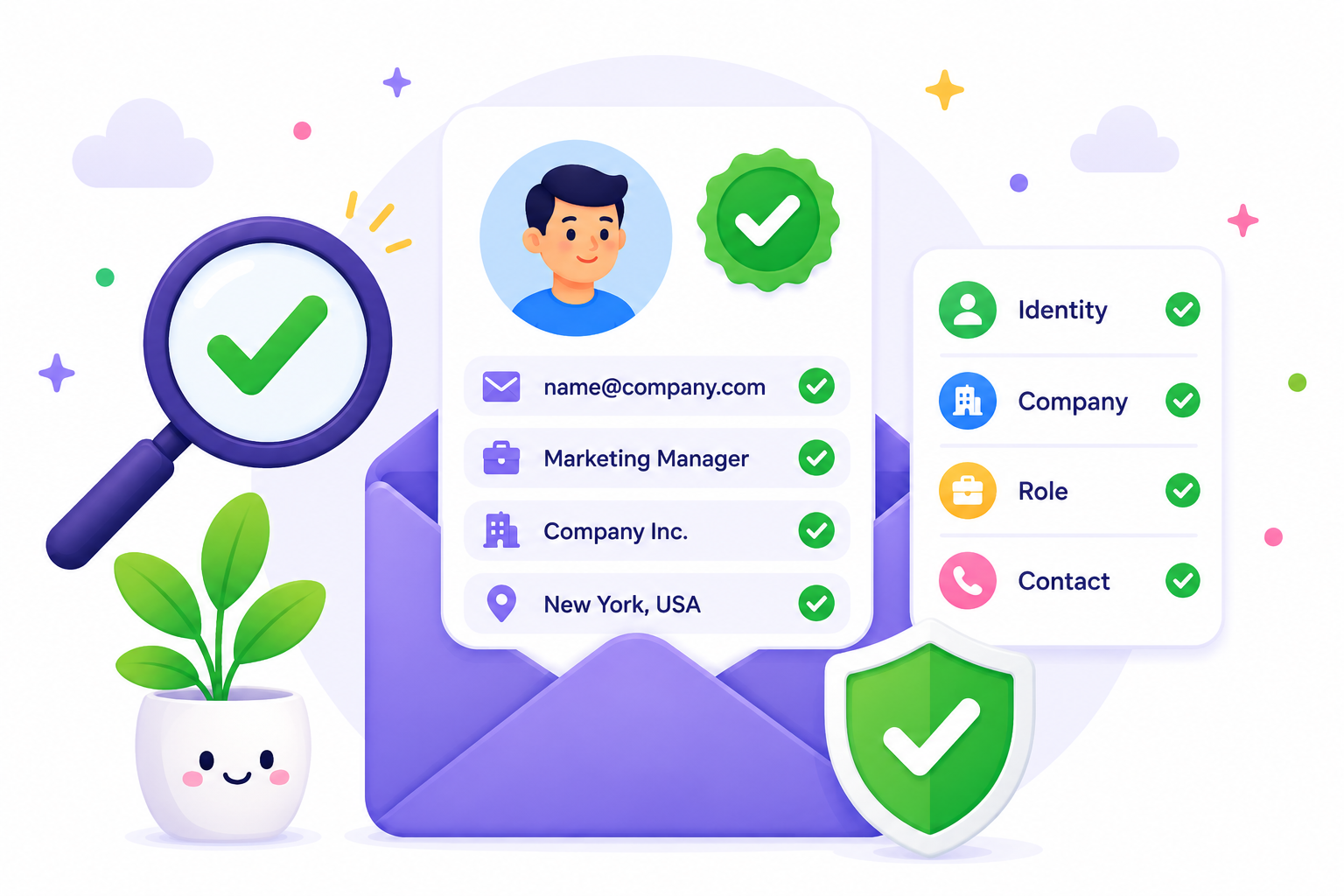
A person might use jane@gmail.com for personal emails and jane+news@gmail.com for newsletters. A small business might use support@company.com and jobs@company.com while one person or one shared mailbox handles both.
The routing is the important part. More than one address can point to the same inbox, but those addresses don’t always behave the same way when you send mail back out.
Email aliases work by attaching another address to an existing mailbox or account.
If a one-person business uses info@, sales@, and billing@, all three addresses will likely point to the same inbox.
The same single account can receive emails sent to multiple addresses for different purposes without forcing the owner to switch between separate logins. All incoming messages still land in the same place.
That setup also helps someone keep a personal email address or primary email address out of public forms while still using a main email address for daily access.
Sending is where provider rules start to matter. Some email services let you choose the alias in the From field with little setup. Others need a separate verification step before outgoing mail works the way you expect, or before recipients see the alias instead of the primary email.
An email alias is usually another address tied to the same account.
Email forwarding is different. Forwarding takes incoming emails from one mailbox and sends them to another destination.
If you want another address on the same account, an alias makes more sense. If you want one mailbox to hand messages off to a different account, forwarding is the cleaner option.
An email alias is really a broad label, and the setup behind it can change a lot.
Subaddressing, often called “plus addressing,” uses a variation like name+newsletters@gmail.com. Provider-created alias email addresses come from services like Outlook, iCloud, or Google Workspace. Masked aliases come from privacy tools that generate a separate forwarding address so the sender never sees your real inbox.
Those types solve different problems.
Knowing the capabilities and limitations of each type helps you create the most fitting email alias for personal or business use.
The process for creating an email alias depends on the provider. Some providers make it easy to create multiple addresses under one login. Others rely on plus addressing, which does not require a setup screen at all.
That is why it helps to check what your provider means by alias before you use one for anything important or try to create email aliases for a team.
For iCloud Mail, you create aliases inside the web version of Mail.
Follow these steps to create yours:
Mail sent to that alias goes to your main inbox by default. It is a simple way to set up a new email address for a side project or signup flow.
For personal Gmail, there is no separate alias creation screen for plus addressing.
Google Workspace is different because an admin creates the user's alias, often on a custom domain.
That is the usual path when a team wants to create multiple addresses on a custom domain. If the user also wants to send from that alias, they usually need to add it in Gmail under Settings > Accounts > Add another email address.
Outlook lets you add another address under the same Microsoft account.
The alias uses the same inbox, contact list, and account settings as the main Outlook account.
Proton gives you two common paths.
For a Proton Mail additional address on a paid plan, you need to:
For a hide-my-email alias through Proton Mail or Proton Pass, you need to:
The first path gives you an extra Proton address. The second gives you a masked forwarding address.
The main benefit of email aliases is control. You decide which address to share, how incoming mail gets organized, and how easy it will be to shut one address off later.
Here is more of what to expect with an email alias:
That is why aliases work well for both personal and business use.
A solo operator can keep a personal email for direct conversations and use aliases elsewhere. A team can keep shared conversations easier to route. A privacy-conscious user can stop handing out the same address to every site on the internet.
Aliases help, but they get messy faster than people expect.
The real limitations tend to show up in everyday use. They include:
That last point causes more trouble than people think.
If you forget which alias you used to register for a service, account recovery gets harder later.
It also becomes more difficult to make an informed decision about whether an address is still tied to a real email address or just an old route you no longer use. Some providers let you delete an alias at any time. Others make cleanup slower.
A simple record and basic email hygiene make cleanup much easier.
Email aliases stop being just an inbox trick once they move into your operational data.
You see them in signup forms, newsletter opt-ins, shared inbox records, imported spreadsheets, old customer relationship management (CRM) exports, and handoffs between teams.
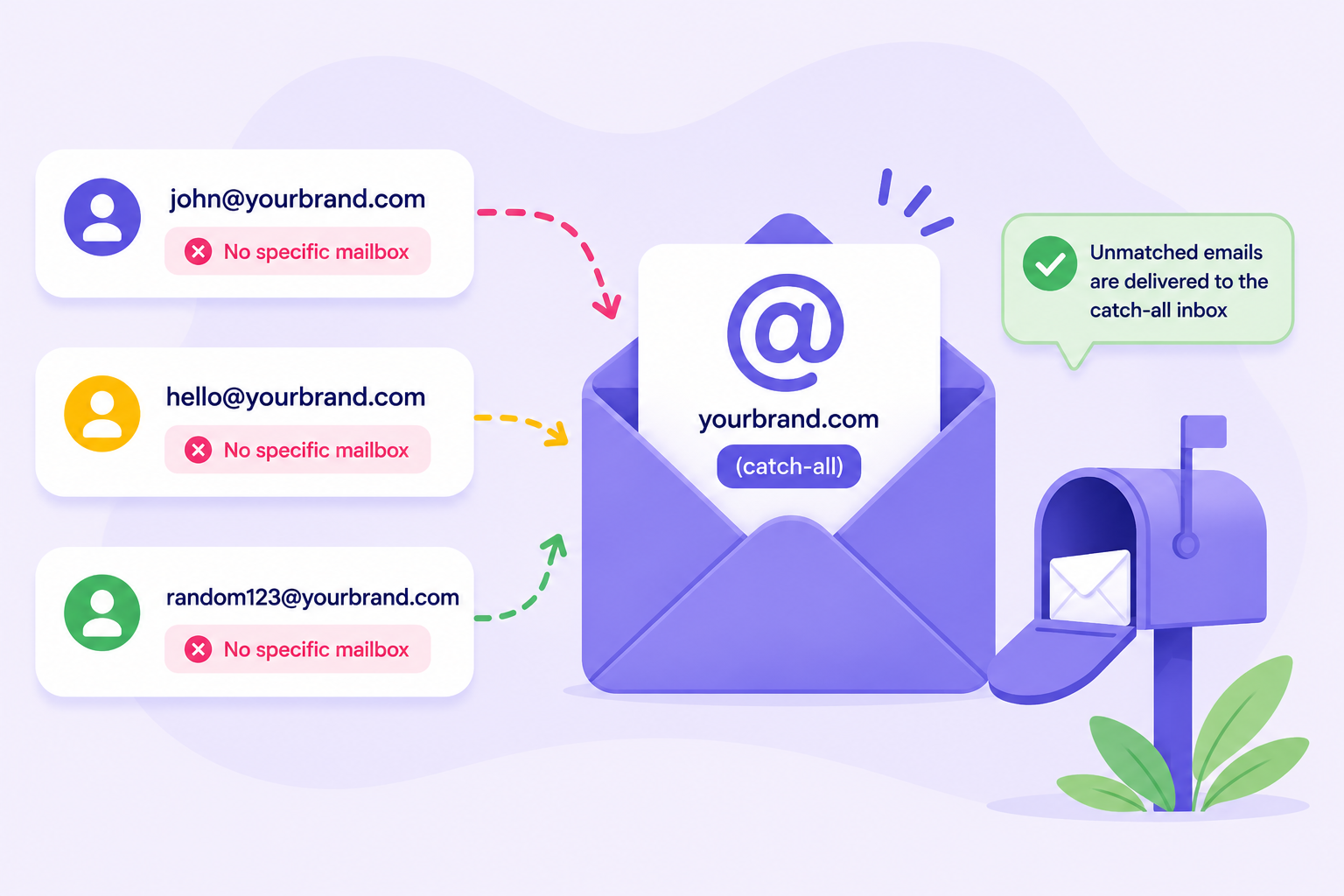
Some are perfectly usable, some are role accounts, while others are disposable or catch-all domains that accept incoming emails for almost any username.
That is why format alone does not tell you much. An alias-style address can still be mistyped, temporary, invalid, or unhelpful for outreach. It can also look legitimate while hiding whether there is a real email behind it.
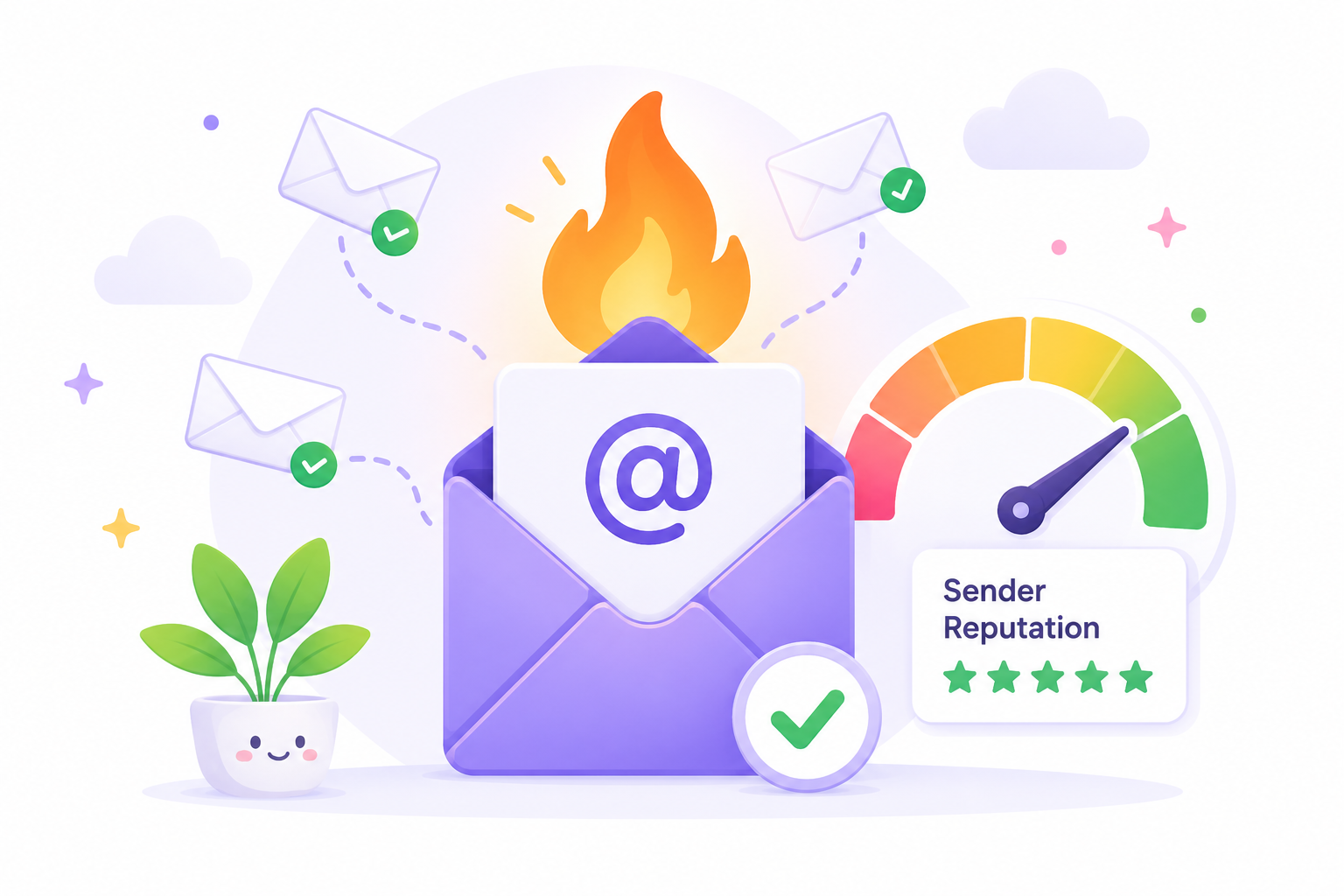
Once those records move through forms, imports, and automations, they start affecting routing, bounce risk, email deliverability, and sender reputation.
That matters for onboarding emails, newsletters, and reactivation sends if aliases make their way into outbound lists and other messages sent to real recipients.
The cleanest fix is to verify addresses where they enter or change:
That is the point where you want clarity on whether the address is valid, role-based, disposable, or tied to a real email someone will actually use.
If alias-heavy data is part of your workflow, the issue is not whether the address contains a plus sign or looks like a role inbox. The real question is whether the underlying address is usable.
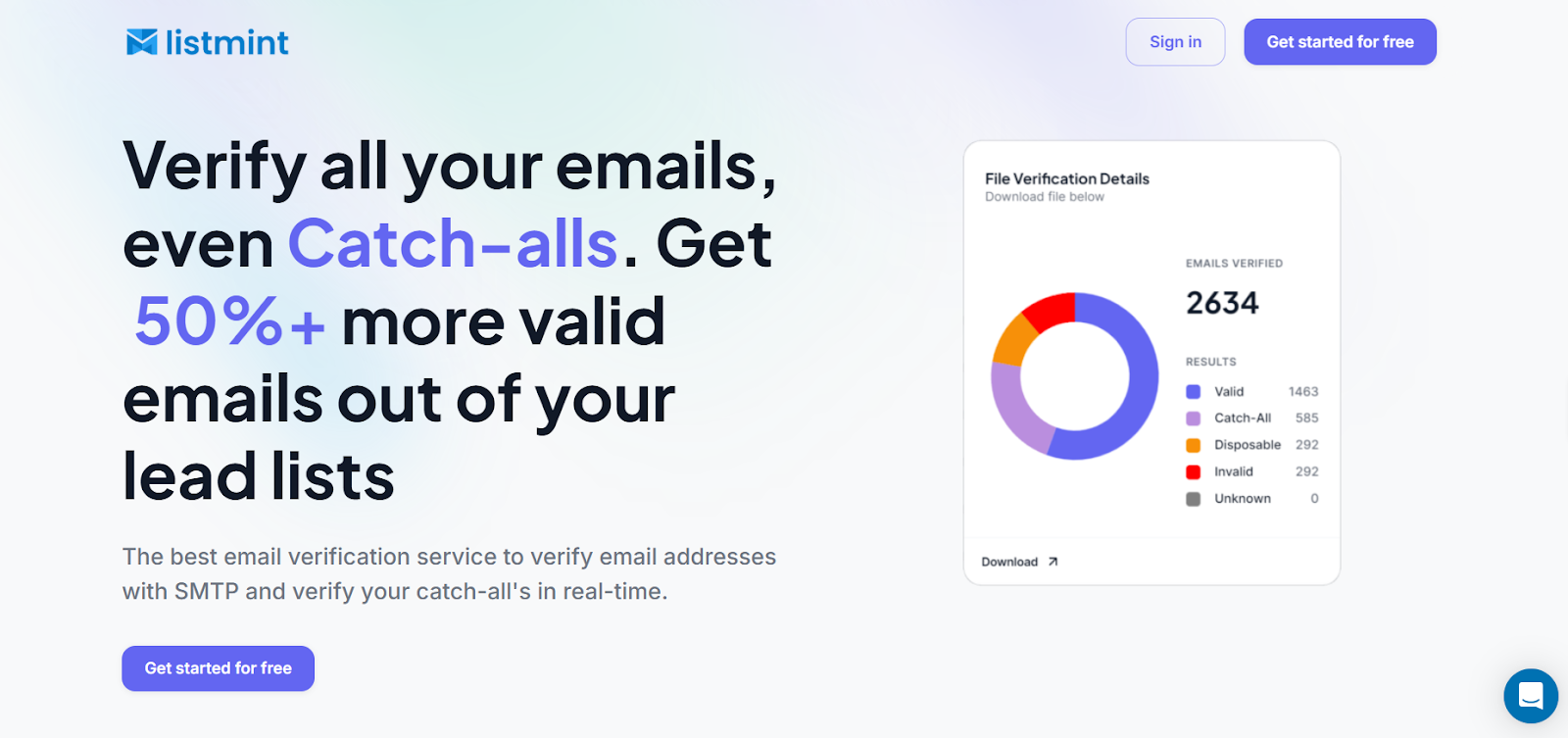
Listmint is built for teams that need to verify email data before it reaches campaigns, onboarding flows, or CRM sequences. It verifies standard emails and catch-all emails in real time without sending test emails, and supports both bulk cleanup and API-based checks at the point of entry.
Keep alias-heavy lists, shared inbox records, and form submissions cleaner before they touch your CRM or next send. Verify them with Listmint before bad data turns into bounce risk.
No. An email alias is usually another address connected to an existing account, not a separate mailbox with its own login. In most cases, it does not create a new password or a separate place to access mail.
Usually no. Most aliases route incoming emails into the same primary inbox or the same account, though each provider may label and manage them a little differently.
Sometimes, yes. Some providers allow it right away. Others make you verify the alias, choose a primary alias, or add it as a custom From address before outgoing mail works the way you want.
Plus addressing modifies the same base address, like name+shopping@gmail.com. A masked alias is different. It hides the real inbox behind a separate forwarding address, which is why it is usually better for privacy.