Catch-all domains create the hardest decision in email verification. A mail server can accept an address without proving that a real mailbox exists, which leaves teams staring at vague labels and making send decisions with weak information.
That uncertainty affects more than list hygiene. It affects bounce rates, sender reputation, campaign coverage, engagement data, and how much value you get from the data you already paid for.
This article outlines the six best catch-all verification tools on the market today and shows how each one handles catch-all verification.
These are the six best catch-all verification tools:
The first thing to check is whether the output is actually usable. A tool that leaves addresses as risky, catch-all, or unknown doesn’t provide enough information.
Many email verification services handle standard checks well enough. The tougher part is whether they can verify email addresses that fall into the gray area without forcing you to juggle multiple tools or guess your way through risky addresses.
Look for the following when choosing the right email verification tool:
If those are the capabilities you need, start with Listmint’s catch-all verification. It covers standard verification and real-time catch-all checks on a single platform, with an email validation API for lead forms, customer relationship management (CRM) workflows, and product use cases.
Some tools on this list are dedicated verifiers. Others bundle catch-all handling into a larger outreach or deliverability platform. The practical question stays the same. Which tool gives your team the most usable output for the workflow you actually run?
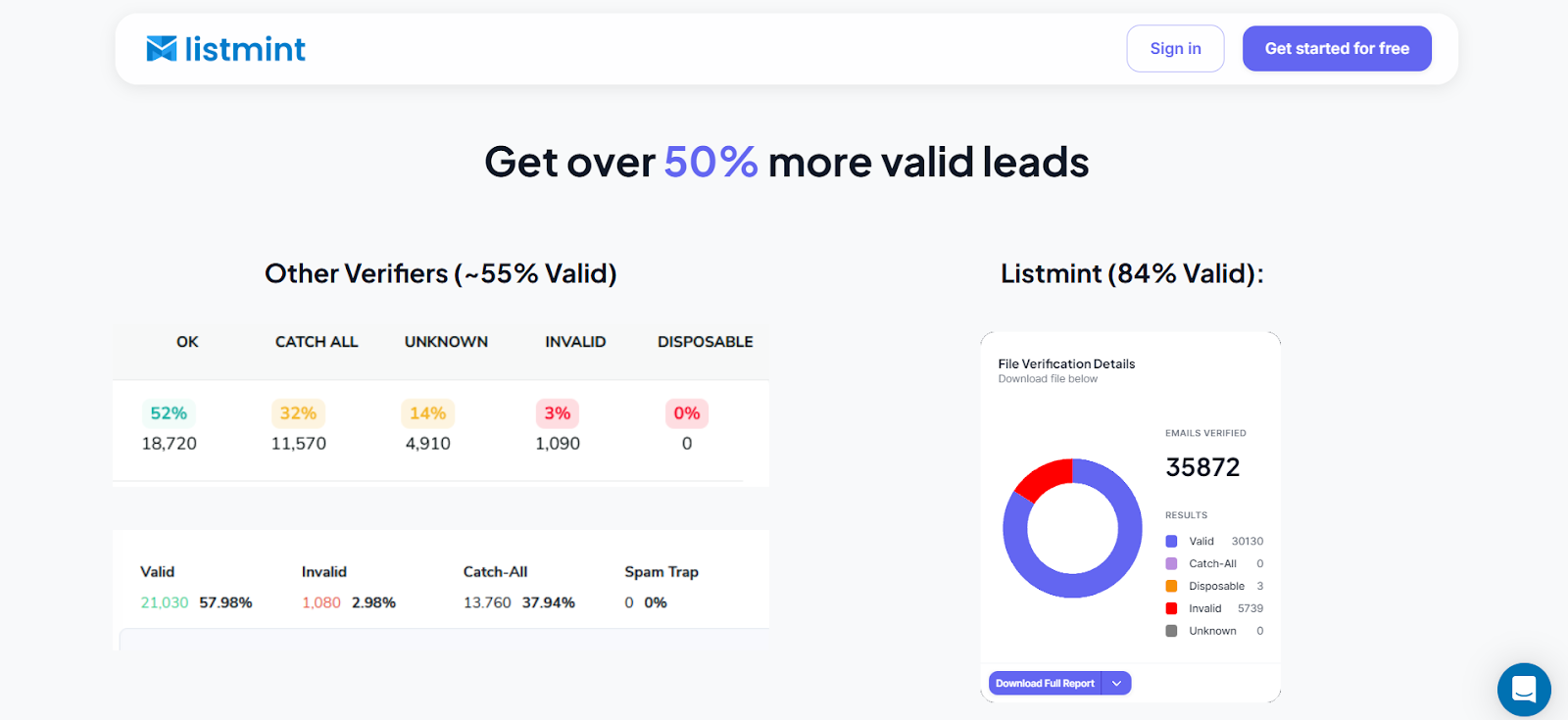
Listmint is an email verification platform that checks both standard and catch-all emails in real time. Instead of stopping at vague catch-all labels, it returns clear statuses your team can act on.
That matters because Listmint does not flatten all catch-all records into one bucket. It separates them into catch_all_valid and catch_all_invalid, which gives sales teams a more usable decision than a generic risky or unknown label.
In practice, that makes routing, suppression, and campaign prep much easier because you are not left interpreting a vague middle status on your own.
This makes a lot of sense for outbound teams, agencies, SaaS companies, and API buyers who want cleaner data before sending or cleaner intake at the point of entry.
Best for: Teams that need real-time catch-all validation, a strong workflow fit, and more usable contacts from the same dataset.
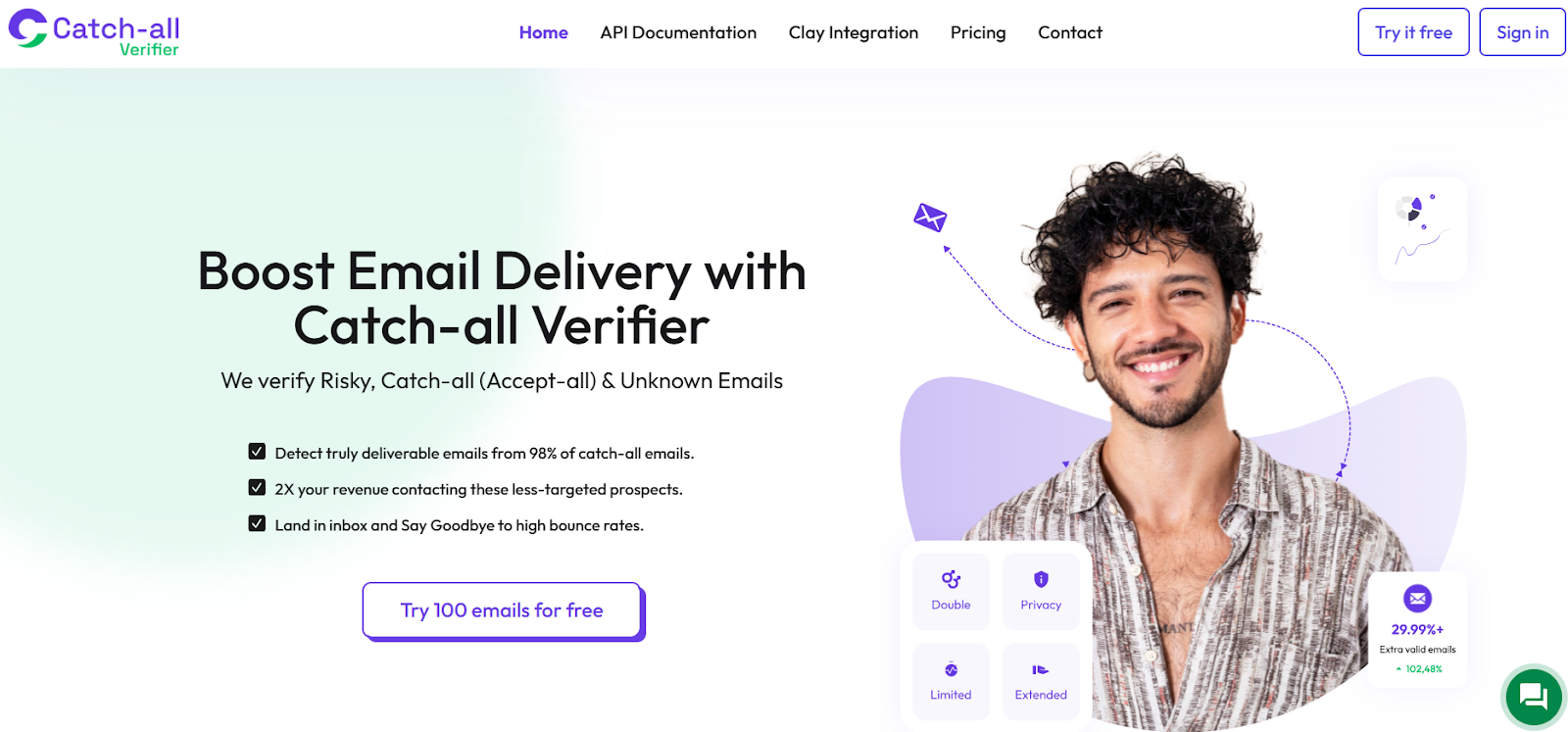
Catch-all Verifier is a dedicated email verification tool focused on risky, unknown, and catch-all records. It is not trying to be a full outreach stack.
For buyers who want a standalone verifier with a simple commercial model, that can be appealing. You get core verification paths without paying for a larger sales suite around them.
Best for: Teams that want a straightforward standalone verifier for periodic cleanup, bulk uploads, and API use without buying into a broader outbound suite.
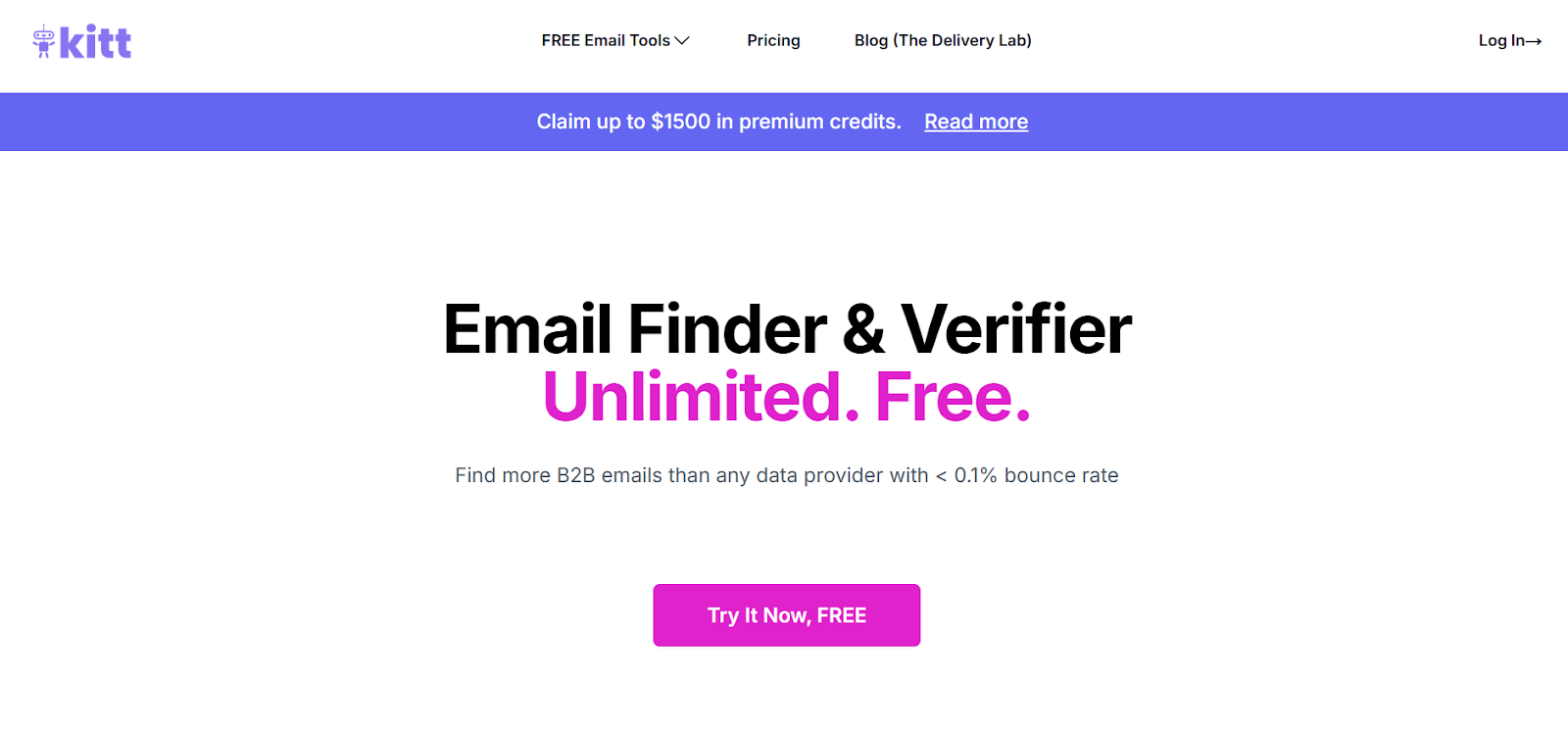
Kitt AI blends verification with an email finder. Its catch-all angle remains relevant because it goes beyond basic SMTP checks and leverages enterprise identity server signals for hard B2B cases.
That design works best for teams trying to find and verify professional email addresses in the same motion. If you only want a verification layer, it can feel broader than necessary.
Best for: B2B teams that want email discovery and harder catch-all verification in one product, especially when identity systems matter.
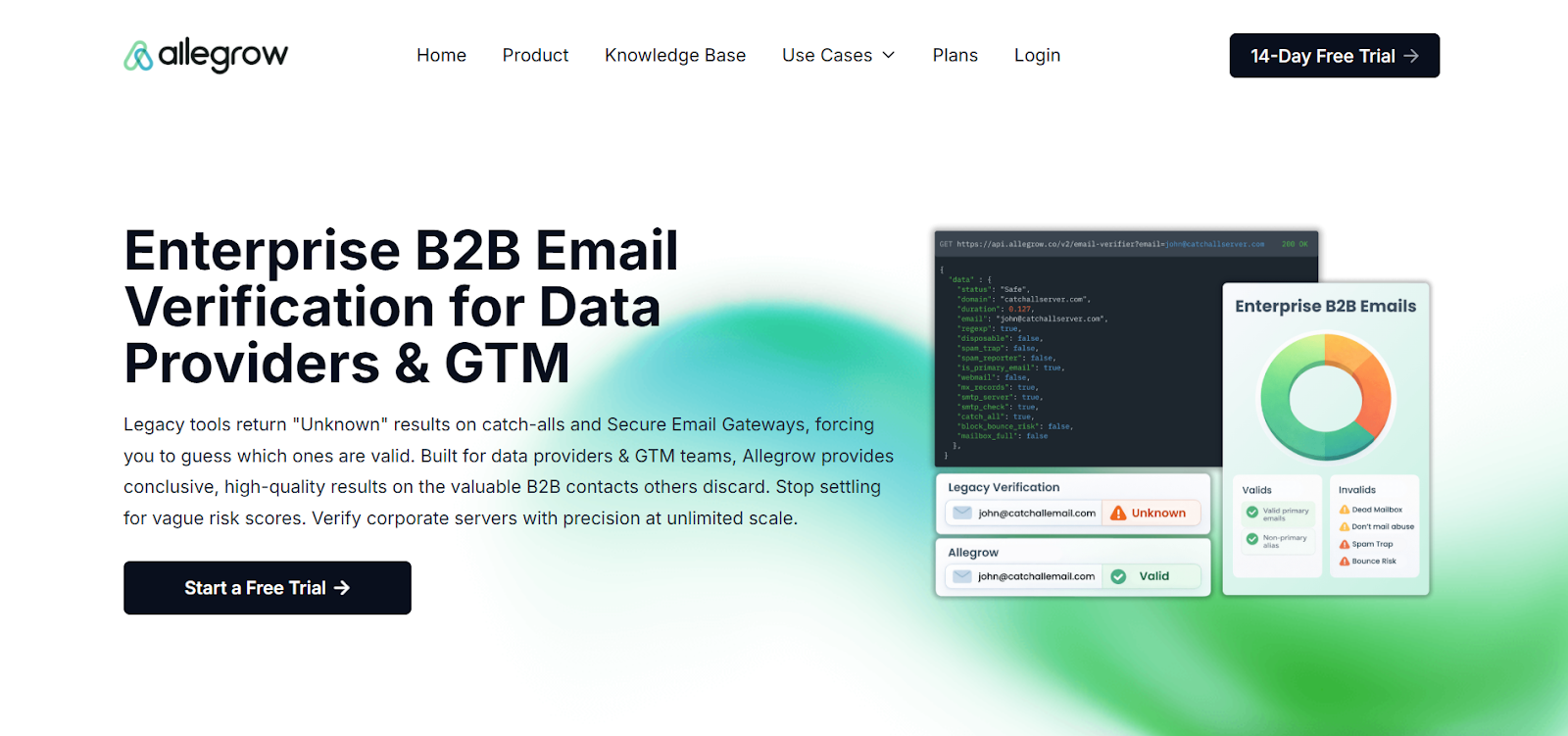
Allegrow is closer to a B2B deliverability and verification platform than a generic email cleaner. It is built around conclusive results for catch-all domains, enterprise mailboxes, and secure email gateways, then ties those results to broader controls around outbound quality.
That gives it a different buyer profile from most tools on this list. It is better suited to teams that care deeply about ongoing data quality, inbox placement, and pre-send enforcement.
Best for: RevOps, SDR leadership, and deliverability-focused teams that want deeper B2B verification and stronger outbound controls.
Instantly is a cold outreach platform first. Its catch-all verification is built into the same environment many teams already use for lead uploads, campaigns, and CRM lists.
The setup is convenient when you want verification to occur where outreach already takes place. It is less appealing when you want a dedicated verifier with a deeper catch-all-first focus.
Best for: Users who want built-in verification and are comfortable keeping catch-all handling inside a broader outreach platform.
LeadLoft is a sales engagement platform, with BounceShield as its email verification feature. Verification is tied directly to Playbooks, so the tool is built to verify contacts inside automated outbound motion rather than in a standalone list-cleaning workflow.
That can be useful if your team wants verification to happen right before execution. It is less suitable for buyers who want a dedicated verification platform first and outreach software second.
Best for: Teams that already want LeadLoft for outbound automation and would rather keep verification inside the same system.
The best choice depends less on list size and more on what happens after verification. One invalid email is annoying. Hundreds of invalid addresses distort reports, weaken sender reputation, and chip away at campaign efficiency.
That is why workflow fit matters so much here. Some teams only need occasional cleanup. Others need real-time checks in forms, CRMs, enrichment pipelines, or outbound scheduling.
Here’s what you should focus on:
If you verify before every campaign, clearer statuses and fast re-checks matter more than glossy positioning. If you verify at the point of entry, API design matters even more.
A catch-all verifier should do more than flag obvious invalid email records when your work connects to lead verification or broader B2B data validation.
Listmint appeals to many users because it addresses the verification step that usually causes the most hesitation. Instead of handing you a pile of vague catch-all results, it provides clear insights into those records so that your team can route, send, or suppress with confidence.
With Listmint, outbound teams can clean account lists before launch. Agencies can deliver stronger client files without juggling other tools. SaaS teams can validate emails before weak records spread through onboarding, lifecycle messaging, and API verification flows.
The platform also works well for buyers who want verification in two modes. You can use it directly for bulk list cleaning, or you can plug the API into forms, CRMs, and product flows. That makes it easier to keep list quality high instead of reacting after a campaign underperforms.
The more of your list becomes usable, the less time your team spends guessing what a “risky catch-all” means for your campaign.
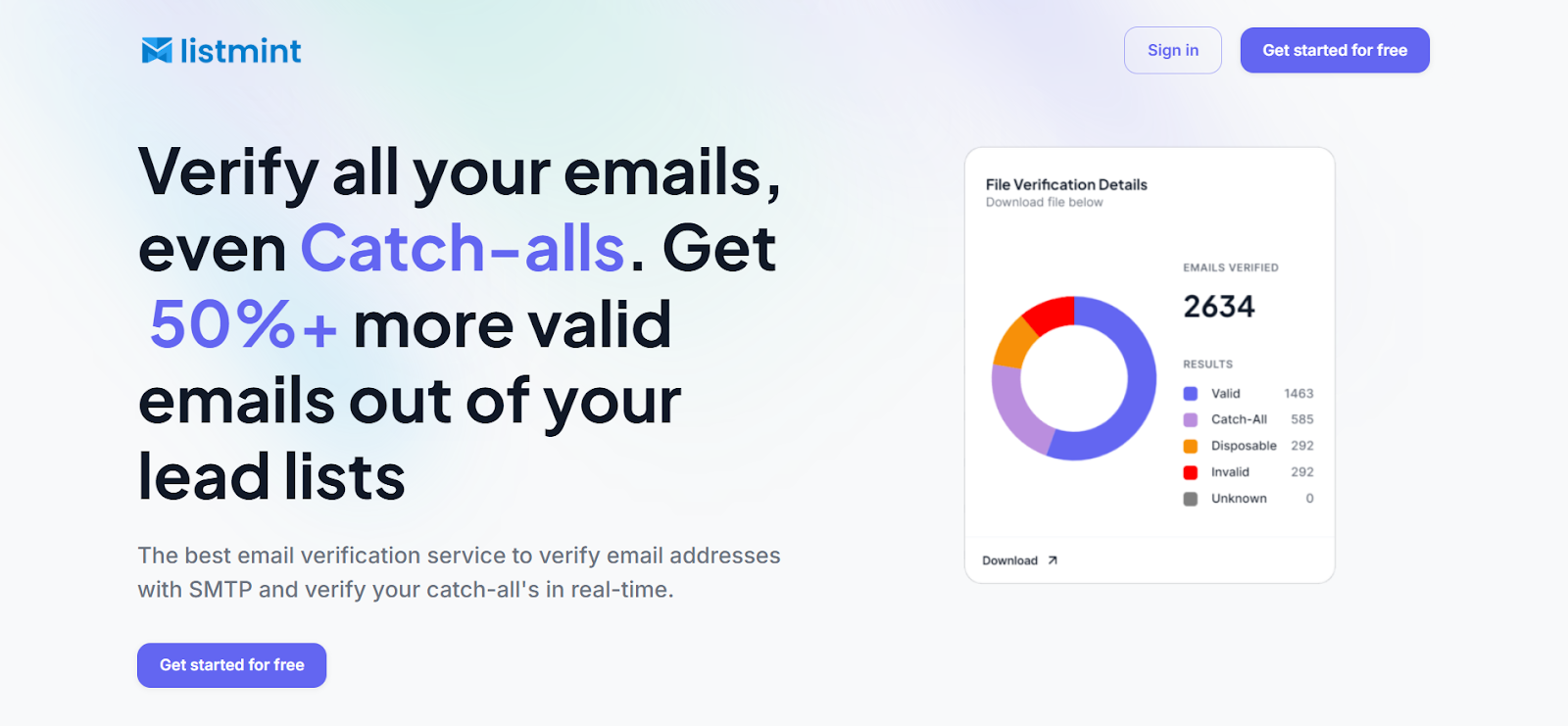
Most verification tools leave you with the same problem at the worst possible moment. A share of your list still looks unresolved, and your team has to choose between suppressing leads you may need or sending them with more risk than you want.
Listmint gives you a better way to handle that decision. It verifies standard emails and catch-alls in one platform, returns clearer outcomes on difficult records, and helps you keep more usable contacts in play before they affect campaign performance.
If your team wants cleaner lead lists, better email deliverability, and a safer way to verify email addresses without sending test messages, start with Listmint. You can use it for bulk list cleaning, real-time checks, or the kind of continuous list hygiene that keeps bad data from piling back up.
Sign up today for a free account to verify your email list with Listmint.
For most teams, Listmint is the best overall choice because it is built around real-time catch-all verification and clearer final statuses. If you want a catch-all-first verifier that works for both bulk cleanup and API workflows, Listmint is the strongest pick.
Standard email verification checks syntax, domain setup, MX records, and SMTP responses. That works well until a catch-all domain accepts any address. At that point, a normal SMTP response no longer proves the mailbox is real. Catch-all verification uses added signals and deeper checks to reduce that uncertainty.
That depends on the address itself. That is why generic, risky, or unknown labels are not enough. A catch-all domain can accept the message even when the specific mailbox is dead, misrouted, or high risk. Safer sending depends on using a tool that can narrow that uncertainty before the campaign goes out.
Yes. Some tools support real-time catch-all checks through their app, API, or both. That matters most when you want to validate records during signup, CRM sync, file upload, or campaign prep instead of waiting for a long batch process.
It works better as an ongoing process. Email data decays, people change roles, and old CRM records become unreliable.
If your team depends on outbound, lead capture, or lifecycle messaging, regular verification is safer than treating cleanup as a one-off event. That is the difference between one quick scrub and real continuous list hygiene.
The best tools do not need to. They verify through server-level and domain-level checks rather than live test sends. That matters because test-email methods can create messy signals and are a poor fit for teams that care about sender reputation.