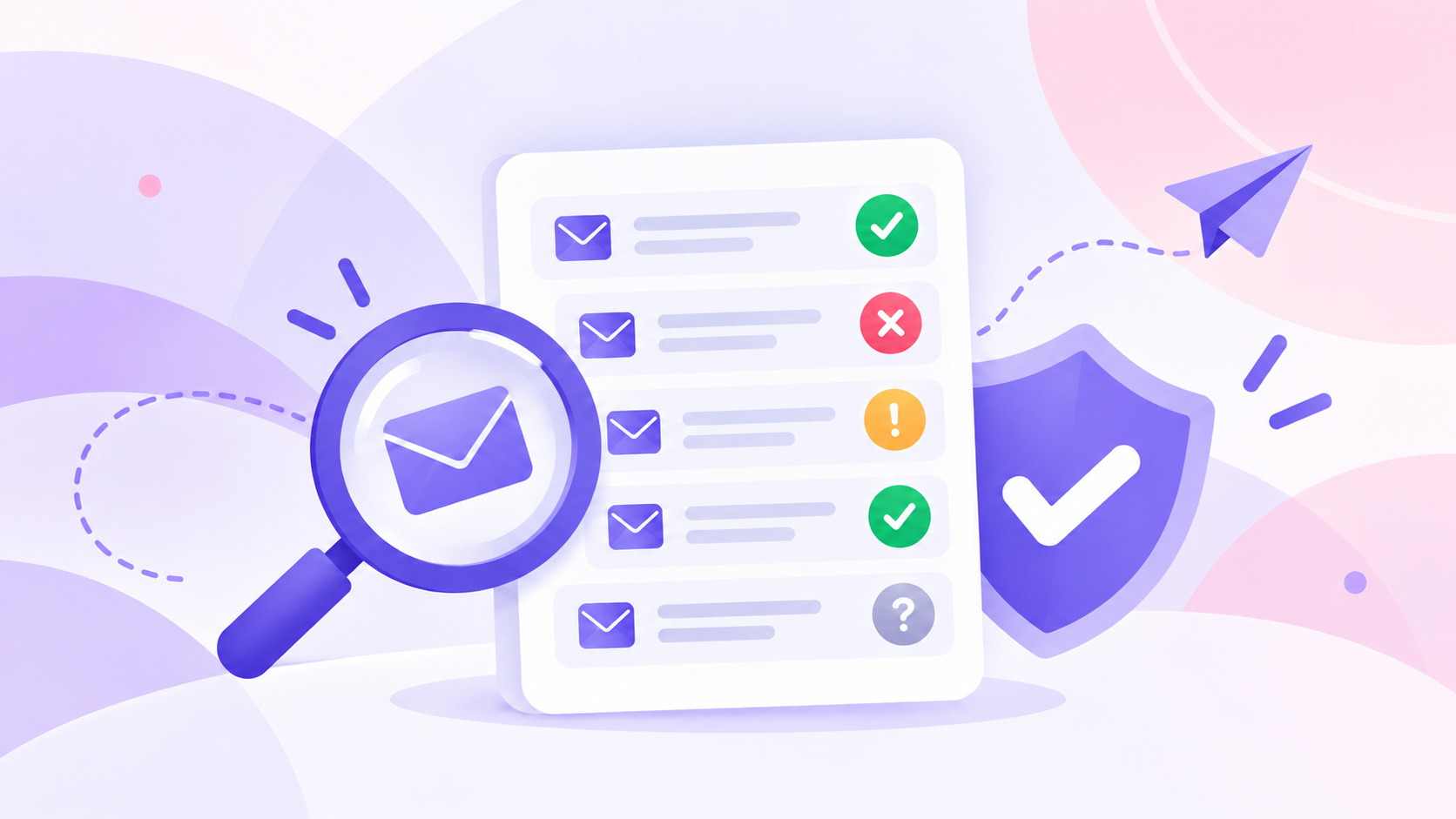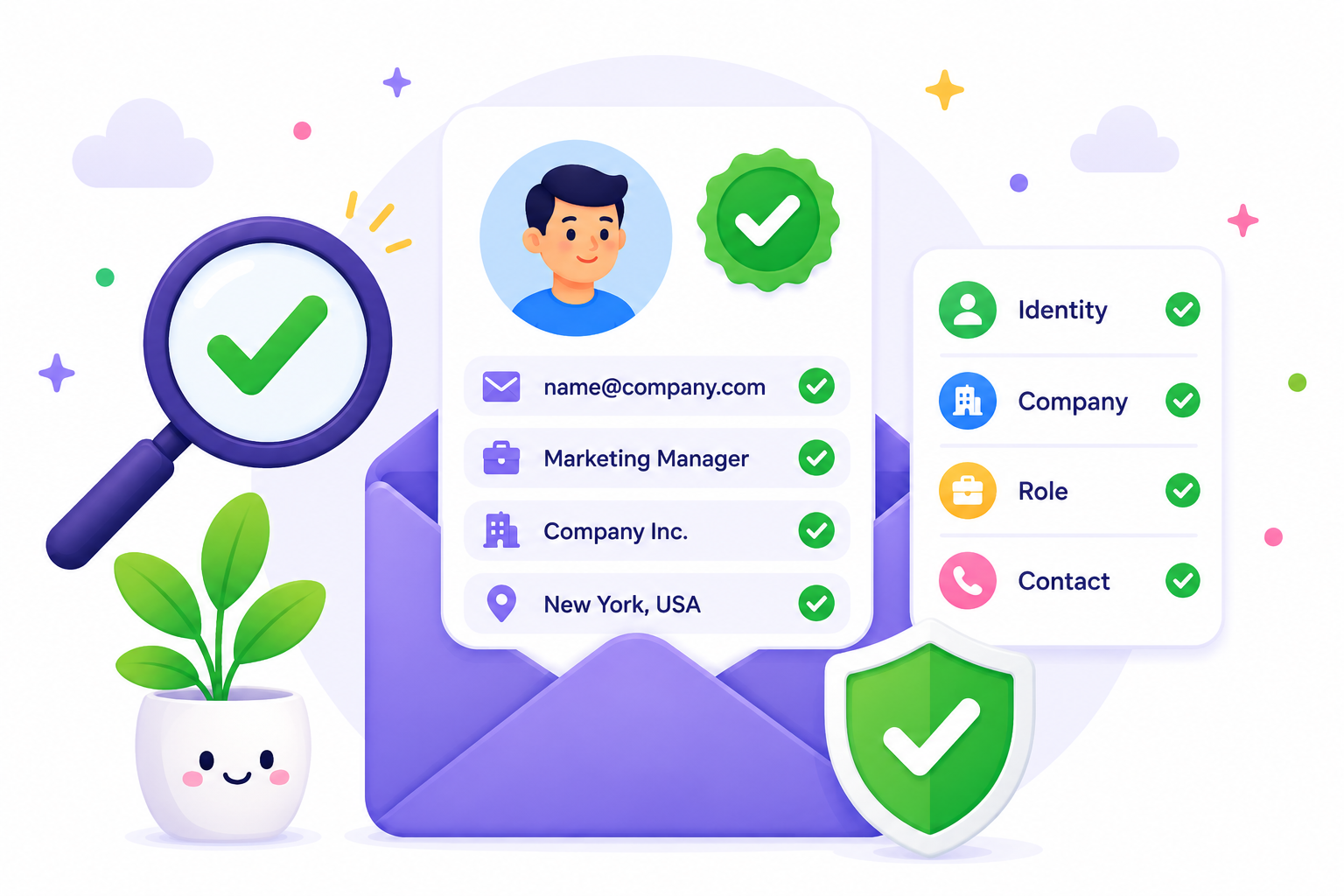
Businesses collect email addresses through several channels every day. The problem is that not every address is valid, active, or suitable for outreach.
Without an email verification workflow, invalid email addresses can enter business systems and stay there until they cause bounces, failed outreach, or poor contact data.
A structured workflow checks each address before it is stored or used. Modern email verification combines several technical checks to evaluate the address and return a result that helps businesses decide how to handle it.
This guide walks through the full process, from collecting an email address to reviewing the result, taking action, and maintaining email data over time.
An email address moves through five stages before a business decides how to use and maintain it. The workflow covers collection, verification, result evaluation, immediate action, and ongoing data maintenance.
Every email verification workflow begins when a business collects an email address. When an actual user’s email address or an imported contact address enters the database, it becomes ready for verification.
Businesses commonly collect email addresses through:
For website and registration forms, verification can begin when a user submits an email address. Imported records follow the same process once they are added to the business system.
Before an address is used for outreach or added to an active contact list, it should move through verification.
After an email address is collected, the next step is to verify it. Current verification methods use several layered checks to gather more information about the address before returning a result.
Typical verification checks include:
Layered checks provide more information than relying on one verification signal alone. These checks help validate different parts of the address before the verification engine generates the final result.
Once the checks are complete, the system returns a status based on the signals collected during verification. That status shows how much confidence the system has in the address and what type of result it produced.
Common results include:
The final status reflects what the verification engine could determine from the available signals. It helps separate usable contacts from invalid emails, uncertain results, and other forms of bad data.
The verification result becomes useful when it leads to an immediate decision. Businesses can use each status to decide which contacts move forward and which ones need closer review.
Valid addresses can be accepted, saved, and added to active email lists. Invalid results can be rejected before messages are sent. Risky, unknown, catch-all, or addresses identified as disposable email addresses may be routed according to company policy.
Teams that verify emails before use can reduce avoidable email bounces and remove addresses that are more likely to create hard bounces.
Better email list decisions can support sender reputation and reduce one source of risk that may cause messages to reach the spam folder.
Even after a business validates an email address, its status can change over time. People leave companies, organizations retire old domains, and inactive mailboxes are eventually removed.
For that reason, email verification should become part of an ongoing process, not a one-time task.
Regular CRM hygiene, periodic database cleanup, reverifying older contacts, and checking lists before campaigns all help businesses maintain accurate data as their contact records grow.
Both approaches can use the same core verification checks. The main difference is when and how many addresses are processed.
Real-time verification checks an email address as it is collected, while bulk verification reviews existing contact lists before they are used.
Real-time verification checks an email address the moment it is submitted.
It works well for registration forms, contact forms, API submissions, and other customer-facing forms because it helps prevent invalid addresses from entering the database.
Account confirmation is a separate step. After a new user creates an account, a business sends a transactional email containing an email verification link. When the user clicks the link, the business confirms ownership of the address before granting access to the user account.
These security measures help complete verification before the user’s first login, while email address verification checks whether the mailbox appears able to receive email.
Bulk verification is designed for existing contact lists. Businesses often use it before importing CRM records, launching marketing campaigns, or reviewing older sales prospecting lists and legacy customer records.
An email verification service can evaluate large groups of addresses before a CRM import, campaign, or sales outreach project.
Most businesses benefit from using both approaches together. New contacts are verified when they are collected, while existing databases are reviewed on a regular schedule.
Using the same verification standards throughout the business helps maintain better contact data and reduce avoidable delivery problems before sending messages to customers and prospects.
Once your business has an email verification workflow in place, the next step is choosing a platform that can handle its verification needs.
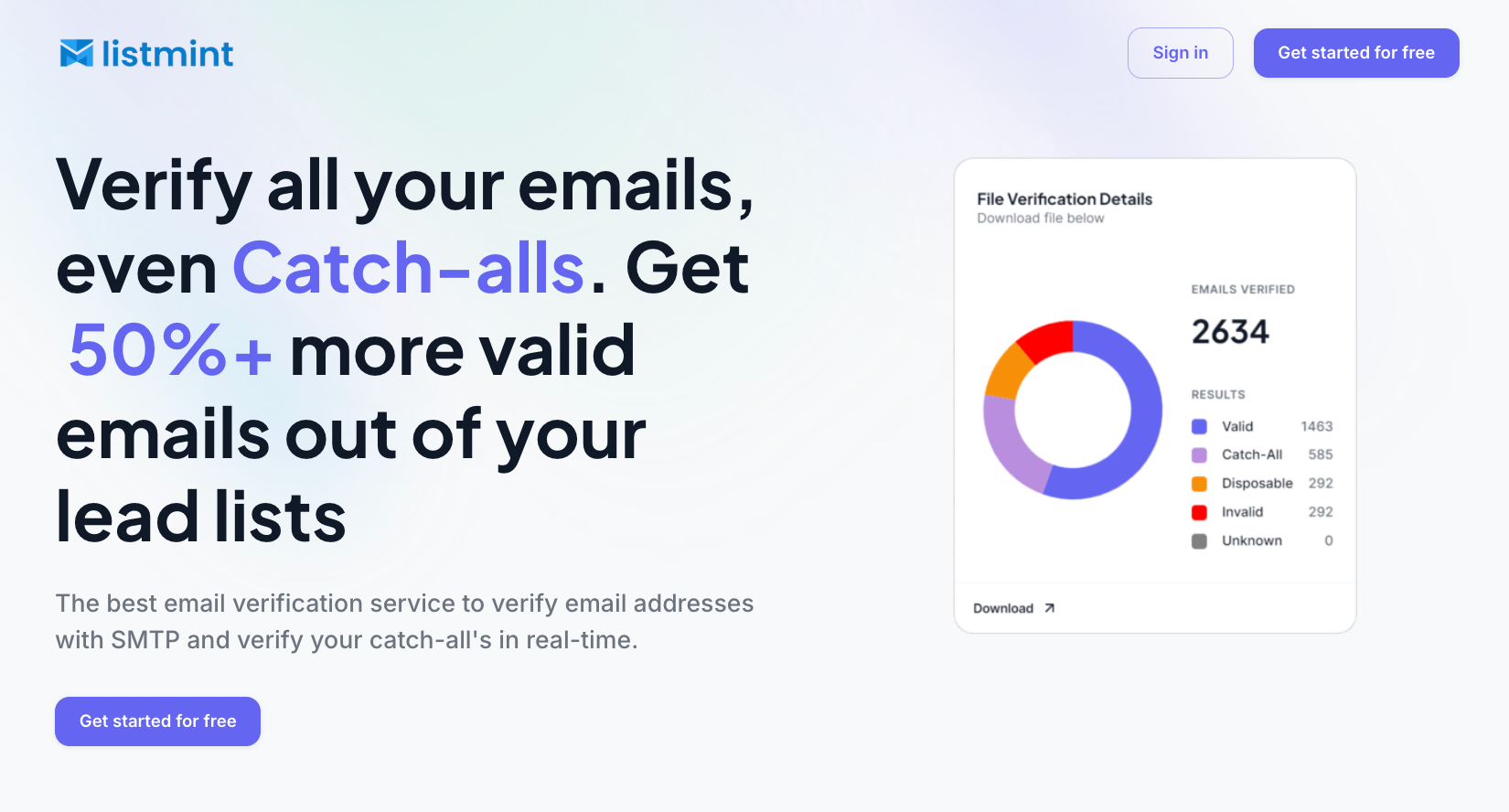
Listmint helps businesses verify new contacts, maintain existing databases, and review detailed verification results without switching between multiple tools.
It also supports both real-time and bulk email verification in one platform. Every email first goes through standard SMTP verification.
When additional analysis is needed, Listmint performs real-time catch-all verification and returns detailed results, including catch_all_valid and catch_all_invalid.
Listmint helps businesses identify 50%+ more valid contacts from lead lists, and customer case studies report email bounce rates below 1% after verification.
Together, these capabilities help your team verify newly collected contacts, review existing databases, and decide which contacts to keep, review, or remove before outreach begins.
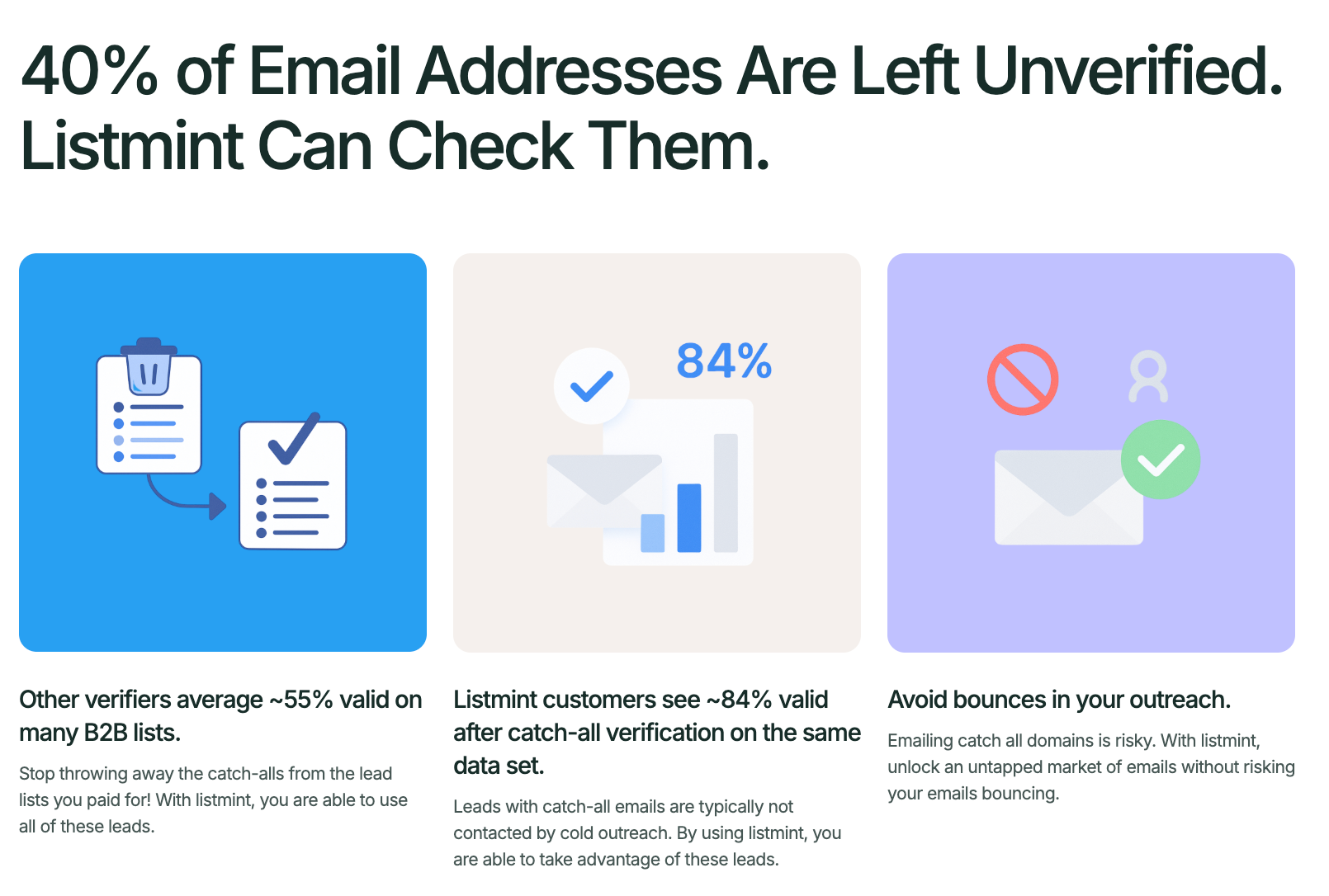
A structured email verification workflow helps your business check new contacts, review questionable results, and keep older records from becoming outdated. It also gives your team a consistent way to handle email data before it reaches active campaigns or sales outreach.
Listmint fits into that process by helping you verify both standard and catch-all email addresses with more specific results. This gives your team better information before deciding which contacts to keep, review, or remove.
The email verification process examines several technical signals to determine how likely an address is to accept messages. It typically includes syntax validation, domain checks, MX record and SMTP mailbox verification, catch-all detection, and additional risk analysis before a final verification result is returned.
The three-email rule usually refers to an outreach strategy rather than an email verification method. It commonly means sending an initial email followed by up to two follow-up emails if no response is received. Businesses often verify email addresses before starting this sequence to reduce bounce rates and improve email deliverability.
To add email verification, businesses typically configure it so verification is enabled for forms, APIs, or CRM imports, then periodically reverify existing contact lists. For example, a website can verify a new email address before it is stored, and some businesses also send a verification email during account registration to confirm that the address belongs to the user. This process works for business domains and personal accounts from email service providers such as Gmail.
The best email verification tool depends on your business needs. Look for a solution that supports both real-time and bulk verification, provides detailed verification results, detects catch-all email addresses, and offers API support. If your applications need to send a verification request automatically, choose a tool that integrates easily with your existing workflow.