Every day, businesses send thousands of emails without anyone pressing the send button.
Password reset emails arrive seconds after a request. Order confirmations appear after a purchase. Account alerts, onboarding messages, and subscription updates happen automatically.
The technology behind many of these messages is an email application programming interface (API).
Email API powers a large portion of modern customer communication, from transactional messages to automated product notifications. Yet many people encounter the term without knowing exactly what it does or why businesses use it.
In this article, we’ll explain how email API works, the different types available, and how businesses use email APIs to automate communication and support day-to-day operations.
An API is a way for two systems to exchange information and perform actions automatically. An email API applies that concept to email, allowing applications to send, receive, or manage messages without someone creating and sending them one by one.
Think of it as a bridge between your software and an email service provider (ESP).
When a customer requests a password reset, places an order, or receives an account alert, the application can trigger an email automatically instead of relying on a person to send it.
Many businesses already use email every day through email clients such as Microsoft Outlook. Those tools are designed for people to write, send, and manage messages manually.
An email API serves a different purpose. It connects your software to an ESP’s system, so emails can be sent automatically when something happens inside your product or website.
For example, an e-commerce store can send an order confirmation immediately after a purchase. Similarly, a SaaS platform can send a password reset email as soon as a user requests one.
These emails are sent automatically behind the scenes, which is why email APIs have become a standard part of many business applications.
To understand how an email API works, it helps to follow the journey of a single email from the moment a user takes an action to the moment the application receives a delivery response.
Let's use a password reset email as an example.
The process starts when a user does something inside a website or application.
For example, a customer clicks "Forgot Password." That request signals the application to begin the process of sending a reset email.
After the user takes action, the application prepares an API request specifying who should receive the message and what content to send.
The application passes that information through an HTTP request to a specific API endpoint.
The email provider doesn't process every request automatically. First, it needs to confirm that the application has permission to connect to the service.
This verification step is known as email authentication.
Most providers use an API key, which works like a secure ID that tells the provider which application is making the request.
Once the request is approved, the provider begins the email sending process.
At this point, the system starts preparing the email for delivery. It handles message assembly, builds the email, and makes the necessary API calls to advance the email.
Many email providers use a RESTful API to communicate with applications. After the request is received, the Send API takes over and moves the email through the delivery process.
After processing the request, the provider sends a response back to the application.
The response may indicate that the email is on its way or alert the application to an issue. The application can then see the result of the request and take action if something doesn't go as expected.
Using the password reset example, the entire process typically takes place within seconds. The user requests a reset link, the application sends a request, the provider processes it, and the email arrives without any manual involvement.
Businesses use email APIs because many customer actions require an immediate response.
When someone requests a password reset, completes a purchase, creates an account, or updates a subscription, an email often needs to be sent right away. Handling those messages manually becomes difficult as customer activity grows.
Email APIs connect email communication directly to actions taking place inside a product, website, or business system.
One of the most common uses for an email API is sending transactional email messages.
These emails are triggered by specific customer actions and usually contain information the recipient expects to receive immediately.
Common examples include:
An email API allows these messages to be sent as soon as the related action occurs.
Email is often part of the day-to-day interactions that happen inside a product.
A web application may send onboarding instructions, subscription updates, or billing notices when specific actions occur.
You can use a contextual email API to trigger those messages based on user activity or business rules.
Applications may also process incoming emails and connect them to support tools, customer records, or internal processes.
As a result, organizations can integrate email functionality into existing products without relying on separate manual workflows.
Many businesses use email APIs to reduce repetitive work and keep communication consistent.
Updates can go out when a customer takes a specific action or when a set rule is met, reducing the need for employees to send repeat messages themselves.
This helps developers and product teams spend less time managing routine communication and more time improving the product.
Email APIs also enable developers to connect email activity with other business systems, so information can flow automatically between applications.
As communication volumes increase, businesses gain more control over message timing, triggers, and day-to-day communication processes.
Not all email APIs serve the same purpose.
Some are designed to send emails, others help applications receive emails, and some verify email addresses before a message is sent. Understanding the different categories can help you identify which type fits your business needs.
Email-sending APIs allow applications to generate and send emails through an email provider.
They provide the core email functionality needed to deliver notifications, alerts, product updates, and other application-generated messages from a website, application, or business system.
Transactional email APIs are designed for messages that need to be sent after a specific action takes place.
A customer might request a password reset, complete a purchase, or log in from a new device. The system automatically sends the appropriate email in response.
Examples include:
Most transactional email providers also support branded HTML emails, allowing businesses to match the look and feel of their customer communications.
Inbound email APIs help applications receive and process email messages.
Instead of sending emails, these APIs allow software to retrieve emails and extract information from incoming messages.
Common examples include support tickets and shared inboxes.
Applications can use inbound APIs to read email content and route messages to the appropriate system or destination.
An email verification API checks email addresses before a message is sent.
Its purpose is to identify invalid contacts, reduce bounced emails, and help businesses maintain accurate customer data.
Verification APIs commonly support:
Businesses often use email verification alongside email marketing APIs to screen contact lists before sending marketing emails.
Both email APIs and Simple Mail Transfer Protocol (SMTP) can be used to send emails, but they work differently behind the scenes.
An email API gives applications a way to send and manage emails through an email provider without manual intervention. SMTP uses a more traditional method for sending messages through email systems.
In simple terms, email APIs are built for modern applications, while SMTP was originally designed to move email between servers.
The biggest differences come down to how each option connects with applications, handles communication, and supports modern development needs.
Email APIs communicate directly with the provider's systems, which often makes integration simpler for websites, SaaS products, and business applications.
SMTP relies on an SMTP server and an active SMTP connection to transfer messages. The message is routed through an email server that follows the rules of the protocol.
Some businesses use an SMTP service or SMTP relay to handle sending without managing their own infrastructure.
Businesses often choose email APIs when email functionality needs to be built directly into a website, product, or business system.
They work well for websites, products, and business systems that send messages based on user actions, account activity, or other events happening inside the software.
SMTP still has a place in environments that rely on long-standing systems and older applications.
Businesses with existing mail servers and mature email infrastructure often continue using SMTP because it works well with the tools they already have in place.
Email APIs do more than send messages. They help businesses manage growing communication demands, keep track of email activity, and connect email functions with the systems they already use.
Some of the most common benefits include:
Together, these capabilities help businesses handle larger volumes of email communication while maintaining visibility and control.
Email APIs are used in everyday business operations to send updates, communicate with customers, and connect email activity with software systems.
The examples below show how different types of organizations use email APIs in real-world situations.
Online stores frequently use email APIs to keep customers informed after a purchase.
For example, an e-commerce business may send shipping notifications when an order leaves the warehouse, reaches a distribution center, or is delivered to the customer.
These updates help customers track purchases without requiring manual communication from support teams.
Software companies frequently use email APIs to keep users informed about activity related to their accounts.
An application may send messages about account changes, security events, product updates, or system maintenance notices. Because these notifications are connected directly to the product, users receive updates as soon as important events occur.
Email APIs are often connected to email marketing campaigns that depend on customer actions and audience data.
A business might trigger email marketing campaigns when a customer joins a mailing list, downloads a resource, or reaches a specific stage in the customer journey.
Some platforms also connect email APIs to advanced email marketing features such as segmentation, personalization, and behavioral triggers.
Organizations often use email APIs to deliver onboarding content to new users over a scheduled period.
Teams can create email templates for different stages of the onboarding process and manage those communications through a templates API.
This helps deliver consistent information as new customers become familiar with a product or service.
Email APIs can also support lead collection workflows.
A user submits a form on a website. The email address is verified before entering the system. The CRM then stores a verified contact record for future communication.
This helps businesses maintain cleaner contact data from the moment a lead enters the database.
Choosing an email API service starts with understanding what your business needs the platform to do.
Look at how easily the solution integrates with your existing systems and applications. Good API documentation can make implementation much easier and reduce development time.
Review the email capabilities available. Some API providers focus primarily on sending emails, while others include tracking, analytics, verification, templates, and inbound email processing.
It's also worth reviewing deliverability features, testing environments, pricing, and support options. These factors can have a direct impact on long-term reliability and day-to-day management.
When comparing providers, pay attention to what each email API provider offers beyond basic sending functionality. The best email API services often combine dependable delivery, useful features, and straightforward integration in a single platform.
The right email API provider should fit your current requirements while giving your business room to grow.
Email APIs can make sending and managing email easier, but problems can still happen when the setup, data, or monitoring process is weak.
A hard bounce happens when an email cannot be delivered permanently. A soft bounce is usually temporary and may be caused by a full inbox or a temporary server issue.
One common cause of hard bounces is mistyped email addresses collected through forms, imports, or manual data entry.
Regular list maintenance and email verification can help reduce unnecessary bounces before emails are sent.
Sending an email does not guarantee that it reaches the inbox.
Messages may be affected by spam filtering, low engagement, or poor sending practices. Over time, these issues can damage the sender's reputation, making it more difficult for future emails to reach recipients.
Monitoring delivery metrics and maintaining accurate contact data can help reduce email deliverability issues.
Catch-all domains accept messages sent to many addresses under the same domain, even when the specific mailbox may not exist.
This makes verification harder because a server may appear to accept an address without confirming that the mailbox is real.
Treat catch-all results carefully before adding them to high-volume campaigns.
Email databases change constantly.
People change jobs, abandon accounts, and switch companies. Invalid and outdated records can reduce campaign performance and increase delivery failures.
Good invalid email prevention practices help keep contact data more accurate before emails are sent.
Ongoing monitoring helps businesses spot delivery issues early and understand how their email systems are performing.
Metrics, delivery reports, and email logs can reveal failed sends, bounce patterns, and unusual activity. Organizations should also pay attention to data security when storing and processing email-related information.
Regular reviews can help identify problems sooner, maintain a healthy sender reputation, and keep email operations running smoothly.
Email APIs help applications send and manage email communication, but the quality of the data entering those systems still plays a major role in overall performance.
Listmint helps businesses validate email addresses before they enter outbound campaigns, CRM records, signup forms, and automated email processes.
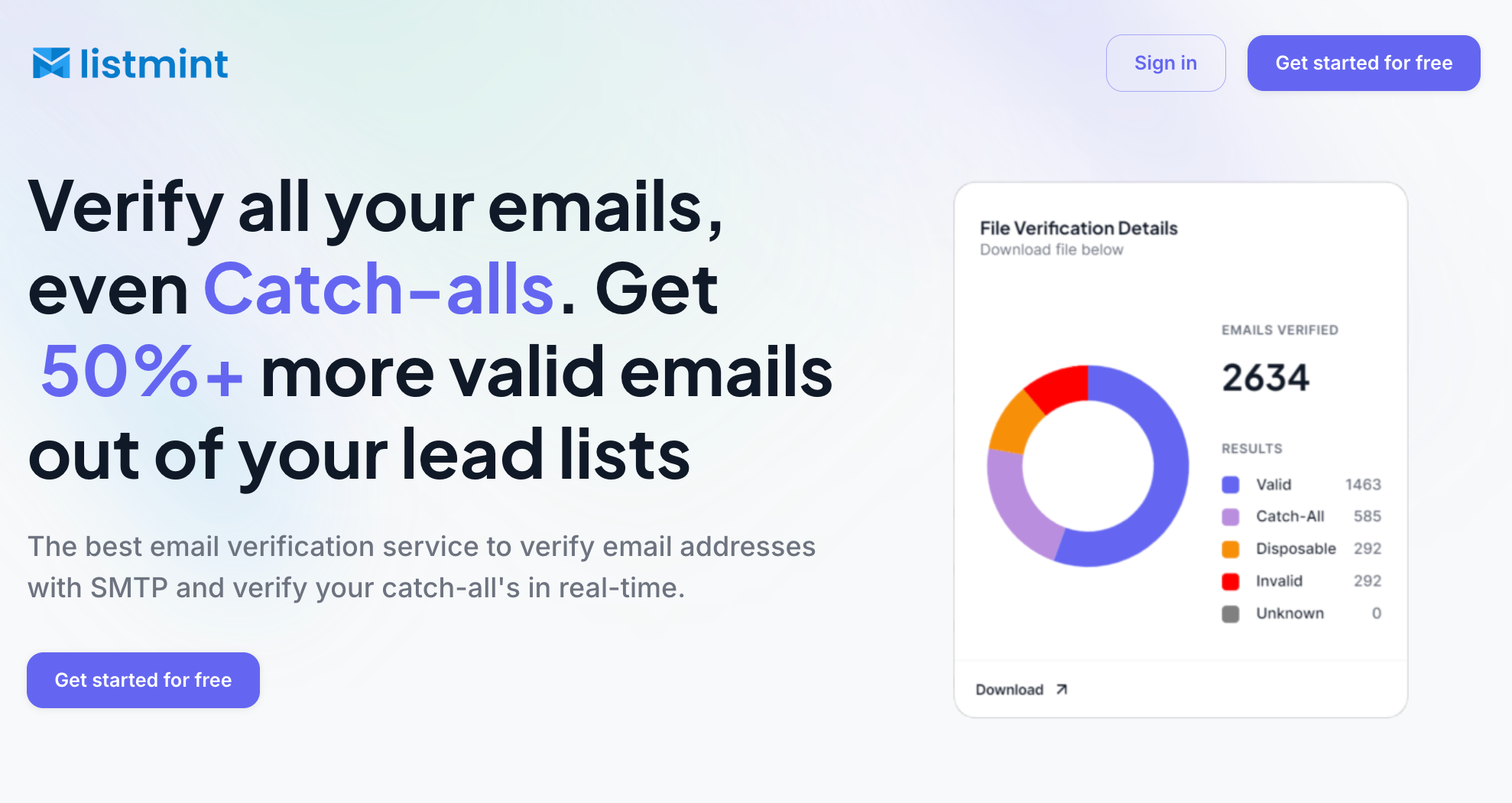
One area where Listmint adds value is real-time email verification. You can verify addresses instantly through the platform or API without sending verification emails to the address being checked.
Listmint also verifies catch-all emails in real time.
Most verification tools identify catch-all addresses and label them as risky or unknown. That leaves businesses guessing which contacts are safe to use. Listmint takes the process further by verifying catch-all addresses and classifying them as either catch_all_valid or catch_all_invalid.
This gives teams more usable contacts while reducing uncertainty when building prospect lists and managing customer data.
You can use Listmint for:
The result is cleaner customer data, fewer invalid records, lower bounce rates, and a better foundation for email communication.
For organizations that rely on email APIs to power customer communication, verification can be an important step before a message is sent.
Most businesses send emails every day, but very few of those messages are sent manually. Email APIs help applications handle communication automatically by connecting emails to customer actions, account activity, and business processes.
From transactional messages to customer notifications, the right information can reach the right person without extra manual work.
Choosing the right email API is only part of the equation. The quality of the email addresses entering those systems also plays an important role in long-term sending success.
Listmint can help you verify both standard and catch-all email addresses in real time, giving teams greater confidence in the contacts powering their email workflows.
Email APIs can be free to get started, but free plans usually include limits on usage. Higher sending limits, premium features, and business-level support often require a paid account.
You can get a Gmail API through Google Cloud. After creating a project and turning on the Gmail API, Google provides credentials that allow your application to interact with Gmail securely.
Yes. Email APIs are designed to handle both individual messages and large email sends. They are frequently used for newsletters, marketing promotions, and customer communications that need to reach thousands of recipients.
Not necessarily. Basic technical knowledge can help, but some email platforms offer prebuilt integrations, visual setup tools, and dashboards that reduce the amount of coding required.
An email service provider manages the technology behind email delivery, while an email API allows applications to use an email provider's functionality without requiring manual actions.