Finding the right person on LinkedIn is only useful when you have a way to contact them. Wiza helps sales teams get work emails and phone numbers from prospect profiles, then check those details before outreach starts.
You can build lists from LinkedIn Sales Navigator or use Wiza’s own database to search for leads. CRM links also let reps send records to HubSpot or Salesforce without moving each contact by hand.
In this Wiza review, you’ll learn how these features work and what each plan costs.
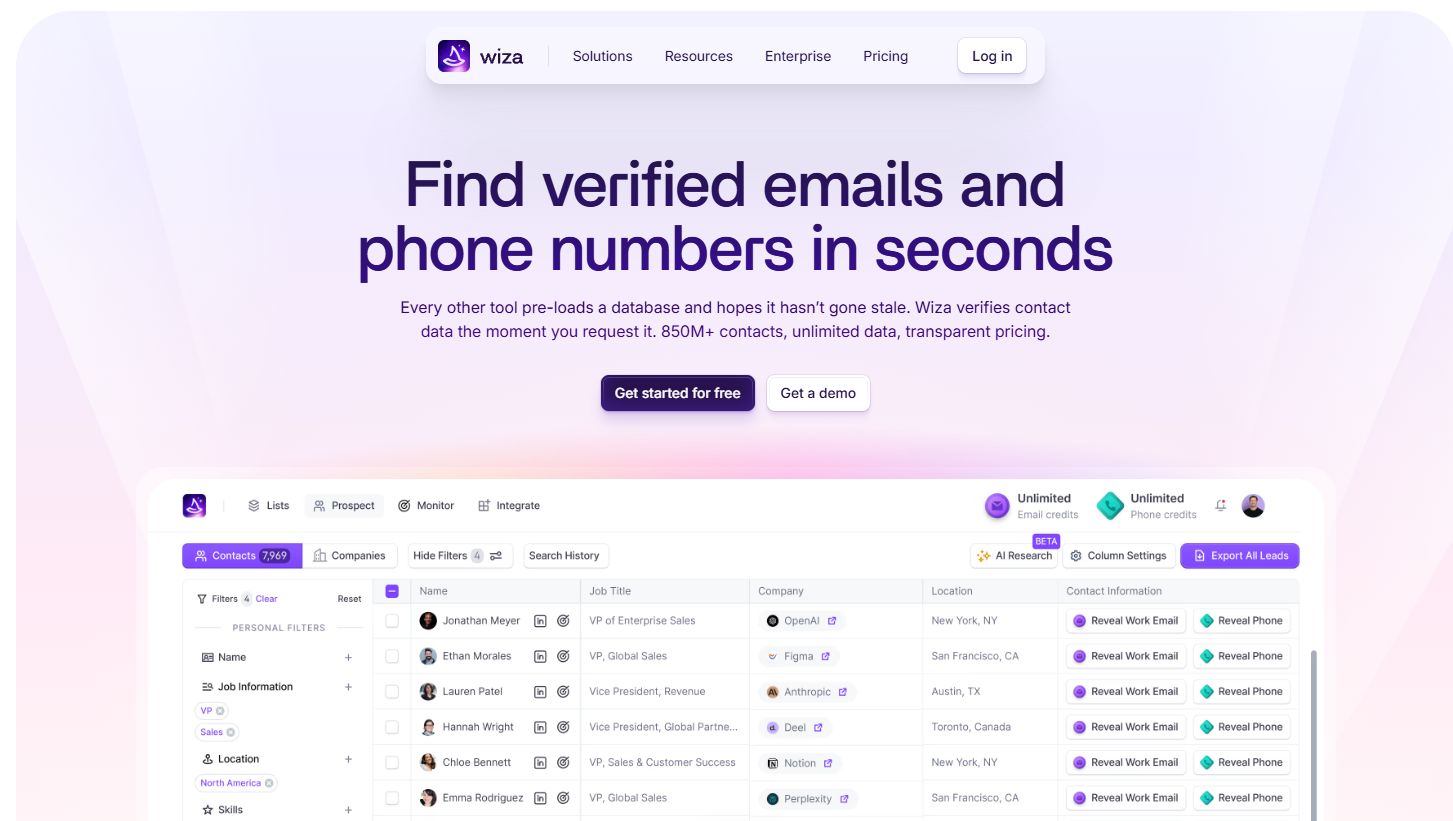
Wiza is a B2B sales prospecting and lead generation tool. Its main job is to help sales teams, recruiters, and business owners find work emails and phone numbers for people they want to contact.
You can use its Chrome extension with LinkedIn and Sales Navigator or search for prospects through Wiza’s B2B database. After you choose a person or build a list, the product finds available contact details and checks email addresses before you export them.
A free account lets you test Wiza before you pay for a plan. You can download the results as a CSV or send them directly to a supported CRM.
Wiza further uses LinkedIn and its own prospect records as a source for the professional data it returns.
To review Wiza properly, it helps to look at how its main features take you from finding a prospect on LinkedIn to getting an email or phone number you can use for outreach.
Wiza’s Chrome extension puts its contact lookup features on the LinkedIn page you’re viewing. When you open a person’s profile, a side panel gives you a button to find their email and phone number.
Click it, and Wiza searches for available LinkedIn data tied to that profile without making you leave the page. Once you have the details, you can save the contact or send it to HubSpot and other supported sales tools.
Email and phone details give you more ways to reach the same person. Since the controls appear beside the profile, they don’t take long to learn.
Sales Navigator lets you narrow a prospect search by location, seniority, company, and job title. Wiza adds an “Export with Wiza” button to the results, where you can choose how many profiles you want to collect.
You need an active Sales Navigator subscription for this bulk process. Wiza works as a Sales Navigator scraper and can export up to 2,500 contacts from a supported search at one time.
For example, you could search for software firms in California, then use role and seniority filters to locate the head of sales at each business.
Wiza’s email finder looks for email addresses connected to the professional profiles you select. When you search for one person, Wiza can find a work address and a personal account when either one is available.
You can run the same process for many leads rather than checking every person by hand. Wiza adds the available contact data to your list and checks the address before you use it.
Personal email results can give you another way to reach someone when their old business address stopped working after a job change.
Wiza checks an email when you request it instead of assuming an older result still works. To verify an address, the system contacts the company’s mail server through SMTP and asks whether the mailbox can receive messages without sending one.
Wiza then sorts the result into three groups:
These live checks keep your list more accurate and remove known bad addresses before a campaign. Fewer failed sends can help protect your sender reputation.
Wiza’s phone number finder helps sales reps get direct work numbers and mobile lines for people they want to call. A cell number can help you reach an executive without calling the main office first, and direct dials help you avoid a receptionist or switchboard.
Phone numbers are harder to check than emails since Wiza can’t test a line without placing a call. Instead, users can report disconnected or incorrect numbers, and those reports help Wiza improve phone number accuracy.
Wiza only charges a phone credit when it finds a number for the person you searched.
Wiza Prospect gives you access to its B2B records without requiring you to start on LinkedIn. You can run a search and combine filters to narrow the people you want:
After choosing your filters, you can save matching people to a list. Wiza then lets you reveal their contact details and send the results to a customer relationship management (CRM) system or download a CSV file.
Wiza’s AI research adds more context to people or businesses already in your prospect table. From the dashboard, you can use its AI enrichment option on one profile or run it for a full page of results.
You can type plain questions such as “Find VPs of Sales at aviation companies in New York” rather than building every filter yourself. Wiza uses the request to return matching prospects that you can save to a list.
AI research can also help check details such as company information or recent job changes when you need more context before contacting someone.
Wiza connects with CRM and sales platforms such as HubSpot, Salesforce, Pipedrive, Attio, and Outreach. After connecting your CRM, you choose where each Wiza field should go.
For example, you can map a mobile number to your Salesforce “Mobile” field instead of copying it by hand. Wiza can even check whether someone from your prospect list already exists in the CRM before you create another record.
Once the fields are mapped, you can send selected contacts to your sales system and place them into an outreach process without downloading a CSV first.
Wiza’s API lets two software systems exchange information without requiring someone to open the dashboard and run each lookup by hand. Developers can connect an internal app to Wiza and request contact or company information through code.
For example, your system can submit a person’s name and business domain, then receive email, phone, profile, or broader data when Wiza has a match.
Developers can use search filters to build prospect lists or process larger batches automatically. API keys control which applications can make these requests, which adds a security layer between Wiza and your internal systems.
Wiza starts with a Free option that includes 20 verified emails and five phone numbers per month, so you have a way to sign up and test the data before you pay. The Free plan does not include team analytics or CRM integrations.
Its Starter plan costs $49 per month per user for 100 valid emails and 100 phone numbers. Additional numbers and emails cost $0.15 each.
For $99 per month per user, the Email plan includes 500 valid addresses, but comes with no phone numbers, which cost $0.35 per number. The Email + Phone plan costs $199 per month per user and includes 500 valid emails and 500 phone numbers.
Larger sales groups can request custom Team pricing with more than three users, unlimited emails and phone numbers, API access, and AI research.
Wiza can detect a catch-all domain, though it can’t confirm whether one specific mailbox exists. A catch-all server accepts requests for any address on its domain, even when the name before “@” belongs to nobody.
When Wiza runs its SMTP check, the server may return a successful response for real and made-up addresses alike. Wiza marks these results as “Risky” rather than “Valid.”
A risky result doesn’t prove the address is bad. It means Wiza can’t confirm the individual inbox, which leaves you with some bounce risk if you decide to email it.
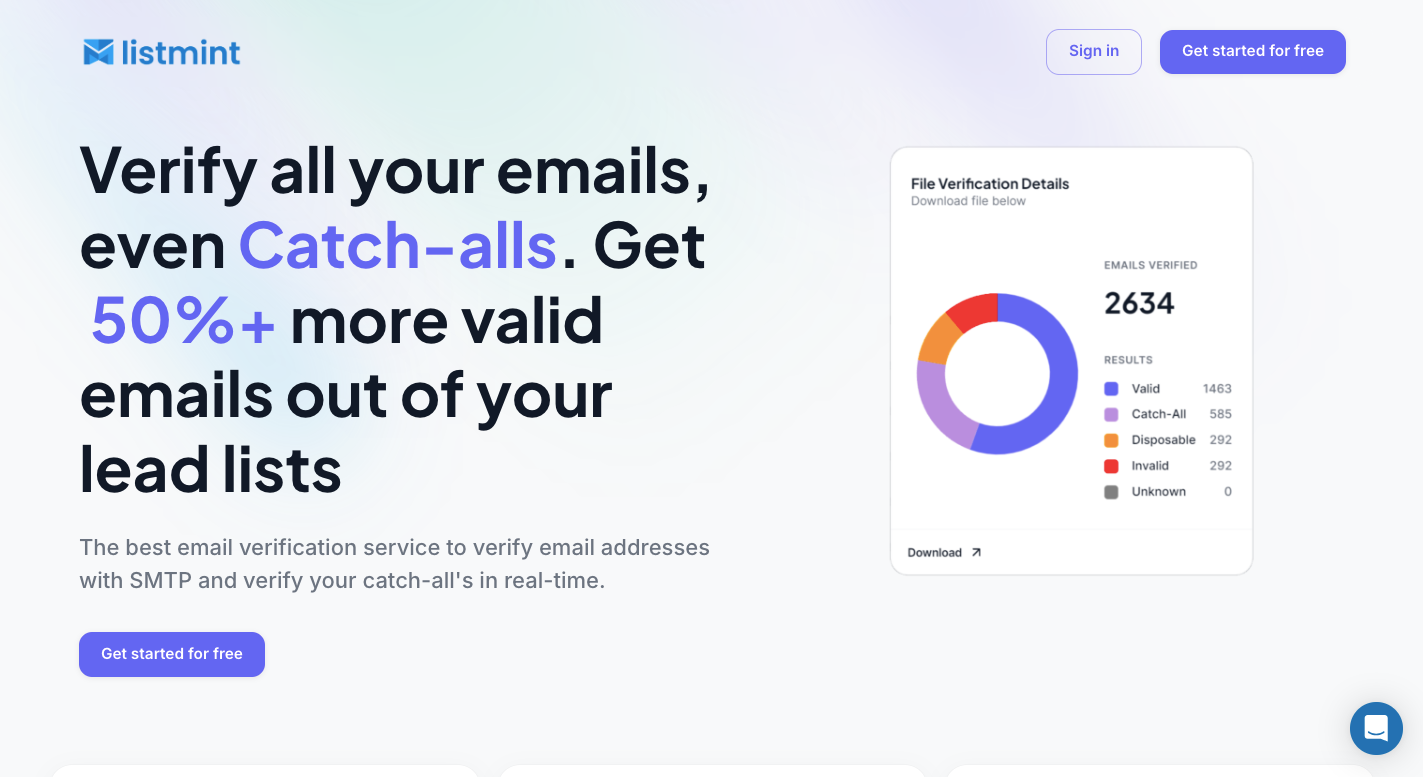
Wiza’s risky label tells you when a catch-all server prevents a clear mailbox check. From there, you still need to decide whether to email the address, remove it, or run another verification step.
Listmint focuses on that last part by checking catch-all addresses that standard SMTP verification can’t confirm.
Deleting every catch-all email result can remove real prospects from your list. Sending to all of them creates the opposite problem because some addresses may lead to mailboxes that don’t exist.
Listmint checks these uncertain contacts again and separates them into “catch_all_valid” and “catch_all_invalid” results. A sender can keep the addresses that pass and remove failed contacts before starting a campaign.
That gives you a clearer decision than treating every catch-all result as equally risky.
Listmint can start with a normal email list rather than requiring you to separate catch-all contacts first. Standard SMTP verification sorts addresses into valid, invalid, and catch-all results. Contacts in the last group then go through Listmint’s separate catch-all process.
Standard and catch-all checks use different credits because each process requires a different type of verification.
Listmint serves businesses that want to clean their own lists and B2B2C companies that provide verification to customers. Its API supports regular email checks plus catch-all verification, which lets another software product send an address to Listmint and receive the result through its own system.
That option makes more sense for SaaS products, lead generation platforms, and other services that need verification as part of their existing process. You don’t have to move each list to a separate dashboard whenever they need another check.
Wiza checks email addresses when you request them and labels results as valid, risky, or no match. Catch-all addresses remain less certain because the receiving server won’t confirm whether a specific mailbox exists.
Wiza’s free plan includes 20 verified email addresses and five phone numbers each month. Paid options start at $49 per month per user, with higher plans available for larger email and phone needs.
Wiza finds contact details through LinkedIn, Sales Navigator, or its own prospect database. After you select people, it finds available emails and phone numbers, checks email results, then lets you export the contacts or send them to a connected CRM.