Sending to invalid addresses can raise your bounce rate and hurt your sender reputation. MillionVerifier helps find those contacts before they reach an email campaign.
The service can check large lists, single addresses, and new signups through its API. It also checks catch-all domains when a normal mail server test can’t confirm whether a specific inbox exists.
For teams that keep adding contacts, EverClean can run regular checks on connected lists.
In this MillionVerifier review, you will learn its main features, pricing, and how it handles catch-all emails.
This MillionVerifier review covers how the service verifies emails, what it costs, and where catch-all results can remain uncertain.
MillionVerifier is an online email verification service that helps you clean contact lists before you use them for email marketing or sales outreach.
Their service is described as GDPR-compliant, although each business remains responsible for how it collects, stores, and uses contact data.
When you build a database over time, some addresses become old, get entered with typos, or stop working after someone leaves a company. Sending campaigns to too many bad contacts can raise your bounce rate and hurt your sender reputation.
MillionVerifier checks those contacts before you send. It removes duplicate entries first, then looks for format errors and checks whether the domain can receive mail.
After those steps, its system contacts the recipient’s email server to find out if the mailbox exists without sending emails to the person. It can identify invalid accounts, disposable inboxes, role-based contacts such as “info@,” and catch-all addresses.
MillionVerifier gives you these features:
MillionVerifier’s bulk email verification feature checks large lists all at once. You can upload TXT, CSV, XLS, or XLSX files up to 100 MB, with a limit of 1 million rows per file. Without a spreadsheet, you can paste a raw list into MillionVerifier and let the system create a file for you.
Before checking each mailbox, MillionVerifier removes duplicate entries and runs a syntax check for errors such as missing symbols. Its system can process two files at the same time, then queues any extra uploads.
Afterward, email marketers can download a full report with a status beside each address or filter the file by result. Cleaning old contact data before a campaign can reduce bounces from dead or invalid inboxes.
A single email verification tool checks one address at a time when uploading a full list would make little sense. For example, you can use the email checker before contacting a new lead, and customer support can check whether a user entered an incorrect address.
Using it takes four steps:
MillionVerifier then shows a color-coded result. Green means “Good,” red means “Bad,” and orange means “Risky.”
A risky result can include a catch-all mailbox that the service can’t confirm with enough confidence.
MillionVerifier’s API provides real-time verification for addresses entered through signup forms, contact pages, or other apps.
When someone clicks “Submit,” your site sends the address to MillionVerifier with an API key from your account. A result comes back for your site to accept the entry or ask the user to fix it.
Developers can use this connection to verify emails before bad data reaches a contact database. MillionVerifier can identify known disposable providers too, including temporary inboxes people may use for repeated free-trial signups.
For security, you can restrict an API key to approved server IP addresses. MillionVerifier states that its API can handle up to 160 requests per second, though response time depends partly on the recipient’s mail server.
A catch-all domain accepts mail even when the server doesn’t confirm whether the exact inbox exists. For example, a standard check on “fake-name@company.com” may get an accepted response even when nobody uses that address.
MillionVerifier runs extra checks on catch-all addresses to try to get a clear answer. According to the company, its process can resolve 30% to 40% of these emails as valid or invalid, which gives you more accurate results than leaving every one unresolved.
Solved contacts go into the normal result groups, so you don’t have to sort them by hand. Checks usually take 10 to 30 seconds, with harder cases taking up to 60 seconds.
Some catch-all domains still won’t provide enough information, which limits final accuracy.
EverClean checks contacts stored in your email marketing provider or CRM each day. You connect MillionVerifier EverClean to a supported platform such as Mailchimp, HubSpot, or ActiveCampaign, then choose the lists you want it to check.
Each day, EverClean reviews new subscribers and rechecks older records to find inboxes that no longer work. When it finds a bad or disposable contact, supported integrations can change its status to “Cleaned” or “Unsubscribed” without deleting its history.
Your dashboard shows data from the last 7, 30, or 90 days, including how many bad contacts EverClean found. Extra features vary by integration, though some connections can update subscriber status automatically after each check.
MillionVerifier’s disposable email detection finds temporary inboxes that people create for short-term use. Someone may use a service such as 10 Minute Mail to claim a free trial or download gated content without sharing an address they plan to keep.
When you upload a lead file, MillionVerifier checks each row for known disposable providers. It marks matches as disposable, so you can separate those bad emails from the contacts you want to keep.
Developers can use the API to catch disposable or invalid emails when someone submits a form. Removing these invalid addresses can keep temporary accounts out of later campaigns.
However, passing an email check doesn’t prove that the person will become one of your customers.
MillionVerifier has ready-made connections for other apps such as Mailchimp, HubSpot, ActiveCampaign, MailerLite, GetResponse, Pipedrive, and Smartlead. You can pull a contact list from a supported platform, check it, then send verification feedback back to the connected tool.
Available actions depend on the integration. Some platforms let MillionVerifier change a bad contact to cleaned or unsubscribed, keeping the address out of future campaigns.
EverClean relies on supported integrations for daily checks too. For software without a ready-made connection, MillionVerifier provides API access that developers can use to build a custom integration for forms, databases, or their own software.
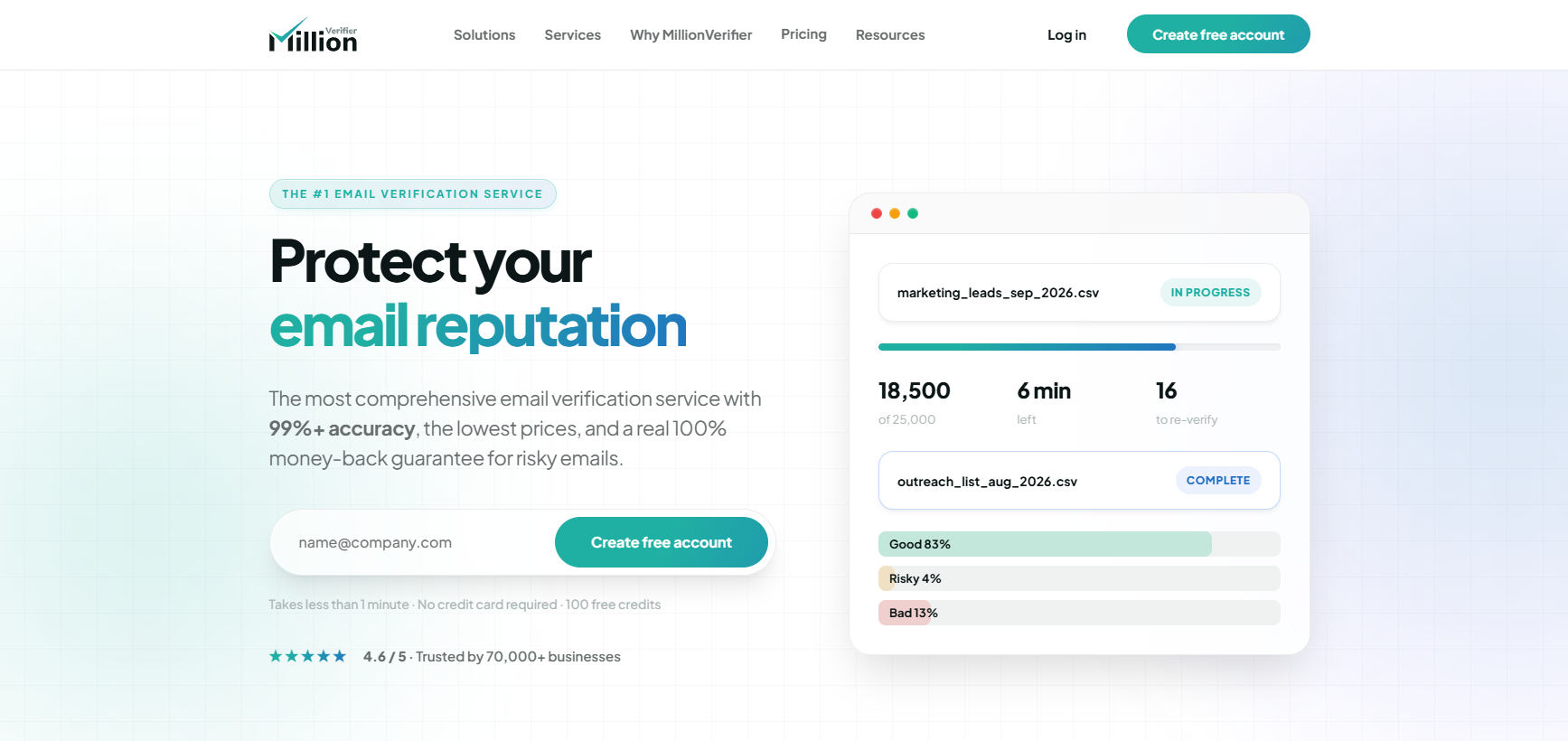
When you run a list through MillionVerifier, it checks each address and sorts the result into one of three groups: good, bad, or risky.
A “good” result means MillionVerifier found a working mailbox after checking its format, domain, and mail server. You can keep these contacts as valid addresses, but no verifier can promise that every future message will reach the inbox.
Bad results fall into two groups. First, invalid means the mailbox or domain doesn’t work. Disposable refers to temporary inboxes, such as 10-minute email accounts, that may stop working soon after signup.
Risky emails include unresolved catch-all and unknown results. A server may accept every address at its domain, refuse a verification request, or fail to respond.
Separating these groups helps you clean email lists and protect your email reputation.
MillionVerifier’s speed changes based on the type of check, since a bulk file, API request, and catch-all address require different steps.
MillionVerifier starts bulk checks at a base speed of about 3,000 addresses per minute.
Some files need more time because MillionVerifier may recheck an address when a mail server responds slowly or blocks the first request. Waiting for another response can produce a clearer result, yet it extends the total processing time.
You can upload several files to your dashboard. MillionVerifier runs two at the same time and puts the rest in a queue until a slot opens.
Removing dead addresses before a campaign can lower your bounce rate and help improve email deliverability.
MillionVerifier’s API can return a result in under 100 milliseconds when it checks an address from a fast, responsive mail server. During that short request, it reviews the domain, runs database checks, and contacts the destination server.
Slower business servers can take much longer to answer. MillionVerifier provides a timeout setting to keep one slow request from holding up your form. You can set the limit from 2 to 60 seconds. Once that period ends without a clear reply, the API can return an unknown result.
Speed alone doesn’t make an email verifier offering a great service. An accurate response still depends on how much information the destination server gives MillionVerifier during the check.
MillionVerifier’s catch-all verification speed depends on the domain, with most checks taking about 10 to 30 seconds. Harder cases can take up to 60 seconds because these servers don’t confirm individual mailboxes through a normal request.
During that extra time, MillionVerifier runs deeper checks to try to return a valid or invalid result. Some addresses still remain catch-all when the server won’t give enough information.
You don’t need to move these contacts into another tool. MillionVerifier runs the extra process automatically and can check many addresses in parallel as part of a bulk file.
Resolving more uncertain mailboxes before you send may help prevent email bounces from contacts that would otherwise remain unconfirmed.
MillionVerifier is primarily a volume play, meaning its value comes from processing large lists at a low per-address price. The unit cost decreases as verification volume rises, making the pricing more attractive to businesses that regularly check hundreds of thousands or millions of contacts.
It uses pay-as-you-go verification credits for its regular checks, with prices dropping as you buy larger packages. One email check uses one credit, and purchased credits don’t expire under its current terms.
Current prices start at $39 for 10,000 checks. Larger packages cost $89 for 50,000, $149 for 100,000, $299 for 500,000, and $449 for 1 million.
At those rates, the cost drops from $0.0039 per check to $0.00044. MillionVerifier markets itself as a low-cost option with some of the best prices for high-volume users, though calling it the best email verification service depends on your needs.
You can pay by card, and the website currently advertises a free account with 100 credits. Its free tools let new users test a limited number of addresses before purchasing a larger credit package.
Businesses may choose MillionVerifier when low per-address pricing and large verification volumes matter more than resolving every uncertain catch-all result.
EverClean uses separate subscription pricing for daily monitoring, with no extra cost per scan covered by your plan. MillionVerifier currently returns verification credits for addresses that remain classified as catch-all or unknown, subject to its account terms
Yes. MillionVerifier advertises a 100% money-back guarantee when its verified results produce a hard bounce rate above 4%. In that case, the company says it will refund your last payment, subject to its current terms.
Don’t confuse that guarantee with its policy for risky results. MillionVerifier currently adds goodwill credits back for eligible catch-all and unknown checks, rather than giving a full refund for each unresolved address.
Among email verification services, that distinction is worth knowing before you buy a large package because a credit return and a payment refund work differently.
MillionVerifier can resolve some catch-all addresses, though others may still come back without a clear answer. You can run those unresolved contacts through Listmint.
Standard verification can identify a catch-all domain without confirming whether the individual mailbox exists. For B2B lists, 30% to 40% of addresses can fall into this uncertain group.
Listmint takes those addresses through a second verification process and returns the result in real time. You don’t have to wait 24 to 48 hours or send a test email to the person.
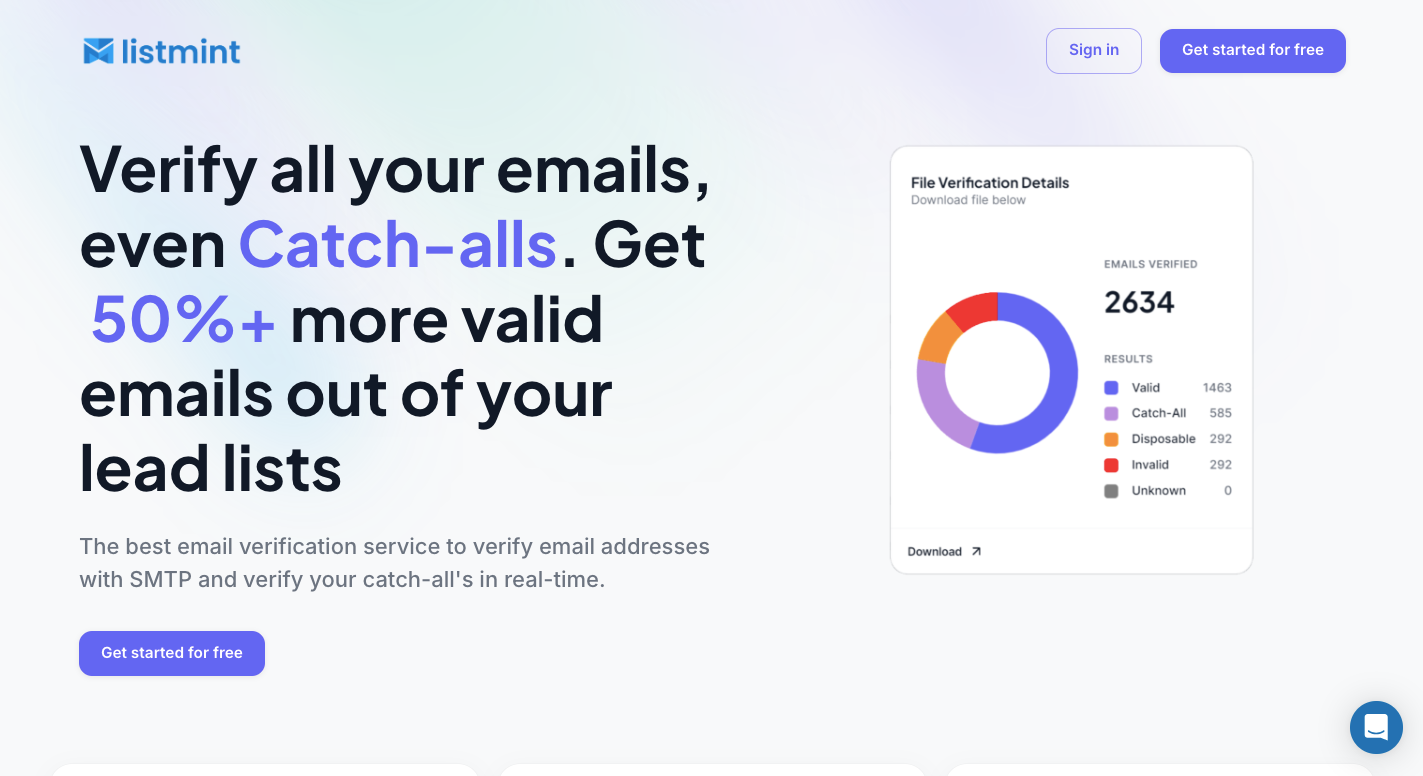
Each resolved catch-all receives a clear result:
Through that distinction, you keep usable contacts that a standard verifier may leave under a broad risky or catch-all label.
You can upload your lead list directly to Listmint instead of moving files between a standard verifier and a separate catch-all tool.
Listmint first checks regular addresses through standard verification. The process examines factors such as email syntax, DNS records, MX records, and the recipient mail server.
When the initial check finds a catch-all domain, you can run the additional verification process to determine whether the individual mailbox exists.
Final results separate standard and catch-all contacts into valid, invalid, catch_all_valid, and catch_all_invalid. You can then export the results and choose which addresses should move into your outreach system.
Listmint provides an API for companies that need verification at the point where an address enters their system. You can connect it to signup forms, lead-generation software, CRMs, or your own SaaS product.
Regular and catch-all verification works through the API in real time. A catch-all address doesn’t have to enter a separate 24-to-48-hour verification queue before your application receives a result.
Listmint doesn’t send an email to the recipient to perform the check. That means you can verify an address without sending a test message from your domain or waiting to see whether a message bounces.
Listmint separates standard credits from catch-all credits because the two checks use different processes. You don’t spend the higher-priced catch-all allocation on every address in your database.
You can choose from the following plan:
For a MillionVerifier list with unresolved catch-all results, you can use Listmint specifically for those uncertain addresses instead of paying to repeat standard verification on the rest of the database.
Get started with Listmint and verify uncertain catch-all contacts in real time!
Yes. MillionVerifier is a legitimate business email verification service operated by GBD Software as a Service Private Limited Company in Hungary. It offers bulk verification, an API, integrations, and catch-all checks.
No single tool is the best email verification tool for every use case. Compare accuracy, catch-all handling, API speed, bulk pricing, integrations, and how each provider handles unresolved results before choosing one.
Yes. Mail Tester is a legitimate email testing service that checks your message, sending IP, mail server configuration, and spam score. It tests deliverability signals rather than cleaning an email list.
For B2B software research, G2 is a useful source because it verifies reviewer identities and manually moderates submitted reviews. Capterra also verifies reviews and combines user feedback with independent research. Checking several sources gives you a stronger view than relying on one review site alone.