FullEnrich uses multiple data providers to find work emails and phone numbers for sales teams. Its provider waterfall can return contact details that a single database may miss.
Still, you may need stronger prospecting features, built-in outreach, different CRM integrations, or a credit system that works better for your data volume. Several FullEnrich alternatives cover these needs in different ways.
In this article, you’ll learn about five options, their main features, and how each one compares with FullEnrich.
Here are the top five FullEnrich alternatives in 2026:
Once you find contact details, Listmint can verify standard and catch-all emails in real time before outreach.
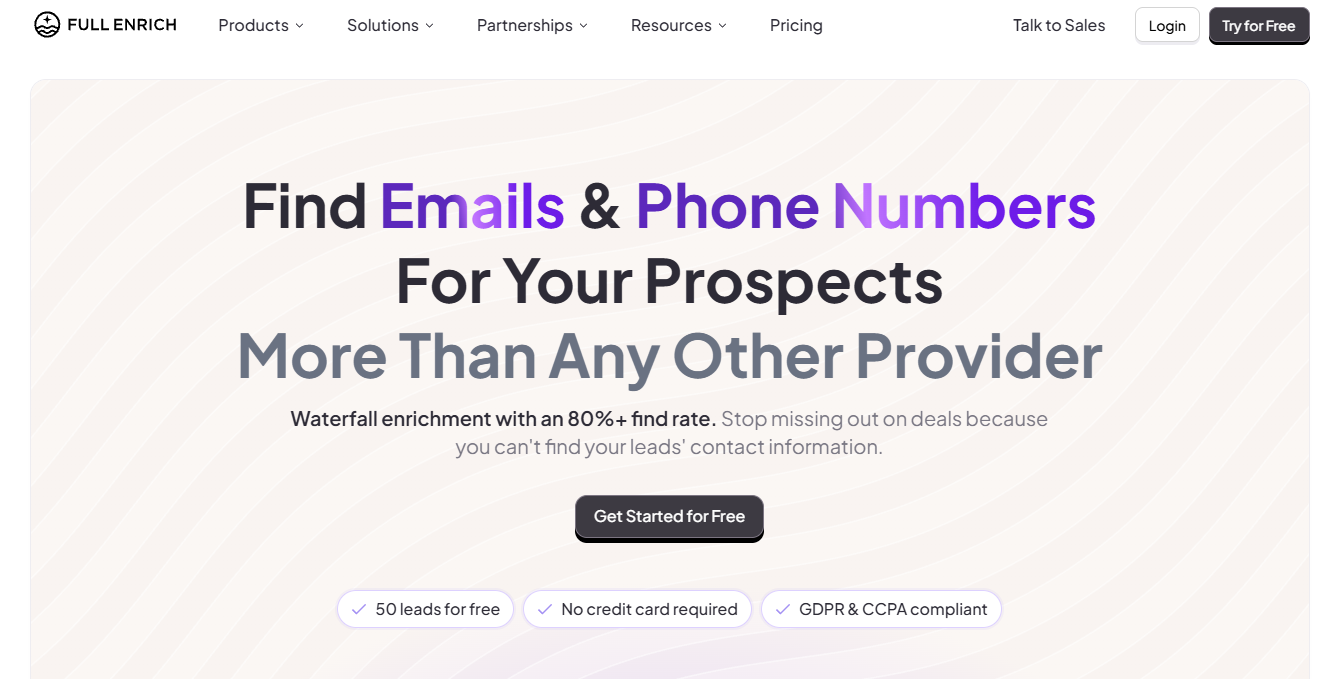
FullEnrich is a B2B contact data tool that checks multiple providers to find work emails and phone numbers. Its provider waterfall moves from one source to another until it finds the requested contact info.
Still, teams may look for a FullEnrich alternative when the cost, sales process, or available data no longer fits their needs. Usually, these are the reasons:
Finding just an alternative is not enough, as modern teams need advanced features like conditional logic and native workflows. Here are the five best FullEnrich alternatives:

Clay gives your sales teams a spreadsheet where each column can run a different research or data task. You start by adding a list of people, companies, or LinkedIn links to a Clay table.
From there, you can build a provider waterfall using multiple providers. For example, Clay can ask one source for an email, move to the next when no result appears, and stop once it finds a match.
Claygent adds AI-powered research to the same table. You can ask it to visit a company website, check its careers page, and report whether the business is hiring for a certain role. That setup makes Clay useful for workflow automation that needs more than contact details.
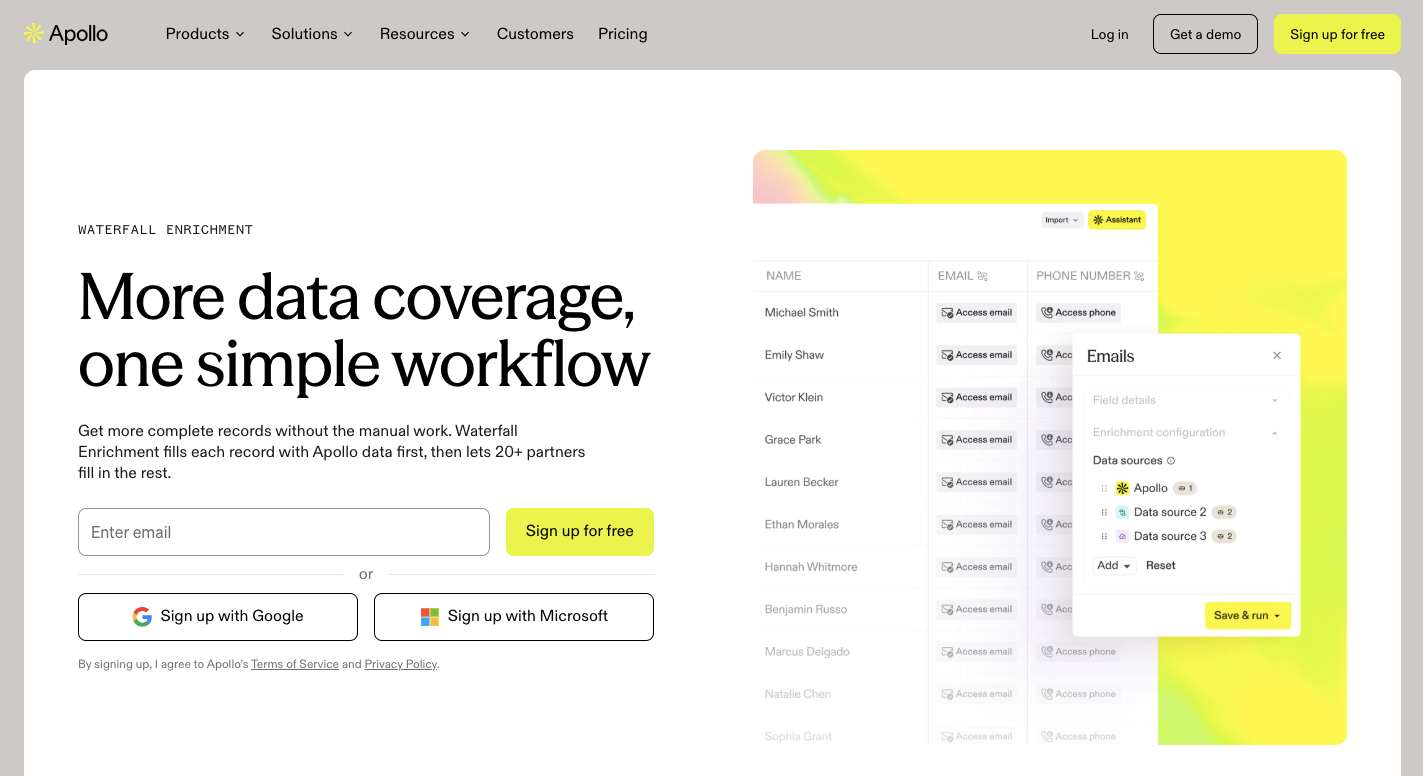
Apollo combines a B2B contact database with prospecting and outreach tools. Sales teams can search for buyers by job title, location, company size, and other filters.
Once you find a prospect, Apollo can provide contact details or update an existing record. You can then add the person to an email sequence or call them through the built-in dialer. Small teams may prefer this setup because they can handle several sales tasks from the same platform.
Apollo also offers a free tier for teams that want to test its database and selected sales features. Its website visitor tools use IP intelligence and matching data to identify anonymous website visitors, helping sales reps respond when an account shows interest.
Marketing teams can use intent data to find companies researching selected topics. Those buying signals help reps focus on accounts that may already be in market.
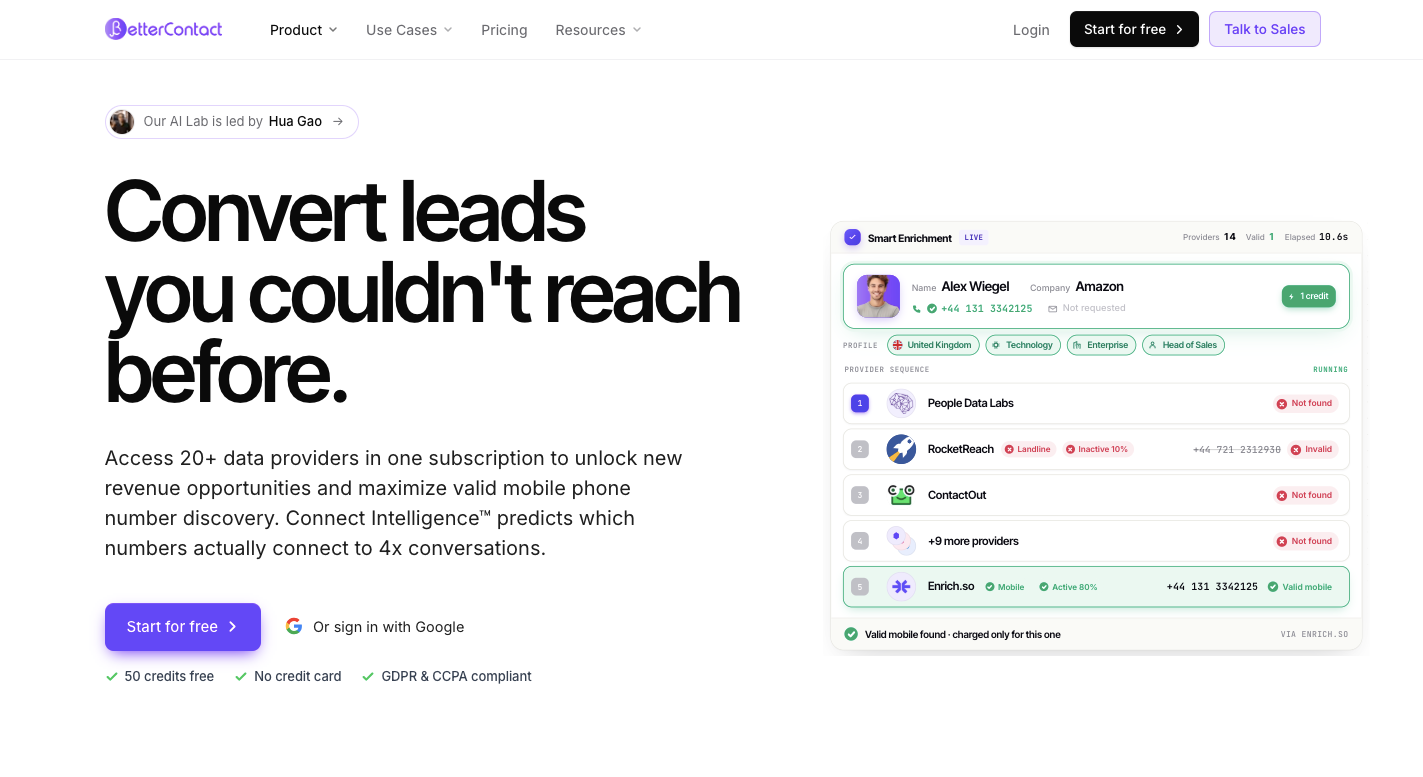
BetterContact focuses on finding work emails and mobile numbers from incomplete lead lists. You can upload names or LinkedIn links, then its system checks more than 20 waterfall providers for missing contact info.
Unlike a fixed lookup order, BetterContact can change which source it checks first based on the lead. For example, a European prospect may start with providers that have stronger coverage in that region. Returned records then go through verification before BetterContact sends them back to you.
BetterContact suits high-volume outbound teams that want phone enrichment and verified data without moving to a larger sales platform. Like FullEnrich, it focuses on contact lookup rather than replacing other tools used for outreach.
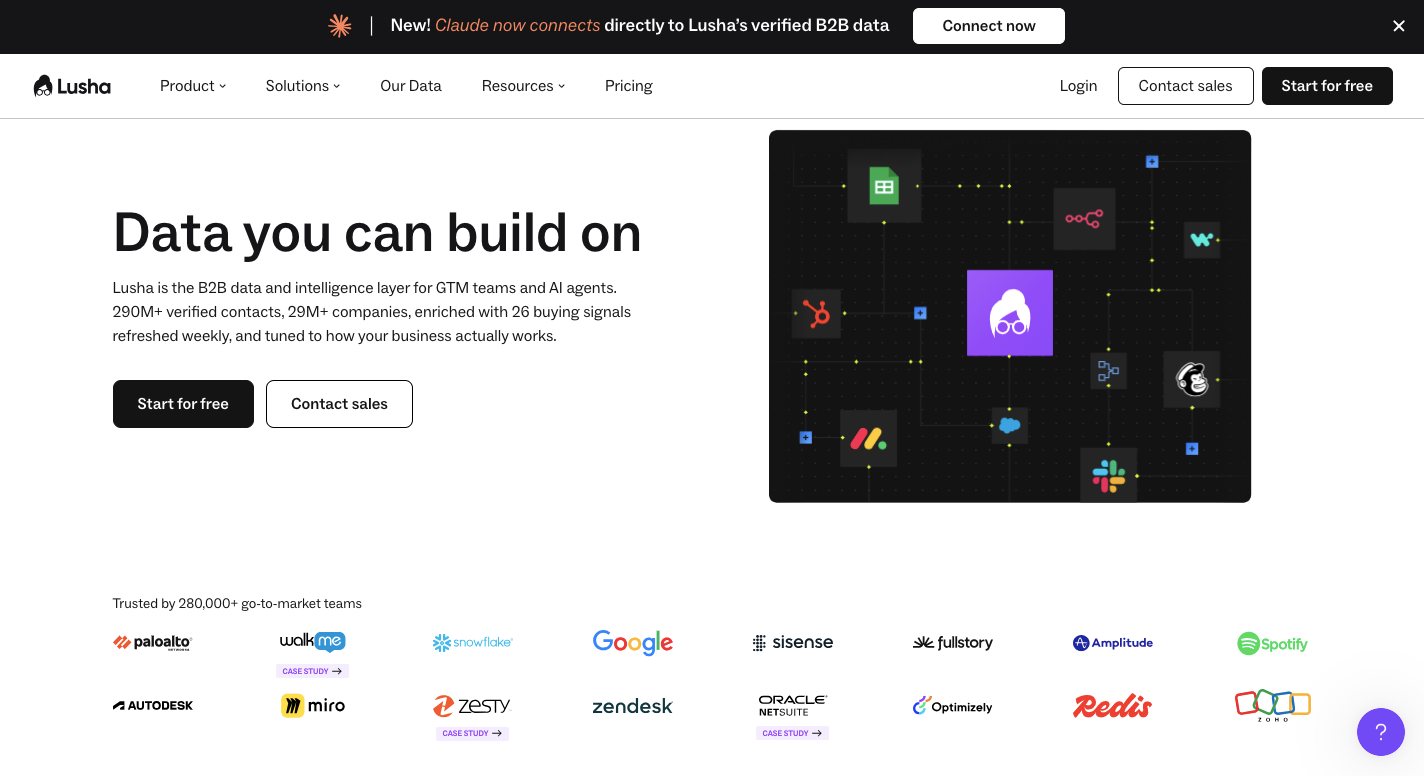
Lusha gives you a B2B database for finding people and companies without bringing your own lead list first. You can search by job title, location, seniority, industry, and company size, then reveal available emails and direct dials.
Individual sales reps can use the dashboard or find details through Lusha’s browser extension. When researching prospects in LinkedIn Sales Navigator, the LinkedIn Chrome extension can show available contact details beside a profile.
Lusha provides confidence ratings for revealed email addresses to indicate how strongly its data supports their validity and deliverability.
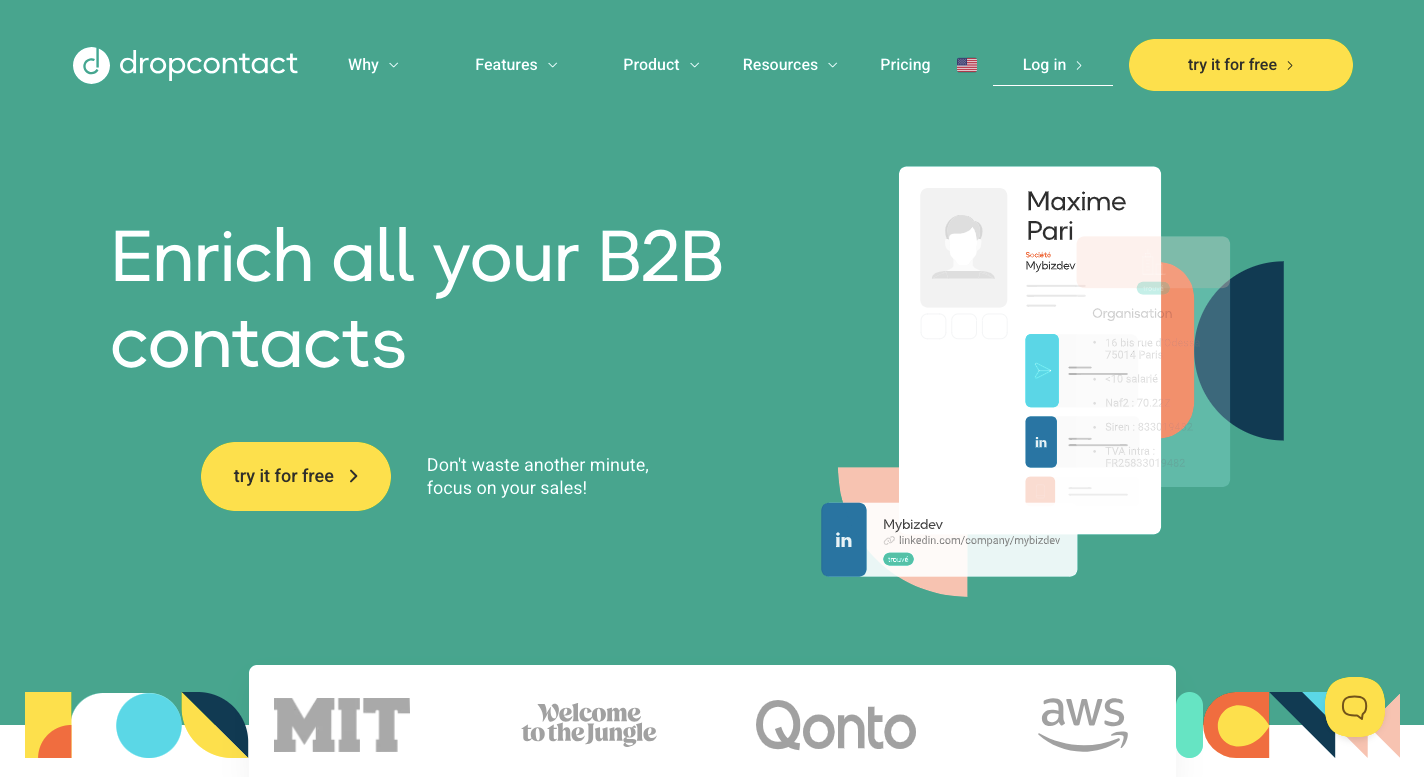
Dropcontact finds and checks B2B email addresses without relying on a stored contact database. Give it a person’s name and company domain, and its real-time search works out likely email patterns and checks whether the address can receive mail.
CRM integrations make Dropcontact useful for teams that want to keep existing records clean. When you create or change a company record, Dropcontact can fill missing details, correct fields, and run duplicate detection. Its company enrichment features can add business information to incomplete records.
Unlike services that depend on multiple data sources, Dropcontact builds results from its own algorithms and live checks.
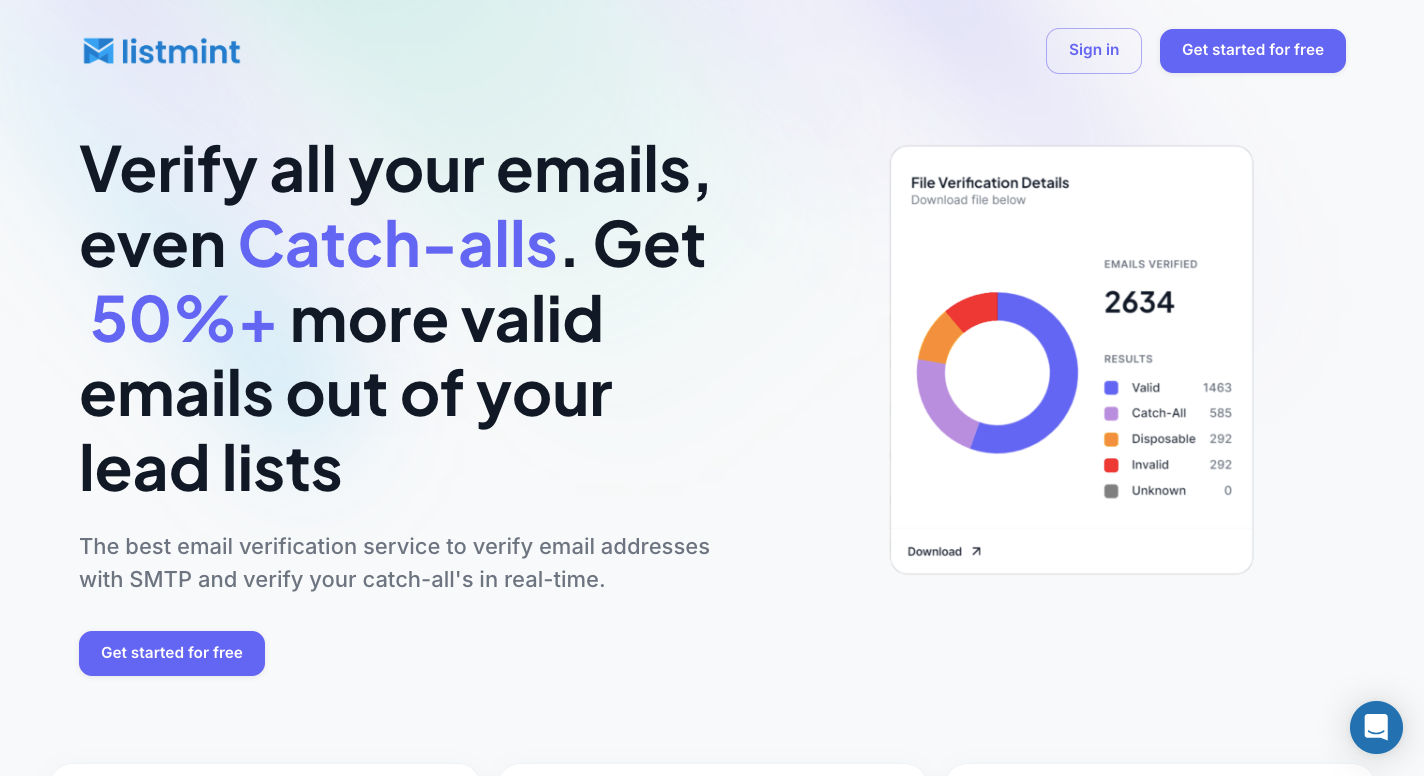
Contact tools such as FullEnrich can help you find missing work emails, yet finding an address doesn’t tell you whether the exact inbox can receive your message. Listmint handles that next step by checking the emails you plan to use before they enter an outreach campaign.
Our platform verifies standard emails and handles one of the harder cases in B2B data: catch-all domains.
A normal SMTP check may show that a catch-all server accepts mail without confirming whether a specific employee inbox exists. Listmint takes those uncertain results further and returns a clearer answer.
Many email verification tools can detect a catch-all domain, then leave the address marked as risky or unknown. Removing every uncertain result can throw away real prospects. Sending to the entire group creates another problem since some inboxes may not exist.
Listmint does an additional check on these addresses and provides catch-all results in real time. Our current process doesn’t send an email to the recipient to confirm the mailbox.
You therefore don’t need to wait 48 hours for a result or test uncertain contacts through your own sending account.
Listmint supports standard verification alongside its catch-all process. Start by uploading your lead list, then the platform checks regular addresses and identifies records that need the extra catch-all step.
Separate credit types keep the costs clear. Standard credits cover normal verification, and catch-all credits pay for the extra process required for those harder addresses.
Companies can connect the Listmint API to their own software when they need verification. API results for standard and catch-all addresses return in real time rather than requiring a long wait for the harder checks.
Our API can support B2B2C companies that want to offer email verification to their own customers. A lead generation platform, for instance, can submit an address to Listmint and return the verification result through its own product.
You can use the same connection for regular addresses and catch-all checks.
Listmint uses a transparent pricing model with separate allowances for standard and catch-all checks. Our paid plans currently include two options based on verification volume:
These pricing plans let you choose based on the type and number of addresses you expect to check. Besides that, you can contact sales if you want a custom plan.
Try Listmint to check your lead list and get real-time results for standard and catch-all emails!
Some of the best FullEnrich alternatives are Clay, Apollo, BetterContact, Lusha, and Dropcontact. Each covers different needs such as custom data workflows, prospecting, phone lookup, CRM data updates, and European contact coverage.
FullEnrich finds missing B2B contact details such as work emails and mobile phone numbers. Sales teams can submit prospect data, then FullEnrich searches several providers for available contact information.
FullEnrich checks multiple data providers in sequence. When the first source doesn’t return a result, the search moves to another provider and continues until it finds the requested contact detail or reaches the end of the waterfall.
Yes. Apollo offers a free plan that lets users search its B2B database and test selected prospecting features before choosing one of its paid options.