Findymail helps businesses find professional email addresses for sales prospecting, recruiting, and outbound campaigns. Many sales teams rely on it to discover business contacts and build prospect lists without spending hours searching manually.
If you're researching the top Findymail alternatives, you're probably comparing more than just email discovery. Your team may need a larger database, different integrations, additional prospecting features, or a workflow that better fits the way you work today.
In this article, you'll find seven Findymail alternatives, what each tool does well, and the situations where each one makes the most sense.
The best Findymail alternatives in 2026 are:
Tip: After finding email addresses, verify them before outreach with a dedicated email verification tool like Listmint to help reduce bounce rates and protect your sender reputation.

Many companies continue using Findymail successfully. At the same time, business needs rarely stay the same. As prospecting volume grows or sales processes change, it's common to start comparing other tools before renewing a subscription or expanding a team's workflow.
Common reasons include:
Not every email finder solves the same problem. Before comparing features or pricing, think about how your team actually finds prospects and uses that data. A tool that works well for one workflow may not be the right fit for another.
The quality of your contact data affects every step that comes after prospecting. Look for platforms with high email discovery accuracy, up-to-date databases, and useful contact enrichment.
These factors improve email accuracy and increase your chances of finding verified email addresses that are ready to use in your customer relationship management (CRM) system or outreach workflow.
A large database isn't useful if it doesn't include the people your business wants to reach. Check how often the platform updates its contact data and how well it covers your target industries, regions, company sizes, and job roles.
If your team regularly prospects in niche markets or new territories, broader database coverage can help you find more relevant contacts without relying on multiple tools.
Think about how you build prospect lists. If your team relies on LinkedIn prospecting, look for features like LinkedIn support. If you search by company domain, a built-in domain search can save time.
Businesses running bulk email-finding campaigns should also check bulk search options, available CRM integrations, and an API if they plan to automate part of the process.
Compare pricing and ease of use. A free plan or free trial lets you explore the platform before upgrading. Pay attention to how easy it is to use, especially if multiple people on your team will rely on it every day.
If you'd rather manage prospecting in an all-in-one platform, review the available plans alongside the overall user experience instead of looking at price alone.
The best Findymail alternative depends on how your team finds prospects and manages outreach. Here are seven platforms worth considering, along with where each one fits best.
Apollo combines B2B contact data, enrichment, and outbound workflows in one platform.
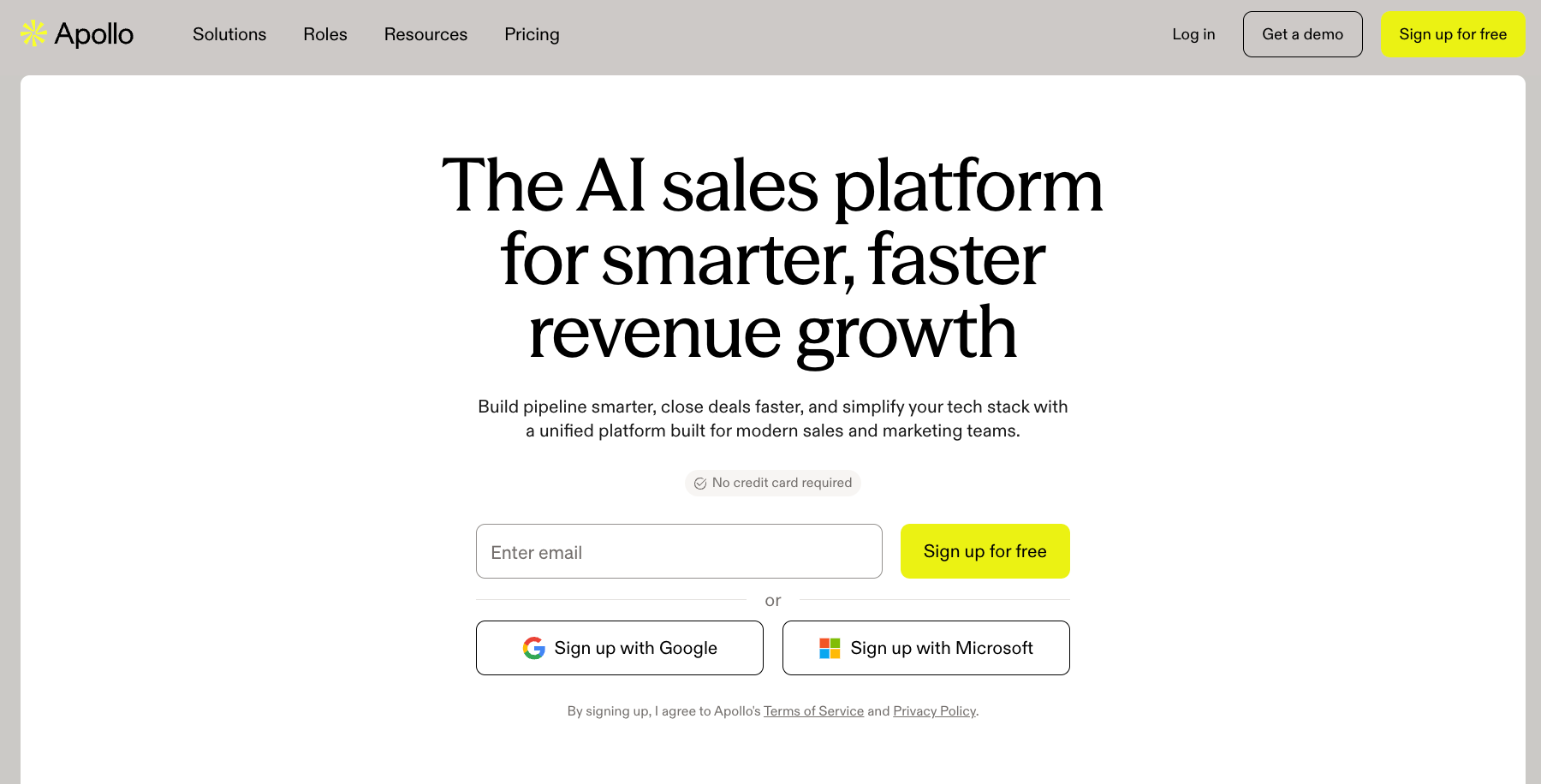
It helps sales teams find leads, access business email addresses and phone numbers, and manage prospecting from a single workspace.
In addition to email discovery, Apollo includes email sequences, workflow automation, CRM integrations, and a Chrome extension, making it suitable for teams that want prospecting and outreach together.
Sales and marketing teams that want one platform for prospecting, contact data, and outbound outreach.
Hunter is an email finder and outreach platform designed to help businesses identify and contact professionals using a company domain, name, or website.

It's commonly used for basic email lookups, email verification, and cold outreach without the complexity of a larger sales engagement platform.
In addition to email discovery, Hunter includes bulk searches, email sequences, integrations, and a browser extension for finding contacts on company websites.
It also offers APIs and documentation for businesses that want to build custom workflows, backed by a responsive support team.
Businesses looking for a straightforward email finder with domain search, verification, and outreach features.
Snov.io combines basic email finding, email verification, lead generation, and outreach automation in one platform.
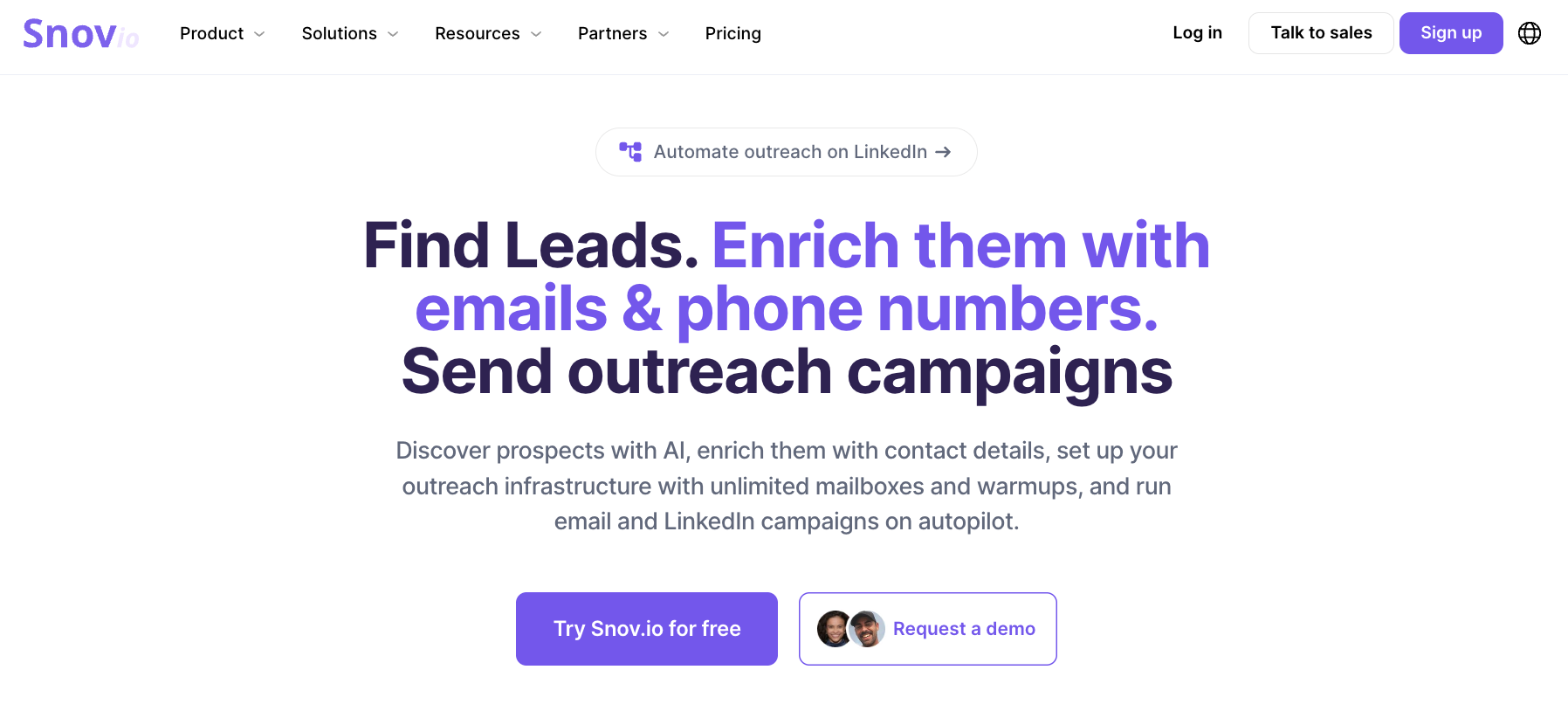
It's commonly used by businesses that want to build prospect lists, verify contacts, and run cold email campaigns without switching between multiple tools.
Along with email discovery, Snov.io includes LinkedIn prospecting, multichannel sequences, CRM features, email warm-up, and browser extensions, making it suitable for teams managing the entire outbound process from one workspace.
Businesses that want one platform for email discovery, verification, and outbound outreach.
Clay is a go-to-market (GTM) data platform built for teams that want to enrich records, research accounts, and build custom prospecting workflows.
It connects data from multiple platforms, so teams can combine company data, people data, intent signals, and CRM information in one workspace.
Compared with a basic email finder, Clay is suited for teams that want more control over enrichment workflows and verification logic. It works well for outbound, CRM enrichment, account research, and automated GTM plays.
GTM, sales, and RevOps teams that need flexible enrichment workflows, account research, and custom data automation.
Kaspr is a contact data platform focused on finding B2B email addresses and phone numbers directly from LinkedIn.

It's commonly used by sales teams and recruiters who rely on LinkedIn scraping and want quick access to prospect contact information through a Chrome extension.
Along with contact discovery, Kaspr offers lead management, CRM integrations, bulk enrichment, and API access for teams that want to organize prospecting in one workspace.
Sales teams and recruiters that prospect primarily through LinkedIn and need quick access to contact data.
RocketReach is a lead intelligence platform that helps users find emails, company information, and direct phone numbers for professionals.

It is often used by sales, recruiting, and marketing teams that need access to decision-makers from a large global contact database.
The platform includes contact search, list building, browser extension, CRM integrations, data enrichment, and outreach features. It can work well for teams that need broad contact coverage, though users may still need to check data freshness before sending.
Teams that need broad contact coverage with emails, direct phone numbers, and company data.
Cognism is a sales intelligence platform focused on compliant B2B contact data, especially for European markets.
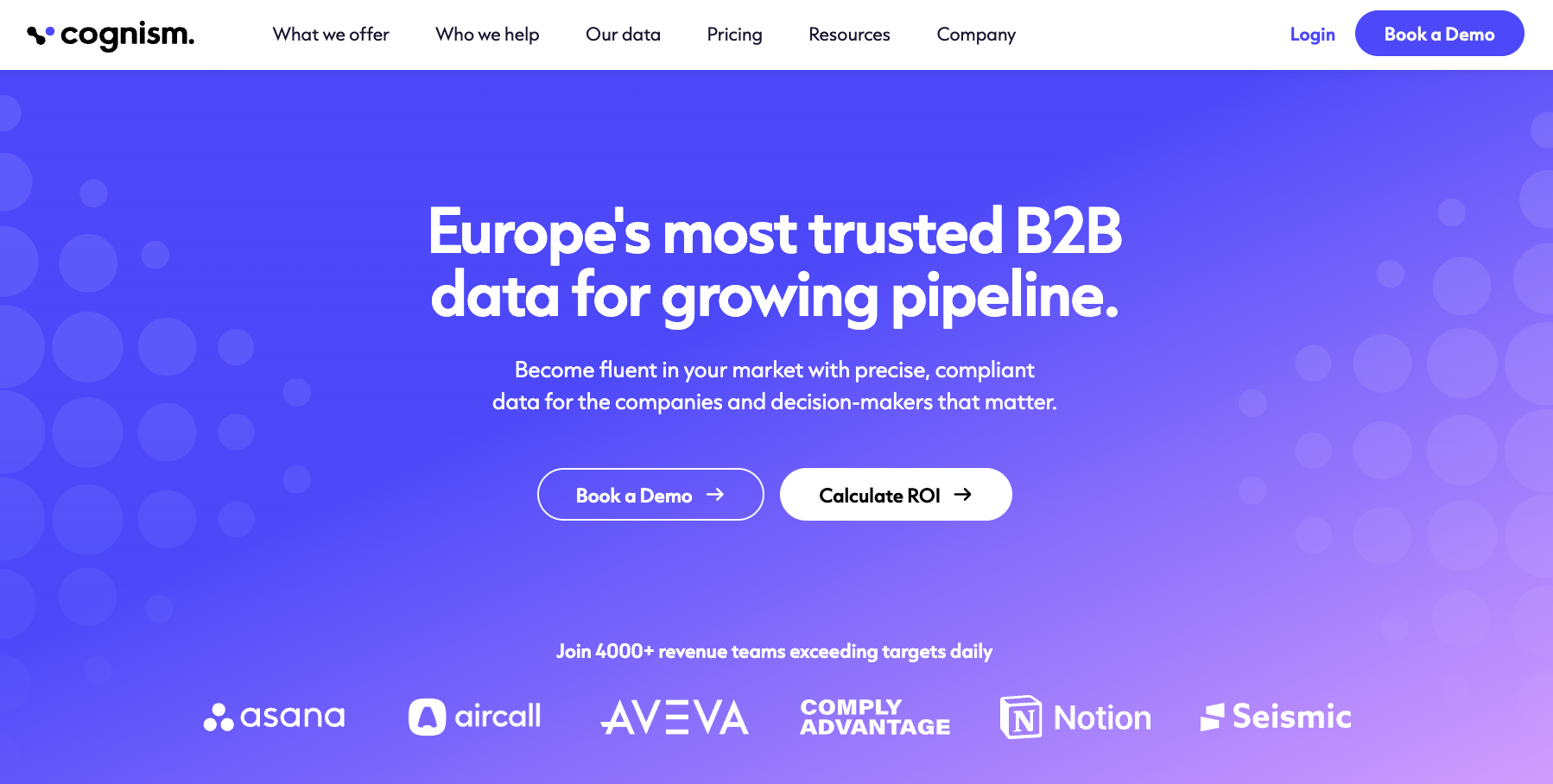
It helps teams find decision-makers, build targeted lists, and access emails, phone numbers, company data, and job titles for prospecting.
Compared with simpler email finders, Cognism is better suited for teams that need broad B2B data coverage, CRM enrichment, intent signals, and phone-verified data for sales outreach.
Cognism doesn’t disclose its pricing publicly.
Mid-market and enterprise teams that need compliant B2B data, phone-verified contacts, and sales intelligence for prospecting.
The best choice depends on how your team finds prospects and prepares contact lists. Some businesses mainly need email discovery, while others want a platform that supports outreach, enrichment, or compliance.
If you're comparing Findymail vs other tools, start by identifying the workflow you need to improve instead of looking at feature lists alone.
If most of your prospecting starts on LinkedIn profiles or Sales Navigator, look for tools that can capture contact details while you browse.
Browser extensions and quick lead collection can reduce repetitive copy-and-paste work. Think about how you normally build prospect lists before deciding which type of platform fits your process.
Some businesses spend more time searching for new companies than verifying existing lists. In that case, look for tools with usable contacts and broad company coverage instead of relying on most tools that focus only on individual email lookups.
This approach can make it easier to build prospect lists without searching one company at a time.
Some platforms combine email discovery with cold email sequences, allowing sales teams to find contacts and begin outreach from the same workspace. This can reduce the number of separate tools your team manages.
Before choosing one, decide if you want only verified contacts or a solution that also handles outbound campaigns.
Organizations that work with large sales teams or regulated industries often need more than contact data. Review how vendors handle privacy, consent, security, audit controls, and data governance before adding them to your sales process.
These requirements often become more important as team size and customer expectations grow.
Some teams need more than an email address. They also enrich contacts with company information, buying signals, firmographics, and other business data before passing leads to sales.
If your workflow depends on combining data from several sources, prioritize tools that support flexible enrichment instead of basic email finding alone.
Choosing the right email finder is only one part of a successful outreach workflow. Once you've built your prospect list, the next step is verifying those email addresses before sending campaigns.
Some email finders include built-in verification, but many teams still use a separate verification tool before outreach.
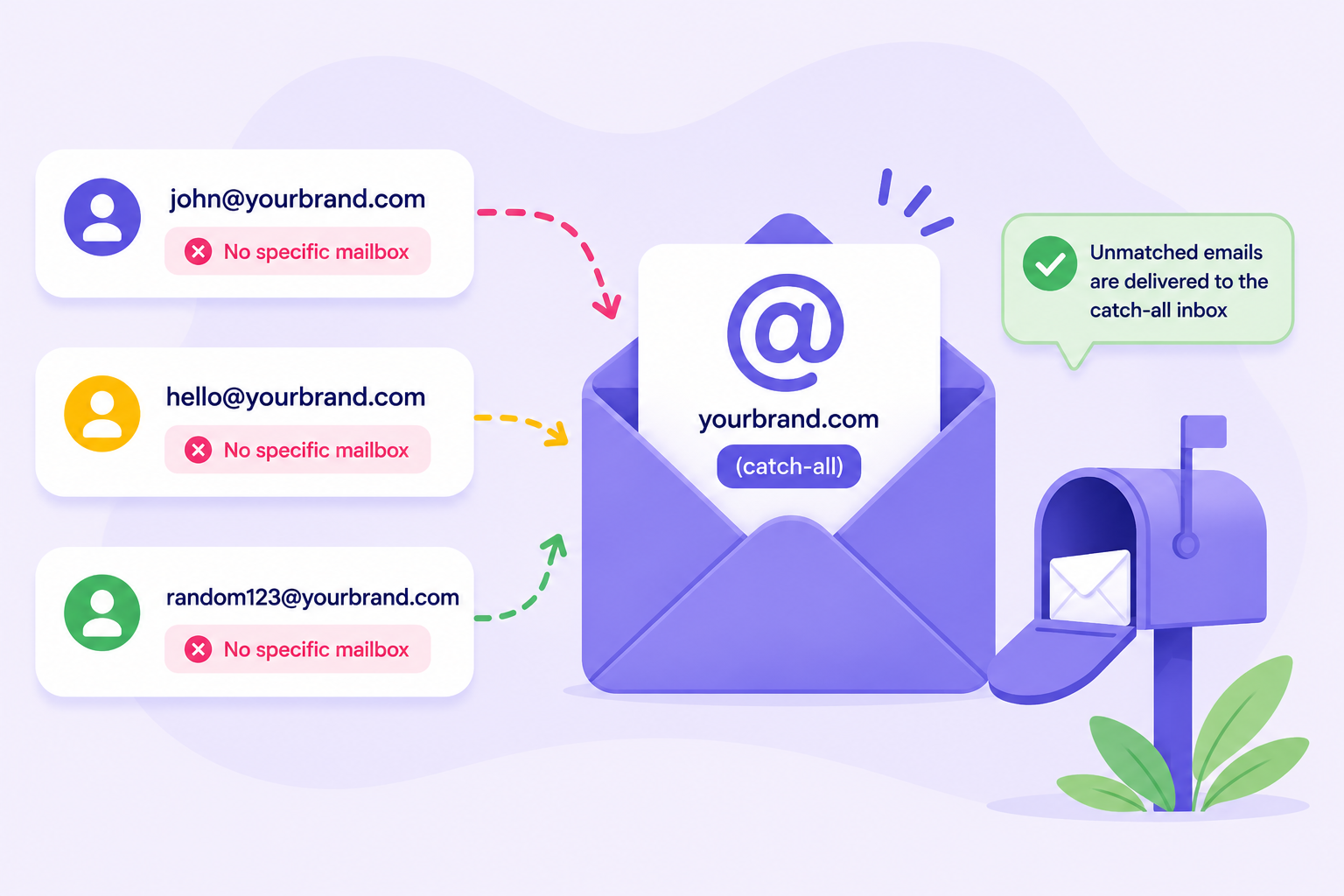
Even a top-quality email finder can return invalid, outdated, and disposable emails, as well as catch-all domains that reduce deliverability and increase bounce rates.
Listmint is an email verifier built specifically for this stage of the process.
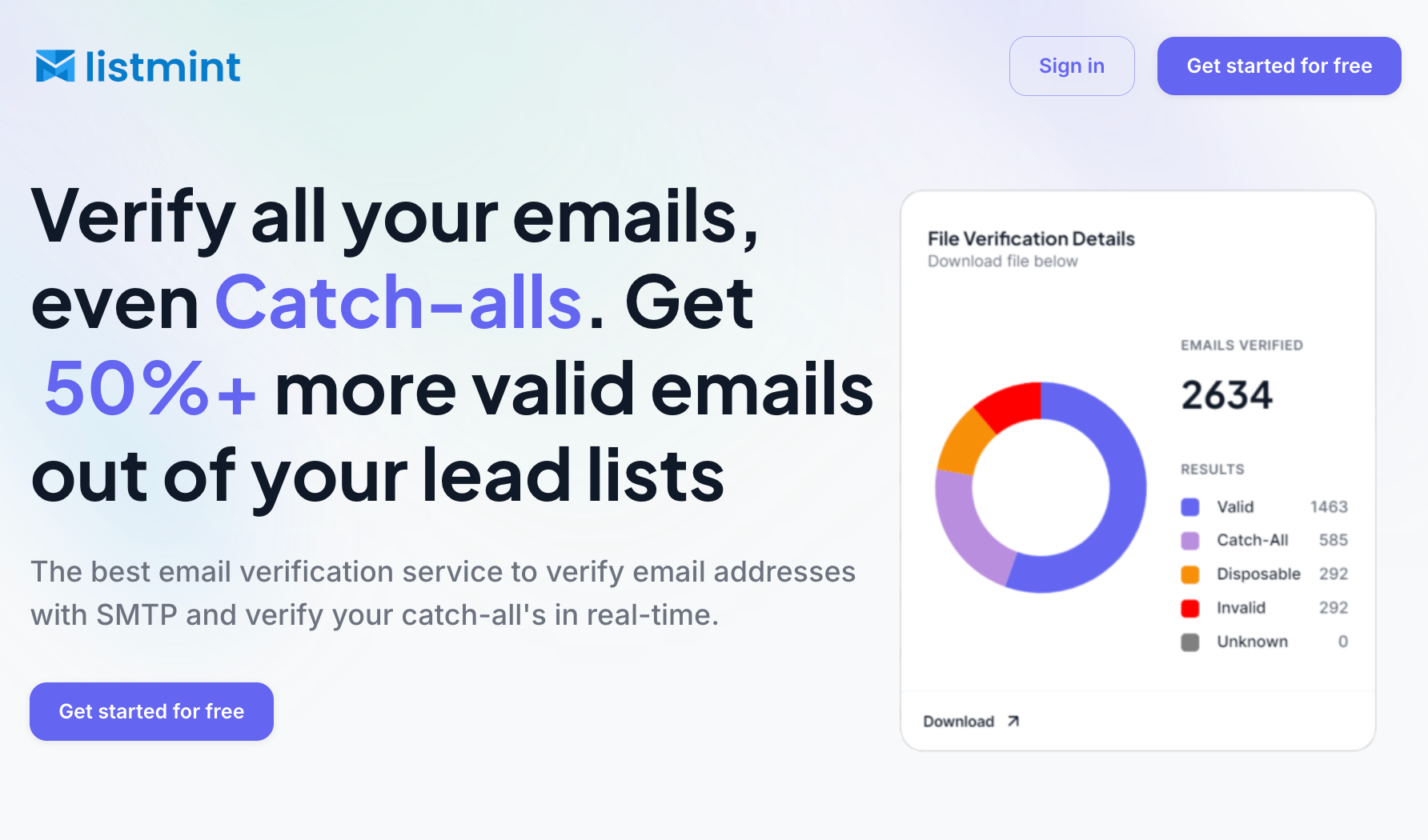
It performs SMTP verification, identifies disposable email addresses, supports bulk processing through bulk CSV uploads, and offers an email verification API for businesses that want real-time verification inside their own products or setup.
What makes Listmint different is its real-time verification of catch-all emails. Most email verification tools stop after identifying catch-all addresses without confirming whether they're actually deliverable.
Listmint goes one step further by verifying those addresses in real time without sending verification emails.
Instead of leaving you with uncertain results, it classifies them as catch_all_valid or catch_all_invalid, allowing verified catch-all addresses to be treated like other valid emails.
The platform has verified more than 1 billion email addresses and reports 99%+ SMTP and catch-all verification accuracy, helping businesses recover more valid contacts while reducing unnecessary list loss.
Verifying your list before every campaign helps lower your bounce rate, protect your sender reputation, improve email deliverability, and reduce the need for additional cleanup later.

Get started with Listmint for free today!

The right email finder depends on how your team builds prospect lists.
One business may focus on LinkedIn research. Another may need a larger contact database, outreach tools, or advanced enrichment.
There isn't a single platform that's right for every workflow, so the best choice is the one that fits your prospecting process, team size, and daily way of working.
Once you've chosen an email finder, verifying your contacts before outreach is an important final step. Pairing your email finder with Listmint helps verify the contacts you've discovered before they enter your outreach campaigns, giving your team more confidence in the quality of every list you send.
While some email finders include built-in verification, Listmint is built specifically for email verification. It helps identify invalid, disposable, and catch-all email addresses before you send, helping reduce bounce rates, protect sender reputation, and improve email deliverability.
There isn't a single best free email finder because each tool offers different features and usage limits. Many tools include a free tier with a limited number of monthly credits or email lookups, making them suitable for testing the platform or handling occasional prospecting.
An email finder helps you discover business email addresses, while an email verification tool checks if those addresses can receive email. Some verification tools display a confidence score, while others return statuses such as valid, invalid, or catch-all. Many businesses use both tools before launching outreach campaigns.
Yes. Email lists become outdated as people change jobs, companies update domains, or email accounts are deactivated. Verifying your list before each campaign helps reduce bounce rates, protect your sender reputation, and make better use of your verification credits by checking the contacts you actually plan to email.
The best option depends on your workflow. If you prospect on LinkedIn regularly, look for a solution that offers a browser extension, Sales Navigator support, and the ability to capture contact details directly from LinkedIn profiles before exporting them for outreach.
Yes. Most Findymail alternatives support CSV exports, browser extensions, APIs, and integrations with common sales tools, making it easier to migrate without rebuilding your process. A quick overview of each platform's integrations, export options, and supported workflows can help you choose a replacement that fits your existing setup.