Every email marketing campaign starts with a simple assumption that all the email addresses on your list can receive messages.
That assumption is often wrong.
Businesses collect contacts from signup forms, lead generation campaigns, webinar registrations, customer relationship management (CRM) system imports, and newsletter subscriptions every day.
Along the way, lists pick up typos, inactive inboxes, temporary addresses, and other invalid email addresses that can create problems later.
Sending emails to bad contacts can lead to higher bounce rates, lower engagement, and damage to your sender reputation. A list may look healthy on the surface, but hidden issues can affect campaign performance before the first email is even opened.
That's where email validation comes in. It checks an address before you send and helps identify problems that can prevent messages from reaching the intended recipient.
This guide walks through the process step by step. You'll learn what validation tools check, how they evaluate an email address, and what the results actually mean before a campaign goes live.
Email validation is the process used to check if an email address is written correctly and appears able to receive messages.
Businesses use it to validate email addresses before adding them to a lead list, CRM, signup form, cold outreach campaign, or marketing campaign.
The email validation process helps confirm basic email address validity before your team sends anything. It can show whether:
It also helps your team avoid addresses that may be fake, inactive, risky, or low-quality. In simple terms, email validation helps check if an email address belongs on your list before you use it.
Email validation is not a single check. Most email validation services examine an address through several stages before assigning a status. Each stage looks for a different issue, from simple formatting mistakes to signs that an address may not be usable.
The first step is a syntax check. The tool reviews the email address format to see if it follows standard email rules.
Examples:
During this step, the system checks for:
A syntax check can quickly identify invalid addresses, but it only looks at formatting. An address can pass this step and still have other problems.
After the format passes inspection, the tool checks the domain portion of the address.
Examples:
This stage performs domain verification to confirm the email domain is active and that the domain exists. A DNS lookup helps determine if the domain is available and configured for email use.
Addresses connected to inactive or non-existent domains are filtered out at this stage.
The next step looks at the domain's mail configuration.
MX records tell the Internet which mail server should receive email for a domain. They play a key role in directing messages to the correct email server.
If a domain does not have valid MX records, email delivery usually cannot happen. In that case, sending an email to the address is unlikely to work.
At this stage, the validation tool communicates with the recipient's mail server to determine if the mailbox appears available.
Possible outcomes include:
This part of the verification process uses an SMTP server check to gather information from server responses during a mailbox check. Some providers may refer to this step using SMTP authentication terminology, although the purpose is mailbox validation rather than account login.
A reputable provider can perform this part of the email verification process without sending an email to the recipient.
Some domains are configured to accept mail sent to any address under the domain, such as sales@company.com, random123@company.com, or fakeperson@company.com.
The server may respond positively to all three addresses, even if only one is associated with a real person.
That creates uncertainty because the server does not reveal which inboxes actually exist. As a result, these addresses are often classified as risky addresses or require additional review.
The final stage looks for patterns that may affect list quality.
Common checks include:
These email validation techniques help identify addresses that deserve additional attention before they are added to a database or included in a campaign.
Some tools also flag disposable emails that appear valid on the surface but are commonly used for short-term registrations.
After processing an address, an email validator returns a status based on the checks performed during validation.
The exact labels may vary slightly between providers, but a good email validation tool typically returns results similar to the following:
Email validation helps businesses make better decisions before a campaign goes out. A cleaner list can reduce avoidable problems and improve the quality of email performance data.
One of the biggest reasons companies validate email addresses is to reduce bounce rates.
When messages are sent to invalid emails, they often result in hard bounces. A high number of hard bounces can signal poor list quality and create problems for future campaigns.
Mailbox providers pay attention to sending behavior.
Repeated bounces and high spam complaints can damage the sender reputation over time. A poor reputation can make it harder for future messages to reach the inbox.
A cleaner list gives campaigns a better chance of reaching subscribers.
Good list hygiene supports email deliverability and reduces the likelihood of messages landing in the spam folder. Both email service providers and mailbox providers use various signals when evaluating incoming email.
Campaign reporting becomes more useful when bad addresses are removed before sending.
Better data quality leads to more accurate data for opens, clicks, and conversions. Results become easier to interpret because activity comes from valid recipients instead of inactive or problematic addresses. It also provides a more realistic view of email engagement.
Sending email often comes with platform, infrastructure, or usage costs.
Removing invalid addresses helps avoid paying for sending messages that never have a chance to reach a recipient.
Email validation works best when it becomes part of a regular process instead of a one-time task. New contacts enter databases every day, and list quality can change over time.
Running validation before email marketing campaigns helps identify problematic addresses before messages go out.
Many email marketers validate lists before major sends to reduce avoidable bounces and improve overall email marketing efforts.
Imported data can contain outdated contacts, typos, duplicates, or other inaccuracies.
A contact may have changed jobs, abandoned an email account, or stopped using an address entirely. Validating imported records helps businesses review new data before sending.
Validation can happen the moment someone enters an email address into a signup form.
Many businesses use API integration to check addresses in real time. Combined with double opt-in, validation can help improve list quality before contacts enter a database. Some companies also use confirmation emails as an additional verification step.
List validation is especially useful before outbound campaigns.
Sales teams often validate prospect lists before contacting potential customers to reduce bounce rates and improve outreach performance.
Even a healthy list changes over time.
People switch jobs, abandon inboxes, or stop checking certain accounts. Regular validation helps identify inactive addresses and keeps email data more reliable between campaigns.
Email validation helps reduce bad data, but it cannot predict every outcome after a campaign goes out.
No tool can guarantee inbox placement. A valid address may still land in spam because inbox placement depends on sender history, content, engagement, and provider filtering.
A valid email today can also become inactive later. People change jobs, abandon inboxes, or stop using old addresses.
Another limitation appears when servers block or limit checks from verification tools. A server may refuse to share enough information, which can prevent a validator from reaching a definitive result.
Greylisting can also create temporary uncertainty. The server may delay its response, even when the address is real.
Catch-all domains can make verification methods less reliable because the server may accept every address under the domain without confirming a specific mailbox.
Spam trap detection also relies on signals, not perfect certainty. Some risk checks involve more technical details that are not visible to the sender.
Standard email validation works well when an address can be confirmed through traditional verification checks. The challenge begins when a catch-all address appears on a lead list.
Many verification platforms stop at that point and label the address as catch-all, risky, or unknown. As a result, businesses often remove those contacts from their lists or avoid contacting them altogether, even though some of those addresses may be valid.
For sales teams and marketers, that can mean throwing away potential leads without knowing if the address is actually usable.
Listmint takes the process further.
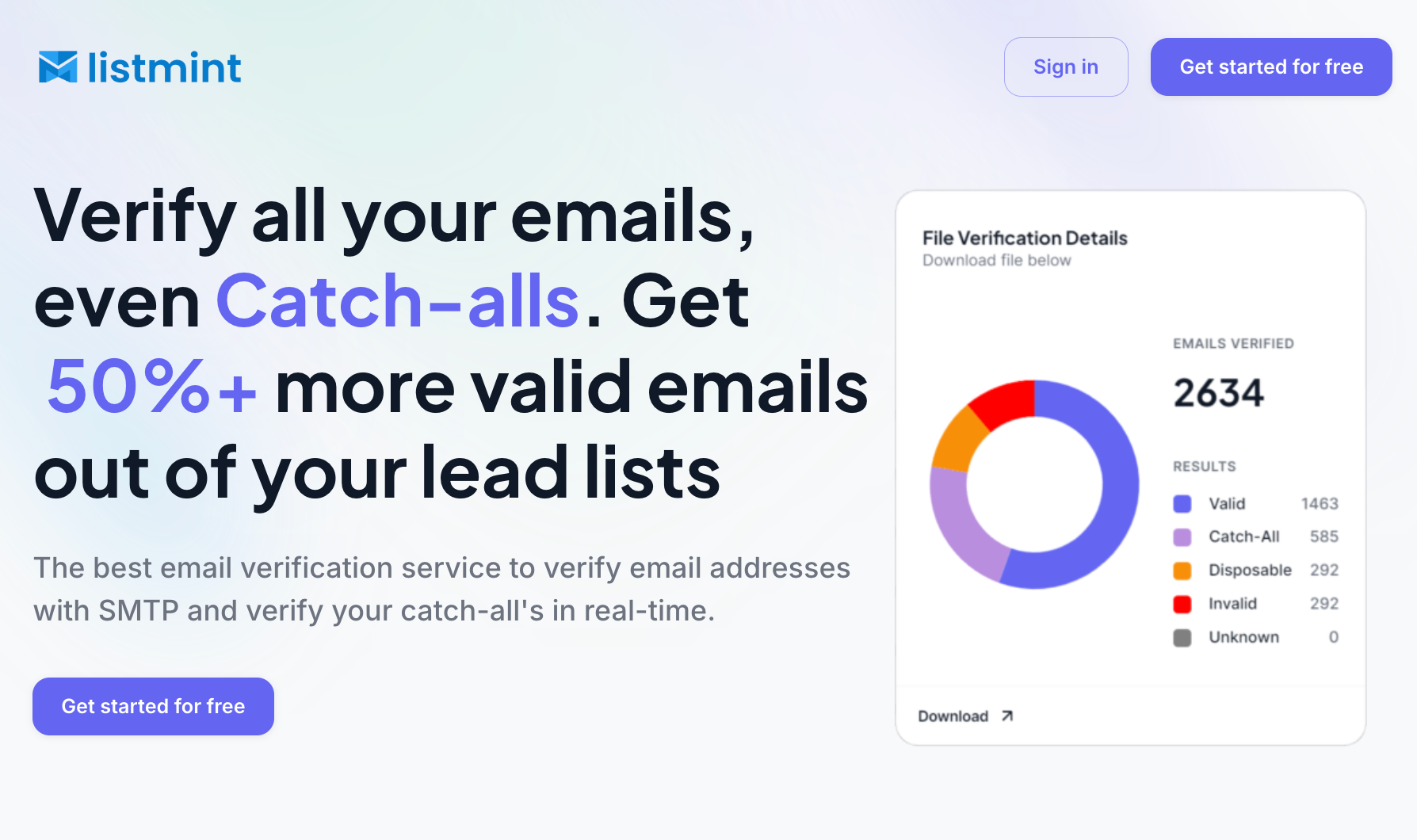
In addition to standard email verification, Listmint provides real-time catch-all verification that helps determine if a catch-all address is valid or invalid before sending. The platform does not send verification emails to the address being checked, and results are returned in real time.
Instead of stopping at an uncertain result, Listmint classifies those addresses as catch_all_valid or catch_all_invalid. That gives teams more confidence when building prospect lists, running outreach campaigns, and maintaining CRM data.
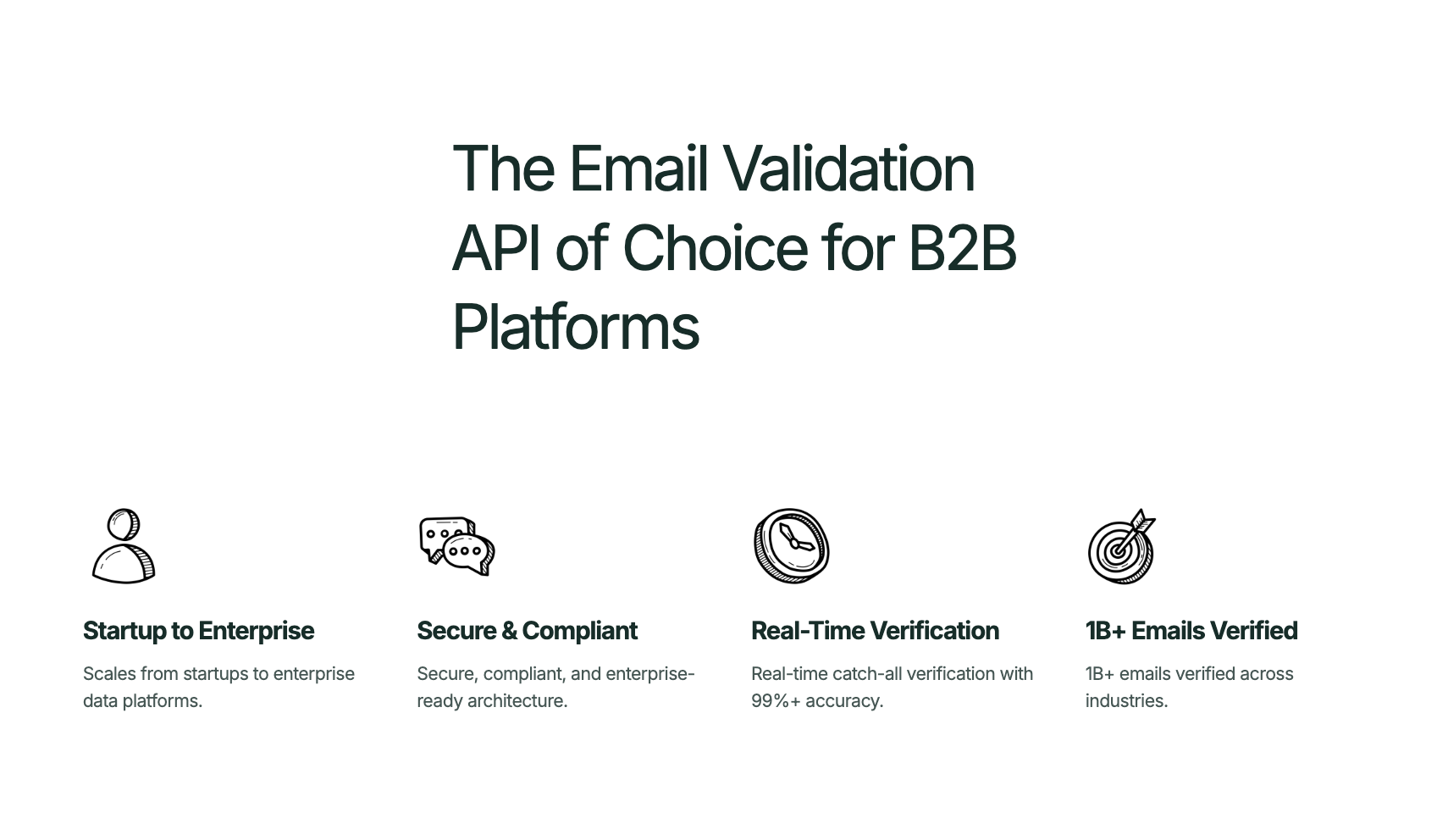
More than 1 billion emails have been verified through Listmint. The platform reports over 99% SMTP verification accuracy and over 99% catch-all verification accuracy.
Teams can use Listmint to:
Listmint also supports businesses that need both standard verification and catch-all verification in a single platform, eliminating the need for separate tools and manual review.
For teams that depend on outbound sales, lead generation, or email marketing, this means more usable contacts, fewer discarded leads, and better visibility into list quality before sending.
Email validation works by checking an address from several angles, including formatting, domain status, mail server configuration, mailbox availability, catch-all behavior, and risk indicators. Each step helps identify records that may cause problems before a campaign goes live.
Standard validation can catch many invalid addresses, but catch-all domains often leave businesses with unanswered questions. Listmint helps close that gap with standard email verification and real-time catch-all verification in one platform.
In corporate communication, "looping ++" means a sender has added a new person to an ongoing email thread.
The sender adds the person's email address to the "To" or "CC" field and often mentions them at the start of the message, such as "++ Sarah." Borrowed from programming, where "++" means "add one," the shorthand signals that a new participant has joined the conversation and should be included in future replies.
The value of a 1,000-contact email list depends on list quality, audience relevance, engagement levels, and how the contacts were collected. A smaller list of qualified subscribers is often more valuable than a larger list filled with inactive or low-quality contacts.
No email provider is completely immune to security threats. Providers such as Gmail, Outlook, and Proton Mail invest heavily in account security, encryption, and fraud prevention. Security also depends on how email users protect their accounts through strong passwords and multi-factor authentication.
Email validation checks an email address for formatting issues, domain status, and other technical indicators. Email verification goes further by attempting to confirm that the mailbox can receive messages.
In practice, many providers use the terms interchangeably, and both processes are often part of the same workflow. Businesses commonly use email verification services to help verify email addresses and improve list quality before launching campaigns.
Yes. An email address can pass validation and still bounce later if the mailbox becomes inactive, reaches storage limits, or is disabled after the check takes place. Even the best automated tools and marketing tools cannot predict future changes to a mailbox after validation is completed.