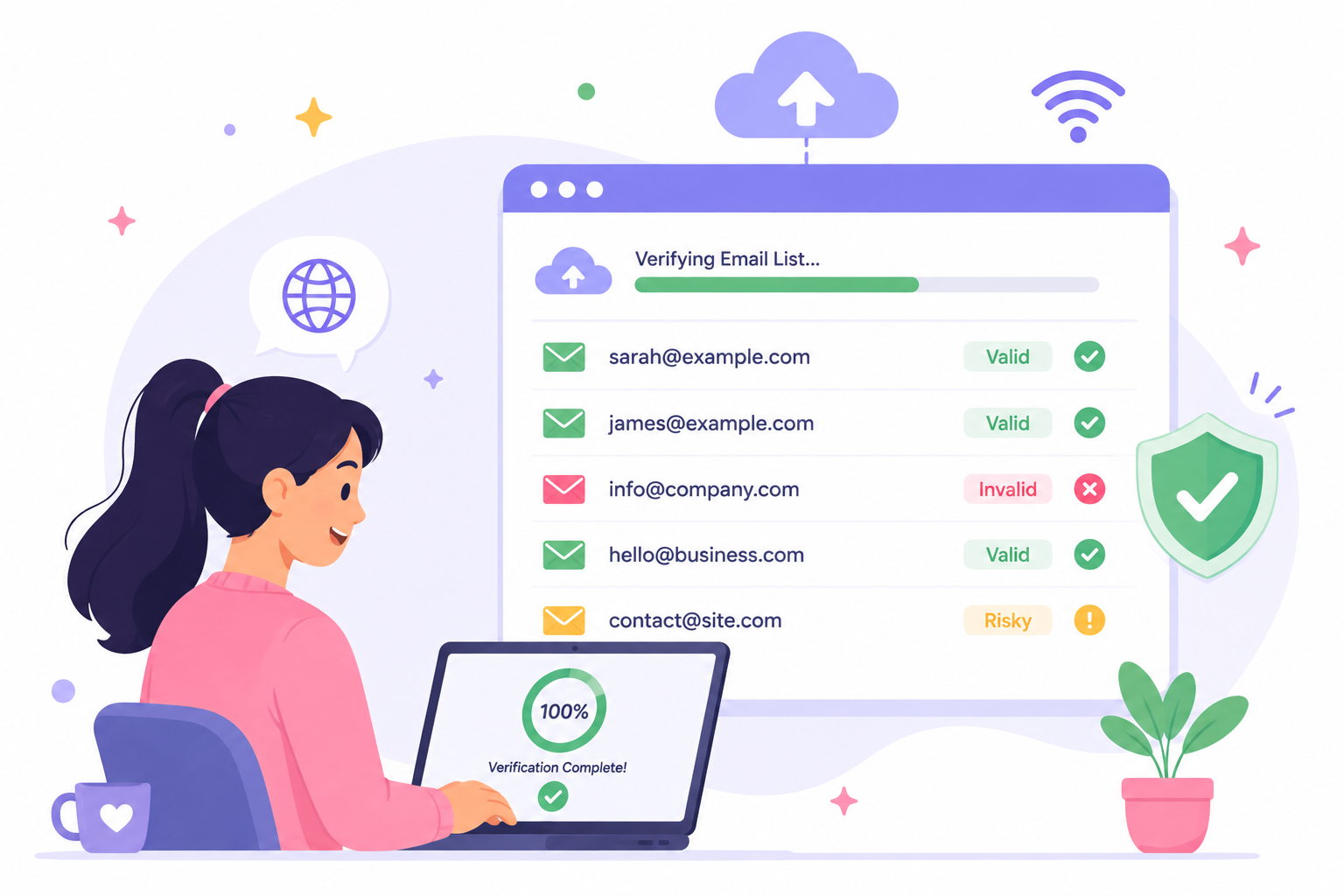
You have a contact list ready for your next email campaign. It may have come from a CRM export, a prospect database, or months of collecting leads.
But before you use it, there’s one question worth answering: “How reliable are those email addresses?” An online email verifier can help you quickly check the contacts you already have, and the results will help you decide which addresses are ready to use and which need another look.
In this guide, you’ll learn how to verify your list online, what happens during the check, how to read the results, and why certain addresses can be harder to confirm.
Verifying an email list online means submitting a group of addresses to a web-based service to evaluate them before you use the list.
You might need to verify email addresses from a CRM export, prospect list, newsletter database, event registration list, or an older customer database.
An email verification tool can process these bulk lists together, so you don't have to review every address individually.
Online email verifications are also different from sending test emails and waiting to see which ones bounce. The addresses are evaluated before you use them for a campaign, CRM import, or sales outreach.
For businesses managing large numbers of contacts, online verification provides a practical way to review existing email data before deciding which records to use and which may need more attention.
Verifying a list online starts with getting your existing contact data into a format the verification service can process. From there, you submit the file, run the check, review the returned results, and export the records you want to use.
Here’s how to do it step by step.
Start with the platform where your contacts currently live. That could be your CRM, email marketing platform, lead database, spreadsheet, or another system your business uses to store contact information.
Export the records you want to check, preferably as a CSV if your verification provider supports it. A CSV keeps your contact data in rows and columns and is commonly used when moving bulk email data between platforms.
Keep an untouched copy of the original export before making any changes. If you remove a column or edit the wrong record later, you can return to the source file without exporting everything again.
Review the file before uploading it. Identify the column containing the email addresses, check for obvious duplicates or typos, and confirm that your chosen verifier supports the file type.
Keep any other fields you will need later, such as names, company information, or CRM identifiers. A quick review at this stage helps preserve the quality of the file without turning preparation into a full data-cleaning project.
Sign in to your chosen email checker and find the option for uploading or importing a list. Select your file and follow the site instructions to identify the column containing the email data if prompted.
Before submitting customer, subscriber, or prospect information, review how the provider says it handles uploaded data. Check who may have access to the file, how long it is stored, and what happens to it after verification.
Once the file is ready, start the verification process. The service will verify email addresses in the list and return information about the apparent status of each one.
Depending on the provider, the checks may use format, domain, mail-server, and mailbox-level signals to identify potential problems. Bulk verification is designed for an existing list, while real-time verification is more commonly used when an address enters your system through a form, signup, or API.
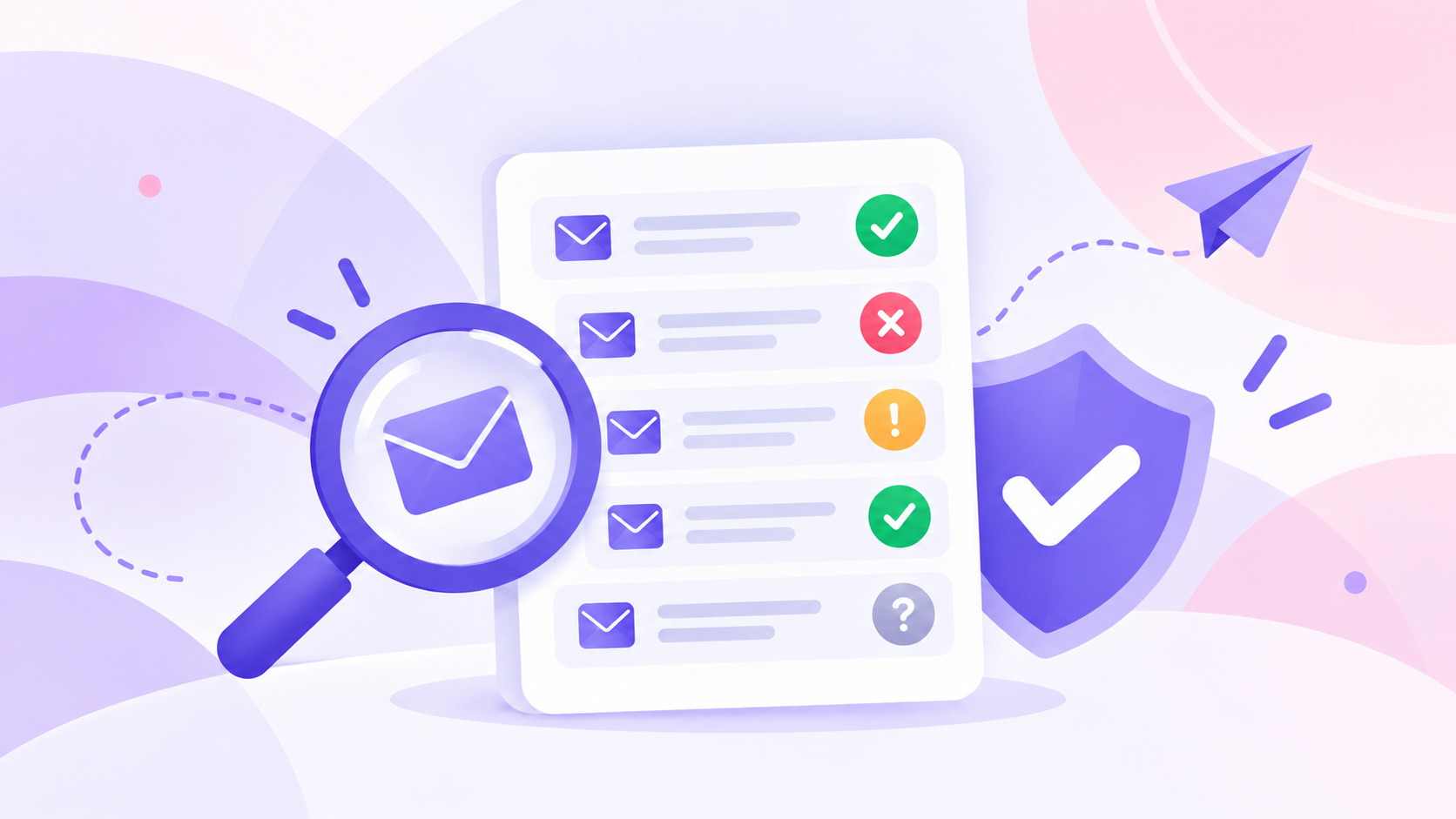
Once the check finishes, review the classifications returned with your list. Depending on the provider, results may include valid, invalid, catch-all, disposable, role-based, unknown, or similar labels.
Don't treat every result the same way. Use the returned information to assess the apparent validity of each address and decide which records can stay, which should be corrected or removed, and which deserve another look.
That review gives you more confidence in the contact data you choose to use.
After reviewing the results, download the processed file in a format that works with your next system. You can then connect the reviewed data back to your CRM, ESP, sales platform, or outreach workflow.
Keep the verification results attached to the records if they will be useful for later review. From there, the exported file is ready for the next step before you send your campaign or begin outreach.
The export can also unlock the next part of your workflow without forcing you to rebuild the contact list from scratch.
An online verifier looks at several signals to evaluate each address. The exact checks vary between providers, but they can include:
These checks provide the information used to evaluate an address before the results are returned.
Once your list has been checked, the next step is deciding what to do with the results. An email validator may return several classifications, and the meaning of each one can vary by provider.
Valid addresses can generally stay on your list, while invalid or undeliverable emails should usually be removed or corrected. Doing so can help limit unnecessary bounces and keep bounce rates from rising due to addresses that cannot receive your emails.
Other results may need more judgment. A catch-all, disposable, role-based, or unknown result does not automatically mean the address is invalid.
Review the classification based on your use case and the information your verifier provides so you can focus on the records that need attention and avoid wasting sends on addresses you do not want to use.
Status names and definitions vary between verification providers.
Email verification makes the most sense at specific points when new, older, or transferred contact data is about to be used. Here are five practical times to run a check.
A new lead list can contain unusable addresses before it ever reaches your CRM. Verification is especially useful when contacts come from an email finder, a lead provider, or an external data source.
Checking the list first can help remove unusable addresses before outreach, which may improve deliverability when you start sending.
Check the recipient list before a large campaign, especially if you have not verified it recently. Removing known invalid addresses can reduce bounces and support better email deliverability.
List quality can contribute to sender reputation, which can influence inbox placement, but verification does not tell you if a message will reach the inbox. It is a practical check to make before a high-volume send.
Contacts that worked when you collected them may not have the same status months later.
A verification check gives you a current view of the list before you start using it again. Think of it as a health check before putting an older list back into use.
Moving from one CRM, ESP, or sales platform to another is a good opportunity to review the email data you plan to transfer.
You can check the contacts before loading them into your new system. That keeps the migration focused on data you actually want available in your new tools.
Your list may combine contacts from forms, events, lead providers, partnerships, and imported databases.
Those sources can arrive with different levels of data quality. Verification gives your marketing or sales team a consistent way to review the combined list before using it.
Email verification does not always end with a definite yes or no. The reason is simple: the receiving mail system controls how much information it provides when a verifier tries to test an address.
A mail server may limit verification requests, reject them temporarily, or provide a response that doesn't reveal whether a specific mailbox exists.
Providers such as Gmail and Yahoo also control how their systems respond to external requests, so a verifier cannot force a receiving server to reveal mailbox-level information.
Temporary issues can create uncertainty too. A server may be unavailable or return a temporary response at the time of the check. Catch-all configurations create another limitation because the domain may respond positively to different recipient names without confirming a specific mailbox.
These situations affect the accuracy of the conclusion a verifier can make from the available response. In some cases, there simply is not enough information to confidently classify the address.
That distinction is important: invalid and unable to confirm are not the same result. An invalid result indicates evidence that the address cannot receive mail, while an inconclusive result means the verifier could not gather enough information to make a dependable determination.
Before uploading your list, check that the verifier supports your file and provides the information you need. Focus on these practical details:
If you already have a lead list ready to check, Listmint gives you one place to verify standard addresses and catch-all emails before you use them.
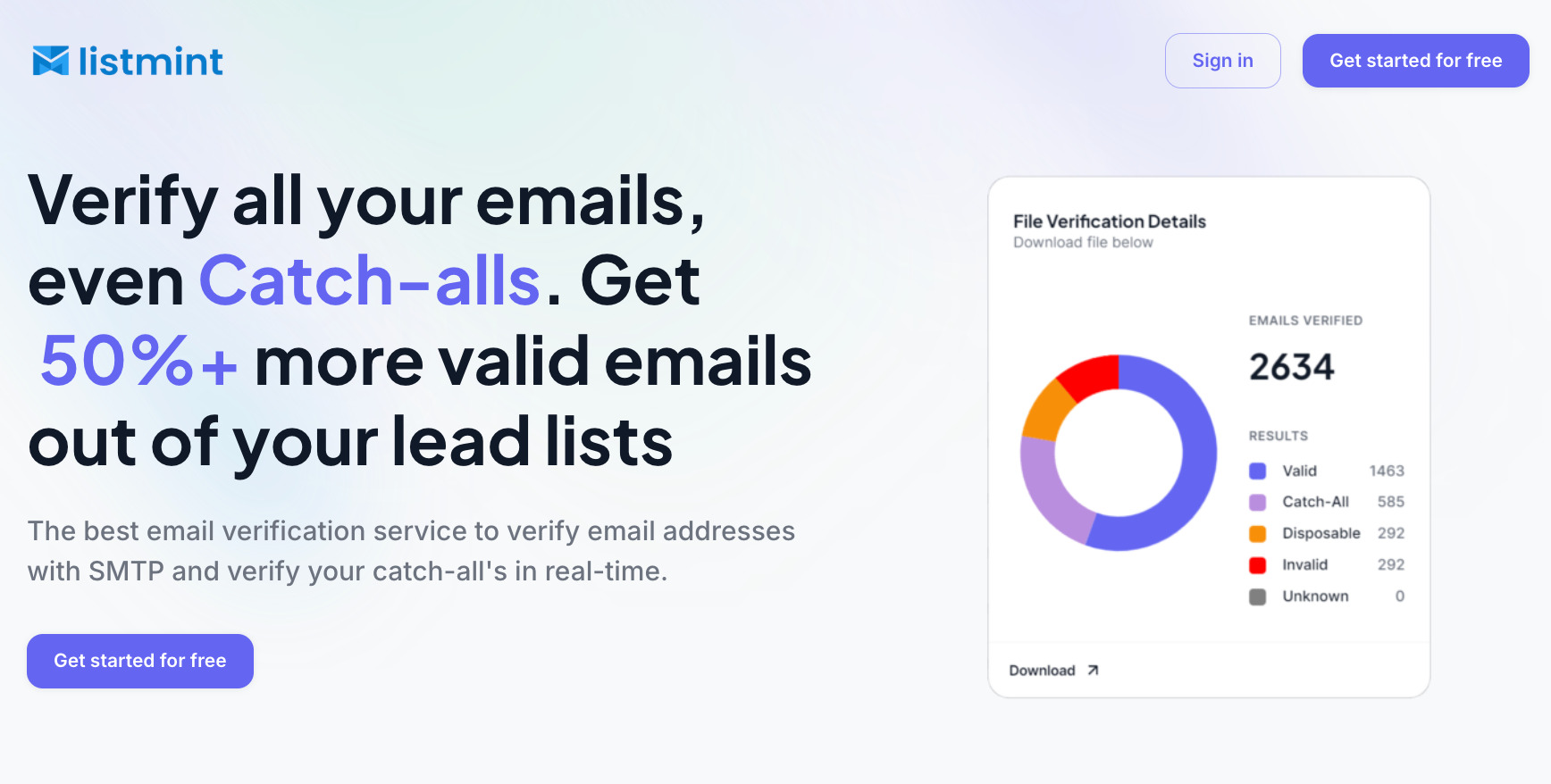
Standard SMTP verification checks addresses through receiving mail infrastructure, while Listmint’s dedicated catch-all verification goes further than simply labeling those contacts as risky or unknown.
Catch-all results can be returned as catch_all_valid or catch_all_invalid, so you can treat verified catch-all addresses with the same confidence as other usable contacts instead of setting them aside for separate testing.
Listmint also supports real-time email verification through its API. That makes it useful for businesses checking addresses as they enter a form, CRM, or another connected workflow, as well as companies that want to offer email verification within their own product.
For larger lists, you can upload contacts in bulk, run verification, review the returned results, and export the processed data for your next campaign or outreach workflow.
Listmint has verified more than 1 billion emails and reports 99%+ accuracy for both SMTP and catch-all verification. It also reports 84% valid results compared with roughly 55% from other verifiers.
You can validate a list of email addresses by uploading the file to an email verification service and running a bulk check. The service evaluates each address and returns results you can review before sending, which can help reduce sends to invalid addresses and protect your sender reputation.
You can verify bulk email addresses for free by using an email verification provider that offers free credits, a free trial, or a free account with bulk verification included. Free limits and included checks vary, so review what the provider offers before uploading your full list. Some services also offer subscriptions or pay-as-you-go pricing once the free allowance is used.
Free lists of 10,000 email addresses may be available online, but their quality, source, and permission status can vary. If you obtain contact data from a third party, check how the addresses were collected, your legal basis for contacting them, and any applicable privacy or anti-spam requirements before using the list.
You can check signals that indicate whether an email address appears able to receive mail, but verification cannot always prove that a specific mailbox exists. Catch-all configurations and limited mail-server responses can prevent a definitive result. A verification API can perform these checks automatically as addresses enter a form, CRM, or other connected system.
Yes. Some online email verification tools offer free email verification through trial credits or a limited account, so you can upload a small list and review the results before paying. Check the provider’s limits and included verification features before using it for a larger list.