Got a large email list that's ready to use, but you're not sure if every address is still valid?
You're not alone. Businesses collect contacts from CRMs, lead forms, newsletters, CSV imports, and sales platforms every day.
The problem starts once those lists begin to grow. Checking every address one by one simply isn't practical.
A bulk email verification tool lets you review your entire list before importing it into your CRM or using it for outreach.
This guide walks you through how to verify emails in bulk, from preparing your file and uploading it to reviewing the verification results and downloading your verified list.
Verifying a large email list doesn't have to be complicated. The bulk verification process follows a few straightforward steps.
Here's how to verify emails in bulk step by step:
The first step is to export the contacts you want to verify. Most businesses store bulk email addresses in a CRM, sales platform, email service provider (ESP), or spreadsheet.
If you're using tools such as HubSpot, Apollo, or Salesforce, download your list as a CSV before moving to the next step.
Save the file as a CSV, since that's the format most email verification tools support. Before moving on, make sure each row contains only one email address.
If your file includes names, phone numbers, company details, or other information that isn't needed for verification, remove those extra columns to keep the file clean and easy to process.
Taking a few minutes to prepare your file helps avoid upload errors later, especially when you're working with bulk lists that contain hundreds or thousands of email addresses.
Once your file is ready, upload it to your bulk email verifier. Most platforms support drag-and-drop uploads or let you browse for the CSV file on your computer.
After the file is uploaded, the verification process usually starts automatically. You don't need to check each address yourself, and no emails are sent to the contacts during verification. The tool analyzes the uploaded list and generates verification results automatically.
If you only need to check a single email address, many providers also offer an individual lookup. For larger lists, however, using a bulk email checker is much faster and keeps the entire process organized before you move on to reviewing the results.
When the upload finishes, the system begins reviewing every email address in your file.
The verification process combines several email validation checks before assigning a verification result to each email address.
It usually starts with a syntax check to confirm the address follows a valid format. The process then checks the domain, verifies its MX record, and performs SMTP checks and validation to see how the receiving email server responds.
It also checks for catch-all domains, disposable email providers, role-based addresses, and known spam traps that may need additional review.
No single check decides the final result. The information collected throughout the process is reviewed together before each address is classified. That's why the same upload can return different verification statuses, which you'll review in the next step.
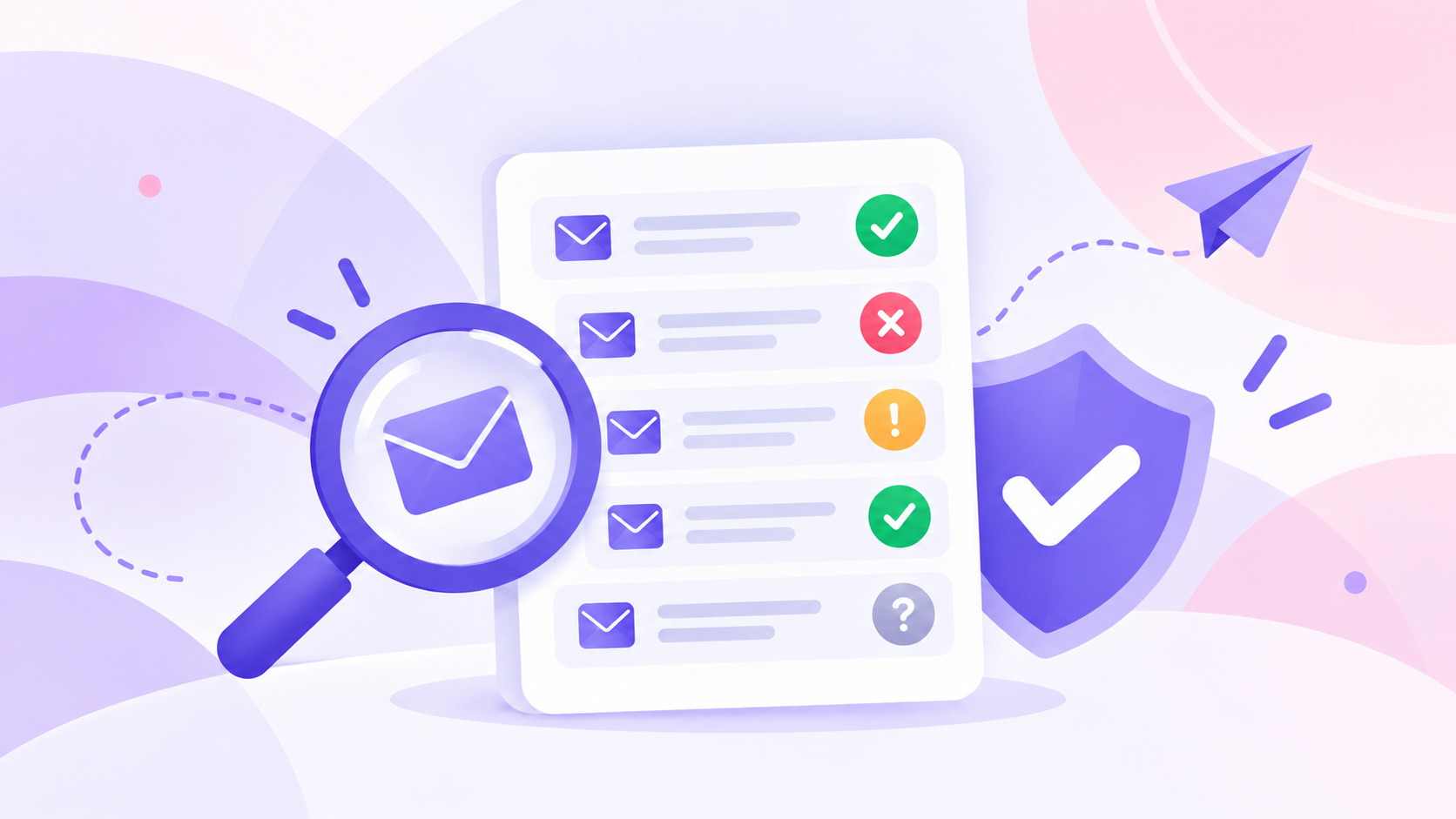
After the scan finishes, every email address receives a verification status. These results help you decide which contacts to keep, review, or remove before using your list.
Review each category before downloading your cleaned list.
Now it's time to put your results to work. Start by removing invalid contacts from your list so they aren't included in future emails.
Keep your verified list ready for use, then review any risky, catch-all, or unknown results based on the verification details provided by your email verification tool.
Download the cleaned CSV file once you've finished reviewing the results. Most email verification tools let you export the updated list in the same format, making it easy to import into your CRM, ESP, or sales platform.
Taking a few minutes to organize your results now can save time later. Your marketing or sales platform receives a cleaner list, and you avoid wasting time and effort on contacts you've already decided to remove.
That also makes it easier to prepare your next campaign with a list you've already reviewed and cleaned.
Bulk email verification isn't something you do only once. Running it at the right time helps you work with cleaner contact data before it reaches your CRM or email platform.
Some of the most common situations include:
Verifying your email list once is a good start, but contact data doesn't stay the same forever. The tips below can help you keep your lists cleaner and make future verification easier.
Email data changes over time. People leave companies, mailboxes are closed, and new bad email addresses appear.
Running email verification before every campaign helps identify those changes before you start sending emails. A fresh verification can reduce bounces, lower the chance of hard bounces, and help protect your sender reputation.
Always save a copy of your original CSV before making changes. That gives you a reference if you need to review a result, compare verification reports, or recover contacts that were removed by mistake.
A backup also makes it easier to rerun verification if your business decides to review certain addresses again later.
Don't assume every catch-all address should be treated the same. Some providers can verify catch-all mailboxes in more detail, while others simply mark them for review.
Taking a closer look at those results can help improve deliverability and reduce wasted sends before your next upload.
A list that was verified a few months ago may no longer reflect the current status of every contact.
Running another scan before future emails helps identify bad emails, invalid syntax, or mailbox changes that occurred after the previous verification.
Keeping your data up to date helps improve the chances of emails landing in the recipient's inbox instead of the spam folder. That can lead to better email deliverability, inbox placement, and overall deliverability over time.
Listmint combines standard SMTP verification with real-time catch-all verification in one platform. Upload a CSV, review detailed verification statuses, and export a cleaned list without switching between different tools.
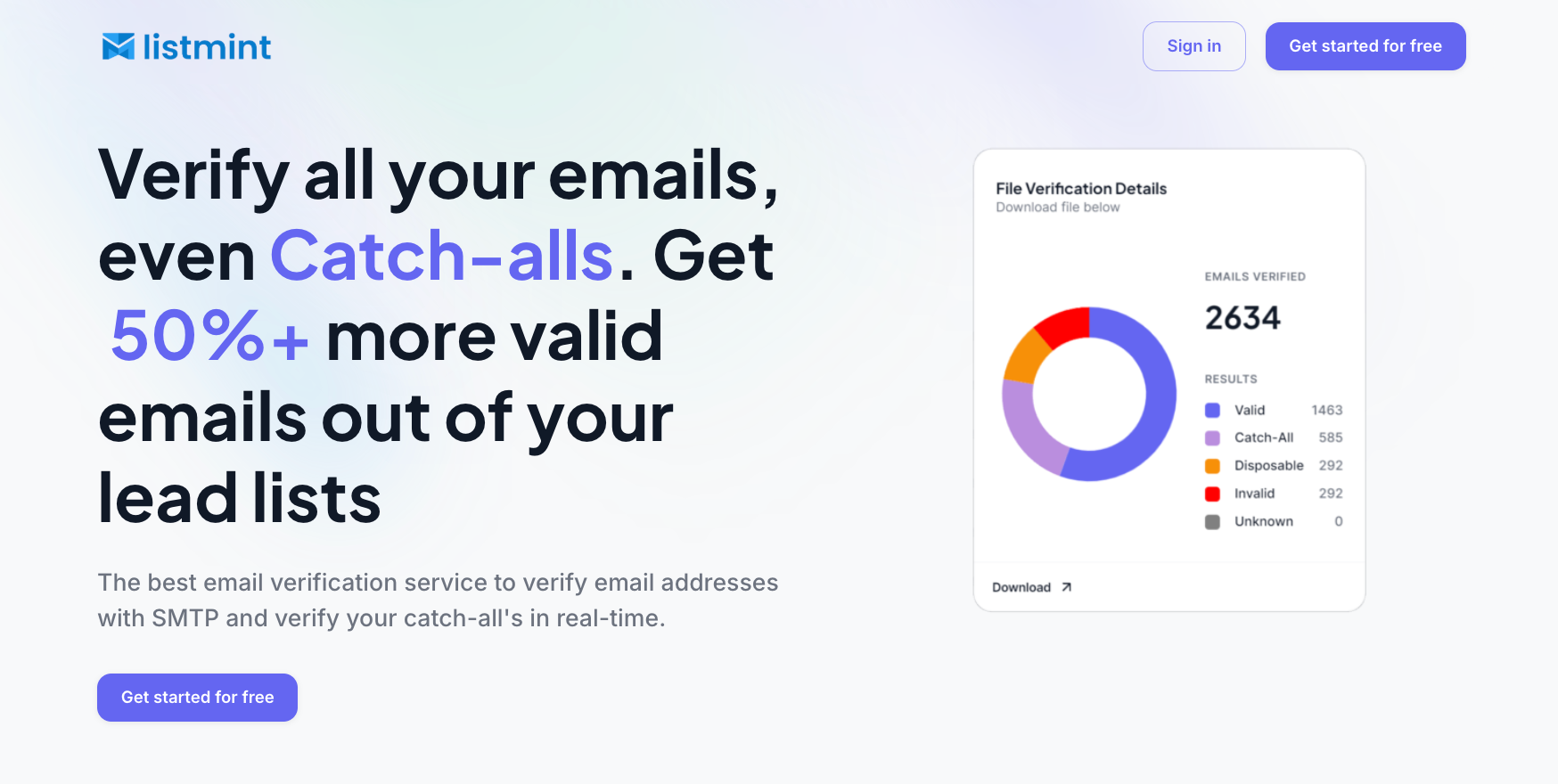
Standard email addresses go through SMTP mailbox verification. Listmint also performs real-time verification for catch-all addresses without sending test emails or making you wait 24 to 48 hours for an answer.
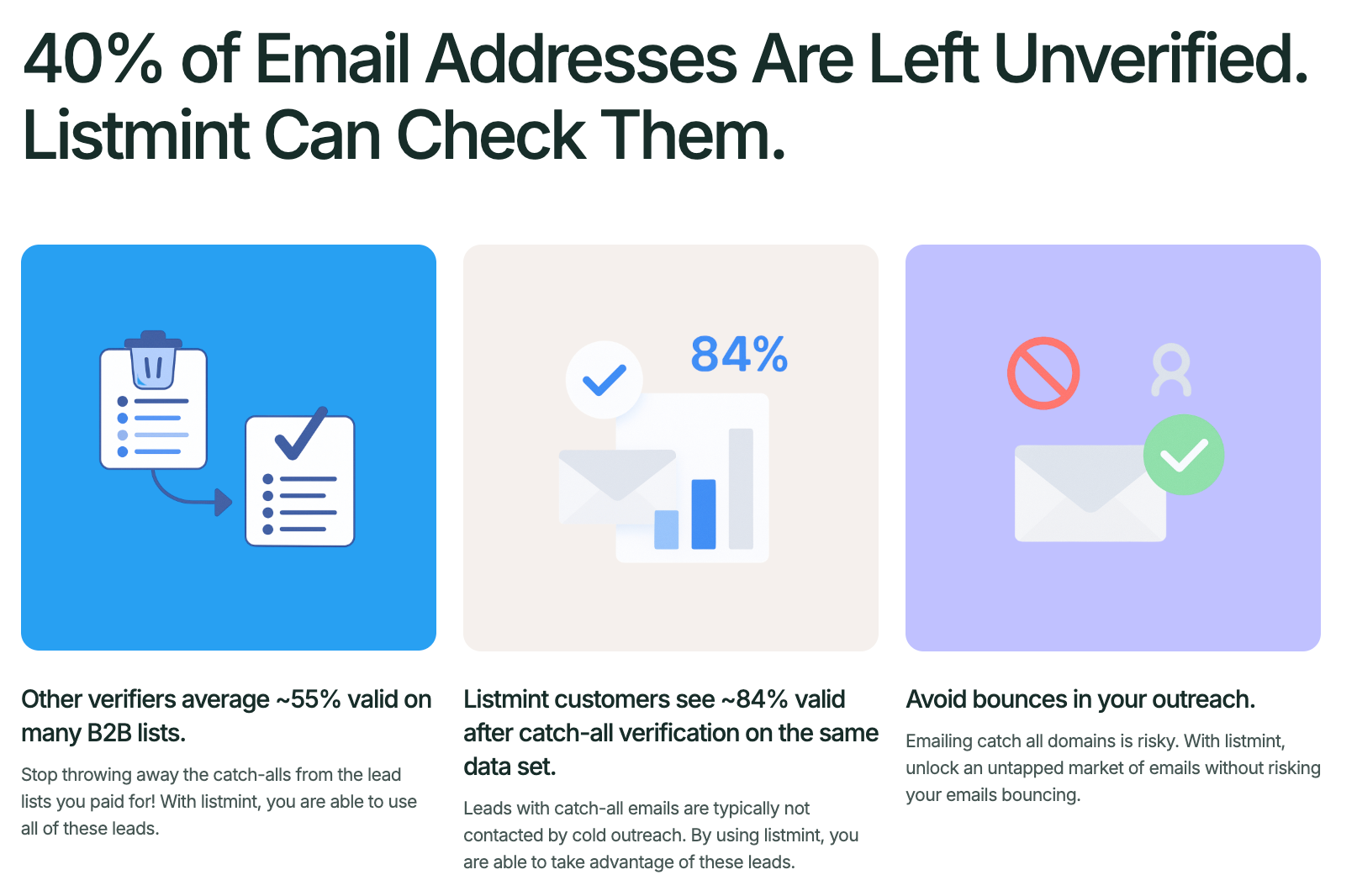
That second check is important because basic SMTP verification cannot always confirm an individual mailbox on a catch-all domain. Many other tools leave those addresses marked as risky or unknown.
Listmint verifies them further and returns specific statuses:
You do not need to separate every catch-all contact into an uncertain group or test it through a small email campaign first. The result tells you which addresses to keep and which ones to remove.
Listmint reports 99%+ accuracy for standard SMTP and catch-all verification, helping businesses verify more email addresses with greater confidence while lowering the risk of a high bounce rate.
Companies that need to verify email addresses automatically can connect the Listmint API to forms, CRMs, file uploads, or their own products. Standard and catch-all results return in real time, making the email API suitable for direct business use and platforms that resell verification.
Listmint offers free email verification for new users. If your verification needs grow over time, flexible pricing and additional credits are available.
Create a free account to upload your first list and verify both standard and catch-all email addresses.
Verifying your email list before every campaign doesn't have to add extra work. A simple verification routine helps you work with cleaner contact data, spend less time reviewing questionable addresses, and move into your next campaign with more confidence.
Listmint makes the entire bulk email verification process simple. Upload your CSV, review standard SMTP and real-time catch-all results, then export a cleaned list that's ready for your CRM or email platform.
The fastest way to verify thousands of email addresses is to export your contact list as a CSV and upload it to a bulk email verification tool. The tool automatically checks every address and returns verification results, so you can review the list before sending or importing it into your CRM.
Yes. Most email verification platforms support CSV uploads. Save your list as a CSV with one email address per row, upload the file, and review the verification results before downloading the cleaned list.
No. Bulk email verification checks email addresses without sending messages to your contacts. Most providers use checks such as syntax validation, domain lookups, MX record verification, and SMTP mailbox verification to evaluate each address.
The time depends on the size of your list and the provider you use. Standard verification often checks thousands of email addresses within minutes. Some platforms process large uploads at lightning speed, returning results in real time.
Yes. Many providers offer a free email verifier or free email checker that lets you verify a limited number of email addresses before upgrading. If you need to verify larger lists regularly, compare the verification limits, reporting features, pricing, and free usage limits before choosing a provider.