ZoomInfo is a widely used B2B sales intelligence and go-to-market platform. Its built-in email verification helps businesses evaluate professional contact information.
That naturally raises an important question. Is it enough on its own?
Business contact data changes constantly. People change jobs, companies update domains, and email addresses become inactive. Even with ZoomInfo's data, maintaining good data quality takes more than finding the right contacts.
This review explains how ZoomInfo email verification works, where it performs well, where it has limitations, and when businesses may benefit from adding a dedicated email verification step before sending campaigns.
ZoomInfo's email verification is a built-in feature within the ZoomInfo platform that helps verify and maintain business email addresses as part of its B2B contact database.
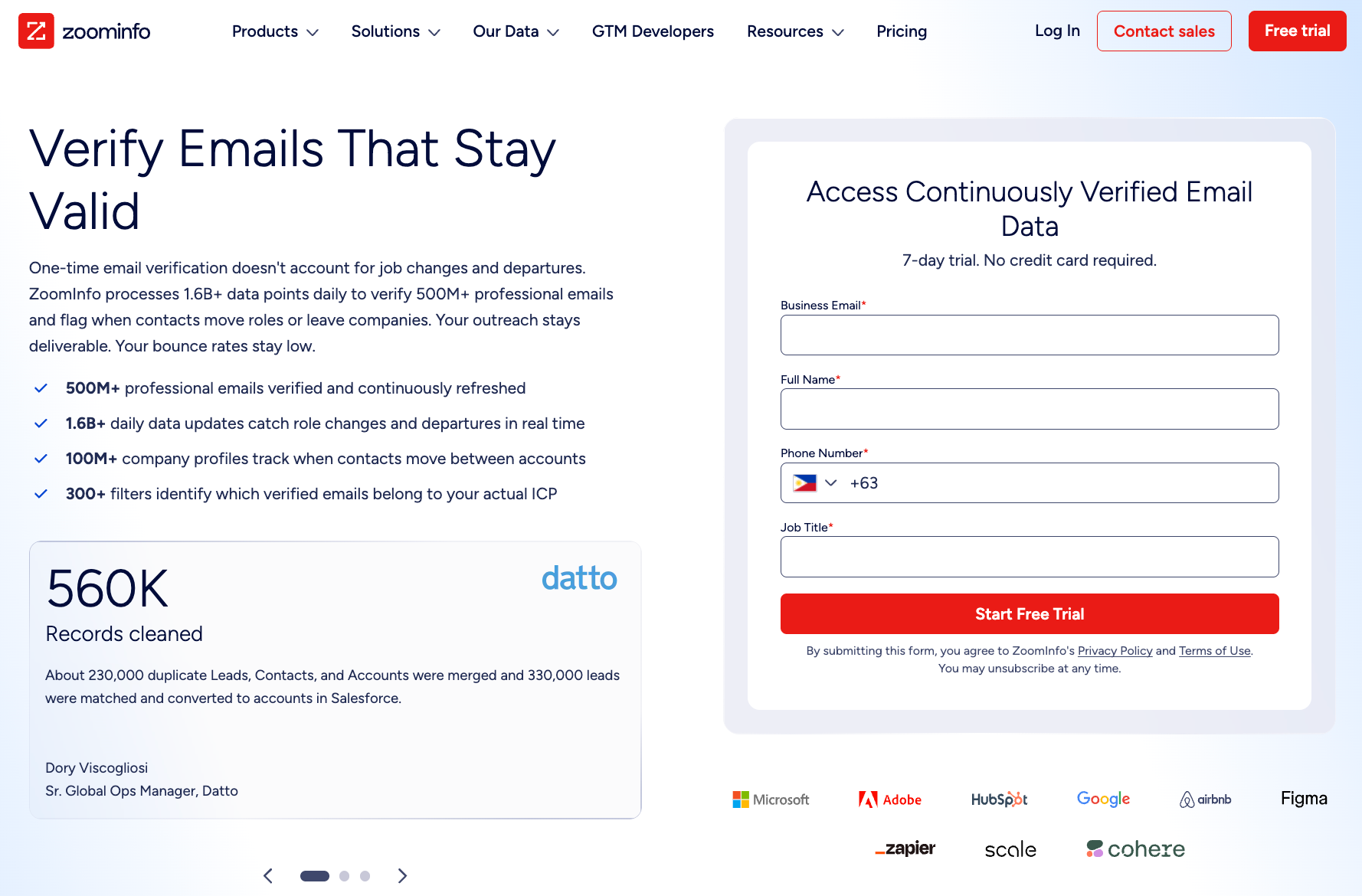
It sits alongside company search, people search, buyer intelligence, and data enrichment in one platform.
Sales and marketing teams use ZoomInfo email verification while researching prospects, building lead lists, and reviewing business contact records.
The feature is designed to help users understand the verification status of professional email addresses before those contacts are used in sales or marketing workflows.
ZoomInfo includes email verification because current professional email data is central to its contact database. The feature supports ongoing maintenance as employees, roles, and business addresses change.
ZoomInfo uses a layered process to verify professional email addresses and maintain its contact database.
The workflow combines technical email verification, proprietary verification technology, machine learning, and continuous data updates to keep business email records current.
At a high level, the process follows four steps covered below.
The process begins with a syntax check.
ZoomInfo reviews the address structure, including the local part, separators, domain format, and allowed characters. This helps identify obvious errors such as missing symbols, invalid spacing, or malformed email patterns.
Passing this step only means the address is formatted correctly. It does not confirm that the domain is active or that the mailbox exists.
Next, ZoomInfo checks whether the email domain is active and configured to receive mail.
This includes confirming that the domain exists and has valid mail exchange (MX) records. MX records tell sending systems which mail servers handle incoming messages for that domain.
If the domain is inactive, missing MX records, or no longer configured for email, the address cannot accept mail even when its format is correct.
After the domain passes validation, ZoomInfo performs SMTP mailbox verification.
This step communicates with the recipient's mail server through an SMTP handshake to determine whether a mailbox appears able to receive email without sending a message.
Certain mailbox providers and security systems limit the information they return. Because of this, SMTP verification alone cannot always determine whether every business email address is valid.
The final stage evaluates addresses that pass the earlier technical checks but may still create delivery risk.
This includes catch-all domains, disposable email addresses, role-based email addresses, and other risky addresses.
For catch-all domains, ZoomInfo supplements SMTP verification with proprietary send-and-bounce data to improve verification where SMTP responses alone cannot provide a reliable answer.
Email verification is an ongoing process because business contact information changes frequently.
ZoomInfo combines NeverBounce verification technology, machine-learning models, and an internal research team to continuously refresh its database.
Machine-learning models evaluate hundreds of data signals, including company information, historical delivery activity, and email patterns, to help estimate whether professional contact information remains current.
As part of its broader sales intelligence platform, ZoomInfo also provides company intelligence, organizational updates, intent data, and buying signals.
These capabilities support prospecting but operate separately from the email verification process.
ZoomInfo's built-in email verification offers several advantages for businesses that use the platform for prospecting.
Because verification is integrated into ZoomInfo, users can review business contact information without leaving their existing workflow.
ZoomInfo places email verification alongside company and contact research.
Users can review professional email information, apply filters, and prepare prospect lists without moving between separate platforms.
This keeps early prospecting and contact evaluation in one workflow.
ZoomInfo is designed to help businesses identify decision-makers and build prospect lists.
Built-in email verification adds another layer of information when reviewing verified contacts during prospecting.
Having verification available at the same time as company and contact data can make the selection process more efficient.
Email verification is one of several ZoomInfo features that help prevent bad data from weakening prospect lists.
Combined with company information and CRM enrichment, it helps businesses work with more complete contact information during prospecting and lead management.
ZoomInfo provides a Contact Accuracy Score for contact records.
The score reflects ZoomInfo’s confidence that the person still works at the listed company and can be reached through the business email on the record.
Sales teams can use this score alongside job title, company data, and other prospect information when prioritizing contacts.
ZoomInfo's built-in email verification supports prospecting, but it also has practical limitations that businesses should understand before relying on it for outreach decisions.
Business contact information changes when employees switch roles, move companies, or lose access to old mailboxes. Even an address that passed verification can later become inactive or invalid.
A stale address may then become one of the invalid addresses on a list and lead to hard bounces. ZoomInfo’s continuous updates help reduce this risk, but no database can capture every change immediately.
Catch-all domains accept messages for any address at the domain, which prevents standard SMTP checks from confirming whether one individual mailbox exists.
ZoomInfo supplements SMTP responses with proprietary send-and-bounce data for these domains. Because the supporting methodology is proprietary, users receive ZoomInfo’s verification result without seeing every signal used to reach it.
Email verification can indicate whether an address appears capable of receiving email, but it cannot determine if the recipient is still the right decision-maker or interested in your offer.
A verified mailbox does not automatically mean the contact is qualified for a particular campaign or sales conversation.
Email verification focuses on the validity of an email address, but successful email delivery also depends on authentication, sending practices, message quality, audience targeting, and sending frequency.
Even verified email addresses can generate spam complaints if campaigns target the wrong audience or follow poor sending practices, which may eventually damage sender reputation.
The answer depends on when the email addresses will be used.
ZoomInfo may provide sufficient context during prospect research, but teams preparing a campaign may choose to run another verification check before sending.
ZoomInfo's built-in verification may be sufficient for businesses that use the platform primarily for prospect research, lead generation, and contact discovery.
It allows sales and marketing teams to review business contacts and validate contacts as they build prospect lists without leaving the platform.
For organizations that rely on ZoomInfo throughout the early stages of prospecting, this built-in workflow often provides enough information to identify potential opportunities and prepare contacts for the next stage of the sales process.
Some organizations add another verification step after exporting contacts from ZoomInfo and before sending campaigns.
This is a common workflow when preparing ZoomInfo exports for cold outreach, importing contacts into a CRM, or reviewing older ZoomInfo email lists.
Businesses may also verify email addresses before large marketing campaigns or during routine list cleaning to maintain list quality.
Taking this extra step before launch can also help avoid wasting budget on outreach to contacts that are no longer suitable for a campaign.
ZoomInfo includes email verification as part of its sales intelligence platform, while dedicated email verification tools focus specifically on verifying email addresses before outreach. Although both support email verification, they fit into different stages of the sales workflow.
The table below highlights the typical differences between a built-in verification feature and a dedicated email verification tool.
Dedicated verification tools are designed to work with email addresses from multiple sources, including CRM exports, website leads, and event registrations.
Depending on the provider, dedicated tools may support real-time validation, SMTP handshakes, and detailed results such as valid, invalid, and unknown.
Businesses that rely on ZoomInfo for prospect discovery often add a dedicated verification step before outreach, helping maintain a clean list, support email deliverability, and protect the sending domain before campaigns are sent.
Many businesses use ZoomInfo to discover B2B contacts and Listmint to verify those email addresses before outreach.
The two platforms support different stages of the sales workflow, with ZoomInfo helping identify prospects and Listmint verifying exported contacts before campaigns begin.
Once contacts have been exported from ZoomInfo, businesses often want a final verification step before importing them into a CRM or launching email campaigns.
Listmint supports that workflow with verification tools designed for individual email addresses and large contact lists.
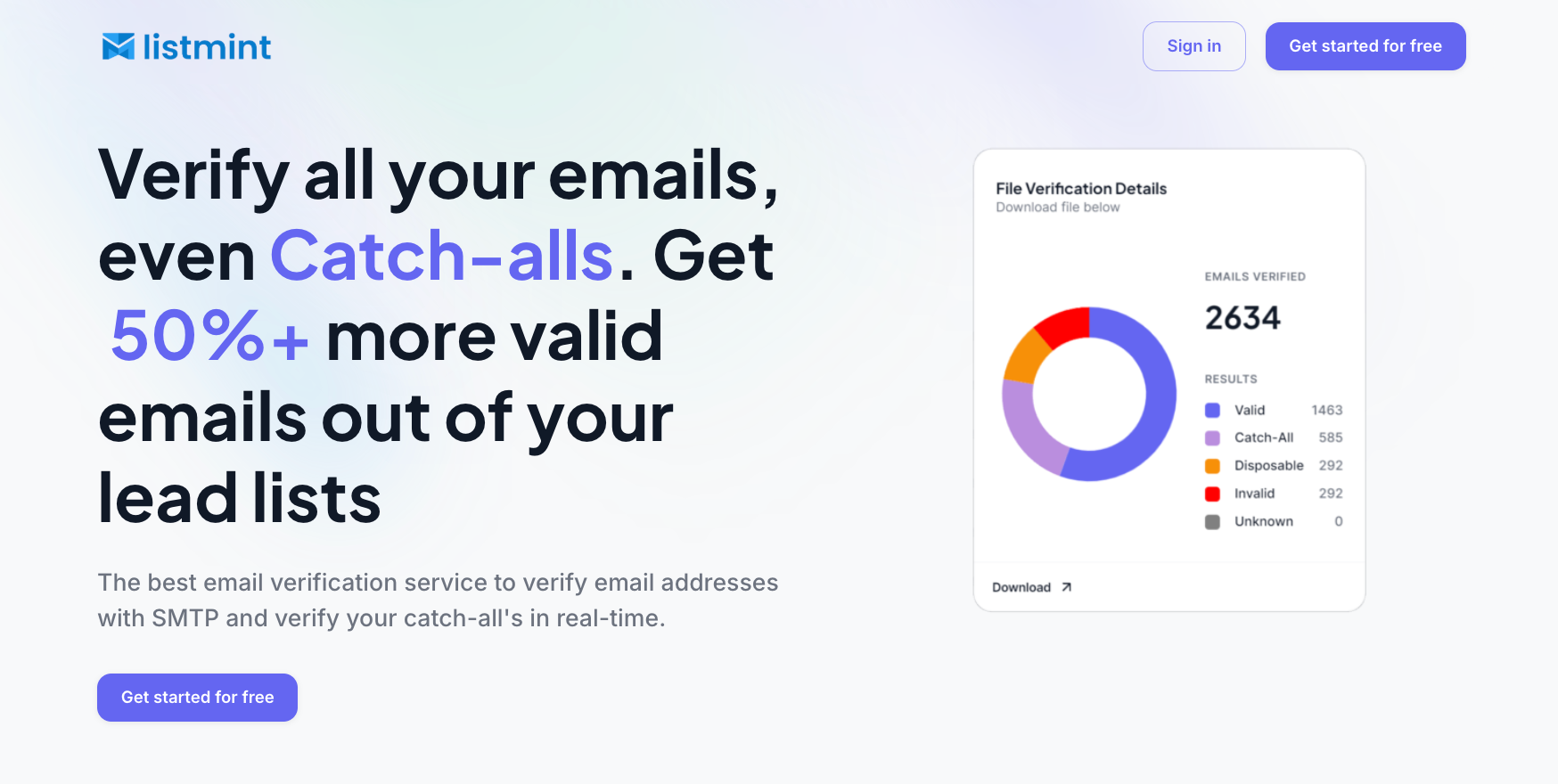
Key capabilities include:
Listmint reports more than 1 billion email addresses verified and 99%+ accuracy for both SMTP and catch-all verification. Its dedicated catch-all verification runs in real time and does not rely on sending emails to verify mailbox status.
For businesses that use ZoomInfo for prospect discovery, adding Listmint before outreach provides another verification step before campaigns are sent.
Identifying bad emails before outreach can support enhanced sender reputation, improve inbox placement, and help reduce bounce rates over time when combined with responsible sending practices.
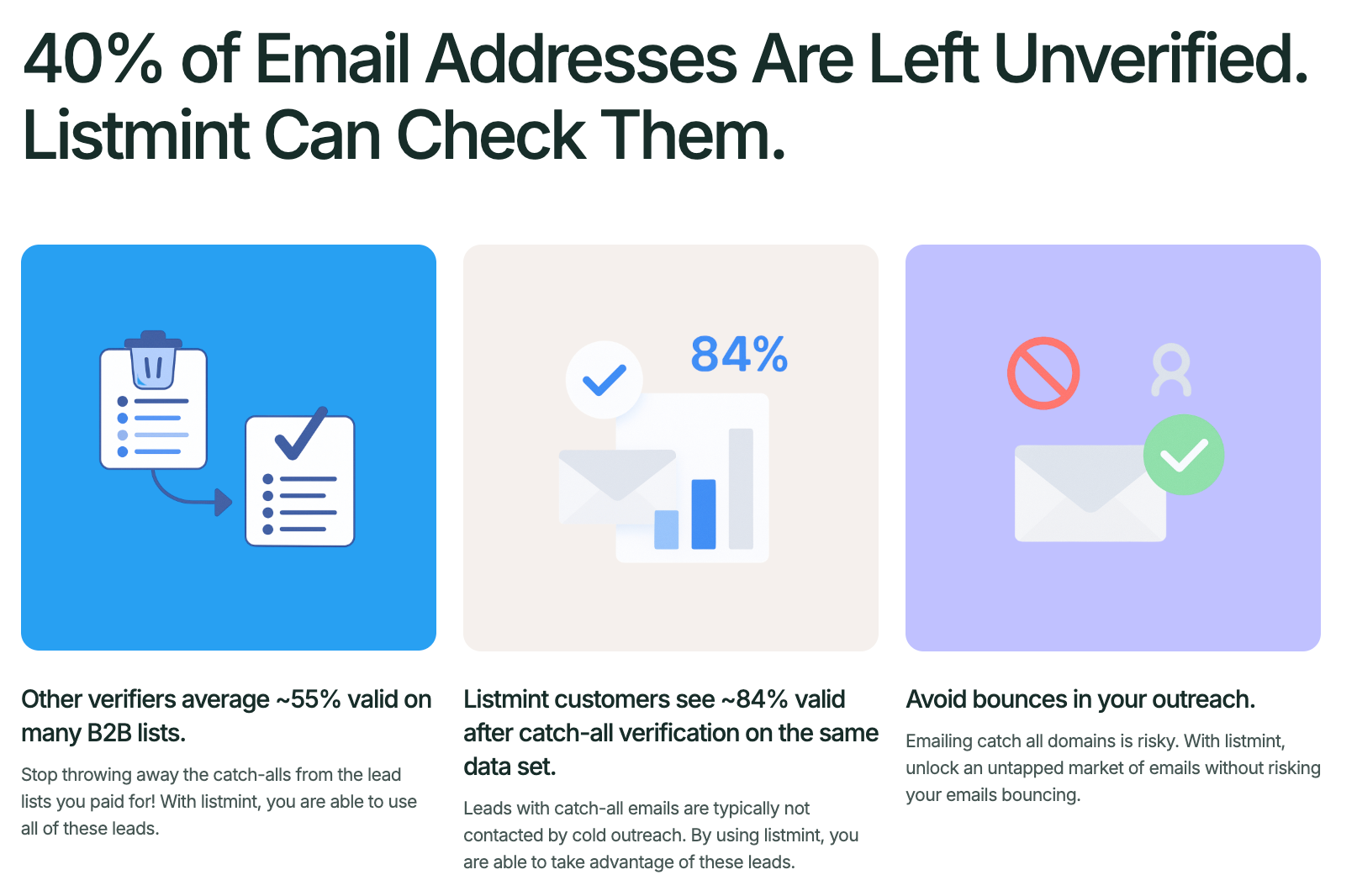
ZoomInfo provides detailed email verification within its broader sales intelligence platform. Its syntax, domain, SMTP, catch-all, and continuous data checks make it useful during prospect research and list building.
Teams that want to review a specific export before launching a campaign can use Listmint for a separate final check.
Get started with Listmint for free and verify your contacts before your next campaign.
You may receive an email from ZoomInfo because you created an account, requested a trial, interacted with one of its services, or received a notice about a professional profile in its B2B database. Check the sender and message details to identify the type of communication.
Yes. ZoomInfo verifies professional email addresses through syntax checks, domain and MX validation, SMTP mailbox checks, and risk or catch-all analysis. It also uses NeverBounce technology, machine-learning signals, continuous updates, and human research to maintain its contact data.
ZoomInfo collects professional information from company websites, public sources, data partners, its contributory network, and human research. It combines matching information into a professional profile and refreshes the record when new data becomes available.
Yes. ZoomInfo is a publicly traded B2B software company that provides sales intelligence, professional contact data, and go-to-market tools. Before subscribing, businesses should compare its paid plans, contract terms, data coverage, privacy policies, and published accuracy claims with their own requirements.
Email verification can often determine whether a mailbox appears able to receive email, but catch-all domains and certain mailbox providers may limit the information returned. In those cases, providers may use additional signals before assigning a final verification result.