A lead list can look clean until you run it through an email verification process and a large group of records comes back uncertain.
That creates another problem. Which contacts are still worth keeping? Which ones should be reviewed? Is your current verifier giving you enough information to decide?
If you're currently using BounceBan and it no longer gives you the results, workflow, or flexibility you need, comparing BounceBan alternatives is a practical next step.
Different providers take different approaches to uncertain and catch-all records. They also vary in bulk workflows, API access, pricing, and how much context they give you after a check.
This guide compares the top six options for 2026, so you can see how they differ and find an email verification tool that better fits the way you work.
These are the six best BounceBan alternatives for email verification in 2026:
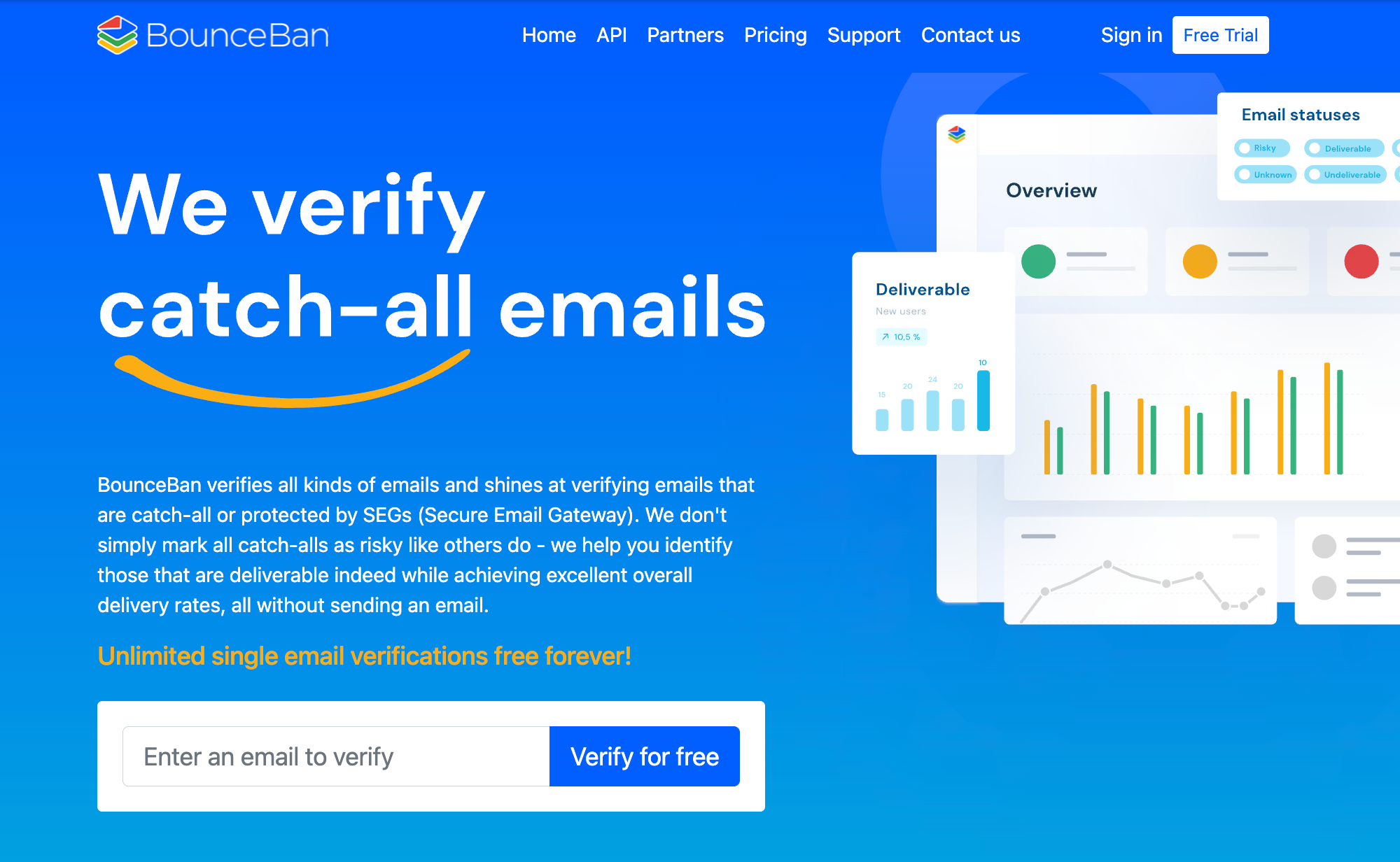
BounceBan focuses on difficult verification cases, especially catch-all domains and addresses protected by email security systems. It also supports bulk checks, API access, CRM workflows, and free single-address checks.
That already covers a lot of common use cases. Still, a different provider may make more sense if your workflow, volume, reporting needs, or budget has changed.
A catch-all result is not always enough to make a sending decision. Your verifier may identify the domain correctly but still leave you unsure if the individual address belongs to a working mailbox.
That becomes a bigger issue when difficult catch-all domains account for a noticeable part of your B2B list. Contacts can remain uncertain even after the first check, which may lead some businesses to use a second-pass verifier for additional information.
If your current results still require too much manual judgment, another provider may give you a more useful way to evaluate those contacts.
Occasional list cleaning is very different from verifying emails every day.
A growing operation may need bulk verification, real-time checks, CRM connections, or API workflows that fit directly into lead capture and prospecting.
For sales teams, that can mean checking new leads before they reach outreach. For marketers, it may mean keeping email lists cleaner as new contacts enter the system.
The right email validation setup should also be practical to manage as volume starts to scale, especially when several teams rely on the same process.
The cheapest plan at low volume may not remain the best value once usage increases.
Look at the full verification cost, including credit rules, recurring plans, and any extra cost tied to advanced checks or higher usage.
For smaller teams, flexible pricing may be more useful than a large monthly allowance. Larger businesses may care more about predictable costs at higher volumes.
That is why it is worth comparing other options based on how you actually plan to use them, not just the headline price.
Once you know what you want to improve, the next step is comparing the available options.
The six platforms below differ in how they approach list cleaning, real-time checks, catch-all records, API access, and ongoing verification work.
Listmint is an email verification platform built to verify both standard and catch-all email addresses in one place. It uses SMTP verification for standard addresses and goes further when a domain accepts all mail by verifying the individual catch-all address.
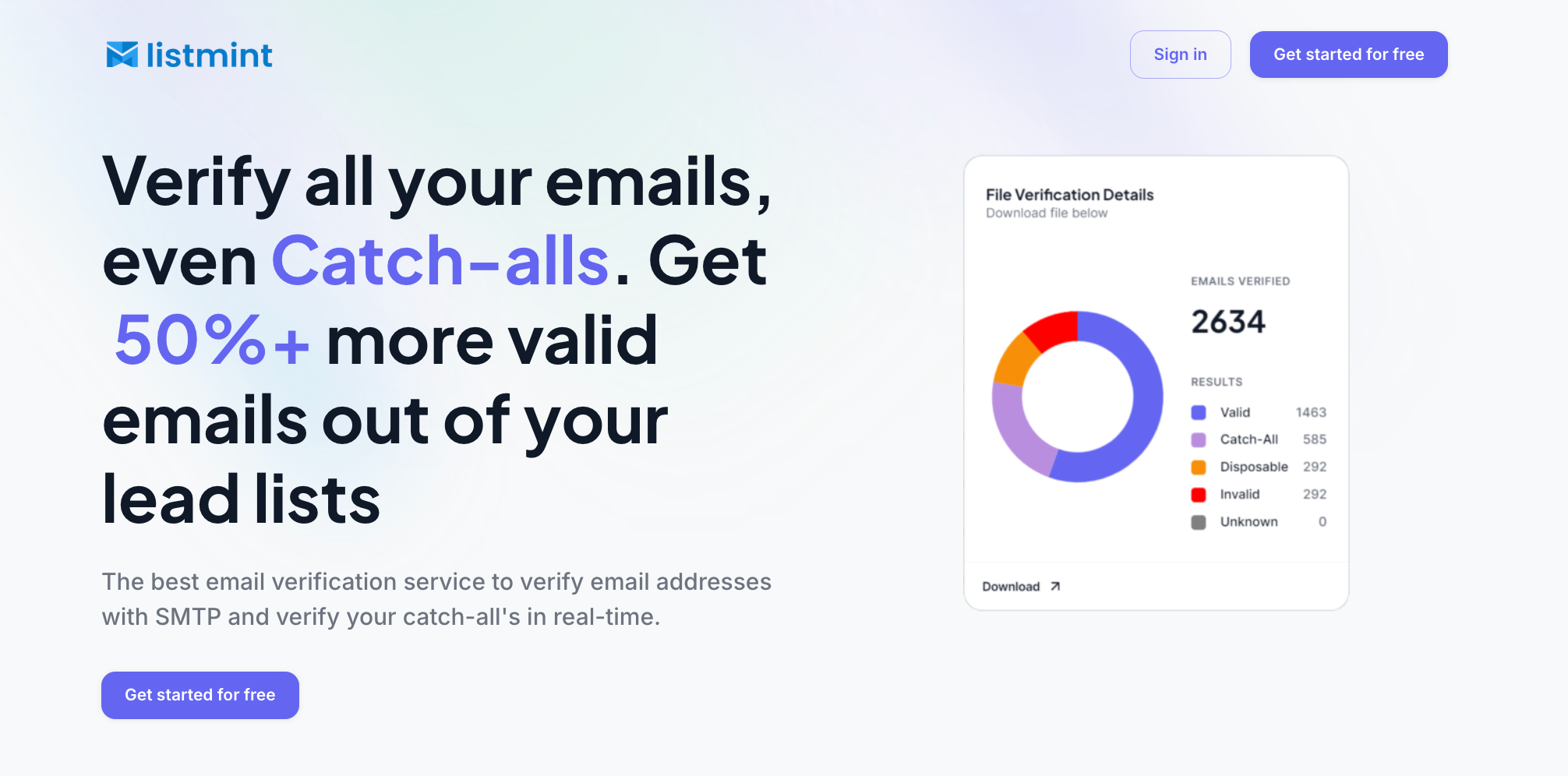
Instead of leaving those contacts labeled as risky or unknown, Listmint returns actionable catch_all_valid and catch_all_invalid results. This helps teams identify more usable contacts without sending an email to the address as part of verification.
Listmint has verified 1B+ emails, with 99%+ SMTP and catch-all verification accuracy.
Listmint goes beyond standard verification by verifying individual catch-all addresses that might otherwise remain uncertain. It returns catch_all_valid and catch_all_invalid results, giving teams a clear outcome for contacts that can be difficult to verify.
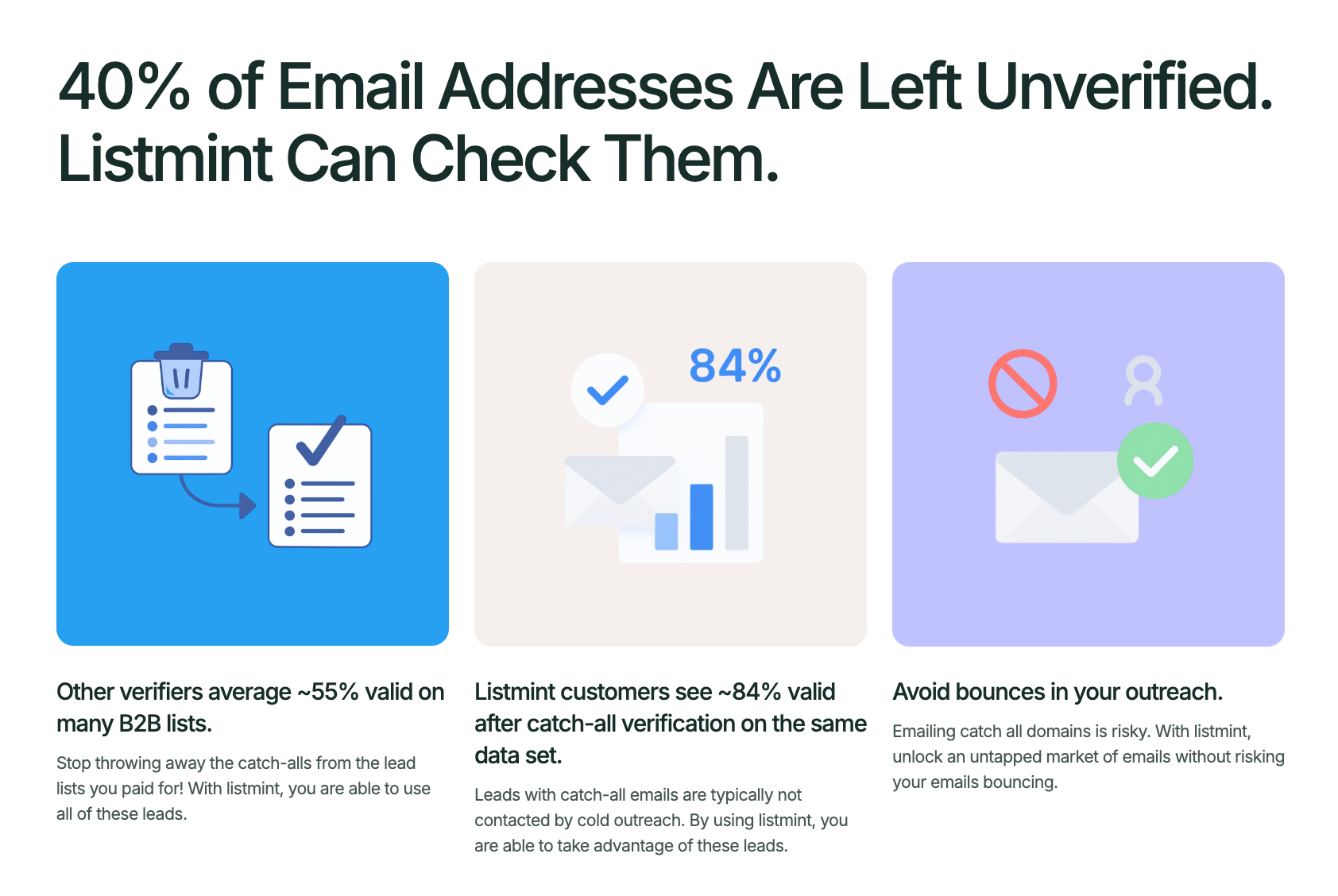
Other verifiers may return around 55% of a list as valid, compared with 84% through Listmint. Its catch-all verification can help recover 50%+ more valid leads from lists teams have already paid for.
These results are available in real time, including through the API. Once an address is verified as catch_all_valid, teams can treat it as a valid contact without automatically segmenting or suppressing it simply because the domain is catch-all.
Listmint uses separate credits for standard and catch-all verification because each follows a different verification process. Teams should choose a plan based on their expected mix of both, with custom Enterprise options available for larger volumes.
B2B sales teams, marketers, lead generation agencies, and verification providers that want to turn uncertain catch-all records into actionable results without waiting for manual checks.
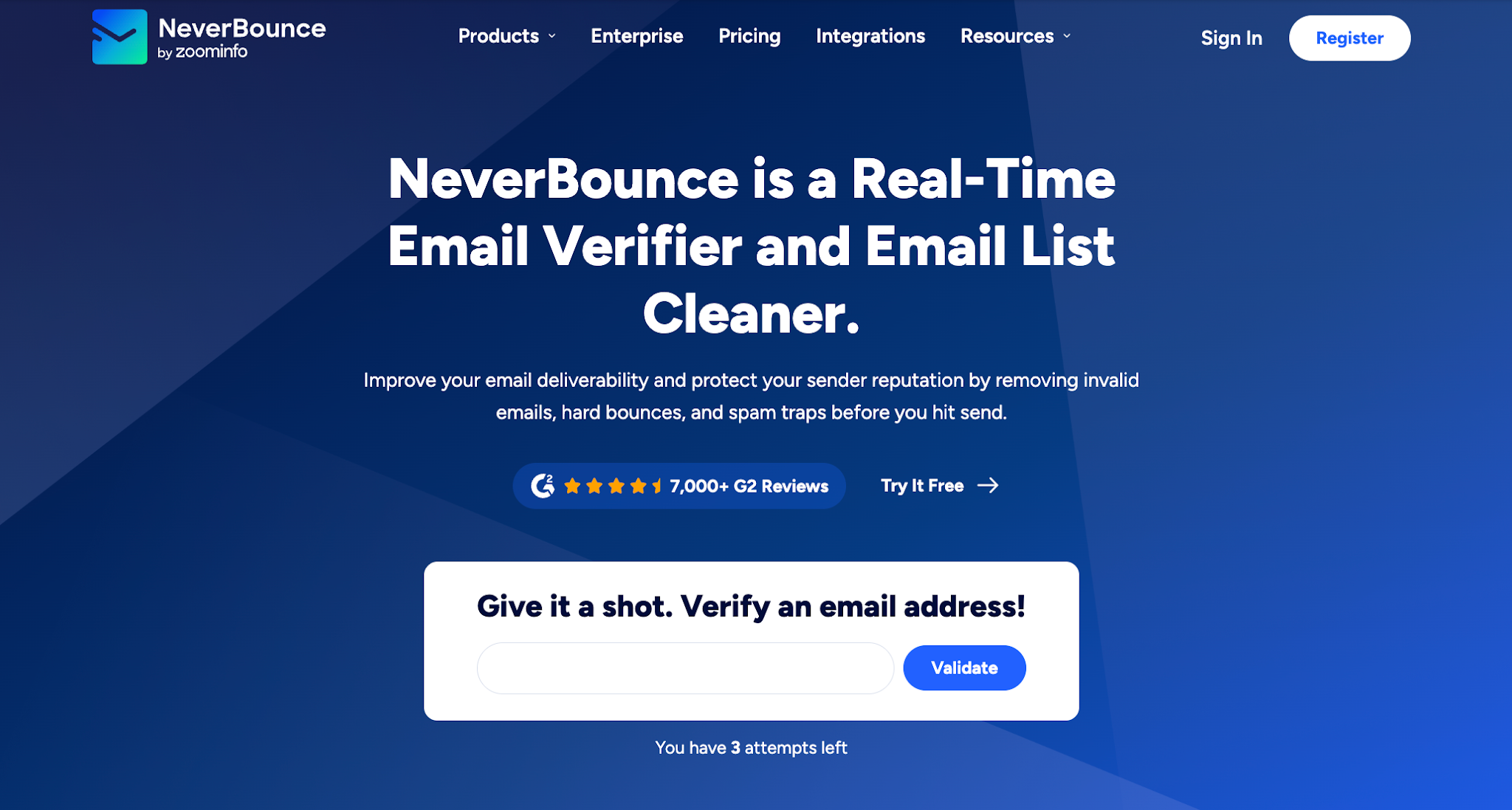
NeverBounce combines real-time checks, list cleaning, and automated maintenance in one platform.
It supports bulk email verification, API-based checks, and integrations that help businesses keep email addresses cleaner as new data enters their systems.
NeverBounce includes recurring list maintenance alongside one-time verification. Its Sync feature can automatically clean connected lists on a set schedule, reducing the need for repeated manual uploads.
Its integration options also allow verification to stay connected with marketing and CRM systems. This may be useful when list cleaning needs to happen regularly as contact data changes.
Pricing is usage-based, so buyers should compare the current credit structure with their expected volume. It is also worth checking current credit terms and how uncertain or catch-all records are classified before building those results into sending decisions.
Marketing and CRM teams that need recurring list cleaning, automation, and integrations with existing campaign systems.
Kickbox is an email verification platform for cleaning lists and checking new email addresses in real time.
Results are classified as deliverable, risky, undeliverable, or unknown.
It also flags disposable addresses, role-based accounts, and accept-all domains, which can help teams identify risky emails that may need closer review.
Kickbox gives teams a straightforward way to review both existing lists and newly collected addresses. Its real-time API can also check emails as they enter signup forms, lead forms, applications, or other capture points.
This allows verification to happen before a new record moves further into the database or outreach process.
Kickbox classifies accept-all domains as risky, so the result does not confirm the status of a specific mailbox on those domains. Teams comparing accuracy should consider how they plan to handle risky results and check current credit pricing against their expected verification volume.
Marketing and sales teams that want straightforward verification to reduce hard bounces and bounce rates while protecting sender reputation and deliverability.

Clearout combines email verification with email finding, form protection, and prospecting features.
Its verifier supports real-time and bulk checks, with results that can flag spam traps, disposable emails, bounces, and other risky records before they reach a campaign.
Clearout combines email verification with email finding, prospecting, and form protection. This may appeal to businesses that prefer to handle several parts of lead collection and verification within the same platform.
Form Guard and its Google Sheets add-on provide additional ways to check data at different points in the process. Teams can use these features for existing lists as well as newly submitted contact information.
Clearout covers a broader set of use cases than a pure verifier, so teams should test which features they actually need. It is also worth comparing credit usage and large-volume pricing with competitors, especially if email checking is the main requirement.
Sales and marketing teams that want email validation combined with lead capture, prospecting, and outreach support, including enhancing deliverability through cleaner contact data.
MillionVerifier is an email verification service for list cleaning, bulk checks, and real-time verification.
It supports file uploads, a REST API, and integrations with email marketing and CRM platforms. Catch-all checking is also available as part of its verification service.
MillionVerifier offers prepaid verification credits that do not expire, which may suit businesses with verification volumes that change from month to month.
Its standard service identifies catch-all addresses, and EverClean provides recurring cleanup for supported marketing platforms. This gives users options for both bulk list cleaning and ongoing database maintenance.
A domain that accepts all incoming mail can still make an individual address harder to classify with certainty. Teams should review how these results are labeled and handled before using them in outreach.
Teams focused on high-volume list cleaning, prepaid credits, and ongoing verification through APIs or marketing integrations.
Verifalia supports bulk list cleaning and real-time email verification through its API and web forms.
It classifies addresses as deliverable, undeliverable, risky, or unknown, with additional status codes that give teams more detail about each result.
Verifalia provides detailed controls for configuring verification jobs. Its API supports settings such as quality level, timeout, deduplication, data retention, and callbacks.
It also provides detailed status codes beyond its main result categories. This can give users more information about why an address received a particular classification when that level of detail is useful.
Verifalia detects catch-all servers, but teams working with enterprise domains, secure email gateways, or SEG-protected addresses should review how uncertain results are classified.
Addresses on the same domain can still require individual evaluation, so a company domain result alone may not resolve every mailbox.
Development teams and businesses managing enterprise accounts that want configurable verification settings, detailed results, and API-based workflows.
Choosing another email verification tool comes down to what happens after you submit an address or upload a list. The result needs to give your team enough information to decide which contacts to keep, review, or skip.
It also helps to look beyond a feature list. Think about the types of addresses in your database, how often verification happens, and how the tool fits into the systems your team already uses.
When comparing providers, look closely at what happens after a catch-all domain is detected.
Many email verifiers can identify a catch-all domain, but what happens after that can vary.
Does the tool stop at a general catch-all classification? Does it provide additional information about the individual address? More importantly, what decision can your team make from the result?
For catch-all email verification, compare the actual classifications each provider returns and what those labels mean. Check how uncertain addresses are presented too, so your team knows which contacts can move forward and which still need further review.
Look at the full range of addresses the tool can identify, not just valid and invalid results.
A useful verifier should help separate deliverable contacts from disposable addresses, role-based accounts, catch-all records, undeliverable emails, and addresses it cannot confidently classify.
Pay attention to how uncertain results are presented too. If too much of the list comes back under one broad “risky” or “unknown” label, users may still have to decide what to do with those contacts manually.
That can affect list quality and, eventually, inbox placement, especially if questionable records continue to receive email campaigns.
Think about where verification actually happens in your workflow.
For occasional cleanup, uploading a CSV may be enough. Teams processing larger databases may need bulk email verification, and businesses collecting new leads may need real-time checks before records enter a CRM or campaign.
The API also deserves attention. Compare how easily each provider supports API workflows, integrations, and automated checks. The most practical way to verify an email address depends on when your team needs the result and what happens to the contact afterward.
Price per verification does not tell you how much value you get from the results.
A service with lower pricing can still become expensive if a large part of your B2B list comes back unresolved. Before comparing where pricing starts, look at credit rules, catch-all treatment, and how much of the verified list your team can confidently act on.
The better comparison is cost per usable contact. That connects verification spend to the contacts your sales or marketing team can actually use.
Choosing a BounceBan alternative starts with identifying what you need your next verifier to do differently. That might mean better catch-all handling, a workflow that fits bulk or real-time verification, more useful results, or a cost structure that makes sense at your volume.
The right choice ultimately depends on where your current verification process is falling short and what your team needs from the results.
For B2B teams, one of the biggest opportunities is getting more value from lead lists they already have. Listmint helps turn more of those contacts into usable leads, including addresses that might otherwise remain unresolved after standard verification.
That means fewer potentially valuable contacts left sitting on the sidelines and more of your list available for sales and outreach.
Email validation itself can be used for legitimate business purposes, but businesses still need to follow applicable privacy, data protection, and anti-spam laws when collecting, processing, and using email addresses. The specific requirements depend on the location, type of contact, and intended use of the data.
The best mail tester depends on what you need to check. To determine if an email address can receive mail, use an email verification tool that checks factors such as address syntax, domain and MX records, and mailbox status.
You may want another email verifier when your primary verifier leaves a large portion of your list unresolved. An additional check can provide more information about uncertain addresses before you decide which contacts to use for outreach. Listmint, for example, can verify catch-all addresses individually, including contacts that standard verification might otherwise leave unresolved.